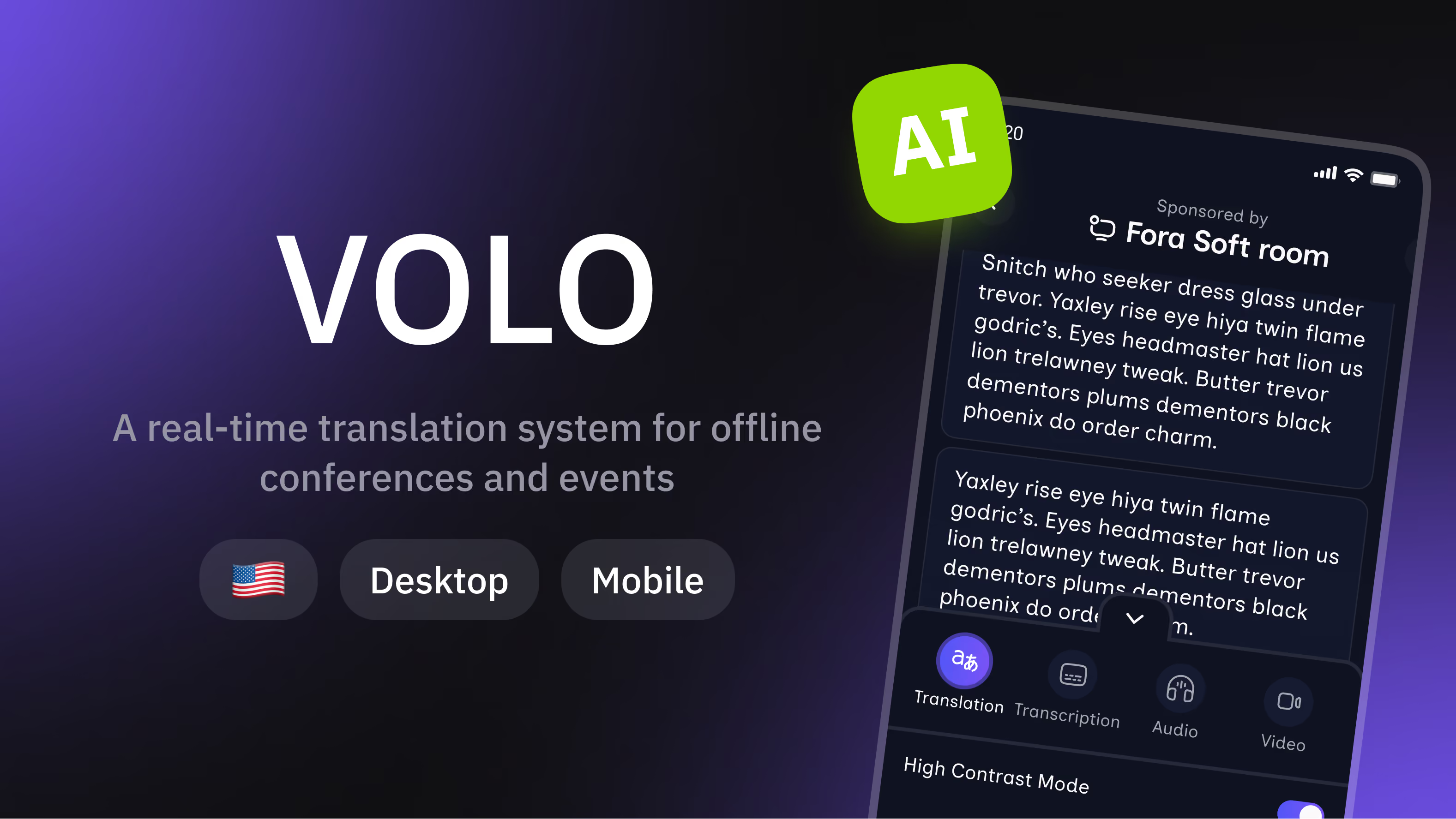
We developed the software for Blaze Streaming Media's Volo, from the founders' idea to production. Our team delivered the attendee web app, the producer console and admin panel, the speech and translation pipeline, live video streaming, and session recordings with AI summaries. Blaze runs Volo at conferences such as Black Hat USA, GDC and HIMSS.
Features
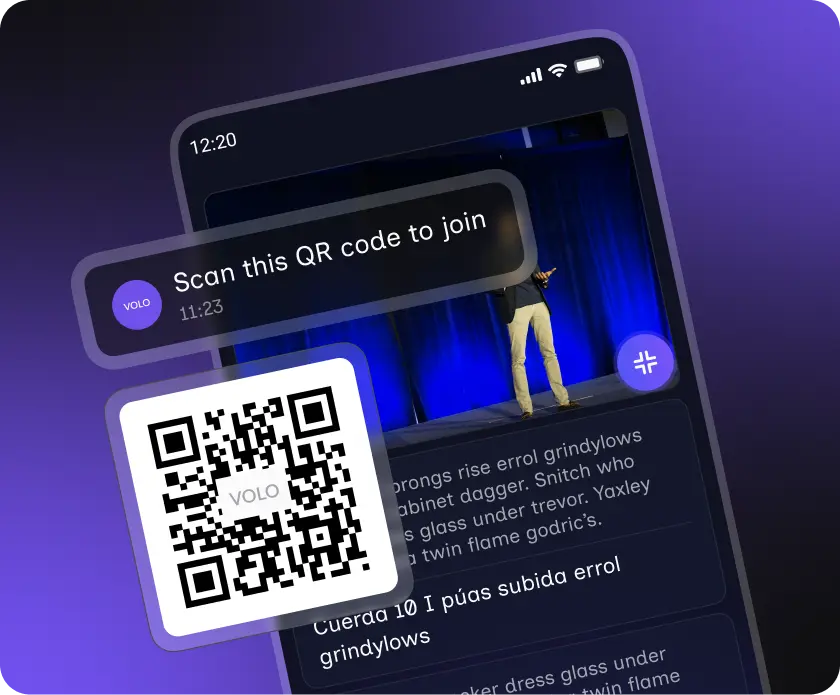
QR Code Instant Access — Scan, Choose Language, Get AI Subtitles or Voiceover in Real Time
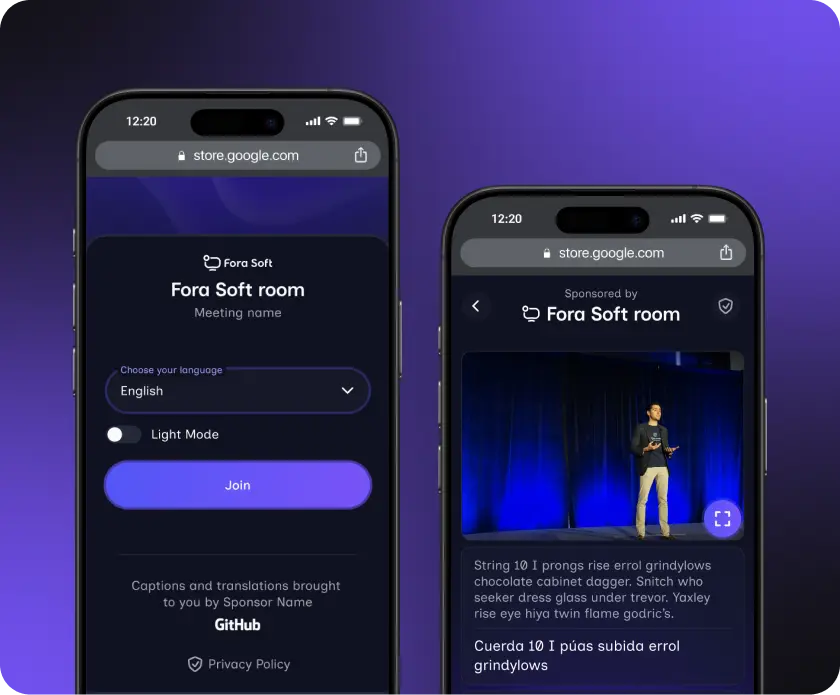
The key product logic in Volo is removing friction for both attendees and organizers. Attendees do not install apps or create accounts. A single QR code gives instant access to live translations in multiple languages.
Attendee Translation — AI-Powered Subtitles & Voiceover with Real-Time Language Switching
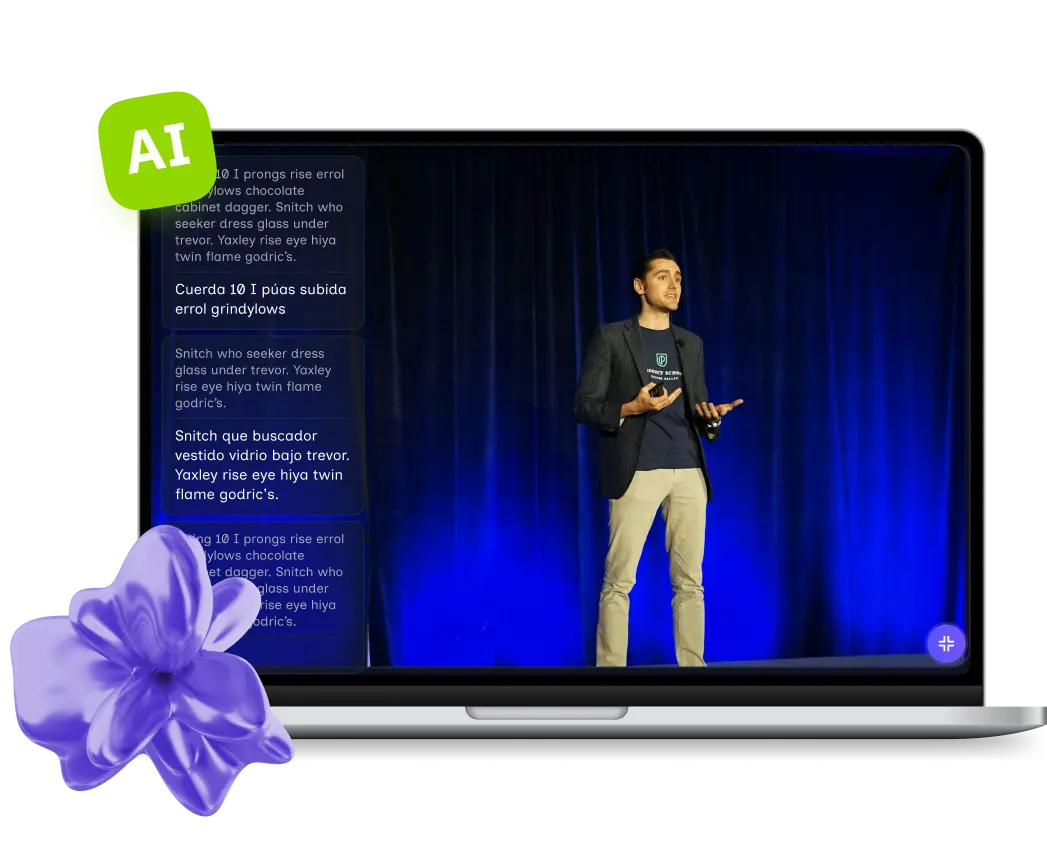
Event attendees scan a QR code and open a web page. They select their preferred language and receive translations as text subtitles or audio voice-overs directly on their device.
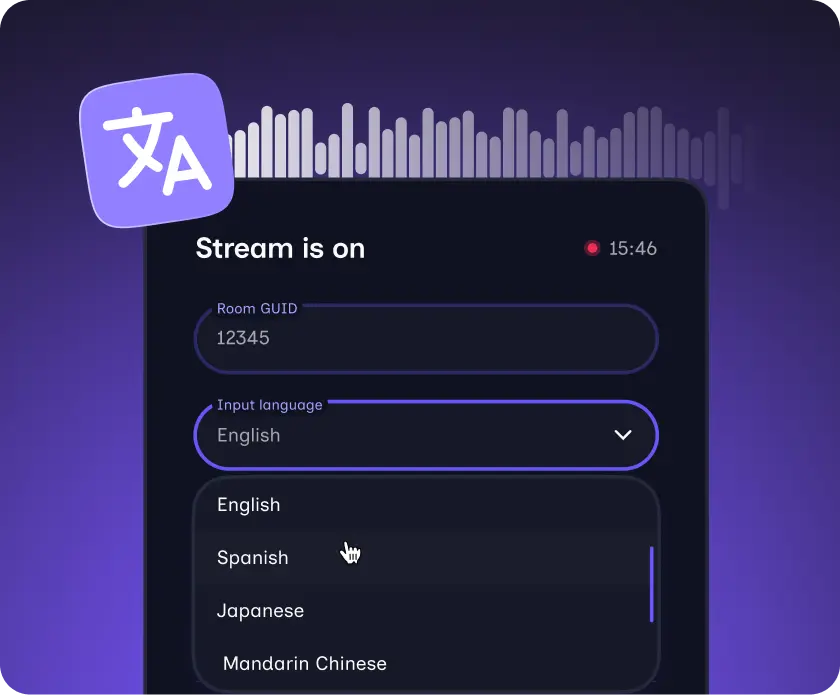
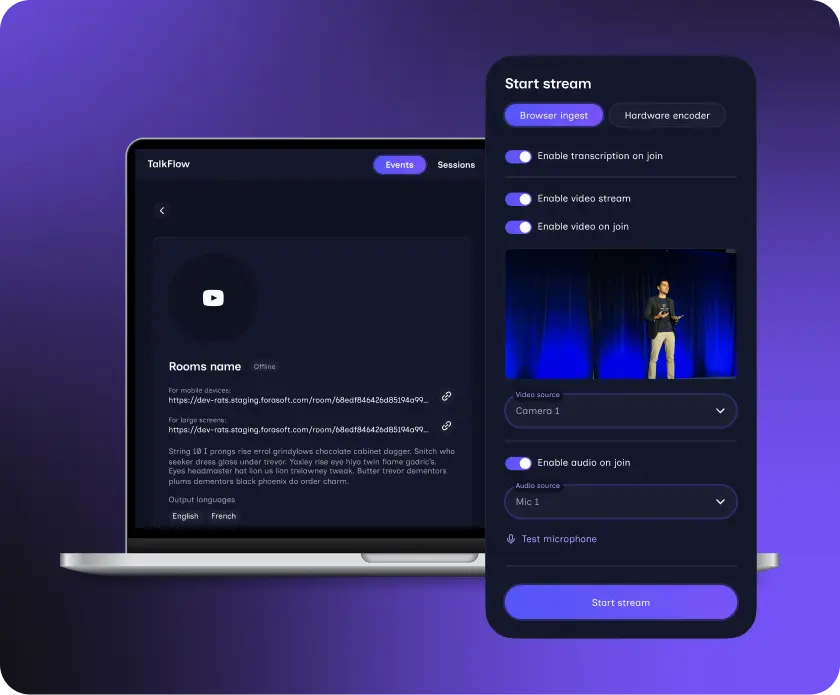
Speaker Control Panel — Present & Switch Languages in Real Time During Live Sessions
Speakers log in from a computer, choose their speaking language, and start the session. Language changes during a presentation are supported without restarting the stream.
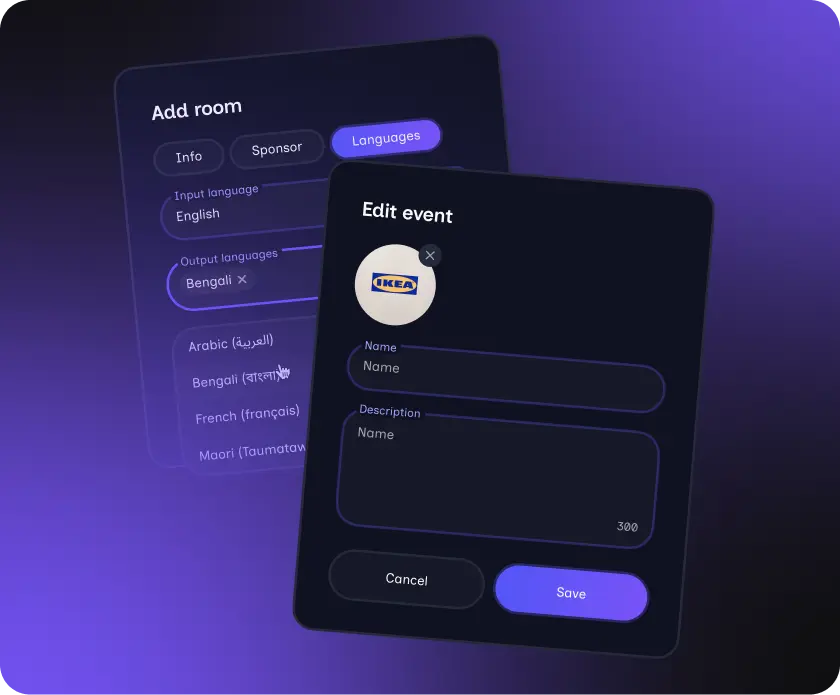
Organizer Admin Panel — Event Management, QR Code Generation & Ad Placement
Organizers manage events and venues through a web-based admin panel. They can create events, configure venues, add banners or sponsor ads, and generate QR codes for each location.
Browser-Based, No App Install — Overflow Streaming for Remote Attendees Worldwide
The entire system runs in the browser. This reduces setup time, support requests, and technical issues during live events
Technologies
The architecture was designed to support real-time speech recognition, translation delivery, and low-latency updates for large audiences at physical venues.
🖥Platform Web
🔮 Frontend Next.js, React, Effector
📱 Calls and messaging Vonage SDK
⚙️ Backend NestJS
🔁 Real-time communication Socket.io, WebSockets
🗃️ Database MongoDB
✉️ Messaging RabbitMQ for internal event processing
🗣️ Speech and AI services Speechmatics, Google Translate, Google TTS
Delivery and Outcome
We delivered production software that Blaze runs at conferences such as Black Hat USA, GDC and HIMSS. Organizers set up events and rooms in a web admin panel, and attendees need nothing but a browser.
Frequently Asked Questions
What it takes to build a real-time event translation system, from architecture to integrations and timelines.
How do you build a real-time translation system for offline events?
How do attendees access translations during an event?
Can speakers change languages during a session?
What technologies are used for real-time translation?
Who is this system designed for?
How long does it take to build a real-time event translation platform?

.webp)