Your app probably includes about 4-5 main feature pages, ideal for a streamlined experience.
A balanced app size with a variety of features to keep users engaged.
A comprehensive app with extensive features, ideal for complex needs.
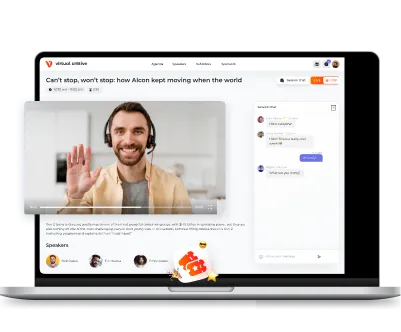
Accessible from any browser,
making it easy for users to connect
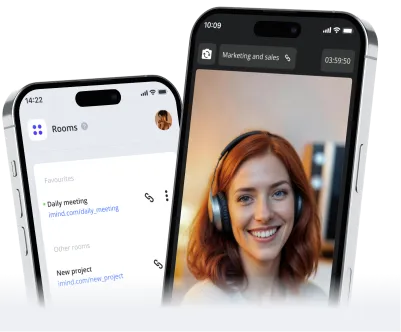
Designed specifically for Apple devices, ensuring a smooth native user experience
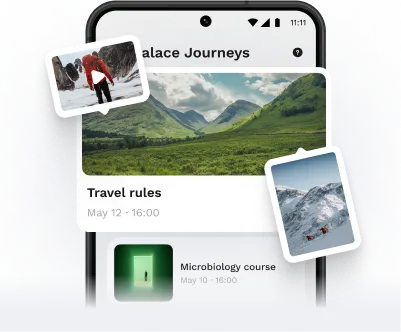
Designed specifically for Android devices, ensuring a smooth native user experience

A traditional sign-up option
that uses an email and password

Quick sign-up via phone number for instant access

Easy registration using existing Facebook credentials

Sign up with a Google account

Secure sign-up using Apple ID

Invite others to join your app with personalized emails

Support for multiple users
or teams under one account

Create unique subdomains for different user groups or features
Use your own domain for a personalized touch

Simple process for users to recover or reset their passwords

Users can easily manage their profiles and settings

A central hub for users to view and manage their content

Keep users updated with a real-time feed of activities

Allow users to upload files and media effortlessly

Users can edit their media with simple tools – filters, cropping

Personalized profiles for users
to showcase their content

Automated emails for important
user actions and updates

Organize content with tags
for easy searching

Users can share their opinions
and feedback on content

A powerful search feature to find content quickly

Private video calls for personal conversations

Host group video calls for larger gatherings

Connect multiple users
in a collaborative video space

Stream live video and audio for real-time engagement

Enhance media quality with processing tools

Record video sessions
for later viewing

Connect with various devices
for seamless communication

Immersive experiences that blend the digital and physical worlds

Share your screen for collaborative work or presentations

Link your app with SIP services to make VoIP calls right inside your app

Automated assistance for users, available 24/7

Create unique content with
the help of AI

Identify and categorize content automatically

Translate content using machine learning for global reach

Tailor AI models to fit your
specific needs

Connect with external AI services for enhanced functionality

Keep user data synchronized across devices effortlessly

Utilize device sensors (e.g., accelerometer, gyroscope) for innovative features

Quick scanning for easy access
to information

Connect with health data for personalized experiences

Extend your app's functionality to Apple Watch users

A personalized calendar tailored to your app's specific needs.

Seamlessly sync events with Google Calendar for easy access and management
%201.webp)
Connect with Outlook to keep your scheduling consistent across platforms

Integrate with Apple Calendar for
a smooth experience on iOS devices

Show users their location and nearby points of interest on an interactive map

Personalize map views to highlight specific locations or features relevant to your app

Simplify the process of reserving services or appointments directly through your app

Allow users to create and manage events effortlessly, keeping everyone organized

Engage in real-time conversations with users through text messaging

Create community discussions where users can share ideas and ask questions

Allow users to interact with content
by leaving comments and likes

Enable users to share content easily across their favorite social media platforms

Notify users about important events or activities related to the app

Gather user opinions and feedback through interactive polls and surveys

Offer various subscription options
to suit different user needs

Securely handle transactions and payments for a smooth checkout experience

Allow users to easily add and manage items before completing their purchase

Create a platform for users to buy
and sell products or services

Manage your inventory and product listings efficiently

Provide users with detailed invoices and a history of their transactions

Attract users with special offers and promotional discounts

Enable users to make purchases directly within the app for convenience

Safely collect and store user payment details for future transactions

A centralized dashboard for managing app settings and user accounts

Ensure quality control by reviewing and approving user-generated content

Track user behavior and app performance to make informed decisions

Automatically report and analyze app crashes to improve stability

Keep an eye on app performance metrics
to ensure a smooth user experience

Cater to a global audience with support
for multiple languages

Gather insights from users to enhance
your app based on their suggestions

Easily integrate with external services to expand your app's functionality

Provide an API for developers to connect their applications with yours

Send and receive SMS messages for effective communication with users

Protect user privacy by masking phone numbers during interactions

Safeguard your app from attacks that
aim to disrupt service availability

Add an extra layer of security by
requiring a second form of verification

Protect sensitive user data with encryption to ensure privacy and security
Give users control over their privacy settings and data sharing preferences
The total below is indicative, not a quote: it covers development only and assumes a typical scope behind each option you pick. Your real number comes from an estimate written by the engineers who would build it — and you can take that estimate on either model below.
How most of our clients work. You pay for hours worked, billed weekly, with a timesheet that shows where every hour went. Change direction any week, no renegotiation.
Ask about a T&M scopeWhen you need one number signed off. Available after discovery, on a scope we document together: one price and one timeline, agreed before development starts. Changes to that scope are quoted separately.
Ask about a fixed scope
Within 24 hours you get a realistic estimate, technical recommendations and next steps. Free, no obligations.


