Makosh and Fora Soft logos

Cross-stitch app that opens the pattern from the kit box

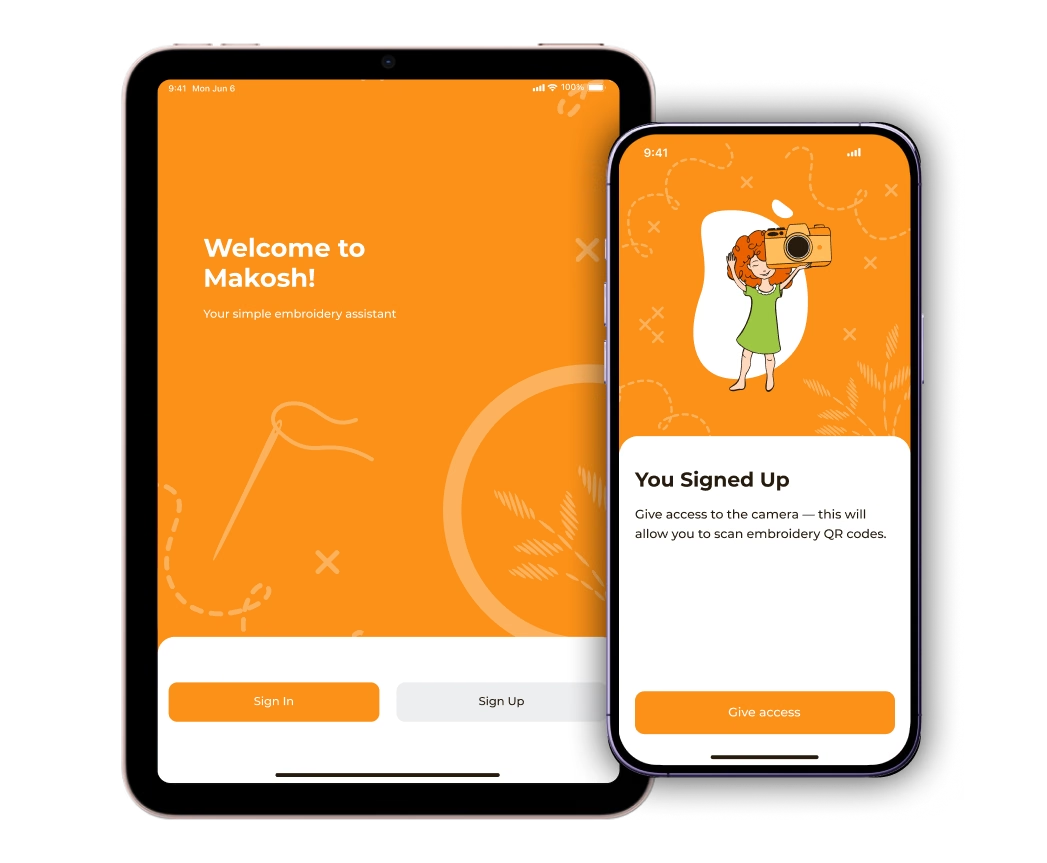
Makosh welcome screen on an iPad and the camera access step for QR scanning on an iPhone
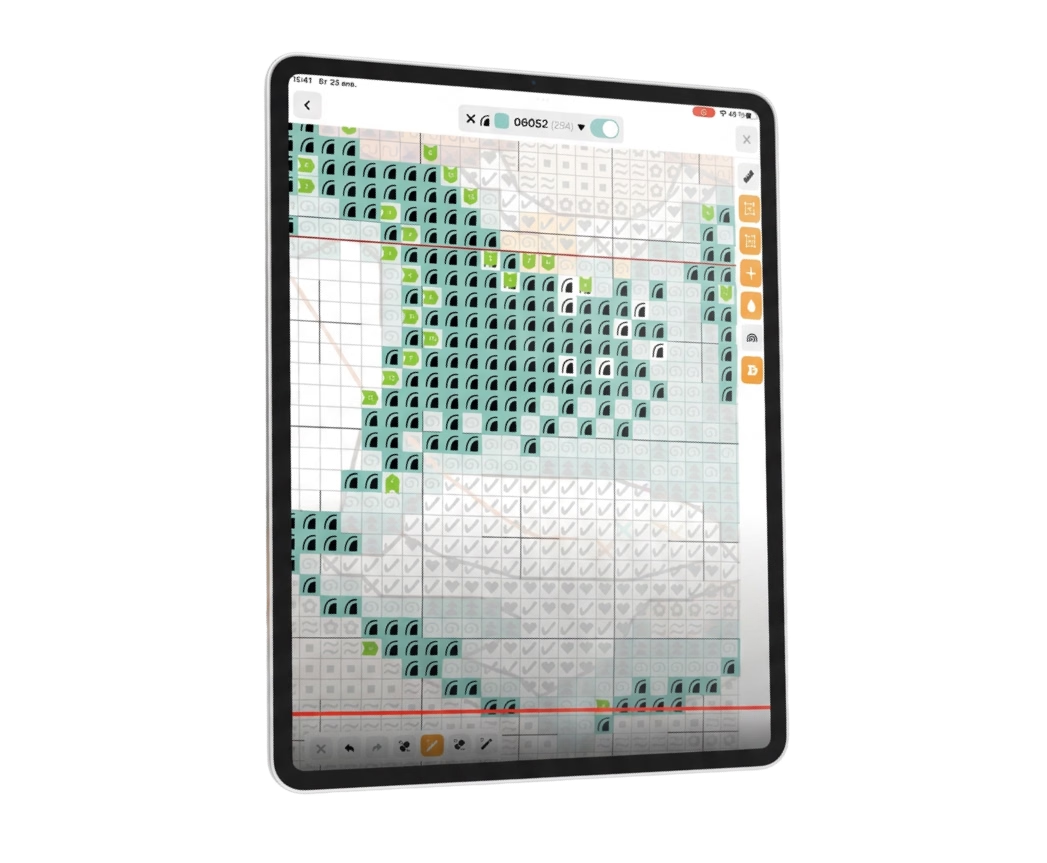
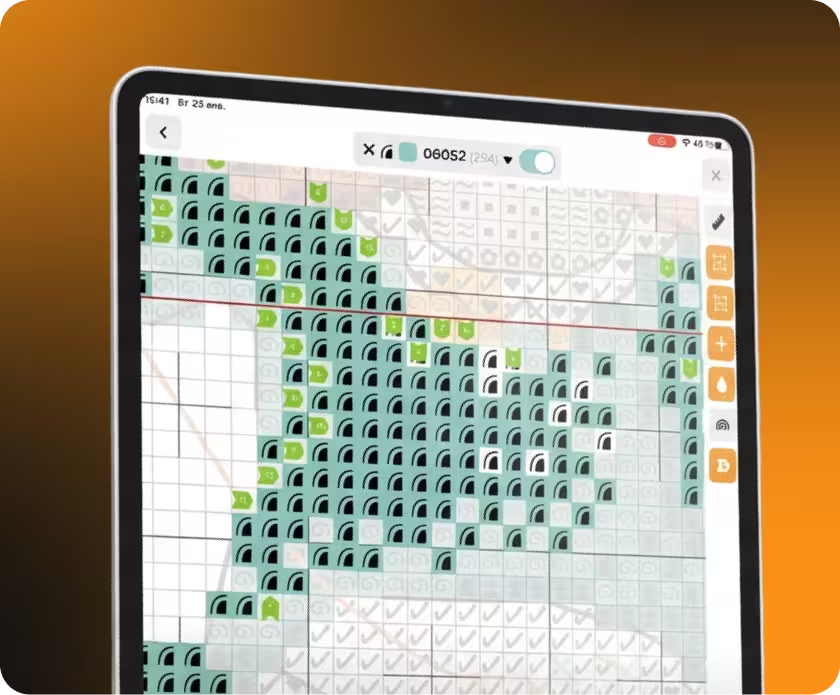
Cross-stitch chart open in the Makosh app on an iPad, with marked stitches and a tool panel
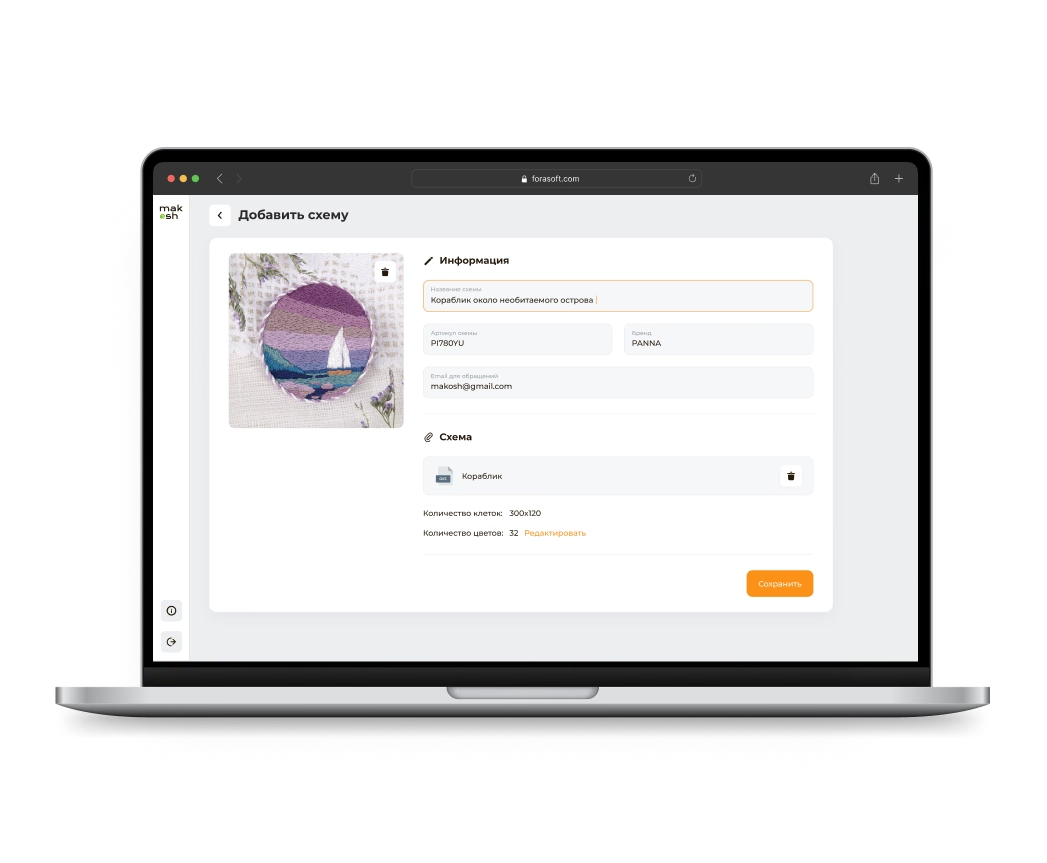
Makosh partner panel on a laptop: the form for adding a new pattern
Makosh is a mobile app for cross-stitch kits. Each kit box has a printed QR code. The user scans it and gets the kit's pattern on screen: a grid, a ruler, eight stitch types, and progress saved after every stitch. Kit makers get a web panel to upload patterns, generate QR codes and see which kits people finish.
Two iPhones with the Makosh app: scanning a kit's QR code and the pattern loaded after the scan

Scan the box, open the pattern

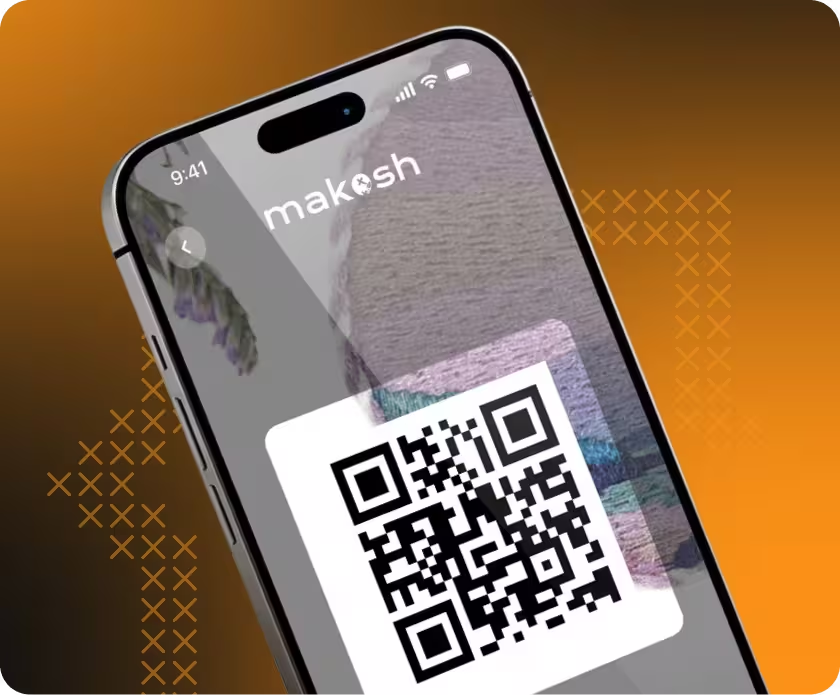
Every kit box carries a printed QR code. One scan opens that kit's pattern in the app, ready to stitch.

Color and black-and-white modes

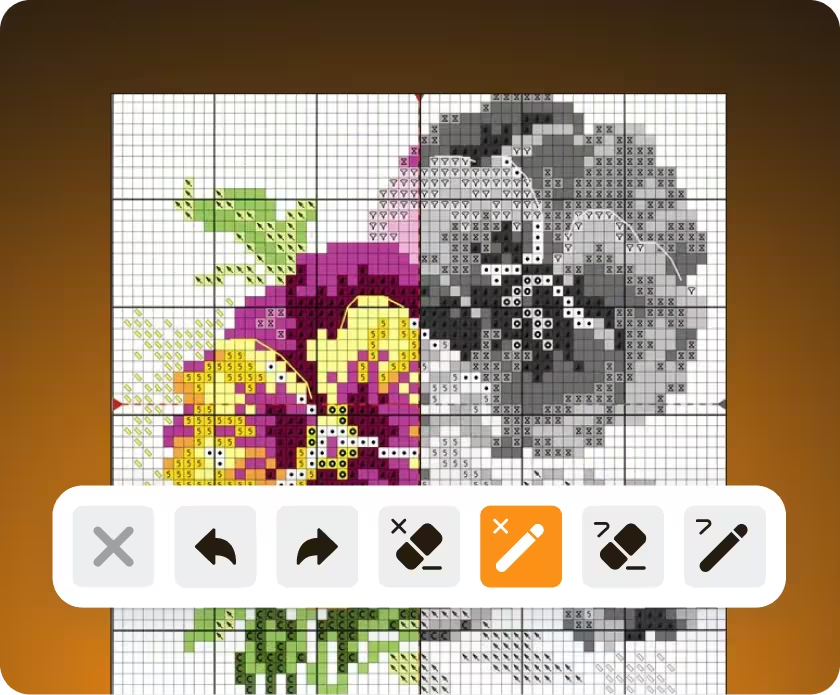
Every cell shows its thread color and a symbol. When two colors look almost the same, the symbol tells which thread goes where. Black-and-white mode turns color off and leaves only the symbols.
Cross-stitch flower chart shown half in color and half in black and white, with the Makosh editing toolbar
Makosh on an iPad: a cross-stitch chart with a grid, ruler lines and stitch markers

Tools on the chart

A 5×5 or 10×10 grid, a ruler for measuring sections, and zoom that centers on the current stitch. The app also flags isolated groups of four or more cells with unmarked stitches, so none get skipped.

Stitch types and progress

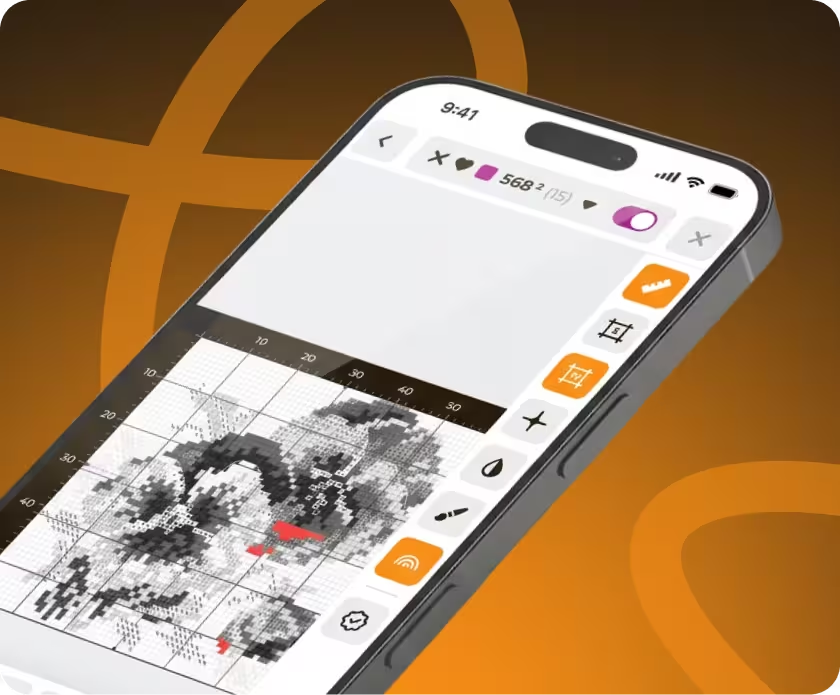
Eight cross-stitch types, including half, quarter and three-quarter stitches, plus backstitch, French knots and beads. Each type has its own marker and eraser. Marked stitches stay highlighted, so the user sees what's done and what's left. Progress saves after every stitch, so the user can close the app and continue later.

Makosh on an iPhone: a black-and-white chart with stitch type tools and highlighted stitches
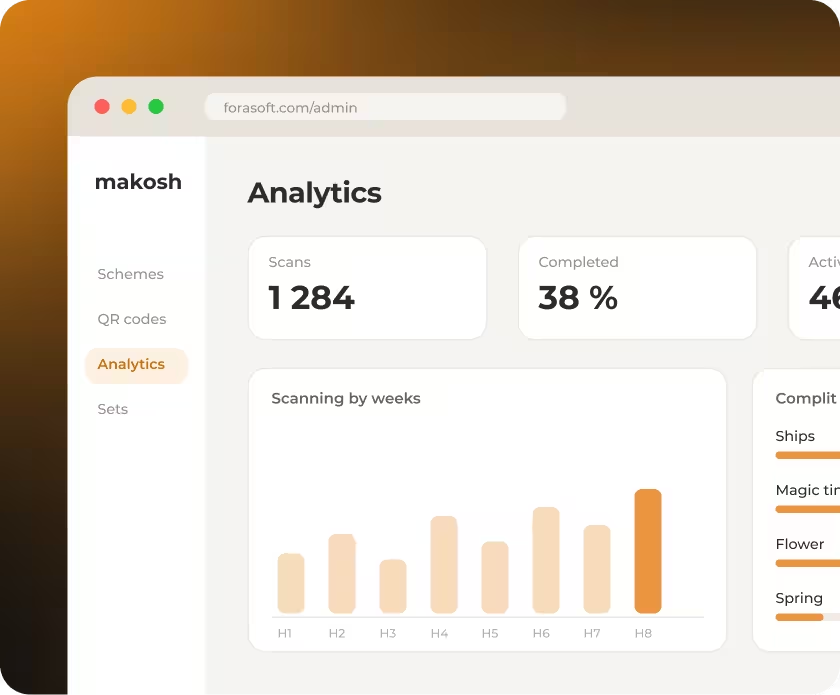
Makosh kit analytics dashboard with scan count, completion rate and weekly scans by kit

Kit analytics

Once a kit leaves the shop, its maker usually hears nothing back. Here the dashboard shows how often each kit is scanned, how many people finish it and how many give up. The maker sees which designs work and which stall.

Partner and admin panels

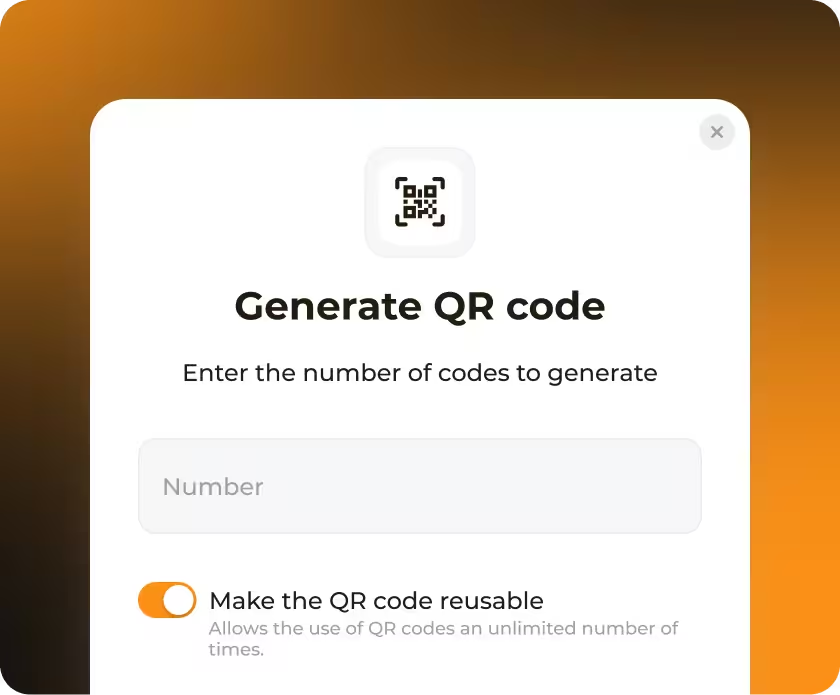
Kit makers work in the partner panel: they upload patterns, edit kit details and generate QR codes in batches, single-use or reusable. The admin panel runs the platform: partner accounts and their licenses.
Makosh partner panel: the Generate QR code dialog with a switch for reusable codes
Makosh app on an iPhone showing a cross-stitch kit's QR code

One codebase, three stores

The app is written once in React Native and runs on iOS and Android. The same release goes to the App Store, Samsung Galaxy Store and Huawei AppGallery.

Technologies

🖥 Platform
Web, iOS, Android
🔮 Frontend
React Native, Expo, Redux, React-Native-skia
⚙️ Backend
Socket.io, WebSockets
🗃️ Database
MongoDB

Delivery and outcome

We delivered three interfaces tailored to four user roles: a mobile app for guests and registered users, a partner panel for kit makers, and an admin panel for the platform owner. Quality is built into the process, with SonarQube tracking code quality and Qase managing test cases.Development began in March 2023, and the app launched on the App Store in April 2024. Since then, the product has continued to evolve through regular releases.
Makosh app banner: App Store, Galaxy Store and AppGallery