

Transcoding is converting an already-encoded video stream from one form to another — a different codec, resolution, bitrate, or frame rate — usually so a client that cannot handle the original can still view it. When an operator opens a 4K H.265 camera on a phone over a thin mobile link, the server may transcode it down to a smaller H.264 stream the phone can decode and the network can carry.
It is the VMS's flexibility valve. A mixed estate of cameras, browsers, and mobile apps cannot all speak the same codec and resolution, so transcoding bridges the gaps: web clients without H.265 hardware decode, remote viewers on limited bandwidth, and exports that must match a court or partner's required format all rely on it. Adaptive remote streaming that drops resolution as bandwidth falls is transcoding in action.
The cost is compute, and that is the pitfall. Transcoding is processor- and GPU-intensive, and it scales with the number of simultaneous transcoded views, not the number of cameras — a server that records 200 cameras comfortably can buckle when 30 operators each open transcoded remote views. Where possible, designs avoid transcoding by serving native substreams to the clients that need a lighter feed, and reserve transcoding for the cases that genuinely cannot be solved by stream selection.


The handbook · 7 volumes
Fora Soft Video Engineering Handbook
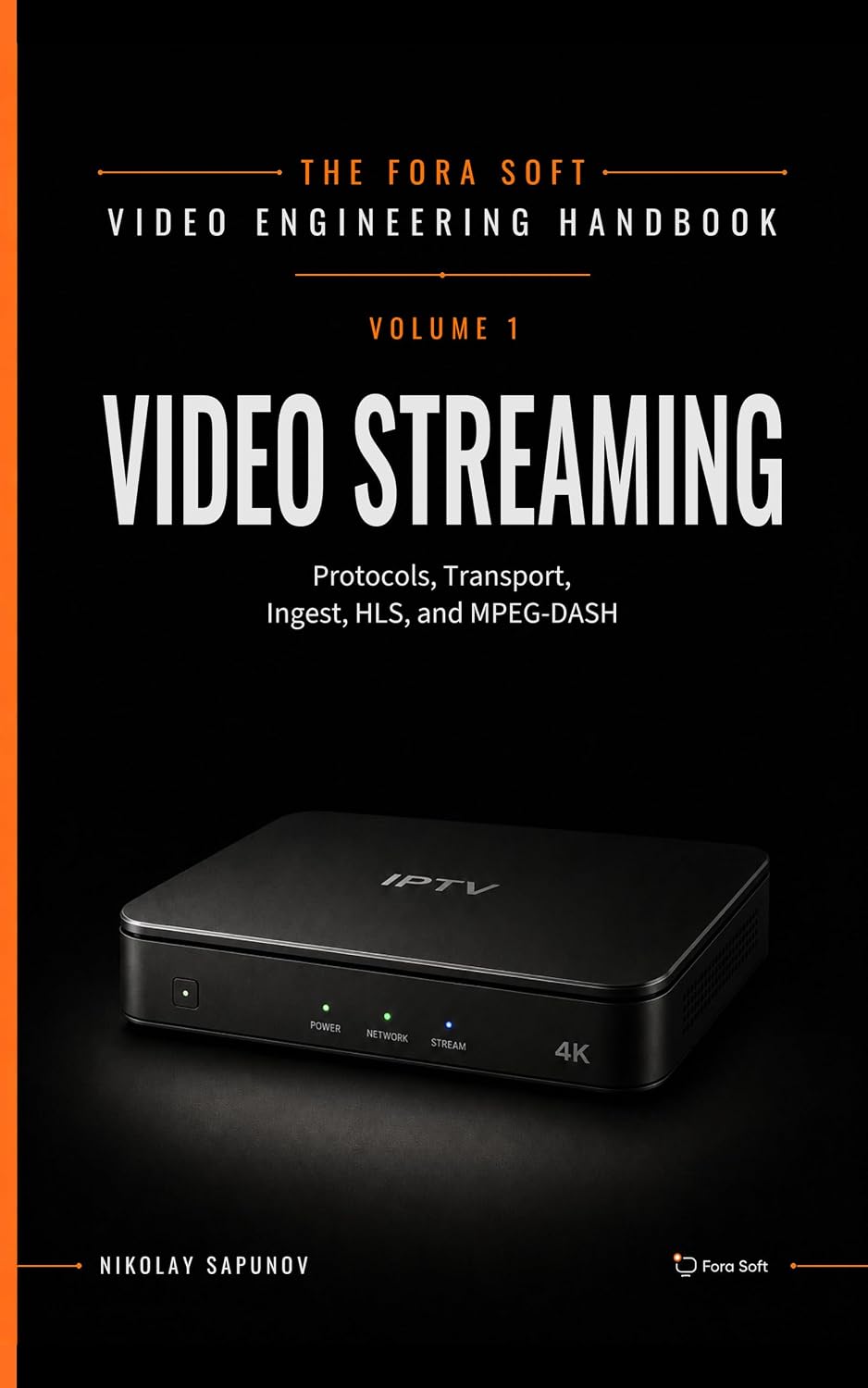
Transcoding makes a 4K camera watchable on a phone, but every transcoded stream burns CPU or GPU that a VMS would rather spend elsewhere. Our seven-volume handbook covers the full video stack, and for transcoding start with Volume 1, which covers transcoding and encoder settings, H.264, HEVC and AV1 tradeoffs, bitrate control and hardware encoders. Written by Nikolay Sapunov, CEO at Fora Soft.
Burning server CPU on transcoding every time someone views a camera on mobile?
We will measure your transcoding load and propose a substream, codec and hardware-encoding plan that cuts compute per viewer. 250+ video products shipped since 2005.
