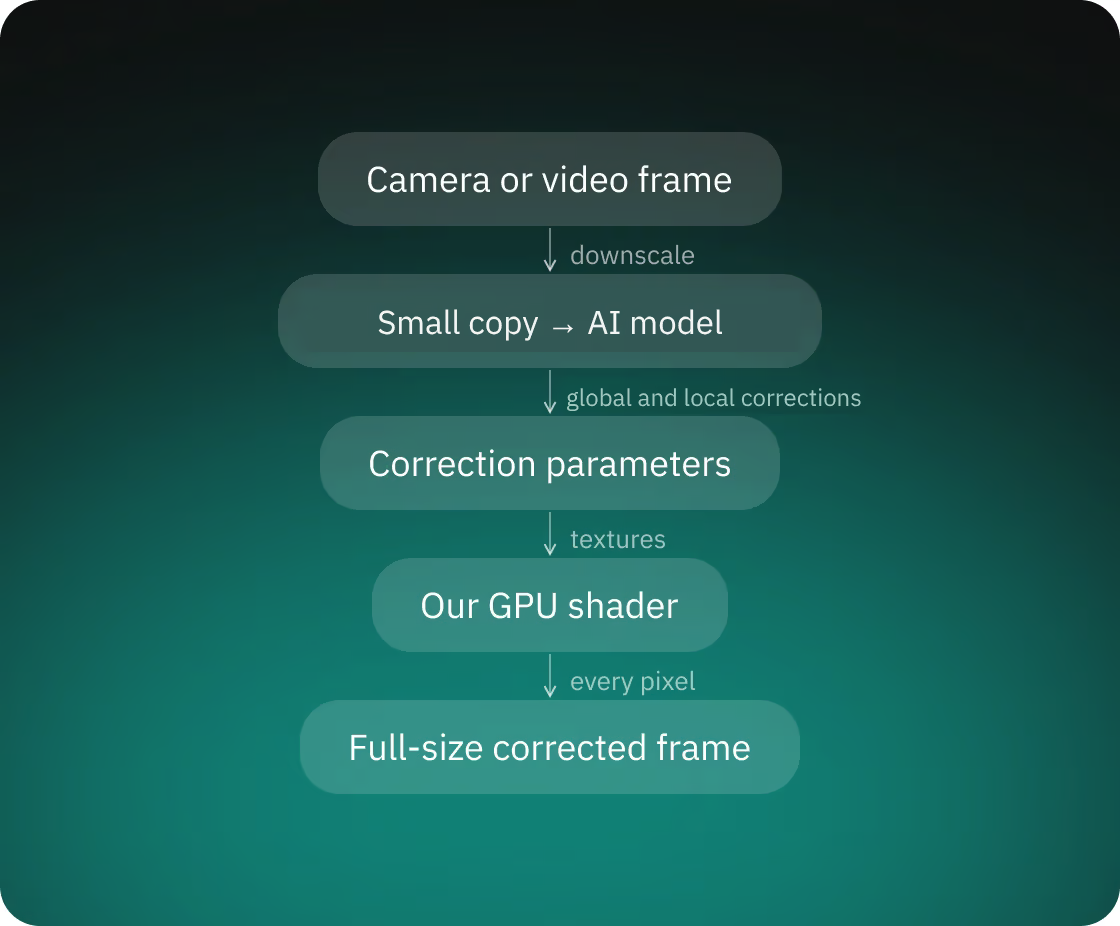
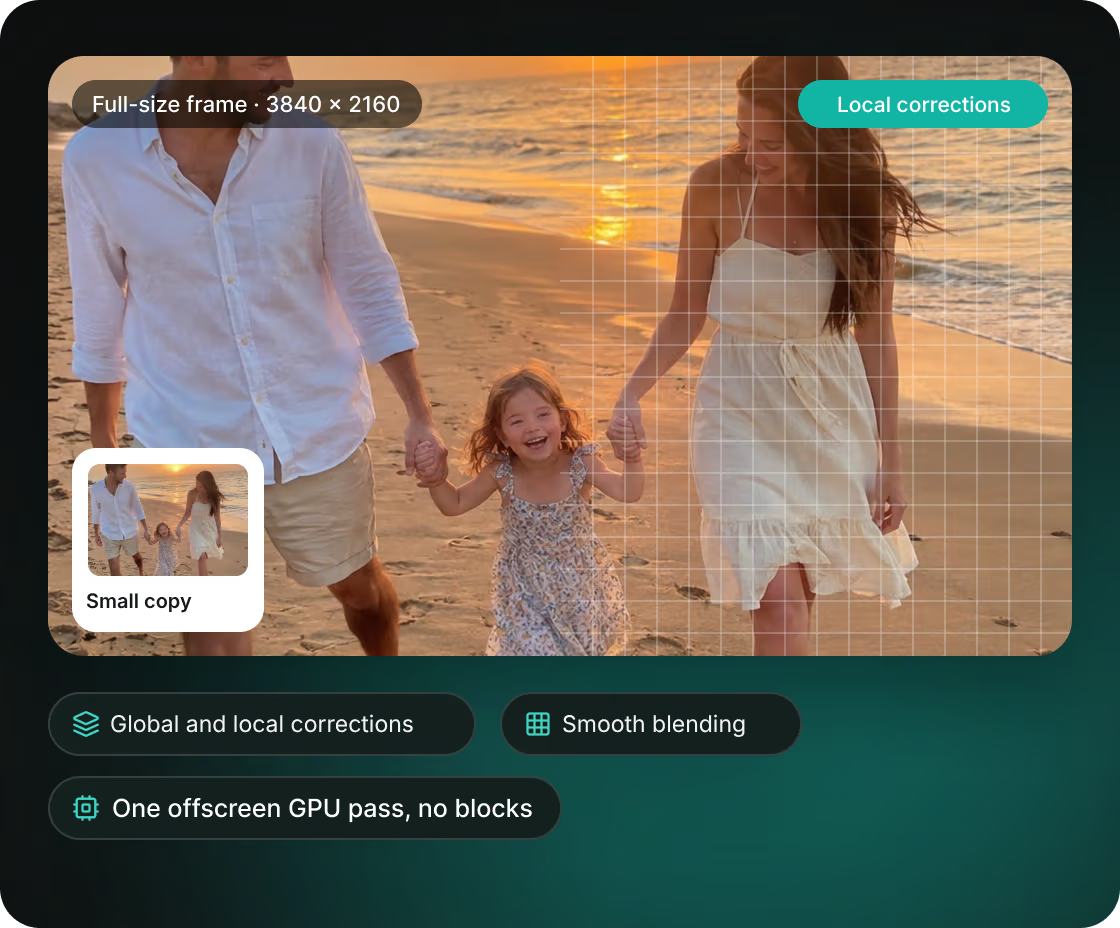
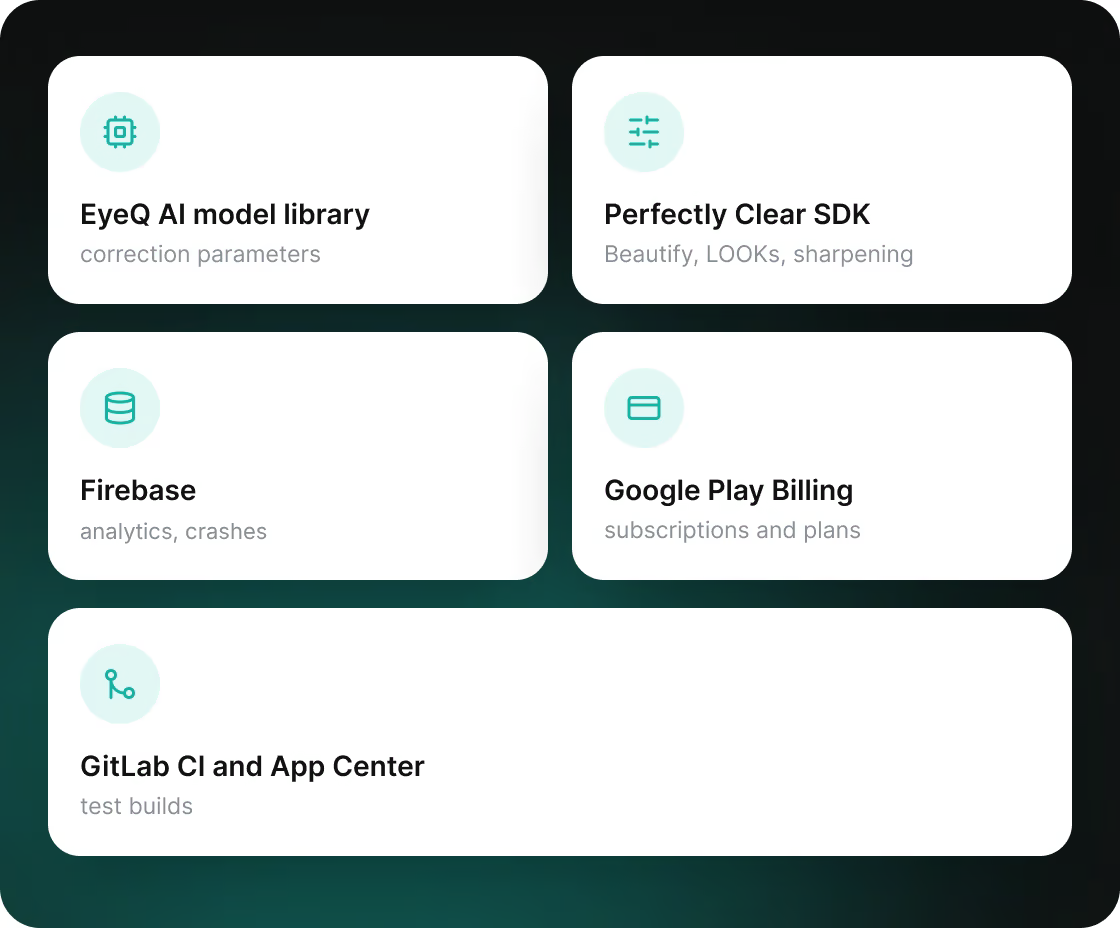
The system works like this: EyeQ's AI model analyses a small copy of the frame, and our GPU shader applies its corrections to the full-size frame. In the photo editor, the Perfectly Clear SDK adds retouching, filters and sharpening on top.
The hardest part of the app is correcting a full-size frame when the model only has time to look at a small copy of it. The correction has to keep up with a live camera preview and a playing video on the phone itself, with no server. A 4K video frame has about 8 million pixels, and the model sees only a small fraction of them. The quality of the result depends on how the shader spreads the model's output over the full frame. We wrote that shader, and the same code runs in the camera, the video player, the export and the photo editor.
Two terms are used below: Fix is the automatic AI correction, and strength is the slider value that sets how much of a correction is applied.
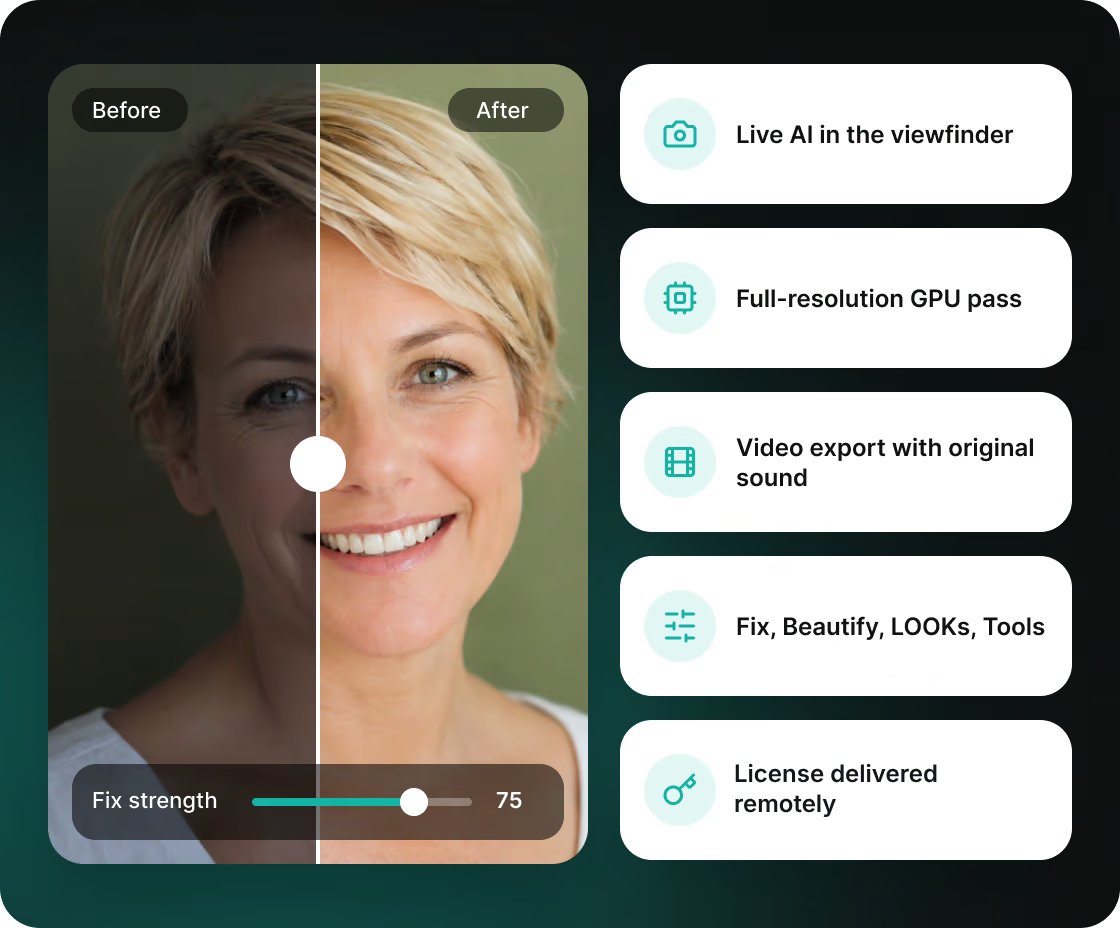
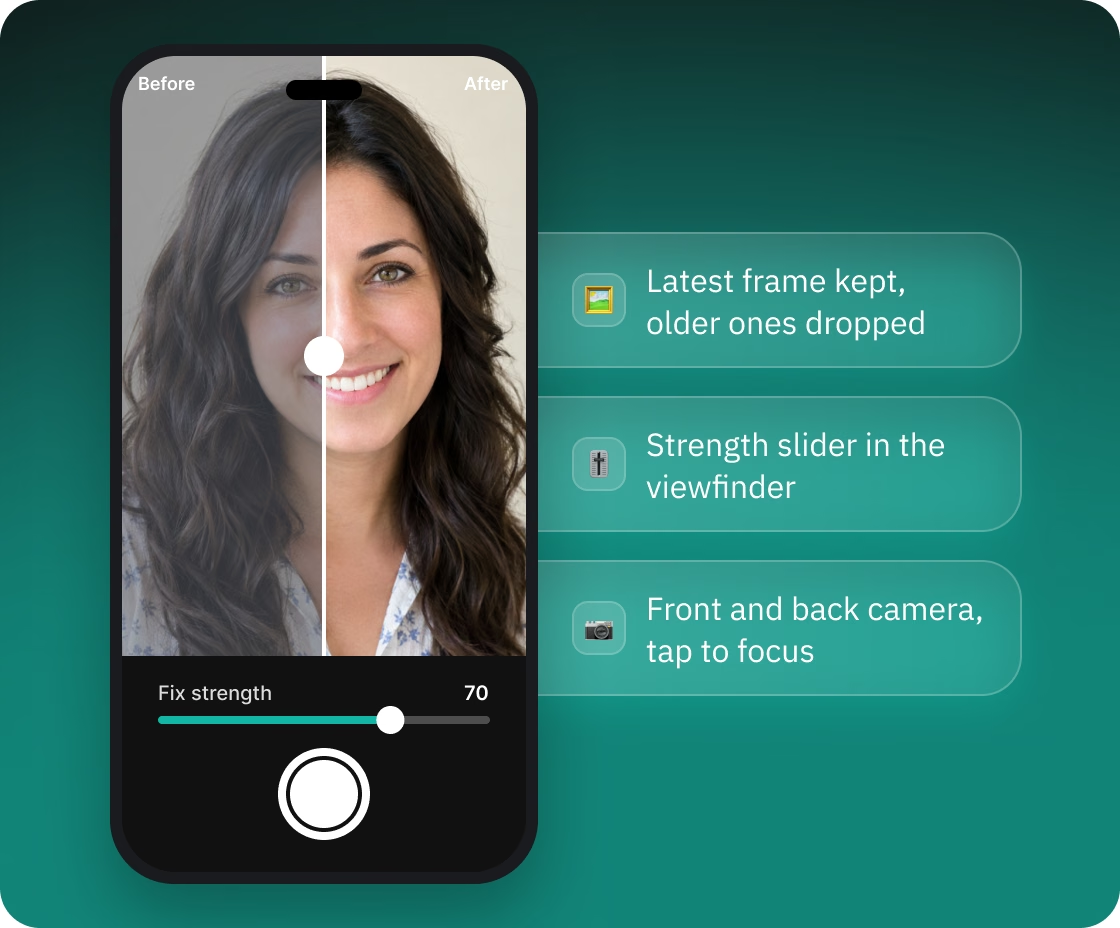
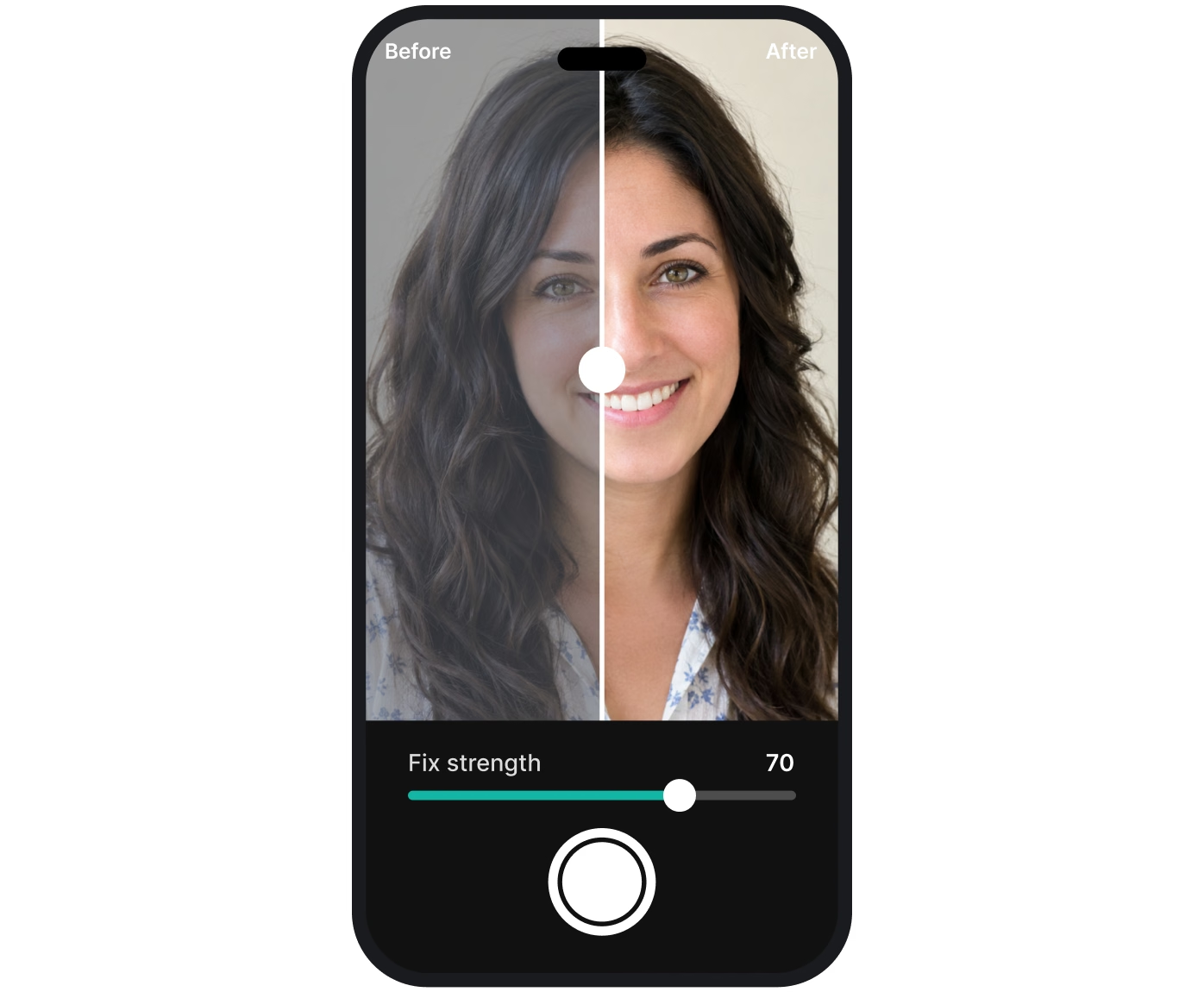
The camera shows the corrected image live, so users judge the result before they press the shutter.
The app does not use a standard camera preview. It takes analysis frames from CameraX, converts each one from the camera's raw format (YUV) to RGB, rotates it (and mirrors it for the front camera), and draws it on screen through our shader. A small copy of the frame goes to the AI model, and the shader applies the model's output to the full preview frame on the GPU (section 2 explains how).
When frames arrive faster than they can be processed, CameraX is set to drop the older ones and keep the latest, so the preview shows the current scene instead of working through a queue. A slider sets the strength of the correction. The user can switch between the front and back cameras and tap to focus. After the shot, the photo opens in the editor, where Fix is applied again at its default strength, not the one set in the camera, and can be adjusted.
This shader is what makes a small, fast model usable on large images.
The AI model analyses a small copy of the frame and does not return a finished image. It returns a compact set of global and local correction parameters and a map of how much of each to apply in each region of the image.
The app uploads these parameters to the GPU, and the OpenGL ES 3.0 shaders we wrote apply them to every pixel of the original image. Neighboring regions are blended smoothly, so the correction never shows up as blocks and the image keeps the resolution of the source.
A full-size photo is corrected in one offscreen GPU pass and read back as a bitmap.
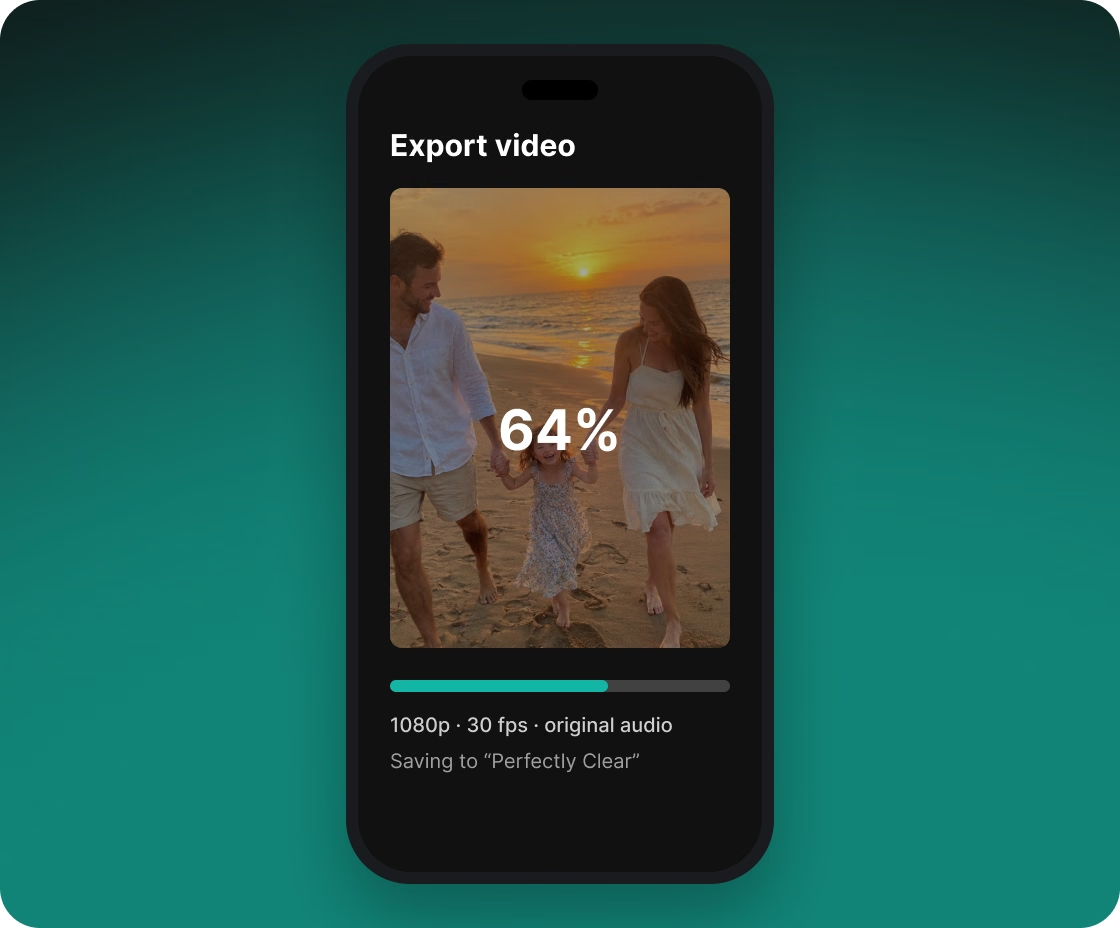
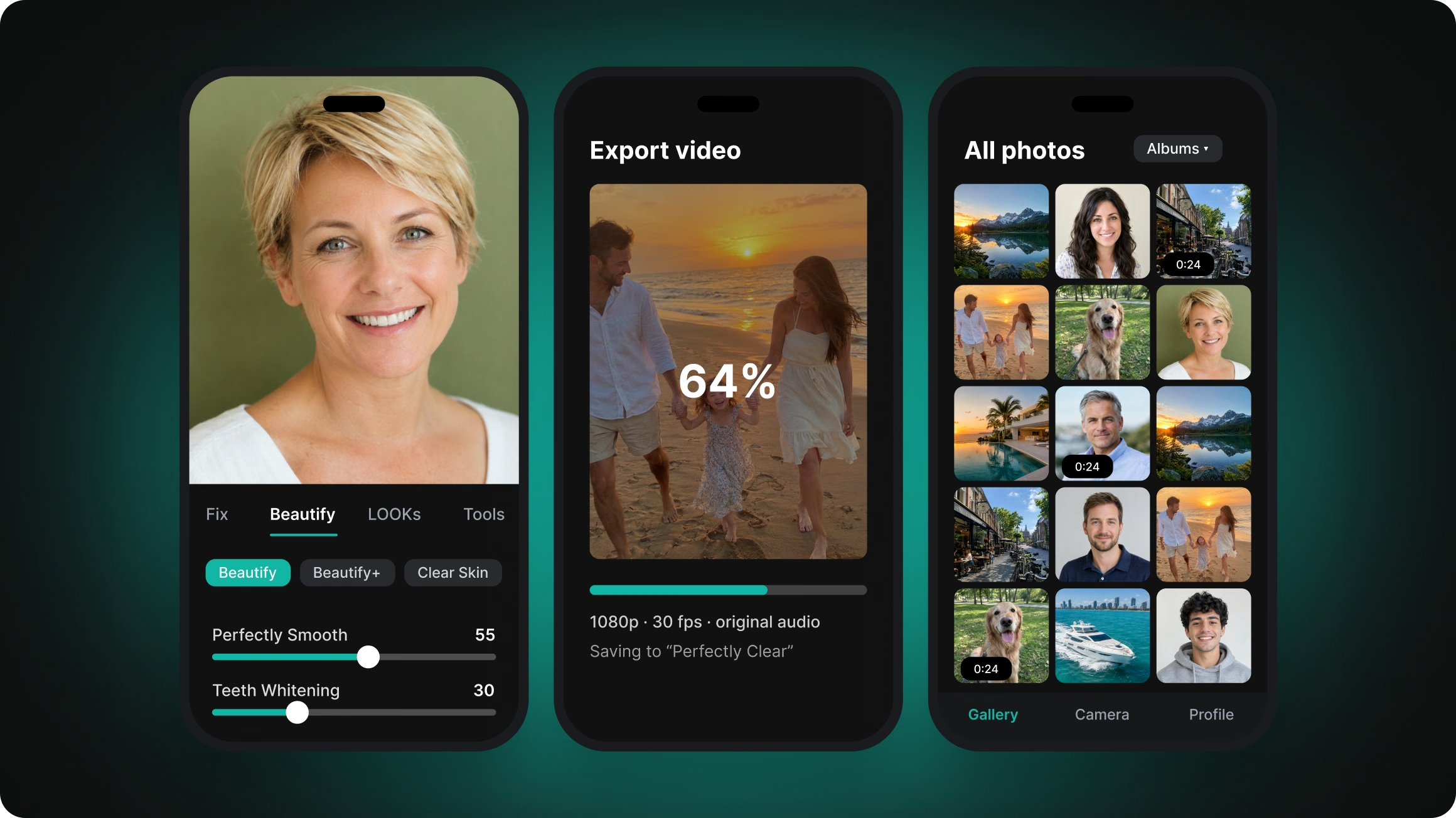
Users open a video from the gallery and watch it already corrected. Subscribers can save the corrected copy.
Playback runs through ExoPlayer into an OpenGL surface. The app draws a small copy of the current frame, reads it back from the GPU and sends it to the AI model in the background. While the model is busy, the following frames are rendered with the latest correction parameters, so playback is not held up by the analysis. The strength slider works here as it does in the camera.
To save the result, we built a transcoder on Android's built-in video codecs (MediaCodec):
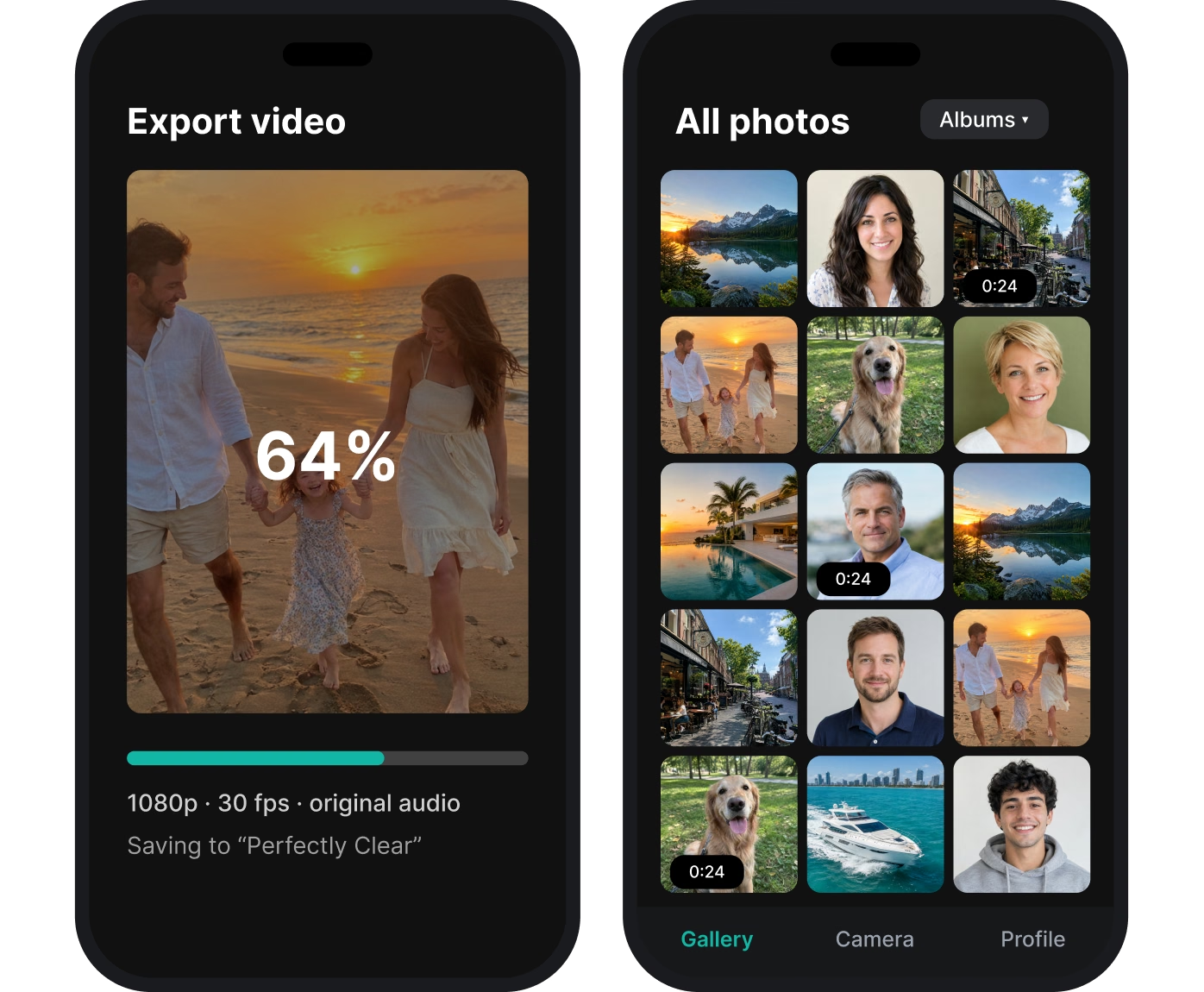
The export does not downscale the video and turns the frames upright according to the source rotation. The frame rate and bitrate are taken from the source file. If the file does not state a frame rate, the app uses 30 frames per second. If it does not state a bitrate, the app calculates one from the frame size and frame rate: about 15.6 Mbps for 1080p video at 30 frames per second. Progress is shown on screen while the export runs.
The finished file is saved to a "Perfectly Clear" folder on the phone.
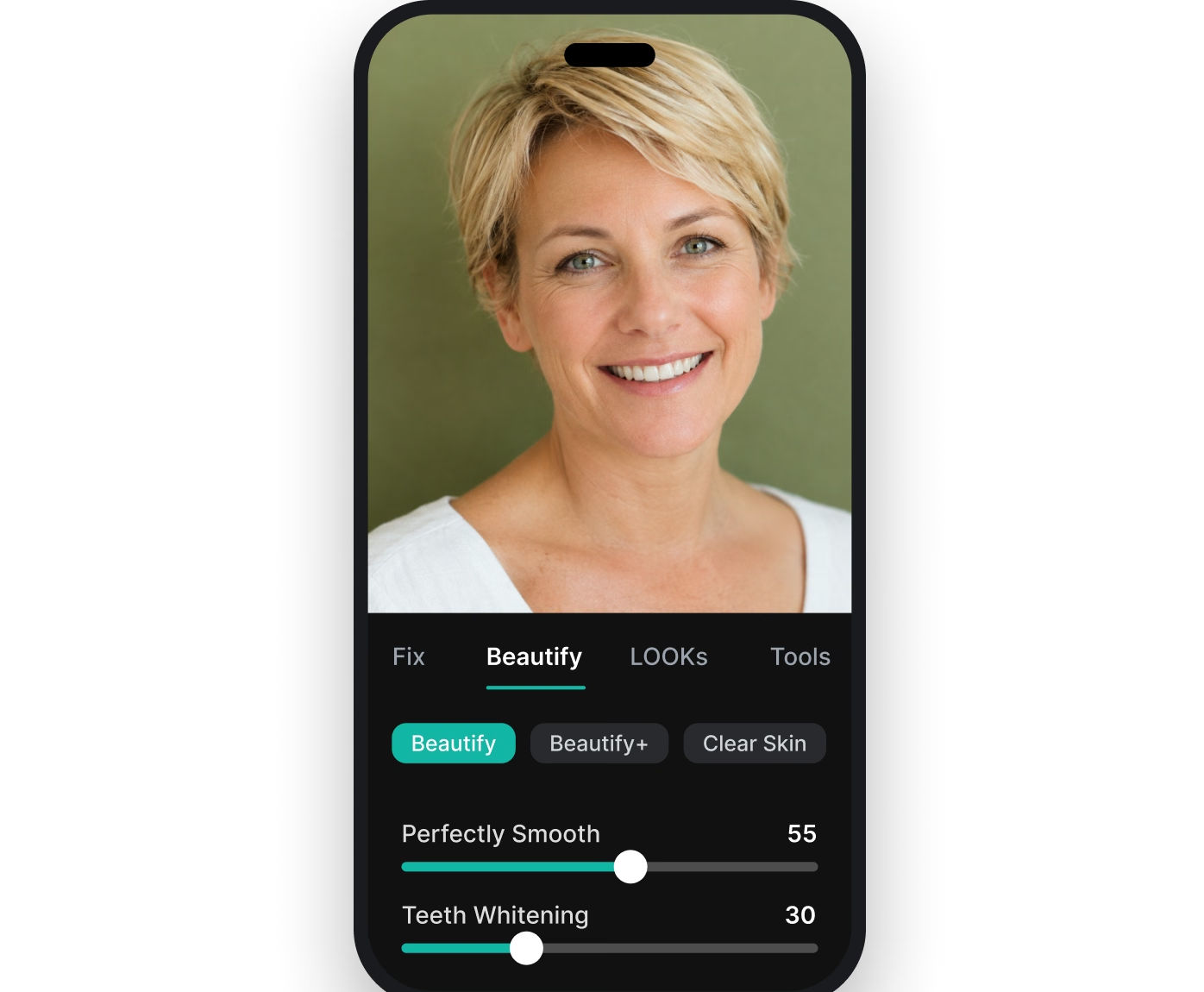
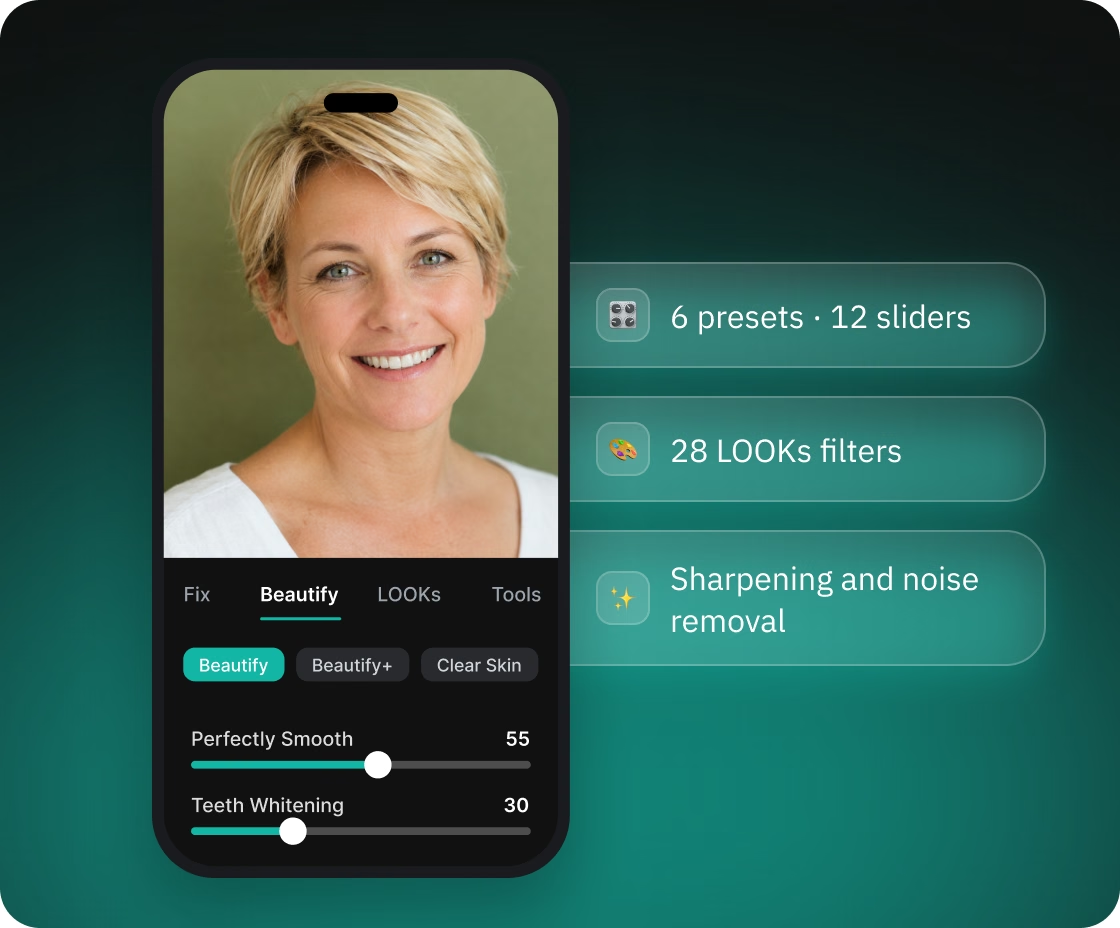
The editor puts EyeQ's correction tools into four tabs, so a user gets from an automatic fix to detailed portrait retouching without leaving the screen.
The Beautify presets are Beautify, Beautify+, Clear Skin, Healthy Glow, High Fashion and Rugged Skin. The sliders are Blemish Removal, Blush, Catchlights, Dark Circles, Eye Enhance, Eye Enlarge, Face Contouring, Lip Sharpening, Perfectly Smooth, Shine Removal, Skin Toning and Teeth Whitening.
Fix runs first as a separate AI pass. Its result is kept for the current strength, so moving a Beautify or LOOKs slider does not run the AI model again. The Beautify, LOOKs and Tools settings are then merged into one set of parameters and applied in one pass instead of three.
A native C++ routine we wrote converts the color channel order of each pixel between Android bitmaps and the format the Perfectly Clear SDK expects.
While the user edits, the app works on a copy reduced to the screen size, which keeps the editor responsive. The original full-resolution photo is processed once, when the user saves. Users can hold the photo to compare with the original, and small badges on the tabs show which corrections are active. Tapping the selected Beautify preset again opens its fine-tuning sliders, and a hint explains this the first time the tab is opened.

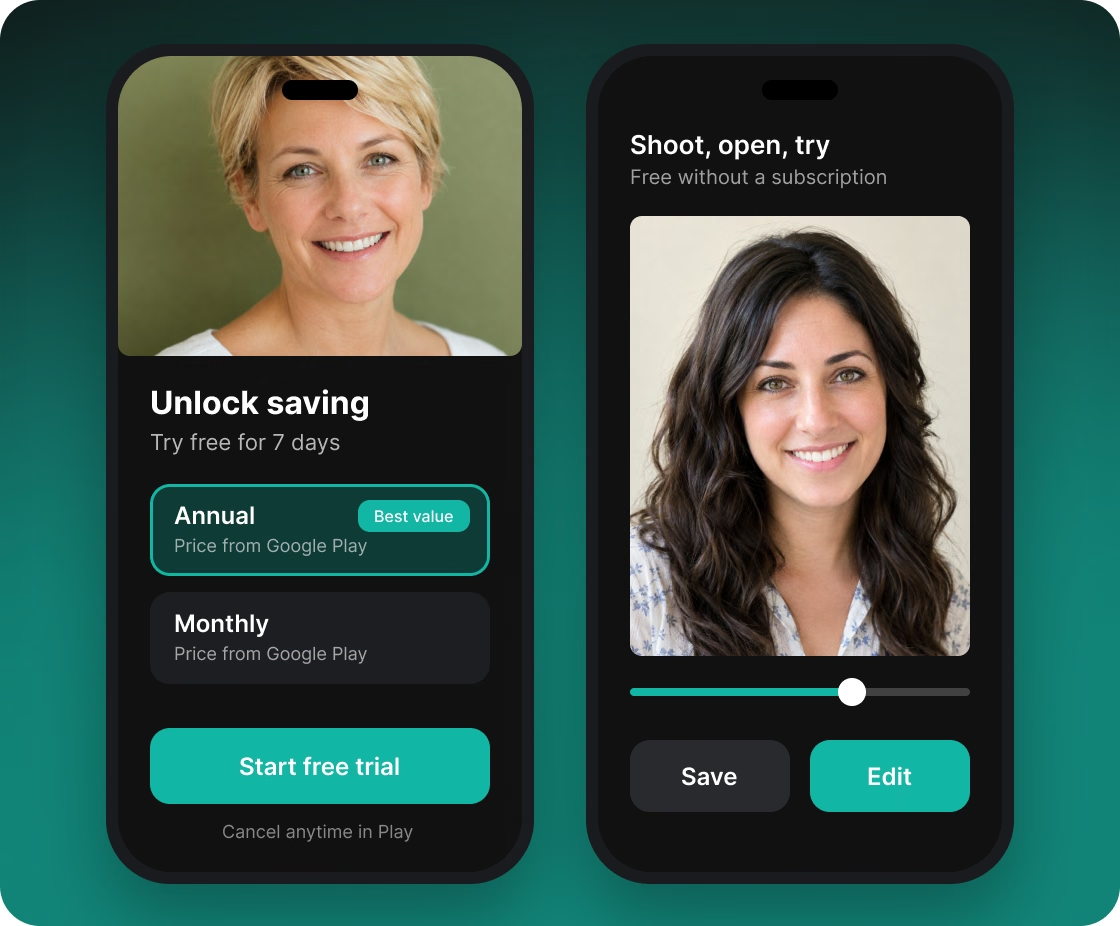
We integrated Google Play Billing, so EyeQ sells the two plans through the store and manages prices and the trial there.
EyeQ's license key and certificate are not shipped inside the app package, so EyeQ can change them for new installs without an app update.
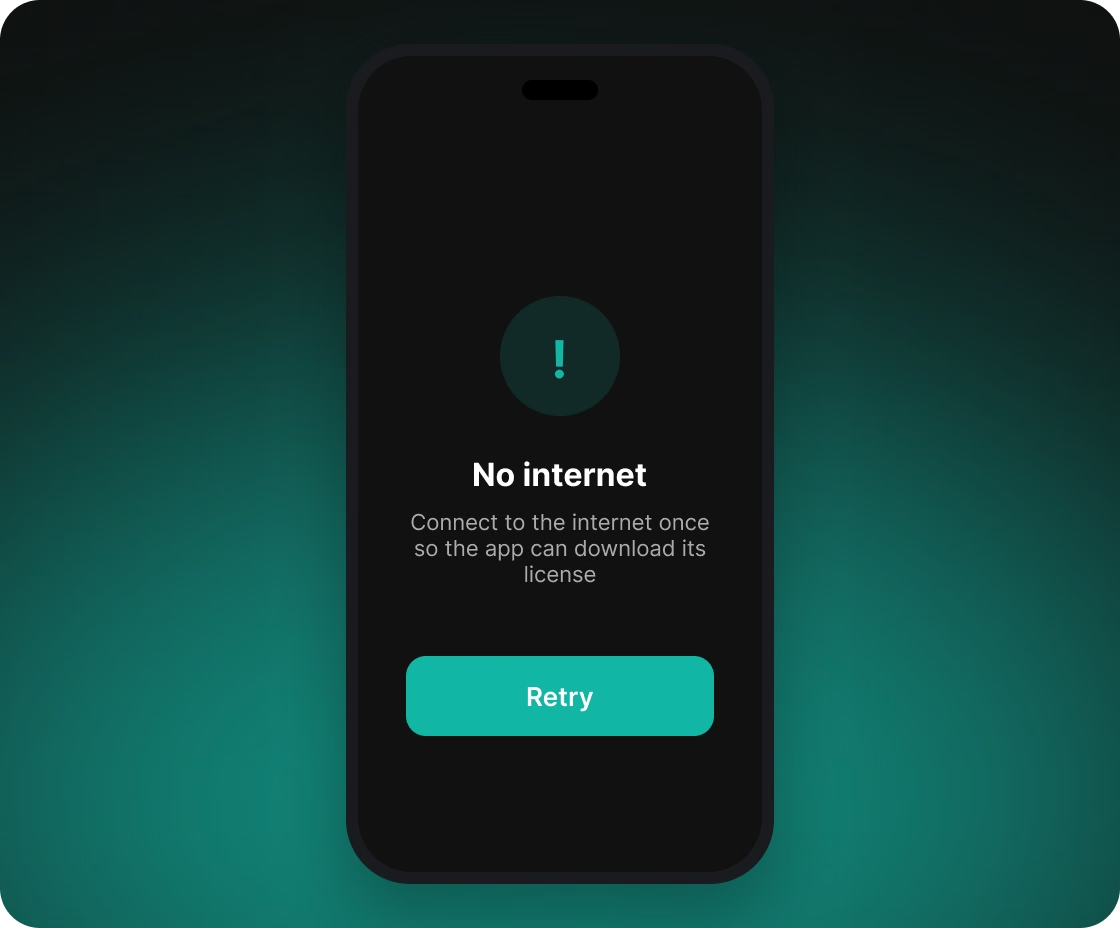
The AI model only works with a valid key and certificate from EyeQ. On first launch the app receives them remotely and caches them in encrypted storage on the device. Later launches use the cached copy. If the phone is offline on first launch, the app shows a "no internet" screen with a retry button.
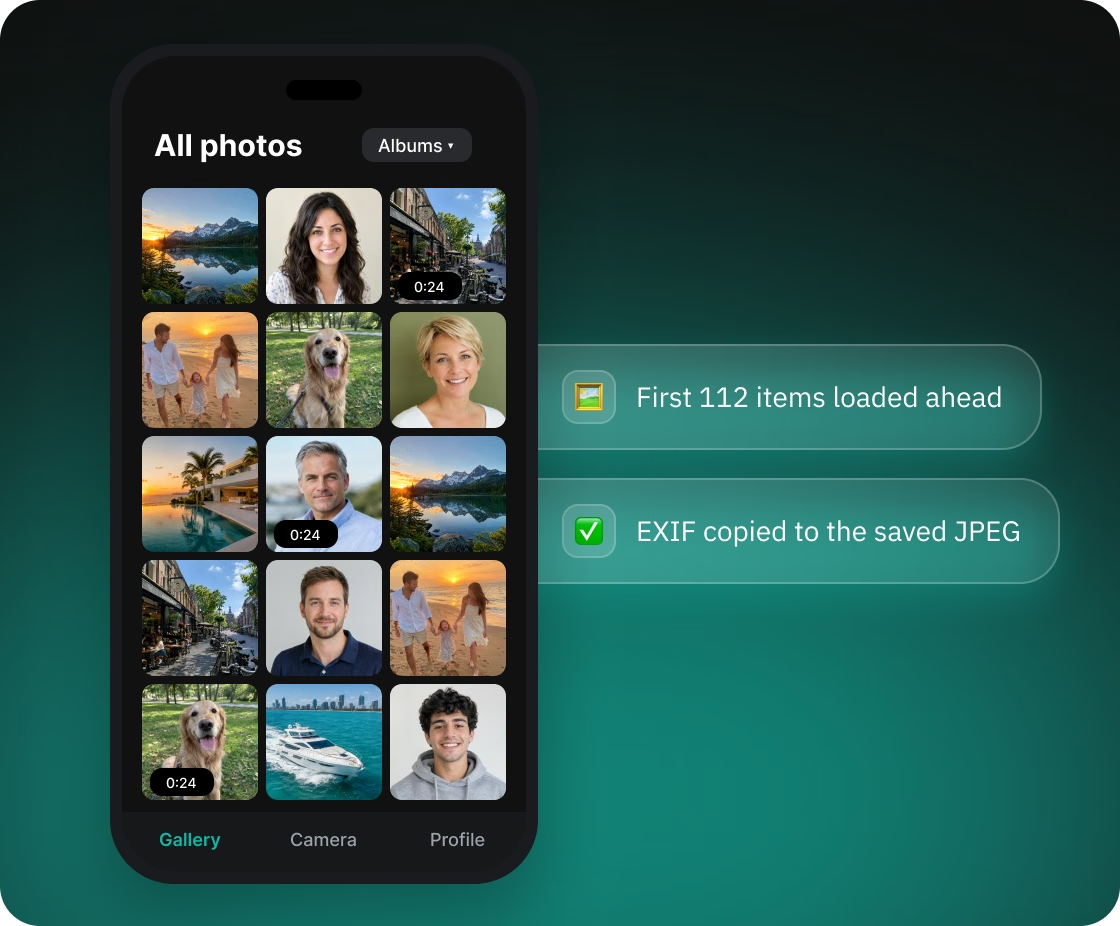
The home screen shows the photos and videos from the phone in one feed, with an album picker. The first 112 items are loaded ahead of the rest, so the feed appears quickly on phones with large libraries.
Edited photos are saved as full-quality JPEG files to a separate "Perfectly Clear" album. The app copies the original EXIF data (date, camera, location) to the new file.
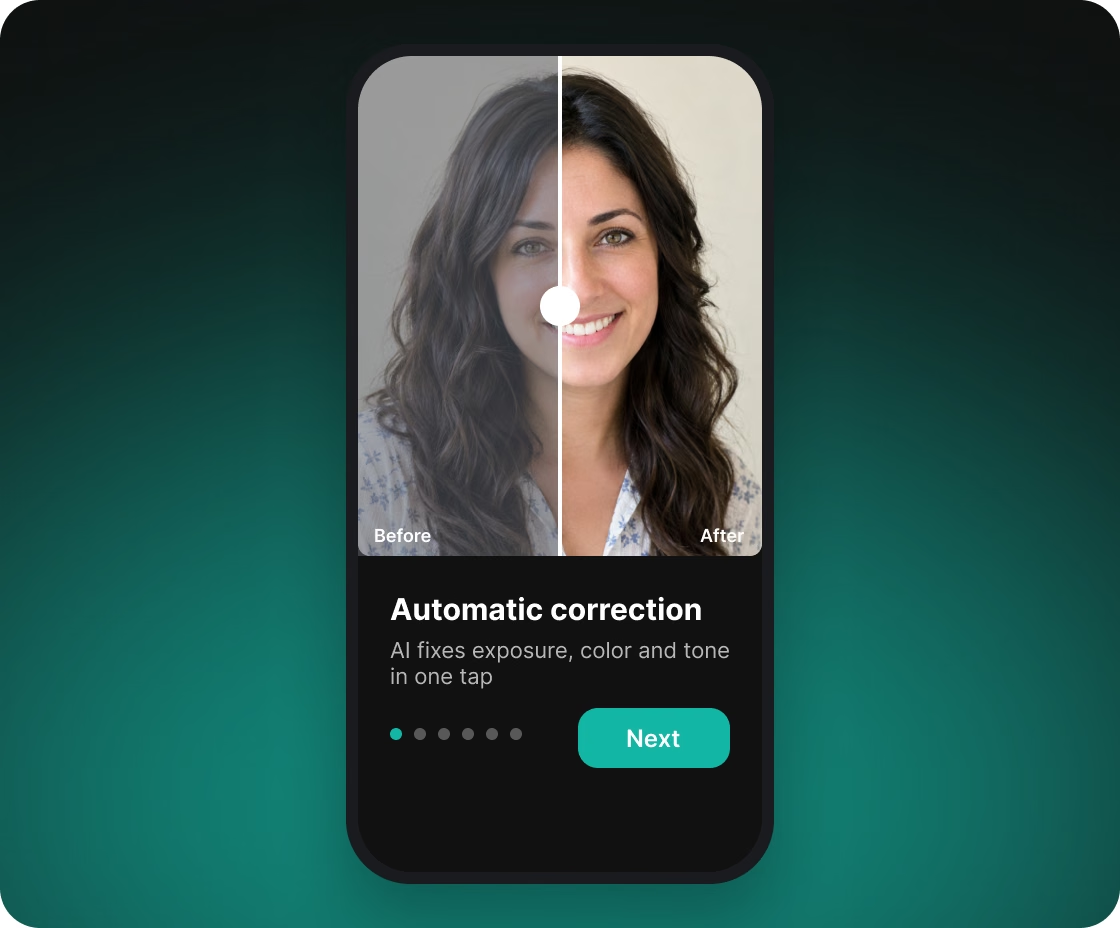
A six-step introduction explains automatic correction, Beautify, LOOKs and sharpening with animated examples and a before-and-after slider, then asks for camera and storage permissions.
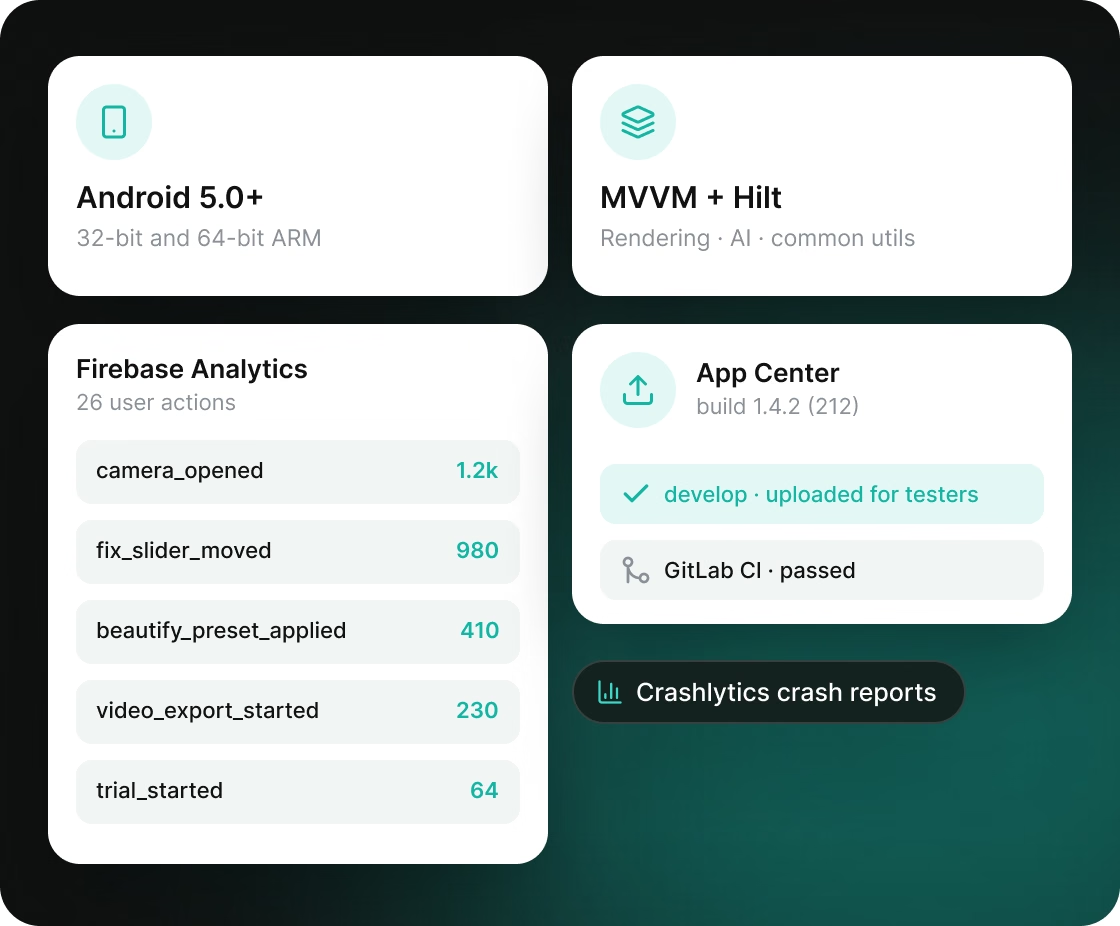
The app runs on Android 5.0 and later, on 32-bit and 64-bit ARM devices. The code follows MVVM with Hilt dependency injection, and rendering, AI processing and common utilities are separate modules.
Firebase Analytics records 26 user actions, from opening the camera and moving the Fix slider to starting a trial, and Crashlytics collects crash reports. Each commit to the development branch is built in GitLab CI and uploaded to App Center for testers.

You get a realistic estimate, technical recommendations and next steps. Free, no obligations.