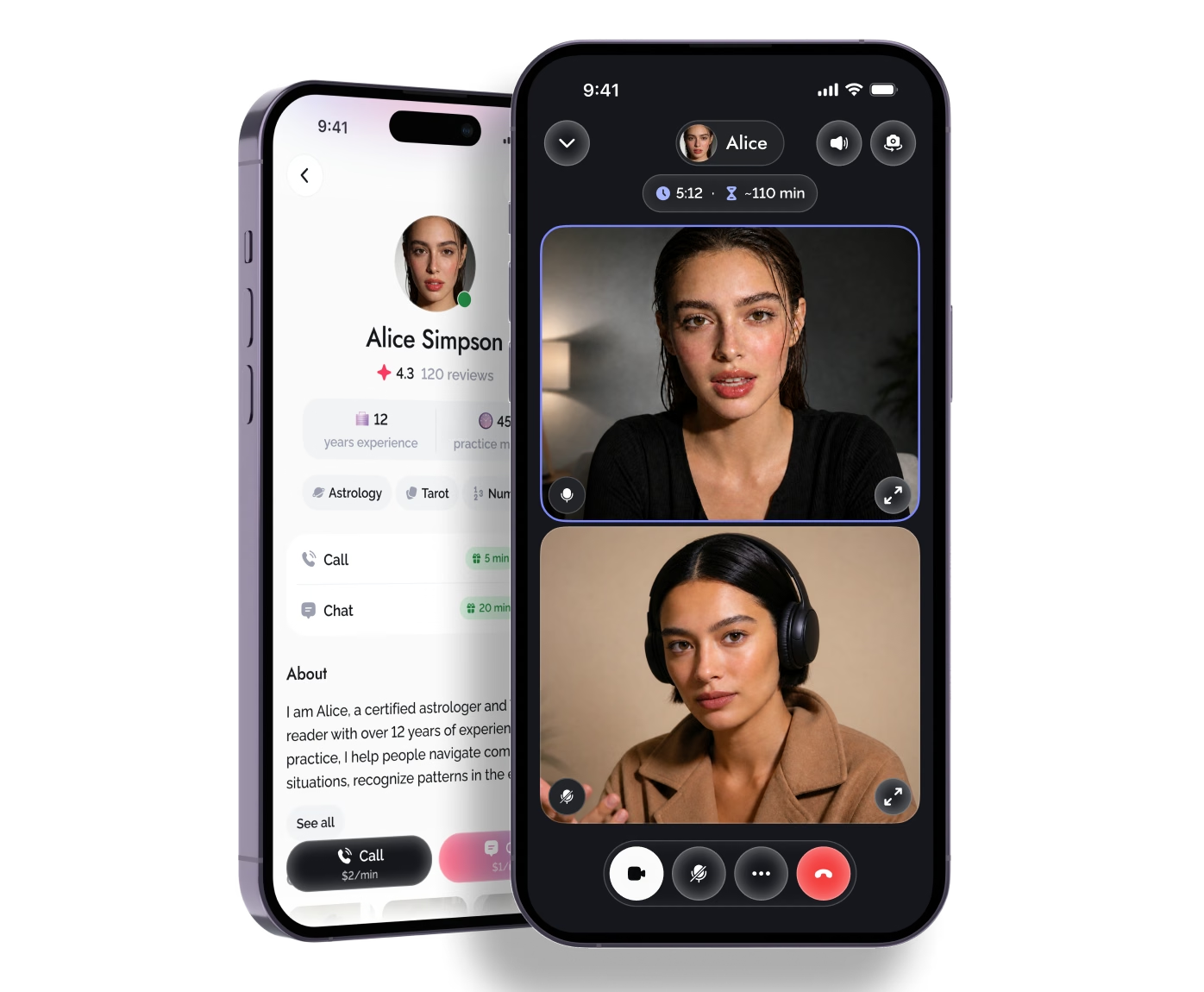
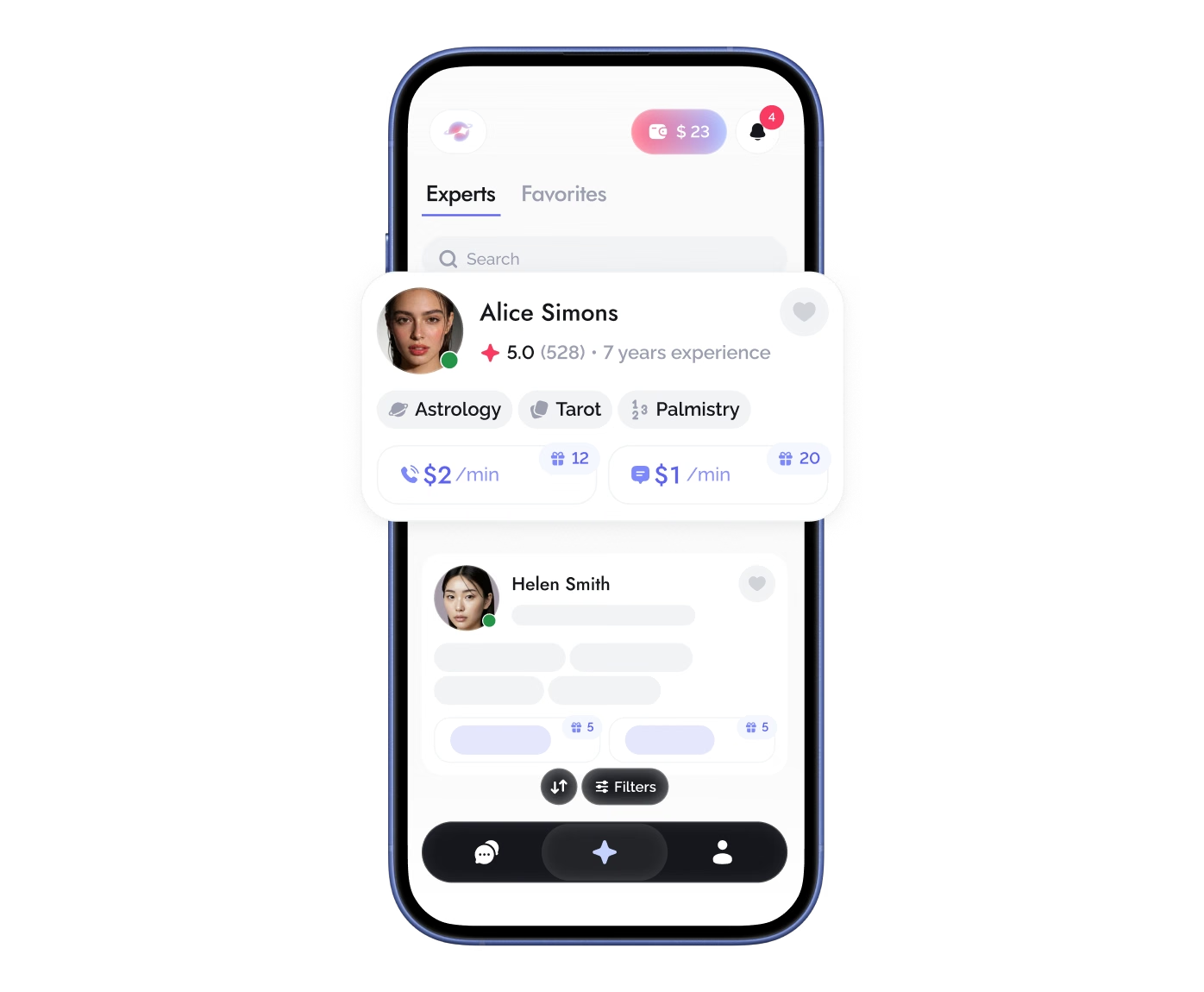
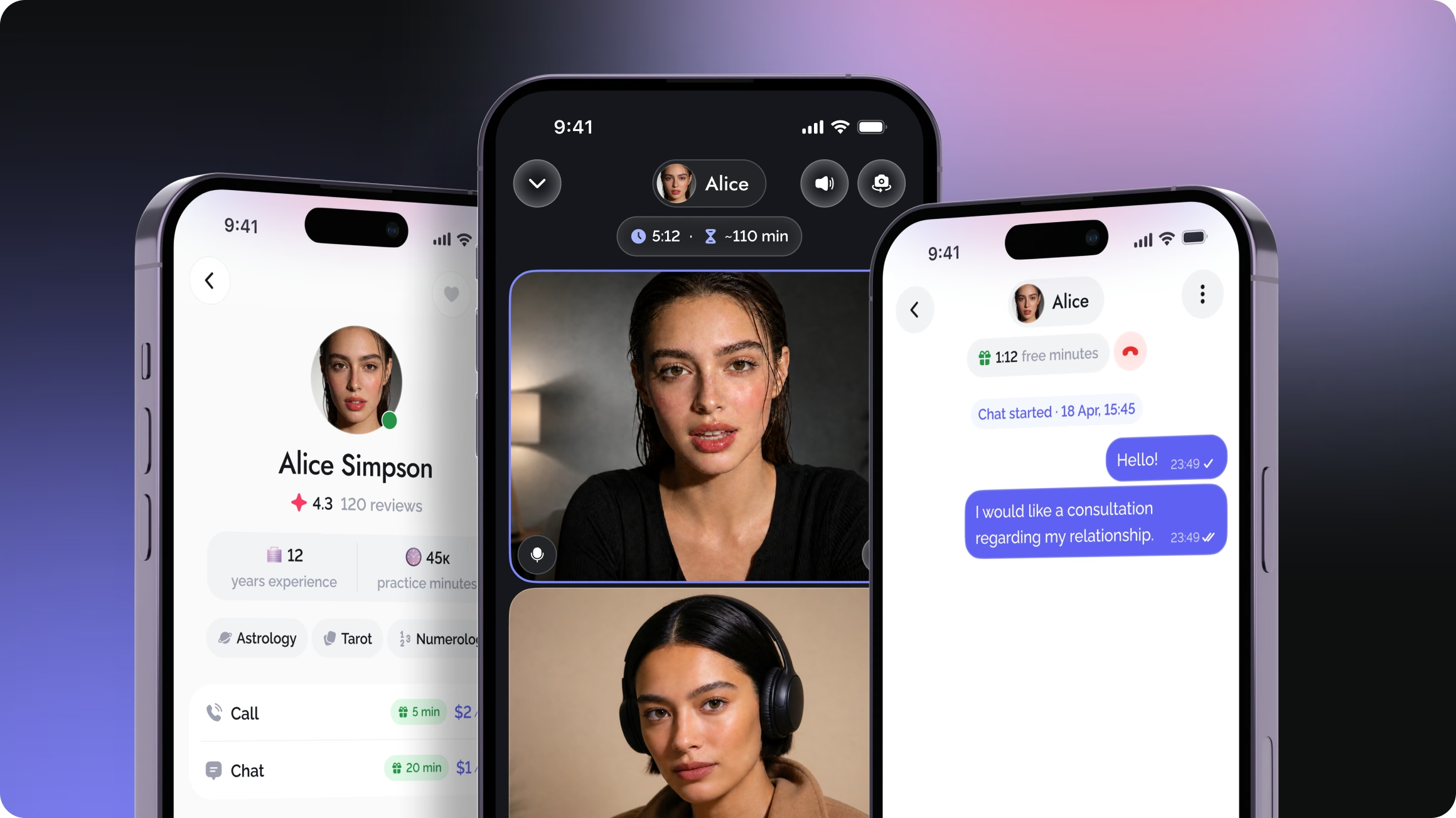

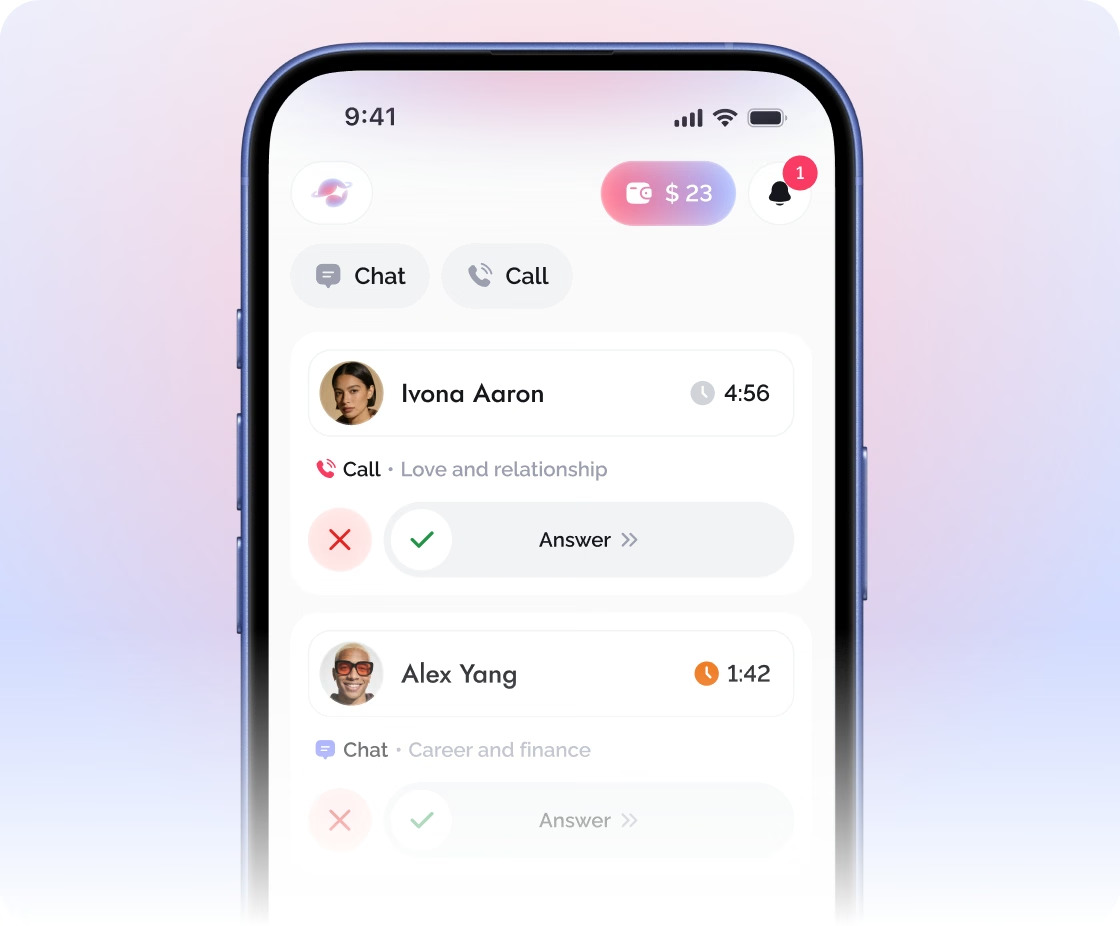
A consultation is one conversation between a client and an expert, in chat or by video. Until the expert accepts it, it is a request. A refund returns money for a consultation to the client's wallet, and a payout is an expert withdrawing earnings.
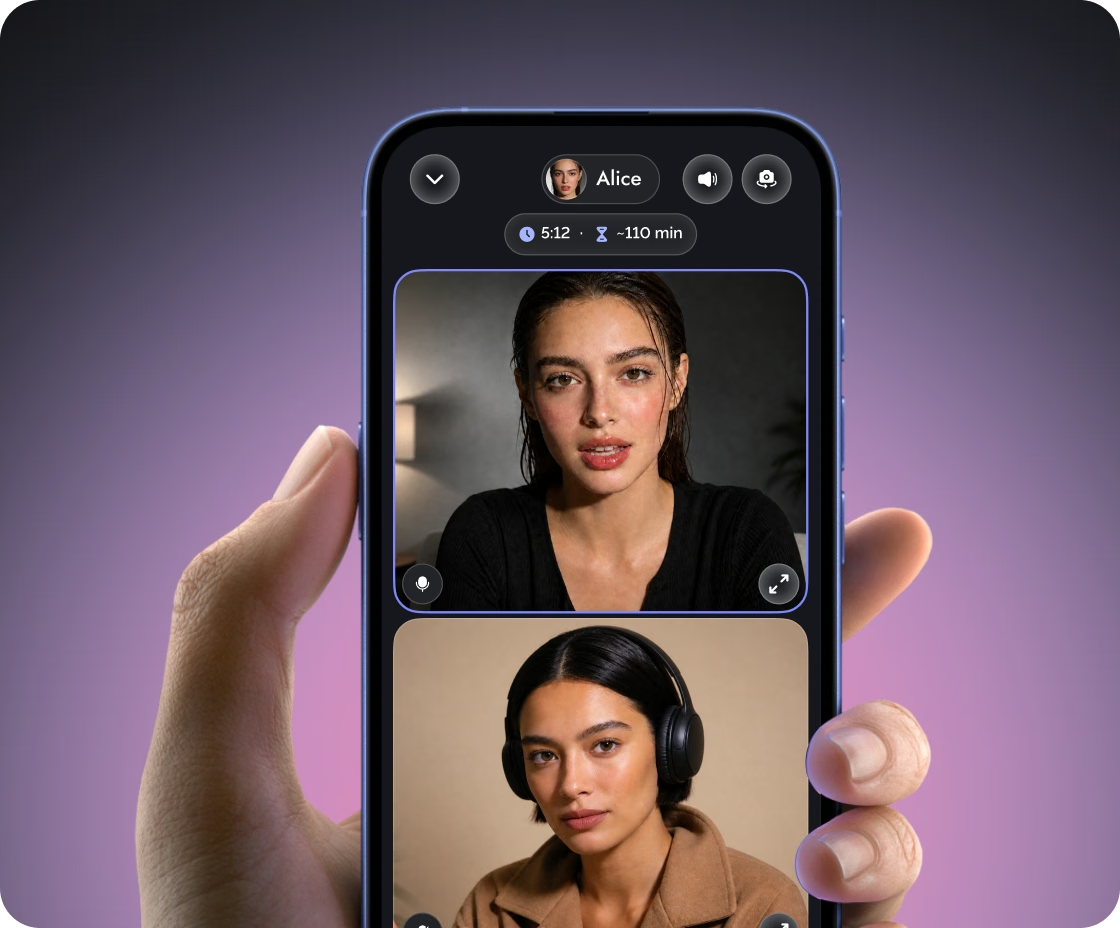
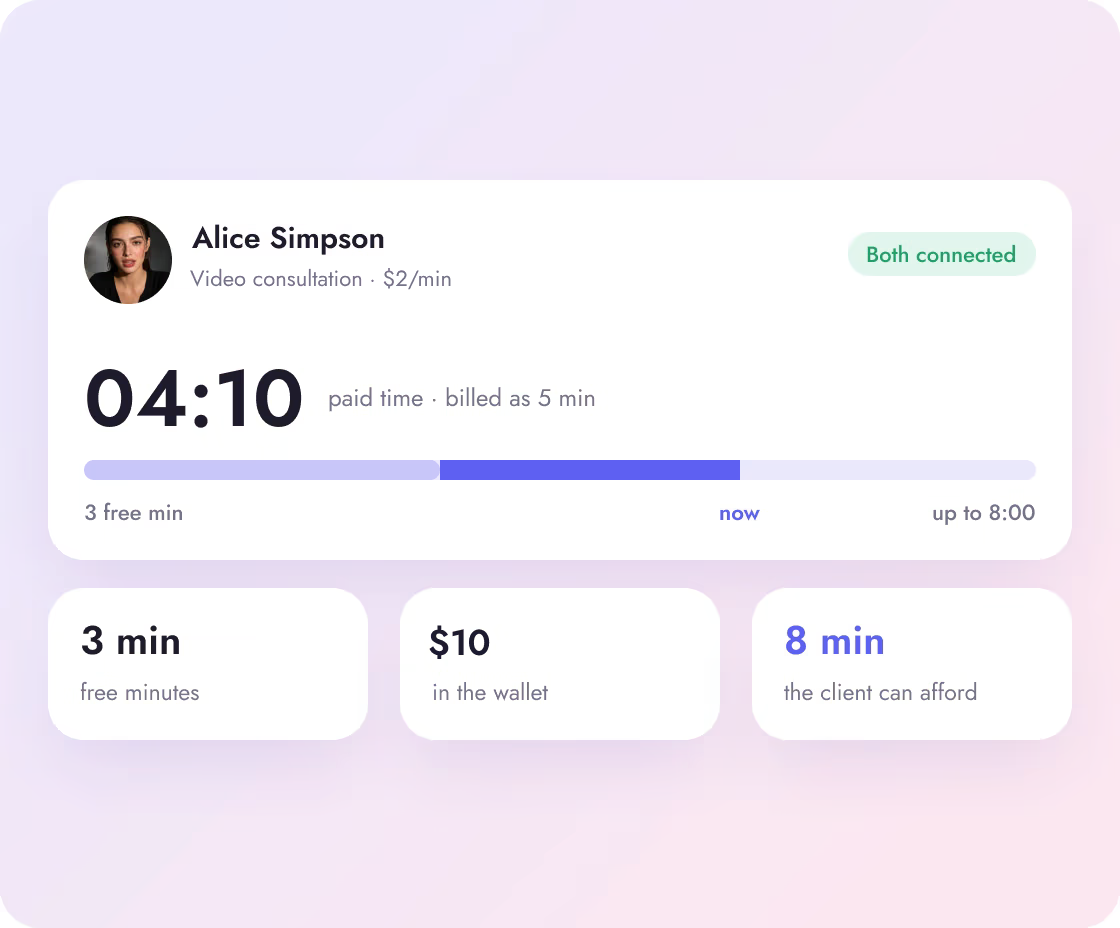
Clients are charged only for the minutes a consultation is live, so nobody pays for a dropped connection.
The meter starts when both sides are present. In a chat consultation that means both are online after the expert accepts the request. In a video consultation the server waits until both have started sending video or sound, and does not start at the moment the expert taps Accept.
At the start the server calculates how long the client can afford to talk, counting the free minutes, the wallet balance, and the expert's rate, and schedules the end of the consultation for that moment. When it ends, the charge to the client and the expert's pending earnings are recorded in one database transaction, and the server rejects a second attempt to finish and charge the same consultation.
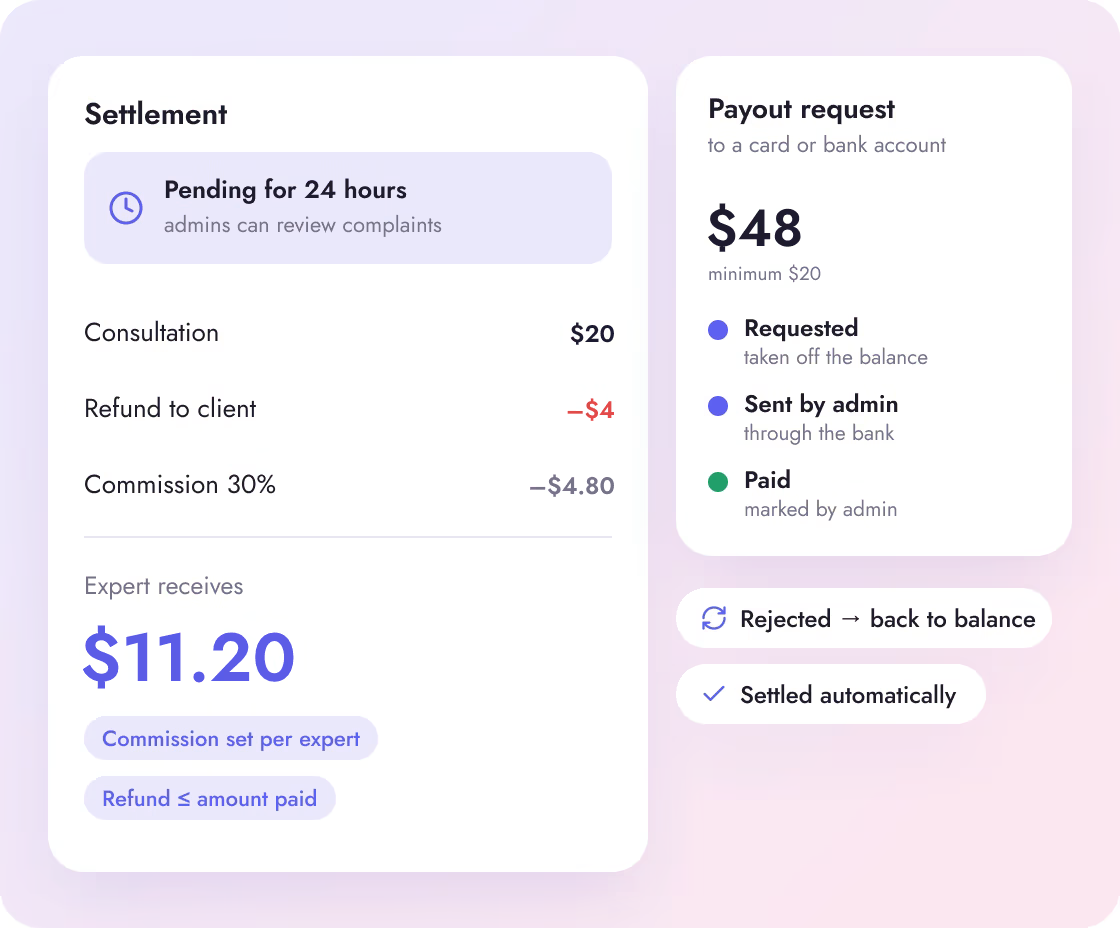
The server calculates what each expert has earned and leaves the owner time to deal with complaints before the money is released.
The server checks a refund and changes the refunded amount in one atomic operation. It rejects a refund that would exceed what the client paid, a second refund sent at the same moment if the two together exceed the payment, and a refund for a consultation that has already been settled.
An expert can ask for a payout to a card or a bank account once the balance reaches the minimum amount. The amount is taken off the expert's balance as soon as the payout request is created. An admin sends the money through the bank and marks the request as paid. If the admin rejects the request, the amount goes back to the balance.
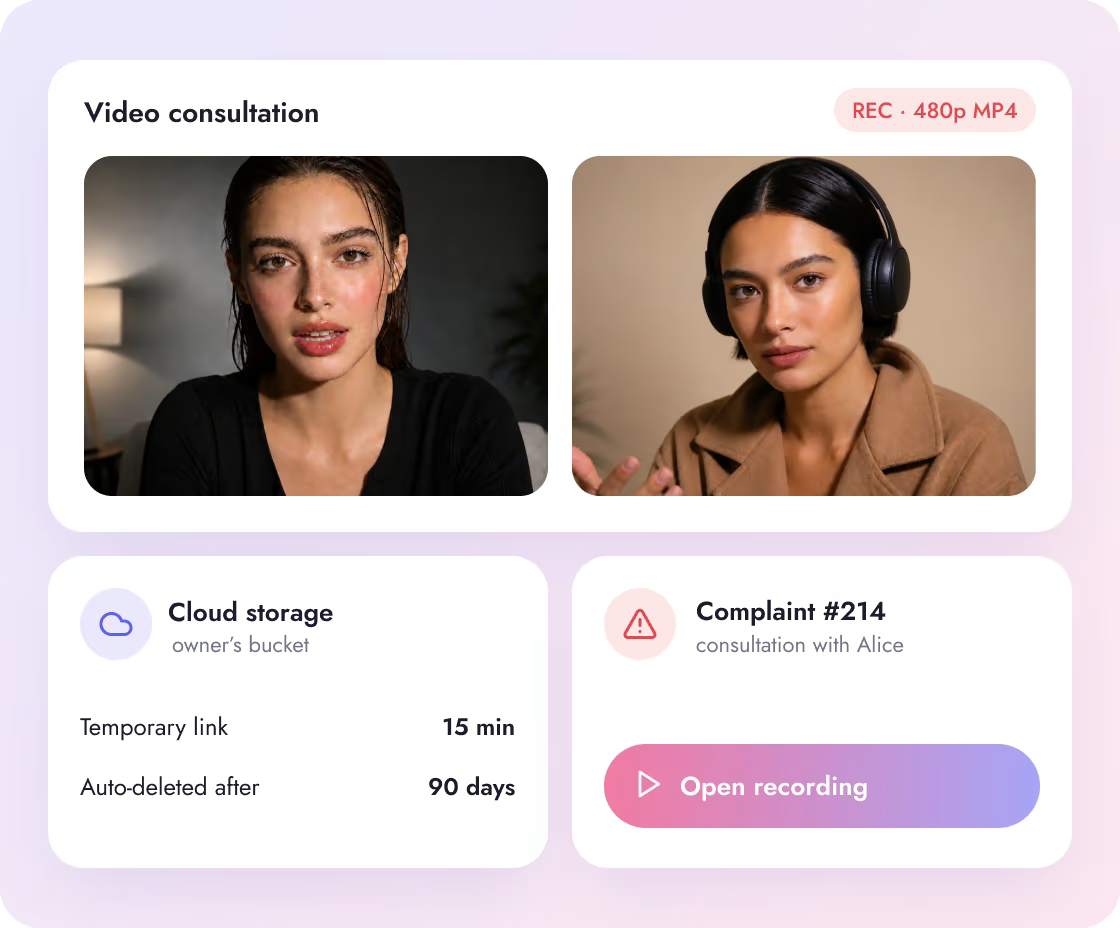
Video runs on a LiveKit server deployed together with the rest of the platform instead of a third-party cloud video service, so the video traffic goes through a server the owner controls. Video consultations work in the Android app and in the browser.
A video consultation can be recorded: the server combines the client's and the expert's video into one 480p MP4 file and saves it to the owner's cloud storage bucket. Admins use the recordings to review complaints.
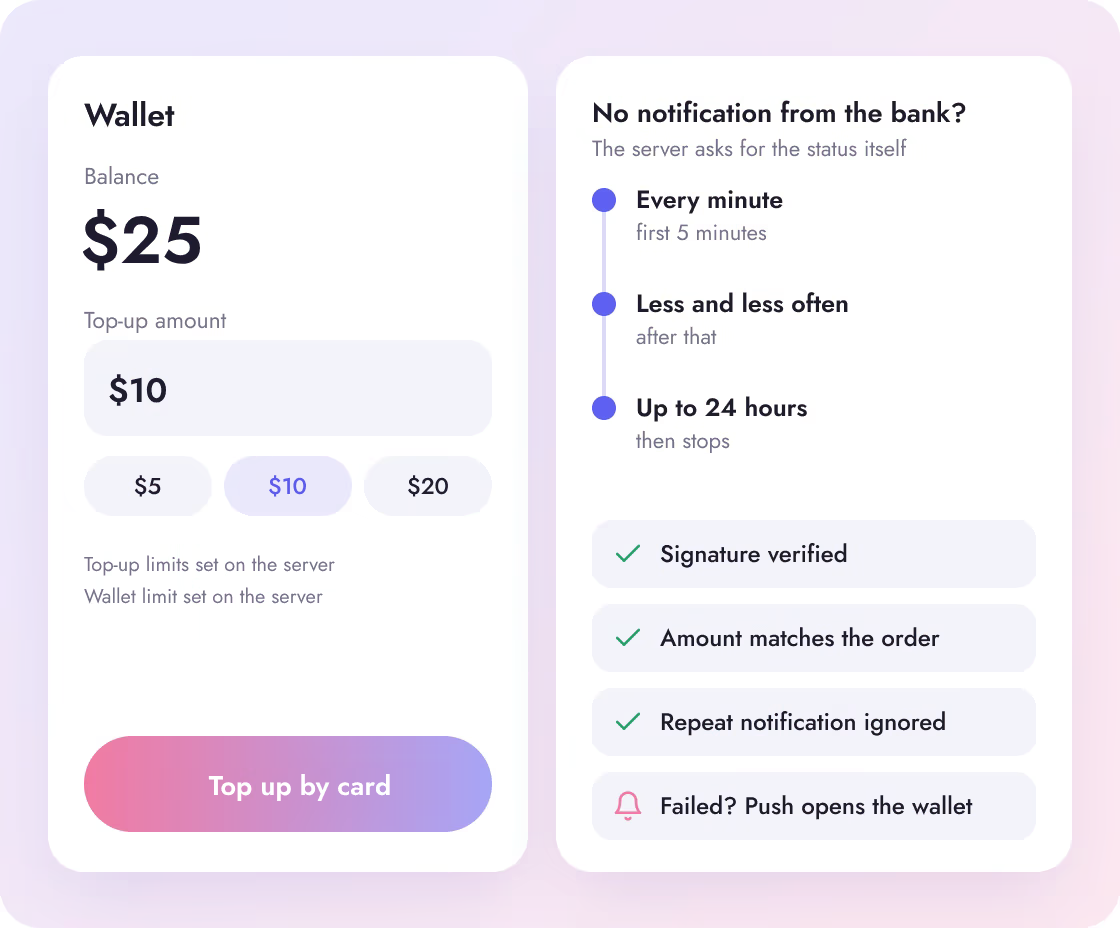
A client's payment reaches the wallet even when the bank's notification is late or does not arrive.
The minimum and maximum top-up and the wallet limit are server configuration values and can be changed without touching the code.
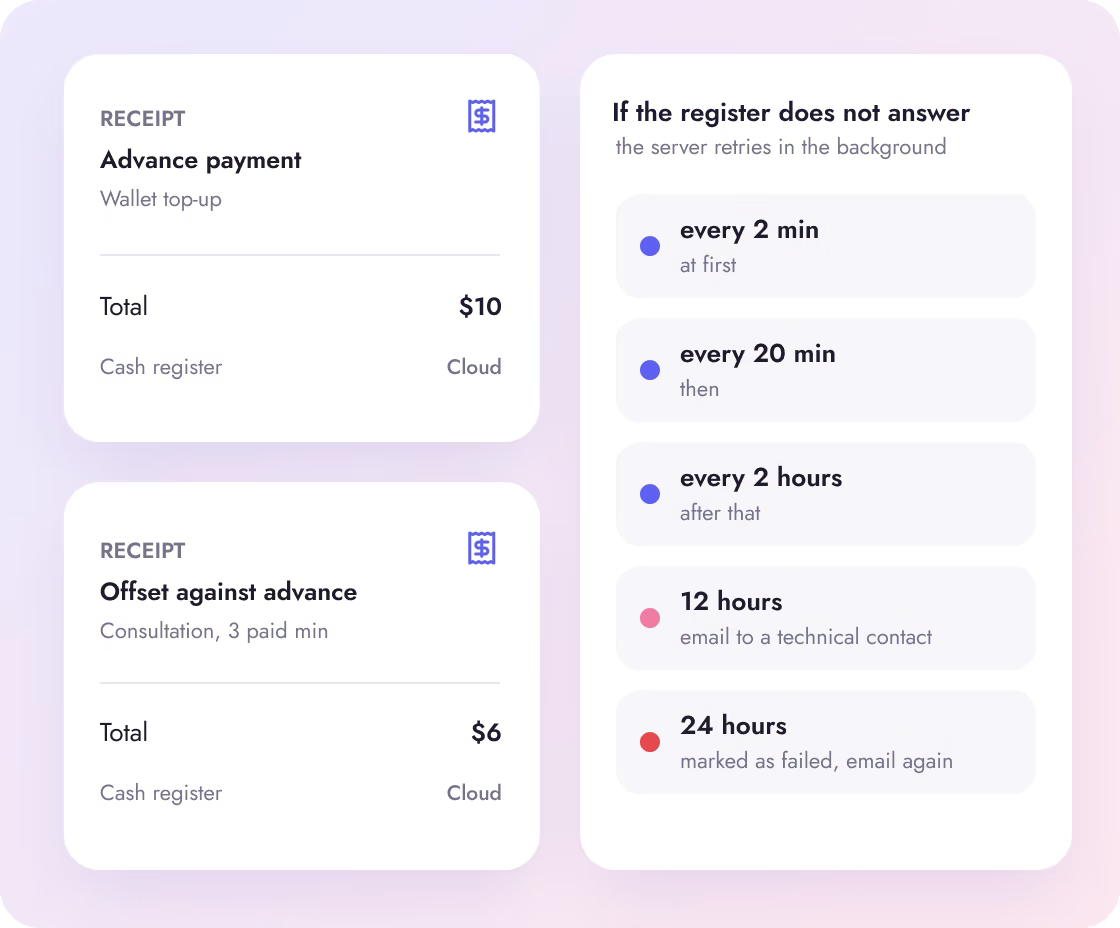
Local law requires online receipts for payments. The platform issues them for wallet top-ups and paid consultations through a cloud cash register.
A wallet top-up produces a receipt for an advance payment. A paid consultation produces a receipt for the amount actually charged, offset against that advance. A consultation that used only free minutes produces no receipt. Receipts are sent in the background after the money has already been credited or charged, so the client does not wait for the cash register.
If the cash register does not answer, the server retries: every 2 minutes at first, then every 20 minutes, then every 2 hours. After 12 hours of failures it emails a technical contact. After 24 hours, or if the cash register rejects the receipt outright, the server stops, marks the receipt as failed, and emails the contact again so that a person can deal with it.
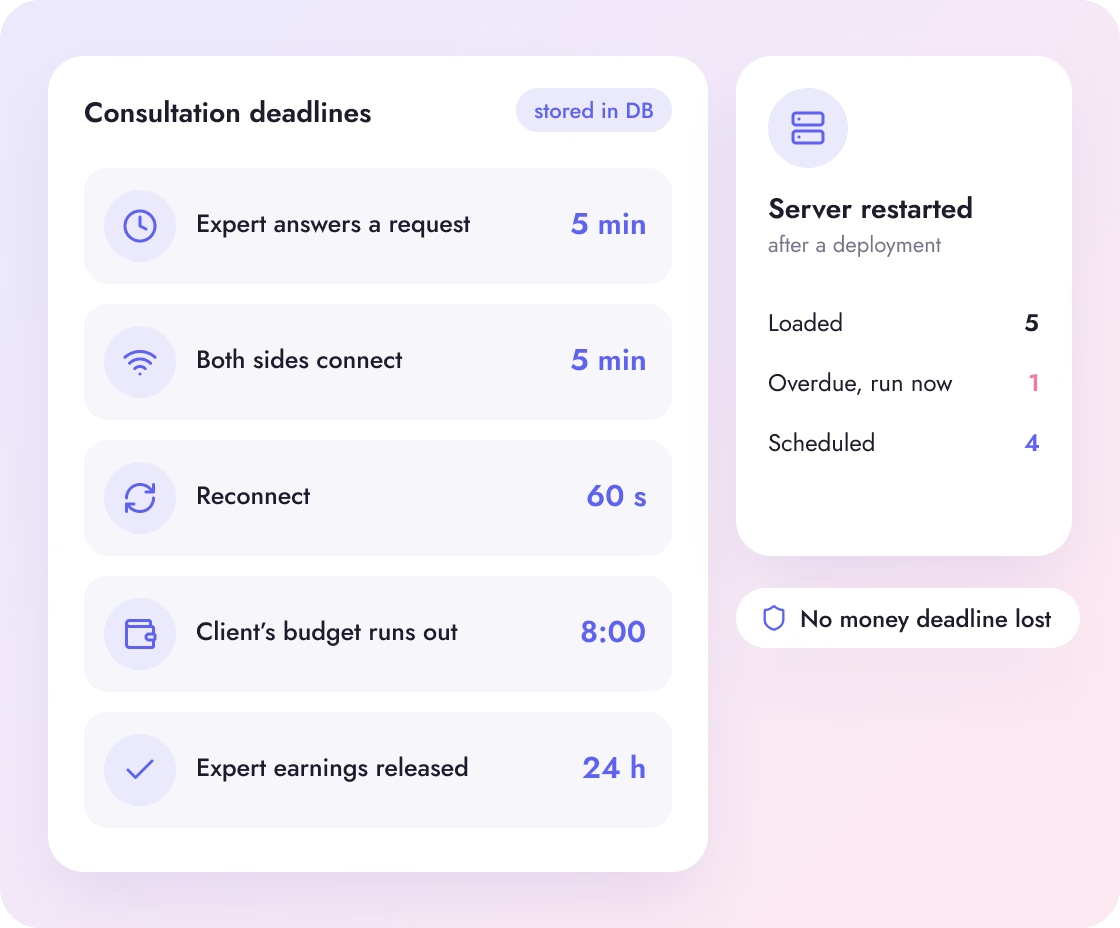
A deployment or a crash in the middle of a consultation does not lose the deadlines that money depends on.
A consultation has several deadlines, including the ones from section 1:
Each deadline is stored in the database. When the server starts, it loads the pending deadlines, runs the overdue ones immediately, and schedules the rest.
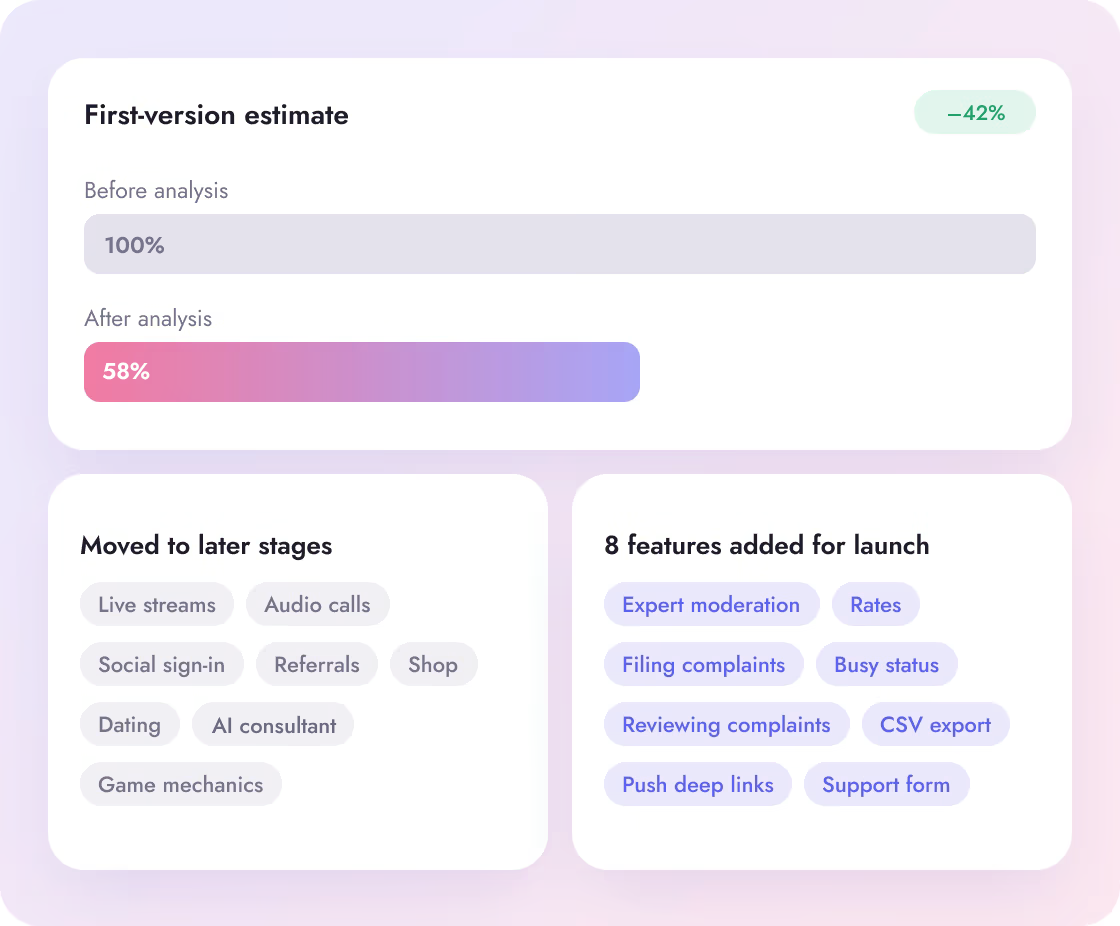
Before development we reviewed the requirements, drew wireframes, and agreed a product requirements document with the owner, so the first release contained what the business needed to start earning.
Live streams, audio calls, social sign-in, a referral program, a shop, dating, an AI consultant, and game mechanics were moved to later stages. The preliminary estimate went down by 42%.
We also found eight features that were missing from the original estimate and that the business needed at launch: expert moderation, rate management, filing complaints, reviewing complaints, opening the right screen from a push notification, a support form, CSV export, and catalog sorting with a Busy status.
An expert or a client can switch to another app during a video consultation without dropping the call, as they would in a messenger.
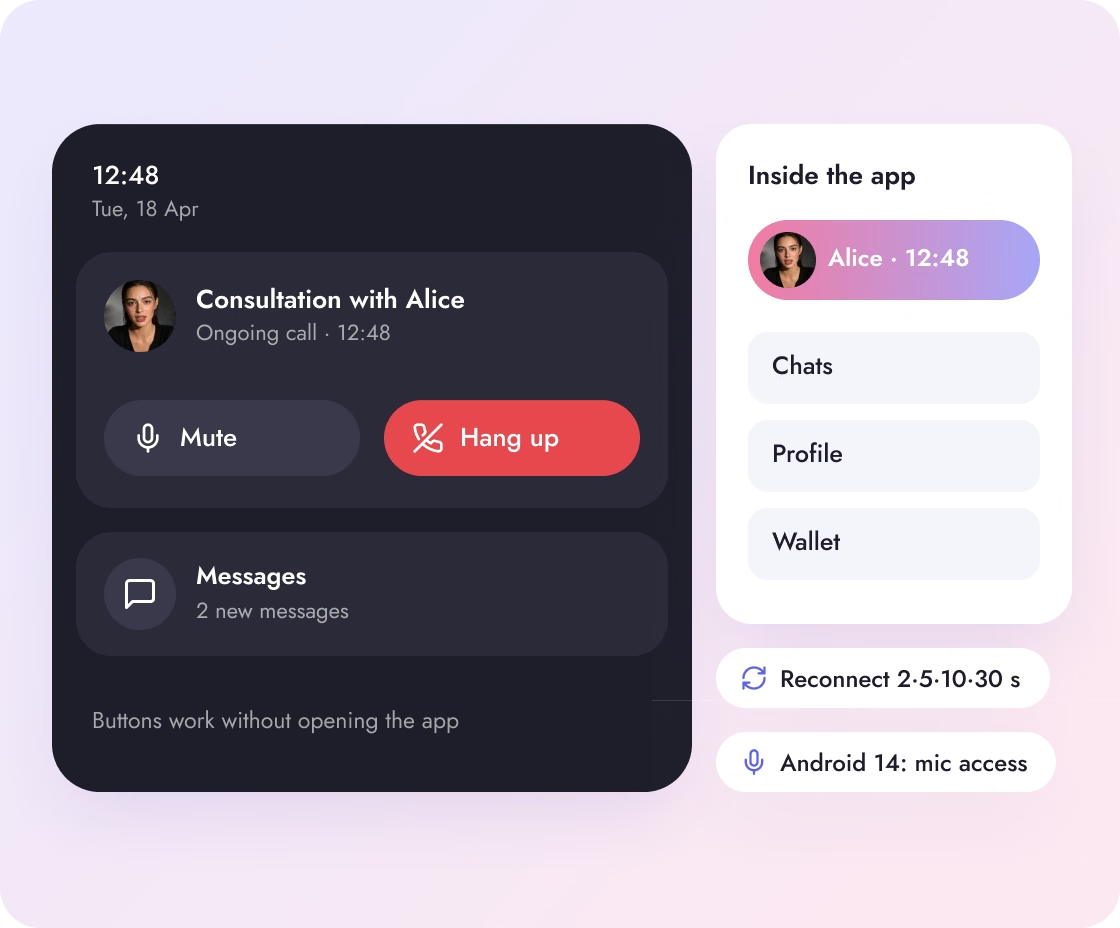
For Android we wrote a native module in Kotlin. During a video consultation the notification shade shows an ongoing-call notification with buttons to mute the microphone and to hang up. The buttons work without opening the app, and a tap on the notification returns to the call screen. Inside the app, the call can be minimized to a small bar with a timer while the person looks at chats or the profile.
We handled two device-specific problems. On Android 14 and later the app asks for microphone access in advance, because otherwise the system refuses to keep the call running in the background. On Samsung phones in dark theme the text of the notification buttons blended into the background, so the module sets its color explicitly.
If the video connection drops, the app reconnects by itself after 2, 5, 10, and then 30 seconds.
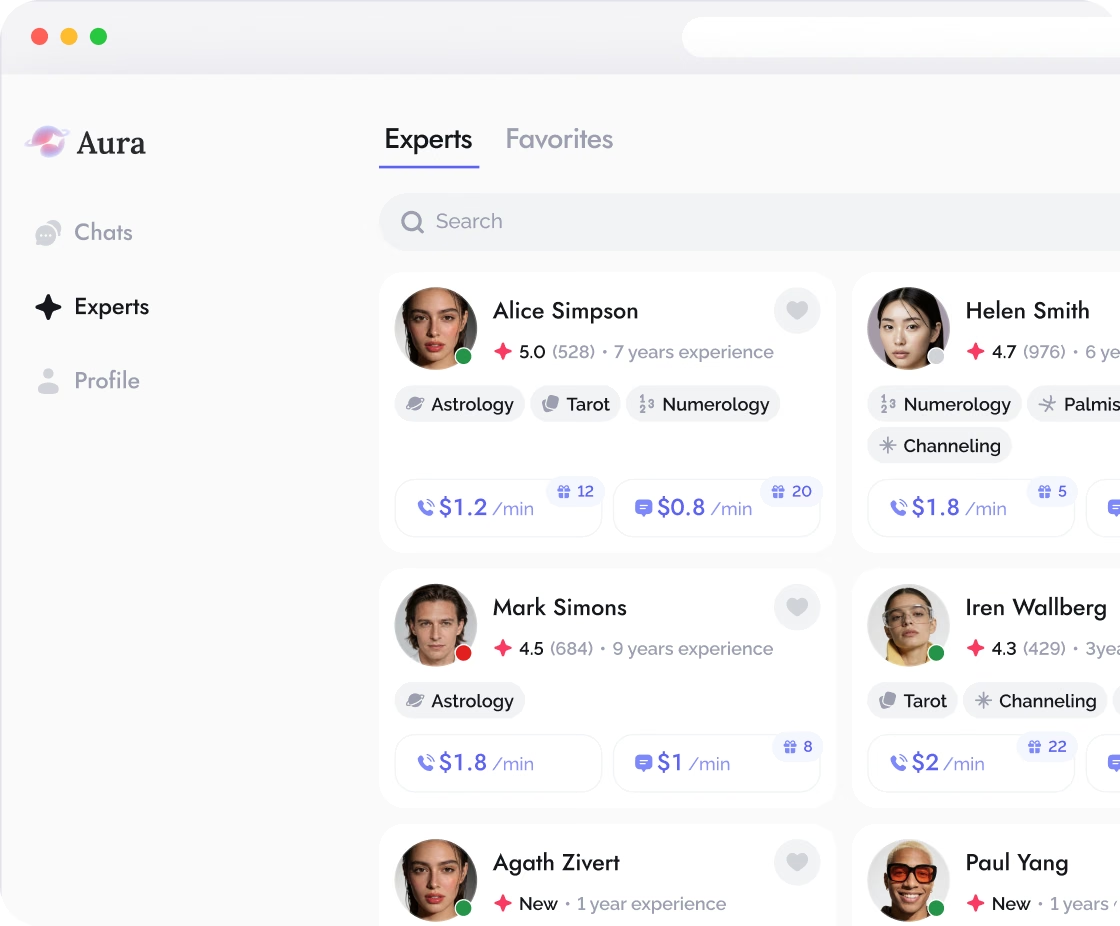
A client can keep the app and the web version open together and continue on whichever device is at hand.
The client counts as online while at least one device is connected, and updates are delivered to all of them. Video needed the most care: when a call is started on one device, the other does not take it over and shows "Call on another device". If both devices try to join at almost the same moment, the server lets only one of them into the call.
Clients and experts see what happens in a consultation without refreshing the screen.
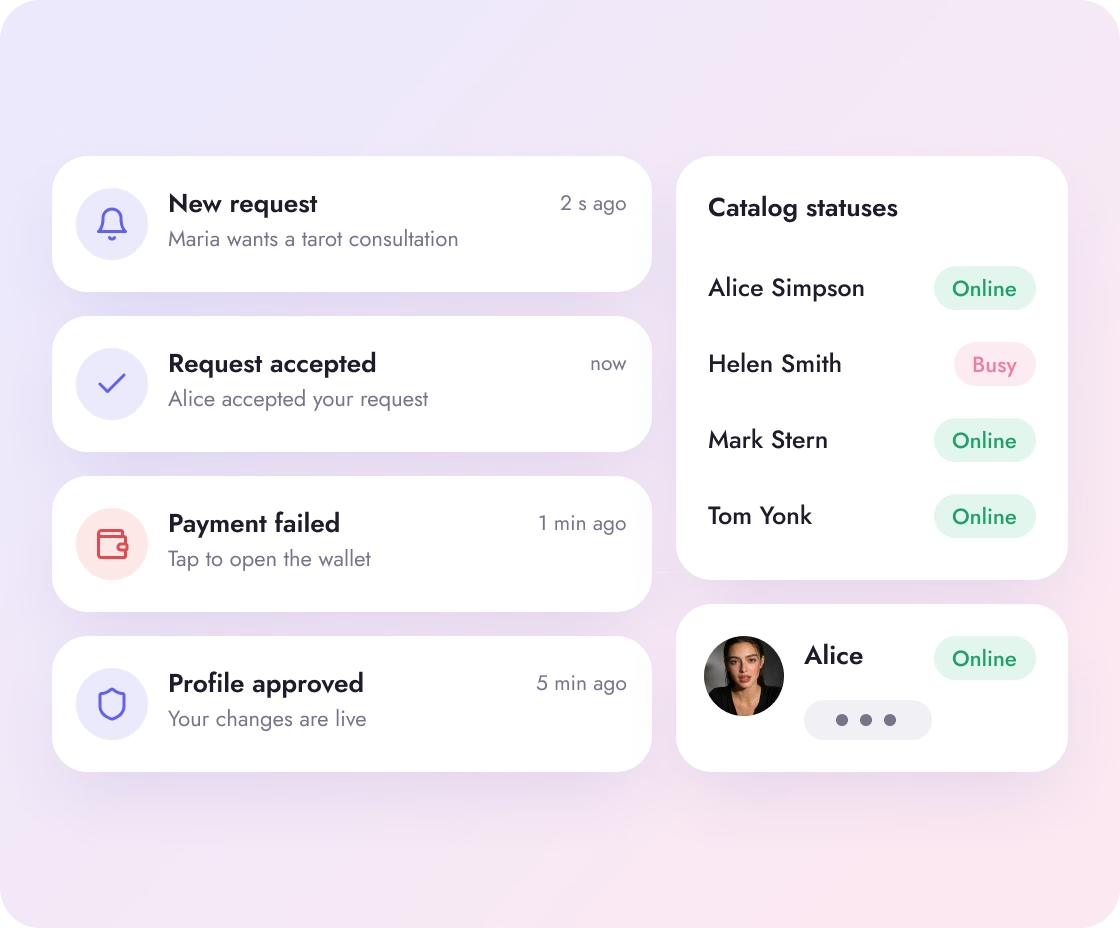
New requests, consultation status changes, messages, read marks, typing indicators, the wallet balance, payment statuses, and moderation results arrive on the devices as they happen. These updates go through a separate real-time service that receives them from the server over a message queue. In the catalog, an expert's Online and Busy statuses change live. The consultation timer in the app is aligned with the server's clock, so the client and the expert see the same time.
A push notification opens the screen it is about: the request, the chat, or the wallet. If the app is open, an in-app notification appears instead of a system one.
A message appears in the chat at once, before the server confirms it, and the sender can retry one that failed. History loads in pages, and a message can carry up to 7 images or documents.
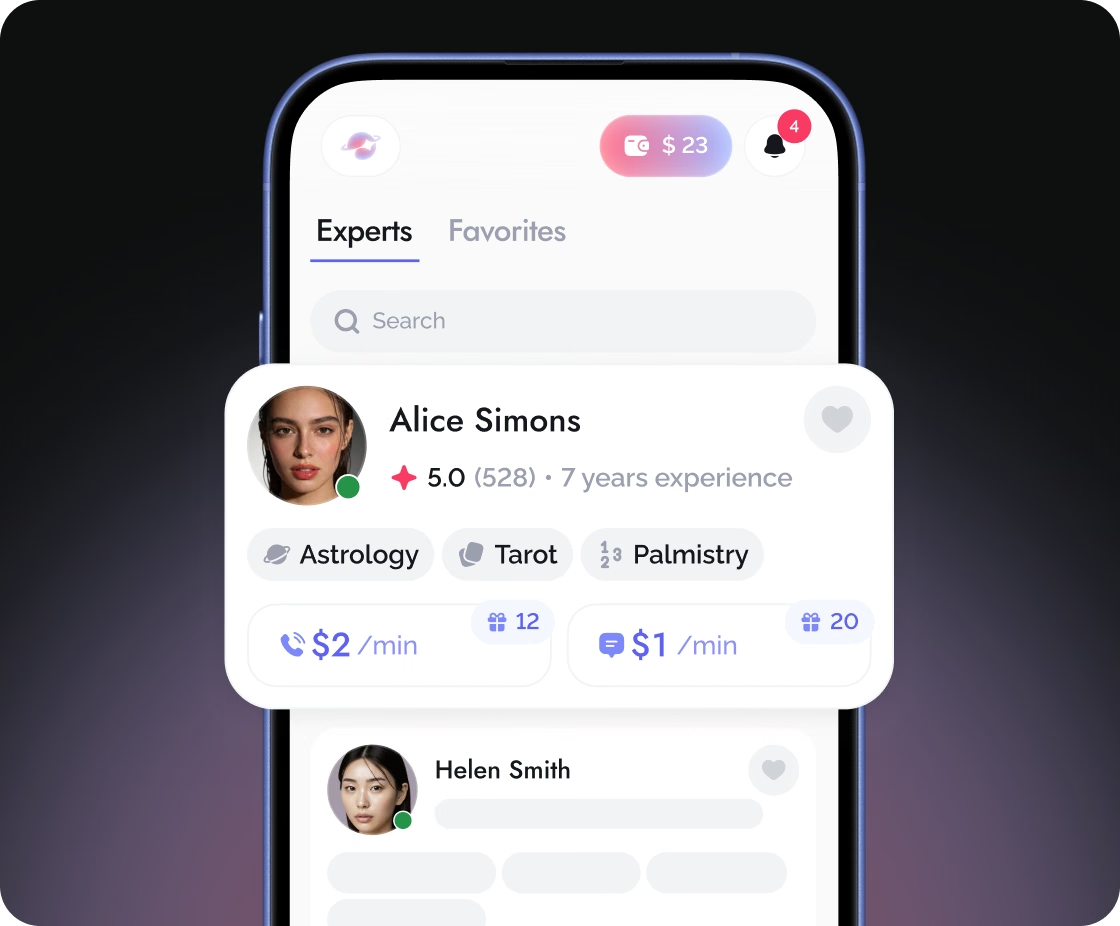
When the catalog is sorted by popularity, new experts with a couple of reviews do not push proven ones off the top.
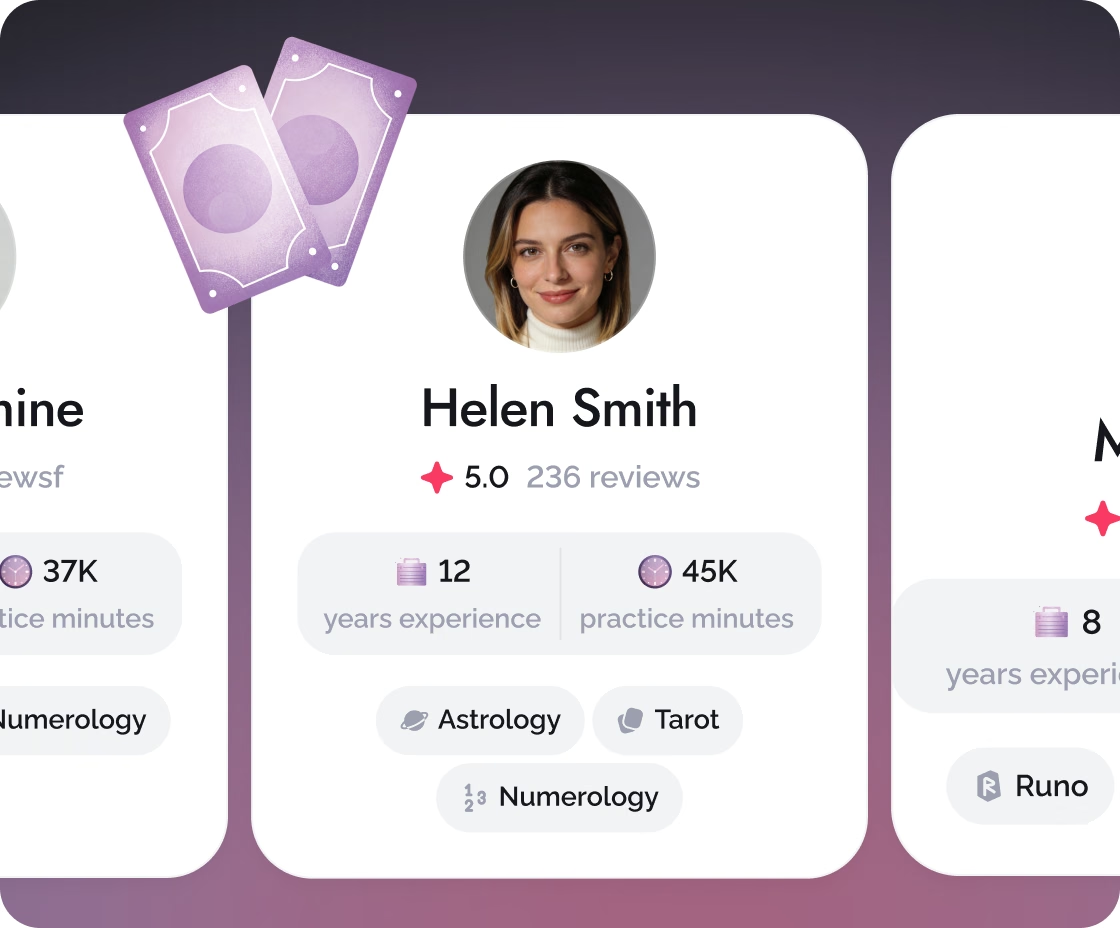
Clients filter experts by gender, practice, and topic, search by the expert's display name, save favorites, and sort by rating, experience, price, or popularity.
Popularity is a weighted rating of the kind film sites use. An expert's score is pulled toward the average rating in the current filter, and the fewer reviews the expert has, the stronger the pull. With an average of 4.5, an expert with one five-star review scores about 4.55, and an expert with 40 reviews averaging 4.8 scores 4.74.
The catalog and the profile show whether the expert is online or busy with another consultation, and the expert's card shows the free minutes this client would get with that expert.
When a request comes in, the expert sees the client's date, time, and place of birth before accepting it. The client picks the place of birth from city suggestions, so the expert does not have to ask again in chat.
Unreviewed texts and photos do not reach clients, and an approved expert keeps working while changes wait for review.
An expert signs up through a six-step form: name, gender, practices, a description, photos, and contacts. The form goes to the moderation queue, and the result arrives as a push notification and appears in the app at once. After approval, edits to the name, description, practices, topics, and photos go to moderation again, and until an admin decides, clients see the previously approved version.
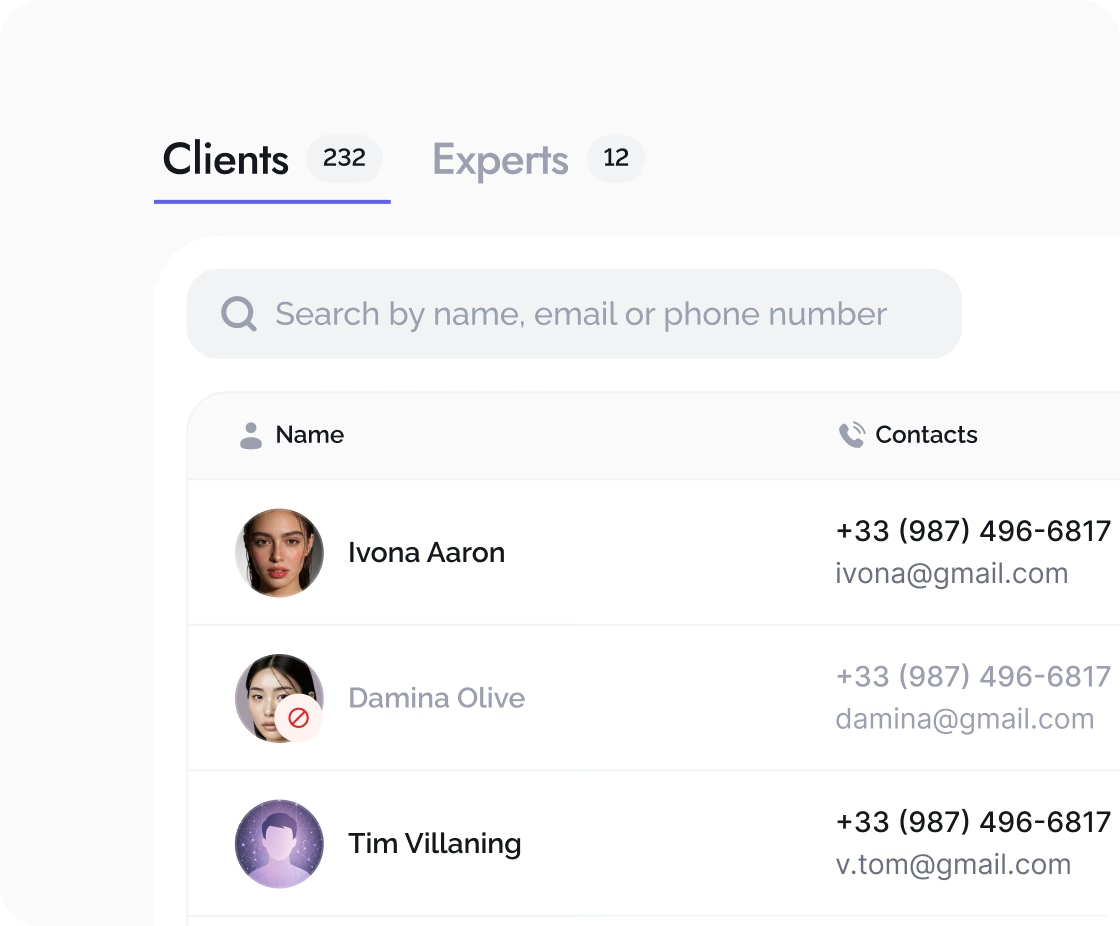
The owner's staff run the marketplace from a browser. Moderation, rates, commissions, free minutes, refunds, and payout requests are described above. The admin panel also covers the rest of daily operations:
Clients and experts can write to support through a form in the app, and the reply comes by email.
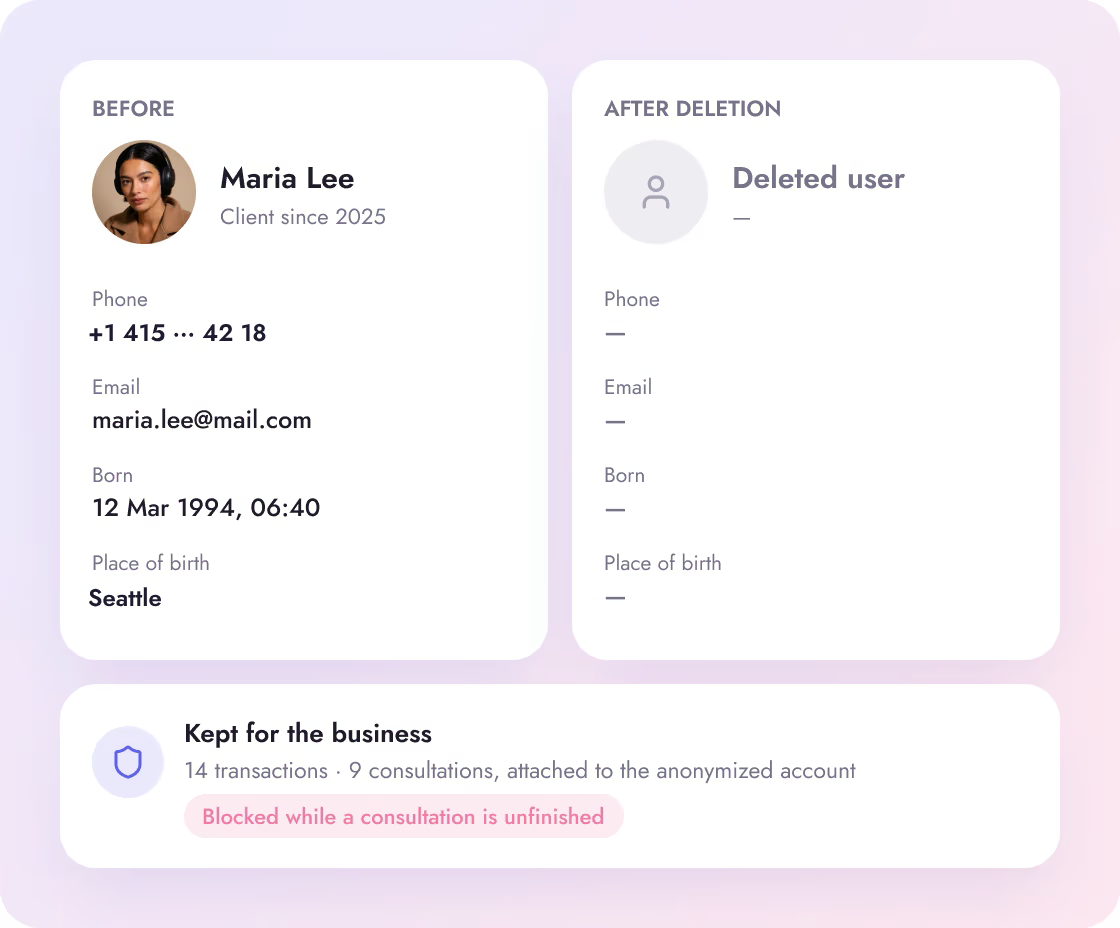
Account deletion was designed with personal data law in mind: personal data is cleared, and the financial records the business has to keep stay.
When a client or an expert deletes an account, the server anonymizes the profile: it clears the name, phone, email, the link to the photo, and the date, time, and place of birth. Financial records and consultation history stay, attached to the anonymized account. An account cannot be deleted while it has an unfinished consultation.
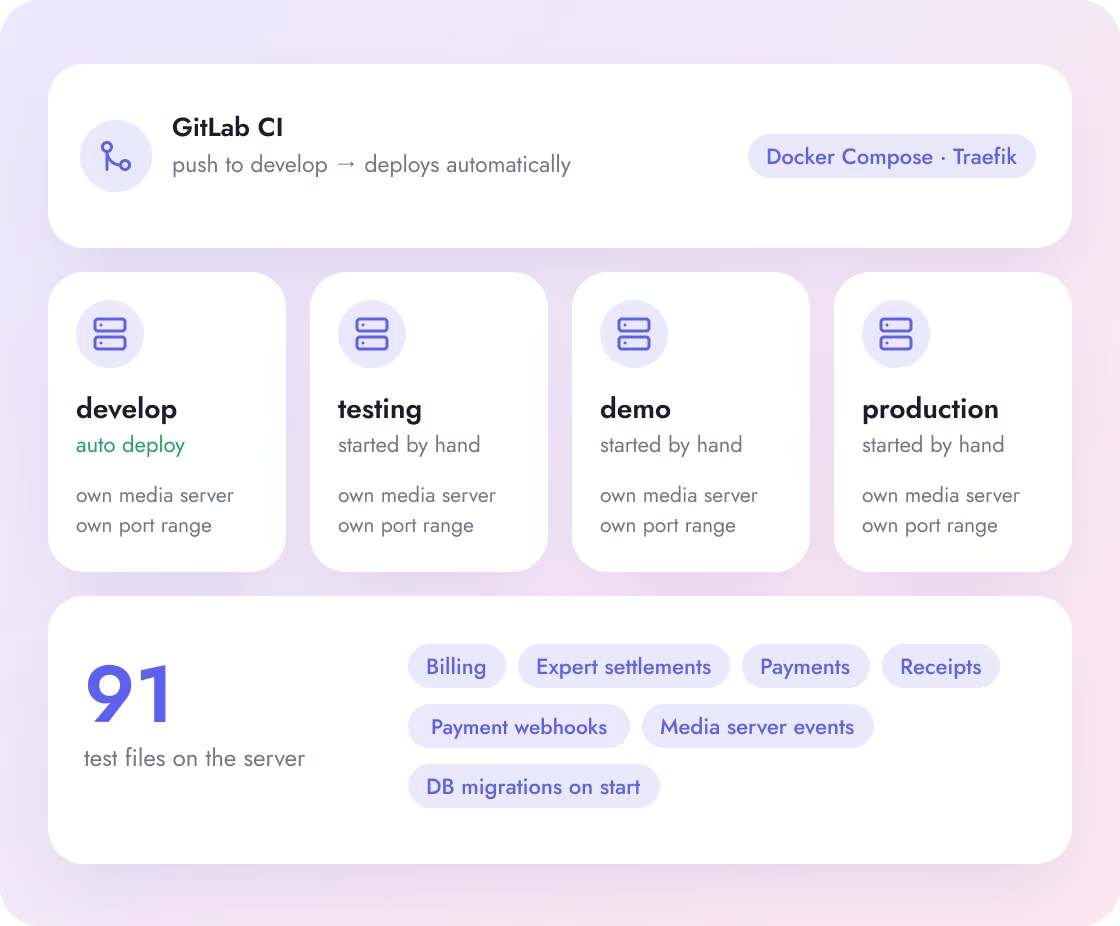
The team can test a change in a separate environment and release it from GitLab CI without logging in to the server.
The platform is deployed with Docker Compose, and Traefik receives incoming traffic. Besides production there are three test environments: develop, testing, and demo. Each has its own media server with its own port range, so the environments run side by side. GitLab CI deploys the develop environment automatically after each change to the development branch, and deployments to testing, demo, and production are started by hand. Database changes are applied automatically when a new version of the server starts.
Automated tests (91 test files on the server) cover billing, expert settlements, payments, receipts, and the incoming notifications from the payment provider and the media server.
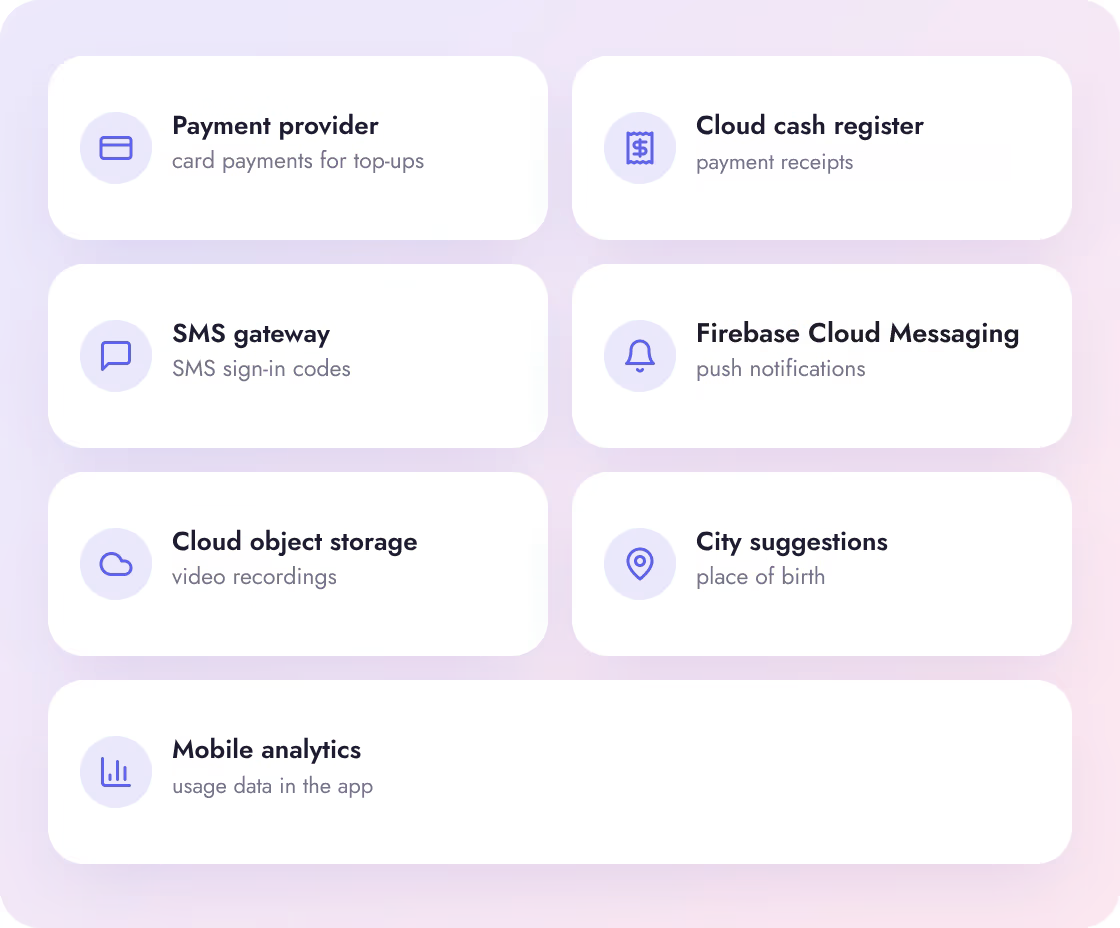
A payment provider accepts card payments for wallet top-ups. A cloud cash register issues payment receipts. An SMS gateway sends the codes that clients and experts sign in with: a code is valid for 5 minutes, and three wrong attempts block sign-in for that number for 10 minutes. Firebase Cloud Messaging delivers push notifications. Cloud object storage keeps the video recordings. A city suggestion service fills in the place of birth. A mobile analytics service collects usage data in the app.

You get a realistic estimate, technical recommendations and next steps. Free, no obligations.