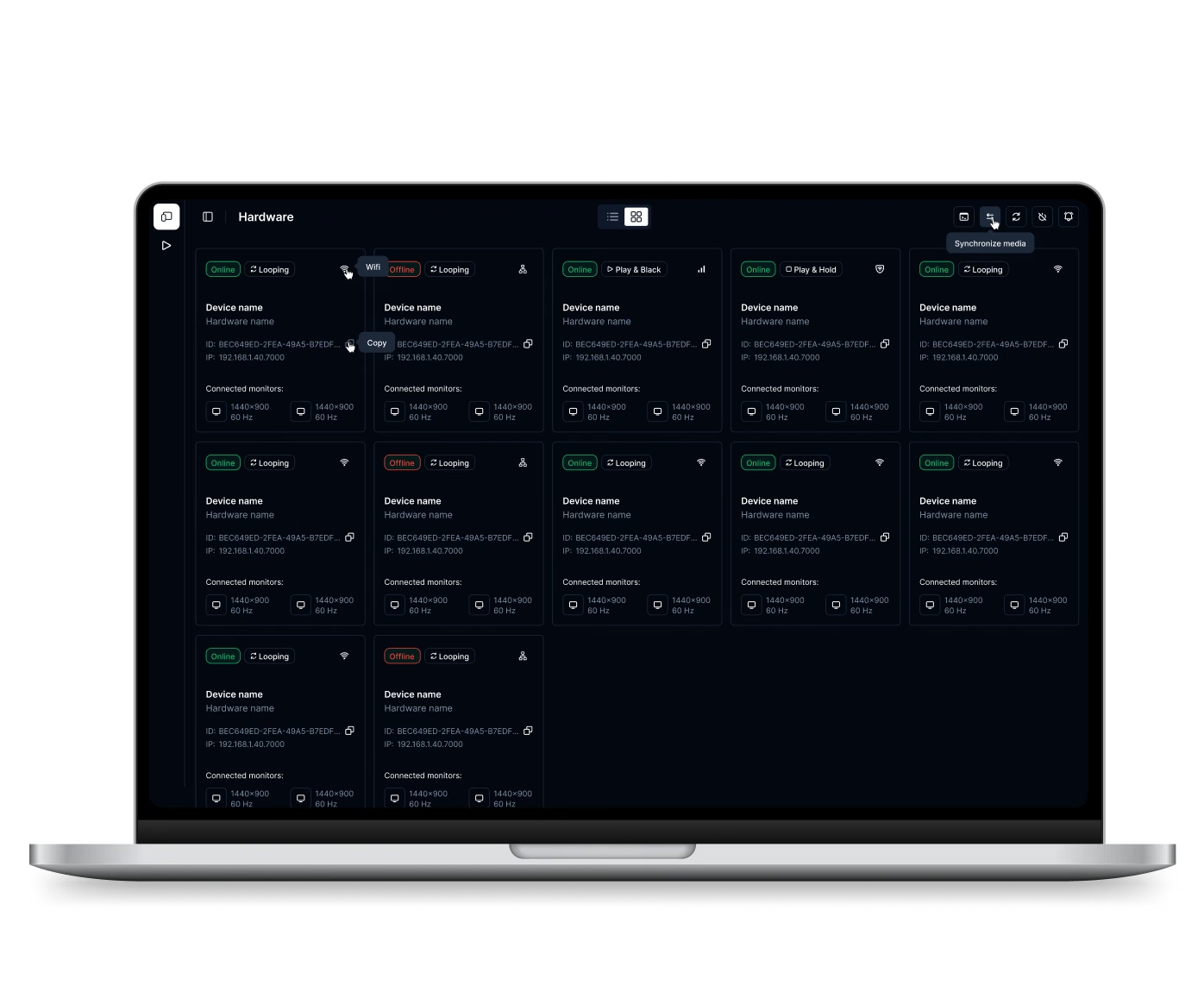
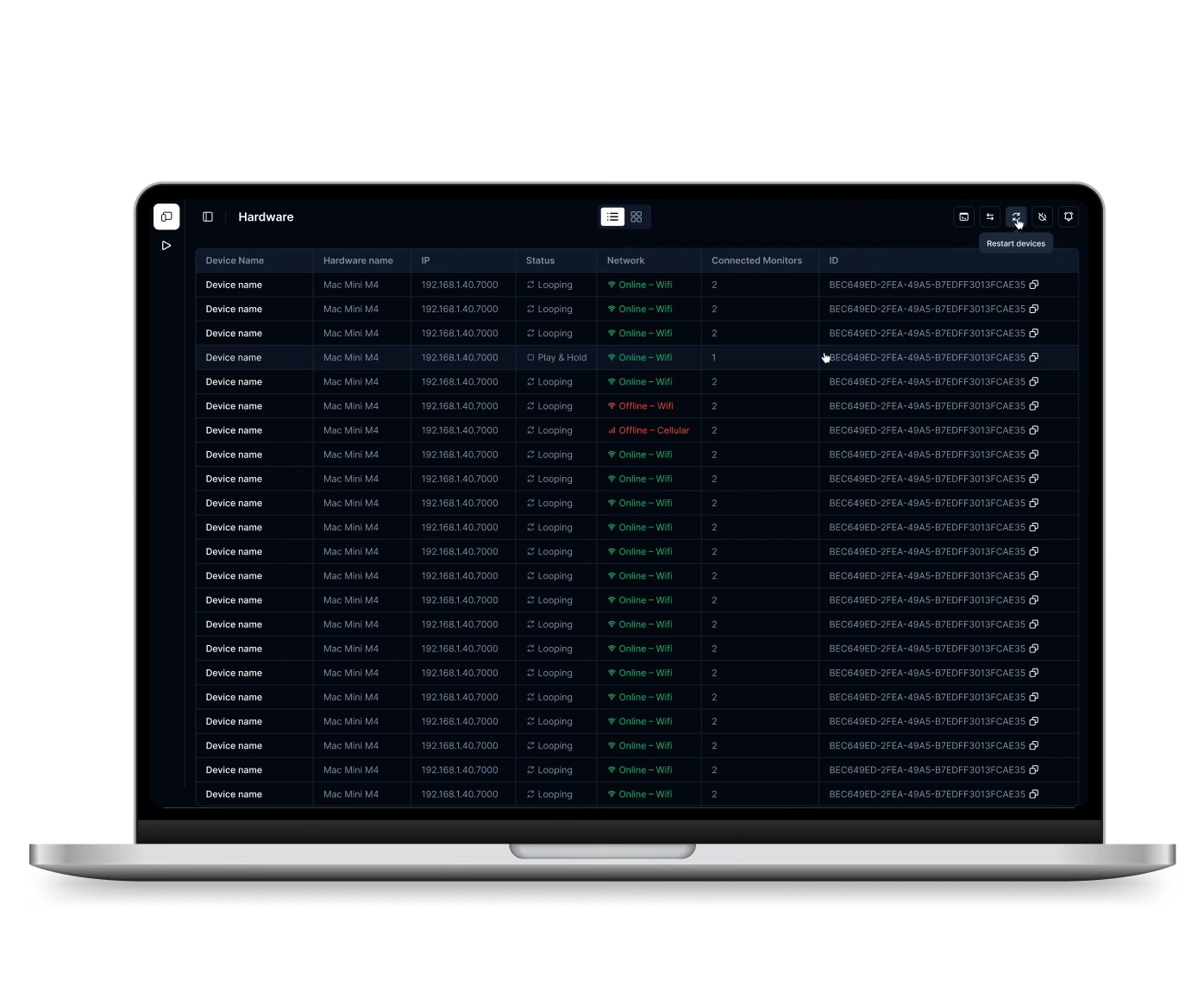
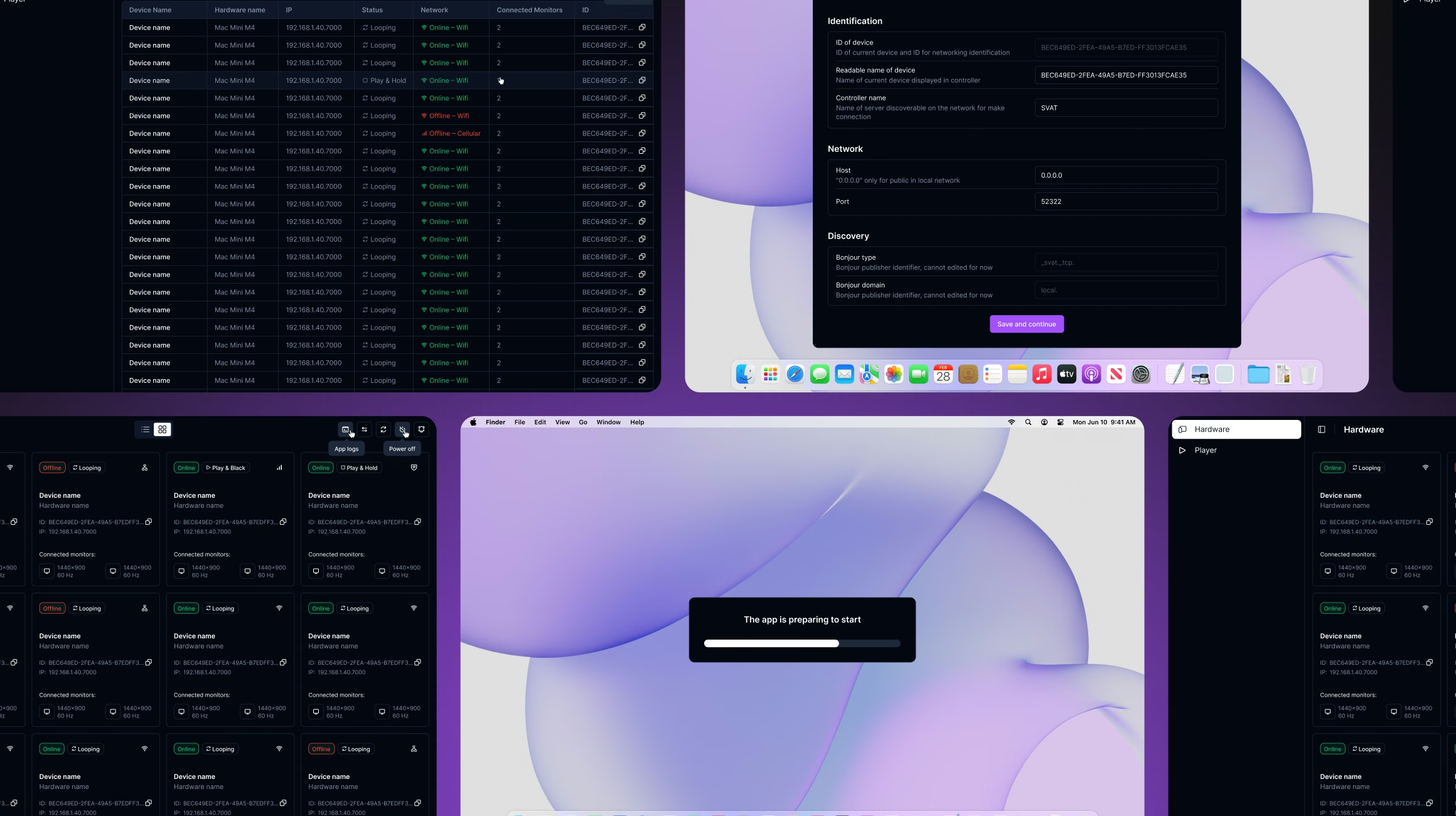
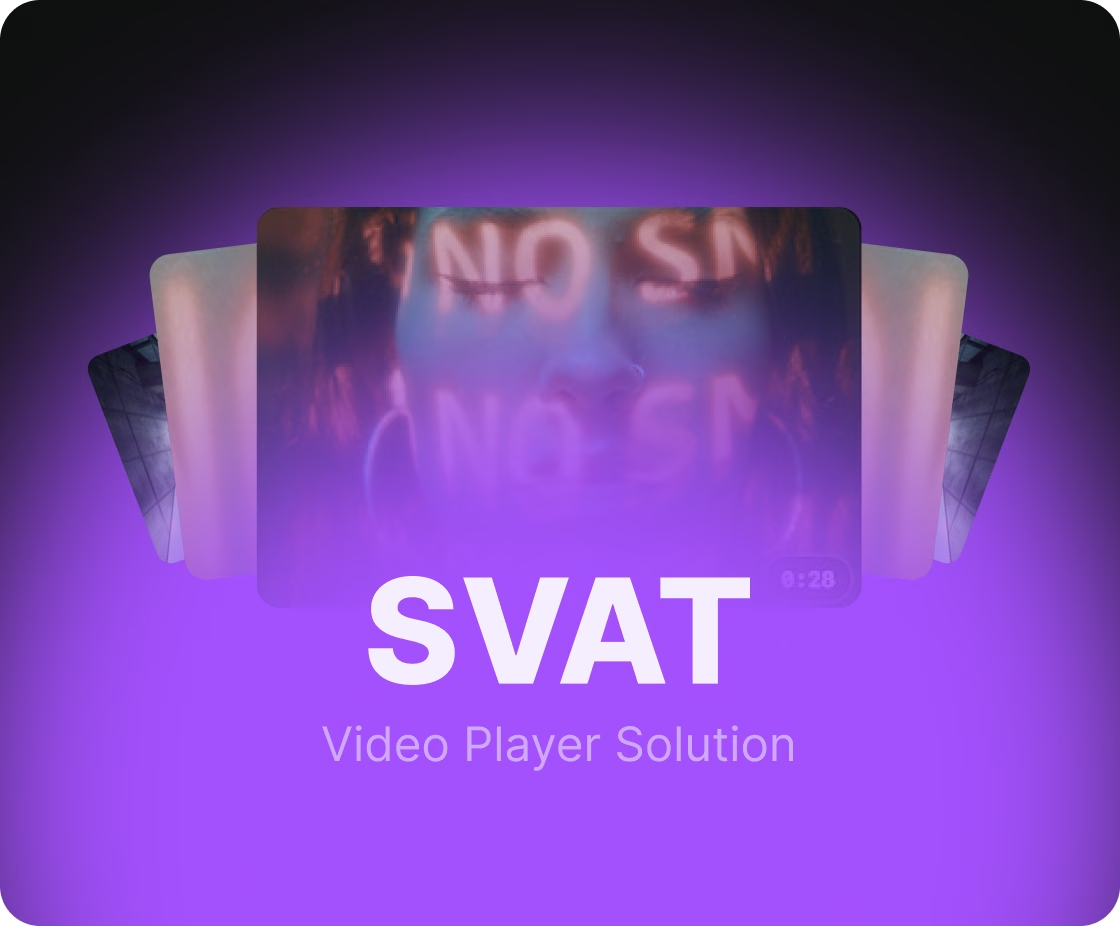
The hardest part of the player is how much of the Mac it has to control: the monitors, the network settings and the files on disk. A browser is sandboxed away from all three, so a native macOS app was the only option.
We started with the requirements and the architecture, then built the player with its own API. When the client decided to connect every device to its control system over MQTT, a lightweight messaging protocol, we moved the player to it. The client's team received the release build with the API documentation.
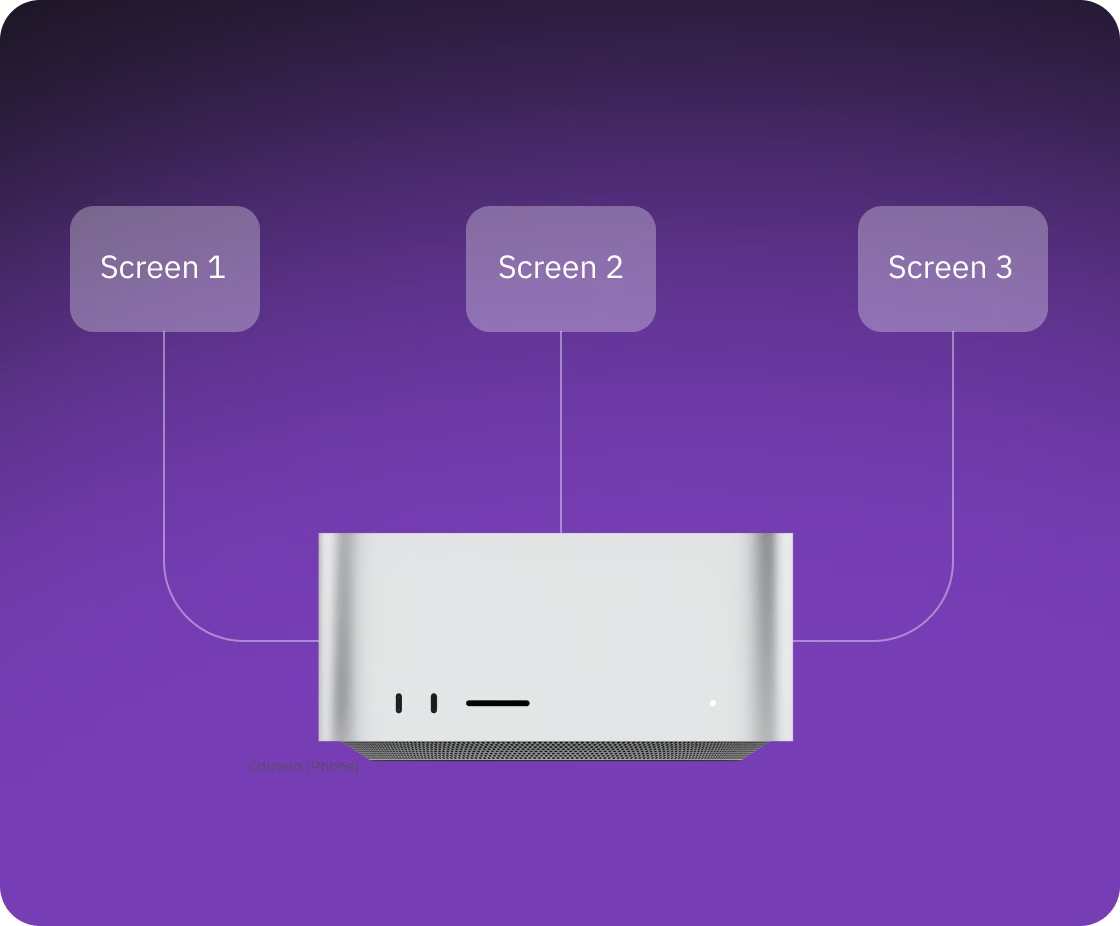
One Mac can drive several screens in a scene, so the crew brings fewer computers to the set. Each screen, a monitor wired to the Mac and visible in the shot, gets its own full-screen video, playlist and settings.
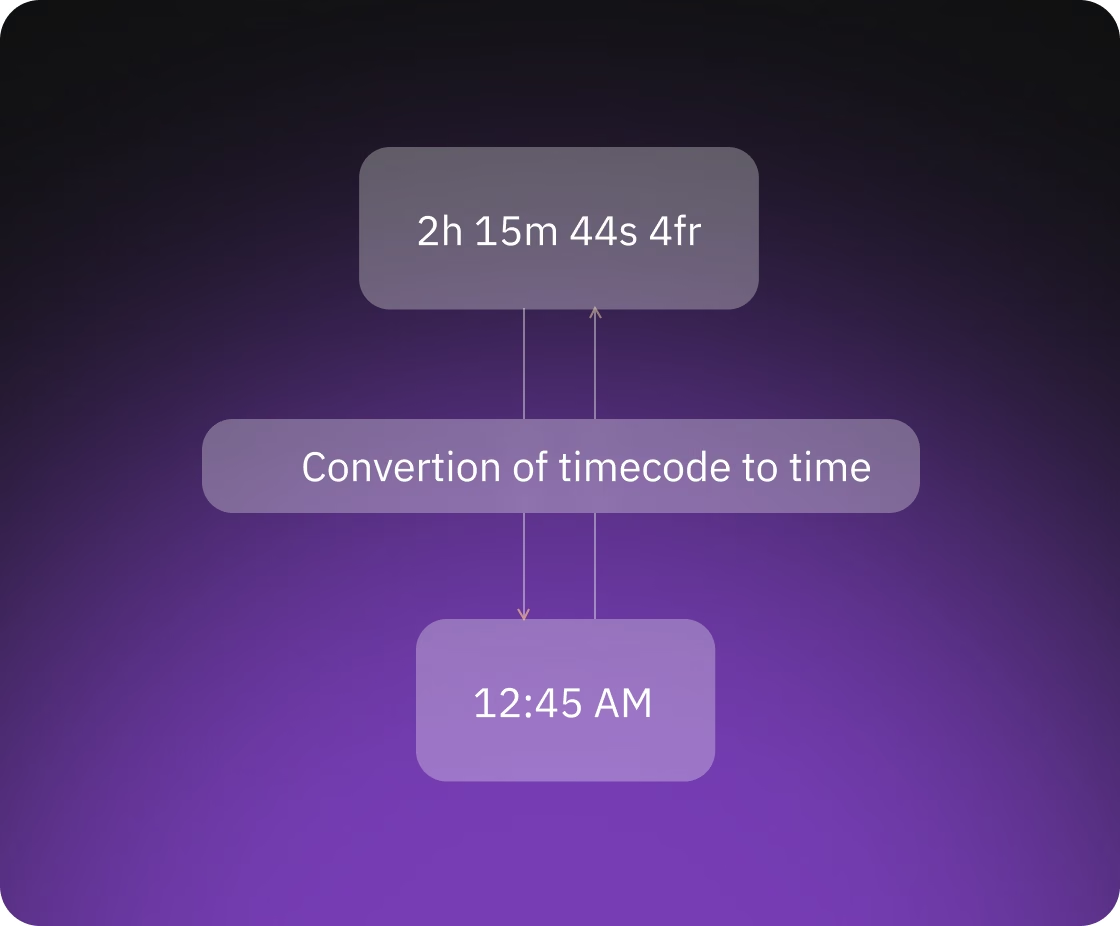
The operator cues each screen in timecode, the hours:minutes:seconds:frames format editors work in, so the screen shows the part of a clip the scene needs. While it plays, every screen reports its position to the controller twice a second.
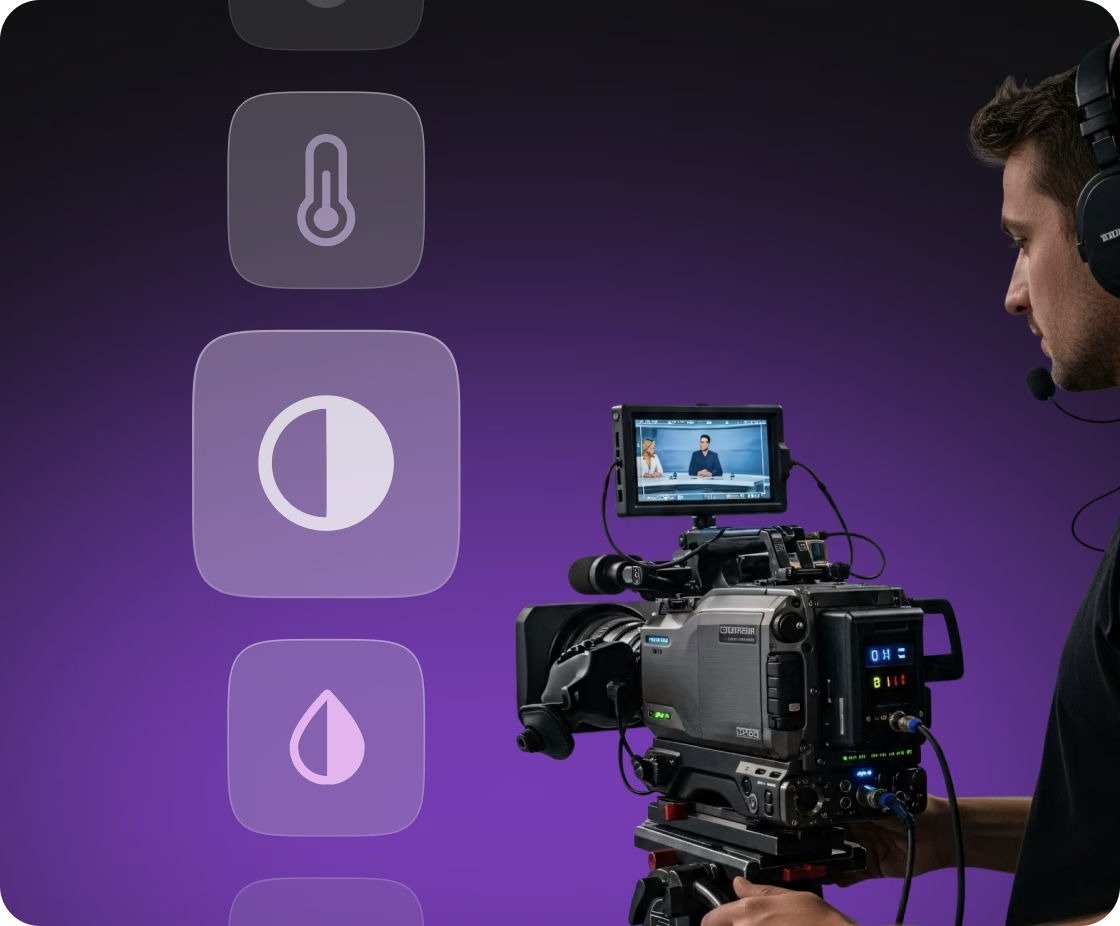
During the shoot, the operator can match a screen to the set lighting from the laptop, adjusting brightness, contrast, saturation, highlights, color temperature and tint while the video plays. The player applies the changes to every frame on the GPU, so nobody renders separate versions of the files.
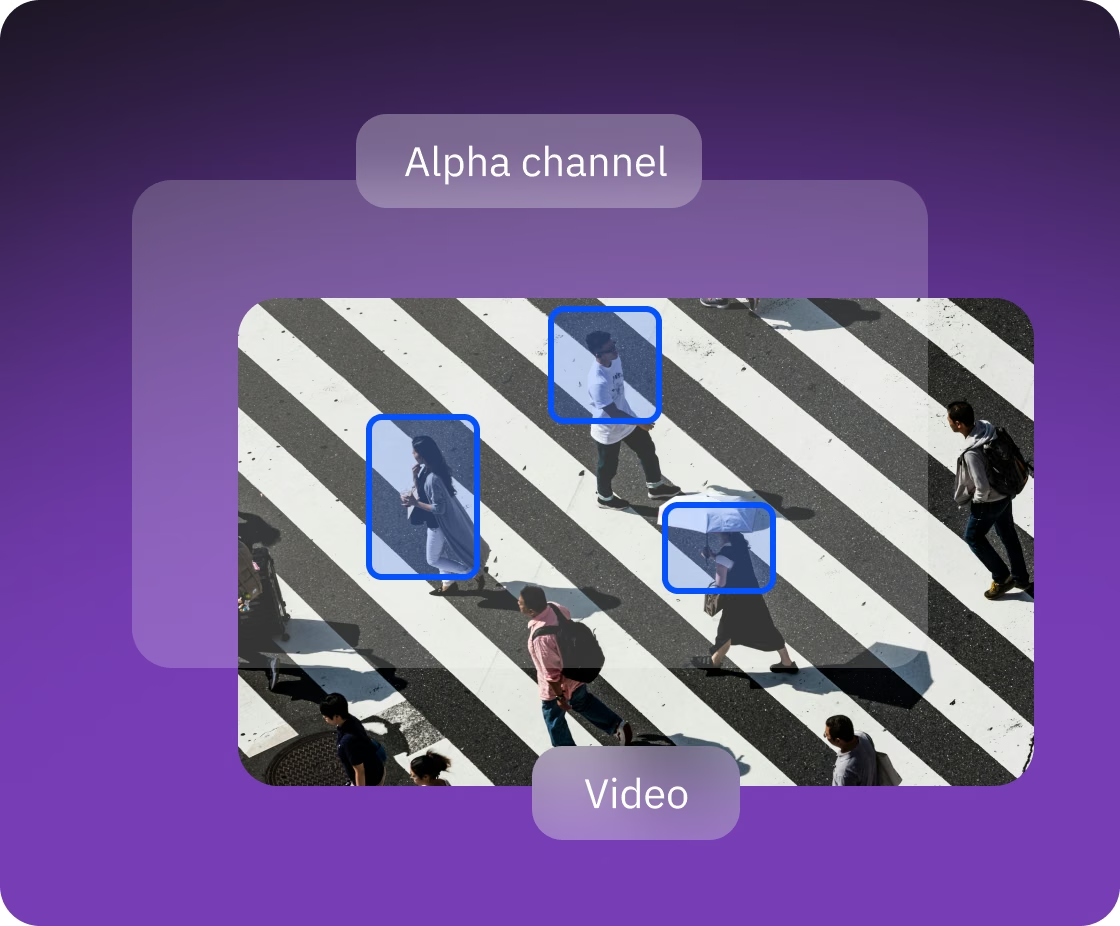
A logo or animated graphics can go on a screen without re-editing the source video. The player draws PNG images and ProRes video with an alpha channel (a transparent background) over the main clip.
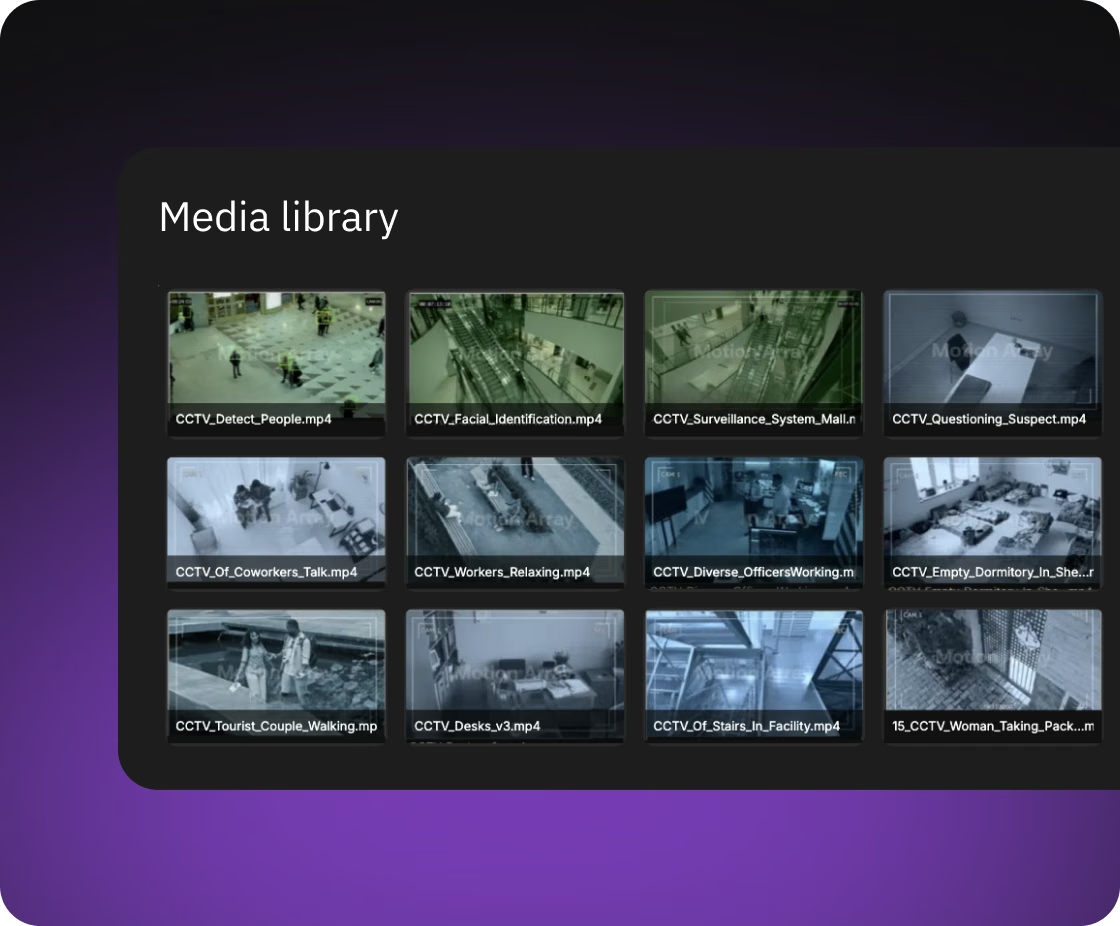
Before a shoot, gigabytes of footage have to reach every player, and the operator needs to see how far along each one is. On command, each player compares its media library with the controller's file list and downloads only new and changed files, in parallel.
The client's controller and browser players already talked over MQTT, so the player had to join that scheme rather than bring a second control system. We added a layer that translates the controller's commands into the player's format and back, and the playback logic stayed as it was.


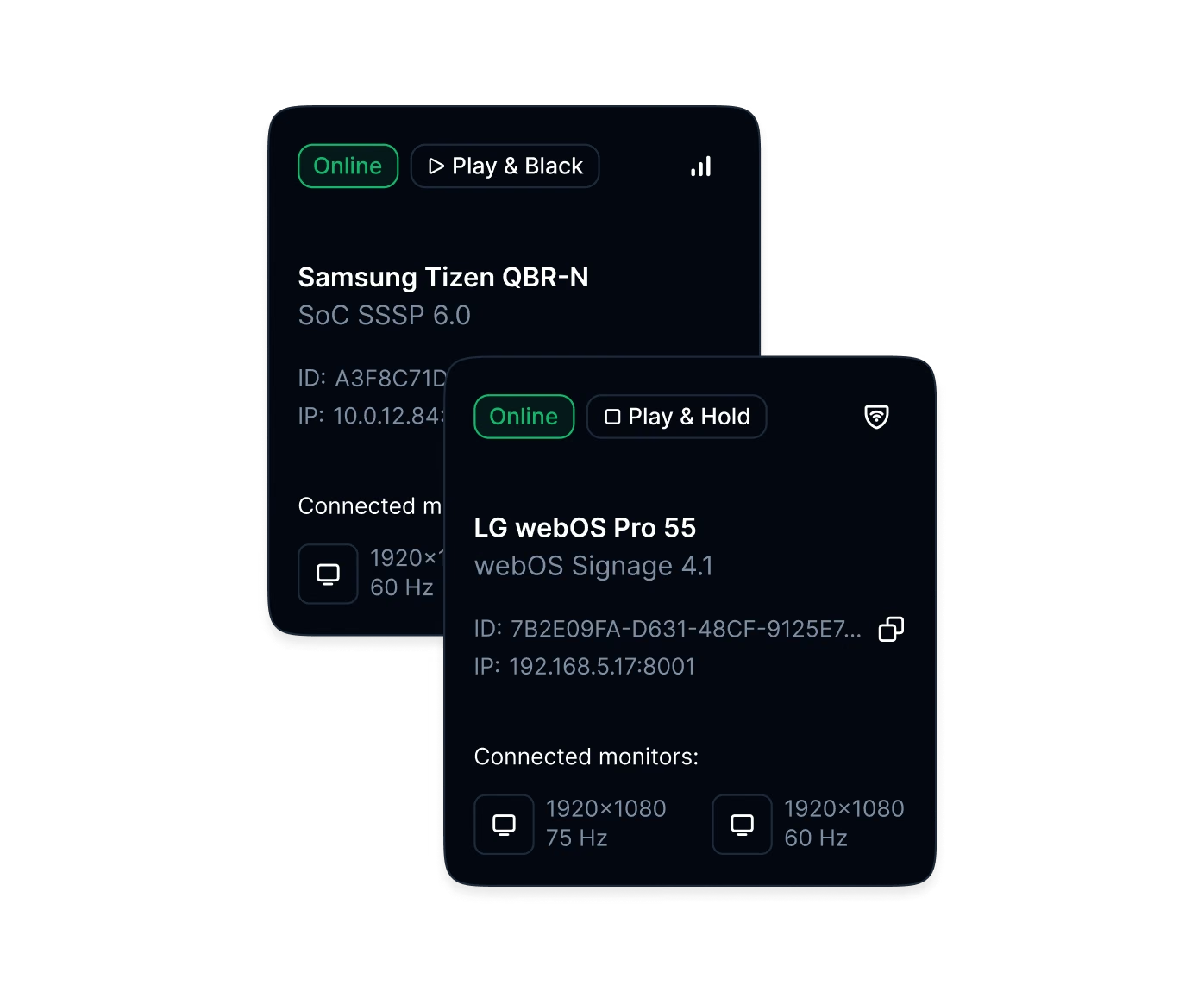
With many screens on set, the operator can tell them apart and change their modes from the laptop. The player reports each monitor's manufacturer, model, serial number and supported modes, and changes resolution and refresh rate on command.
Nobody types IP addresses on set: the player finds the controller on the local network through Bonjour, Apple's network discovery service, and reconnects on its own after the controller restarts. If a player goes offline unexpectedly, the controller sees it at once, because each player leaves an "offline" message with the MQTT broker (the message server) in advance.
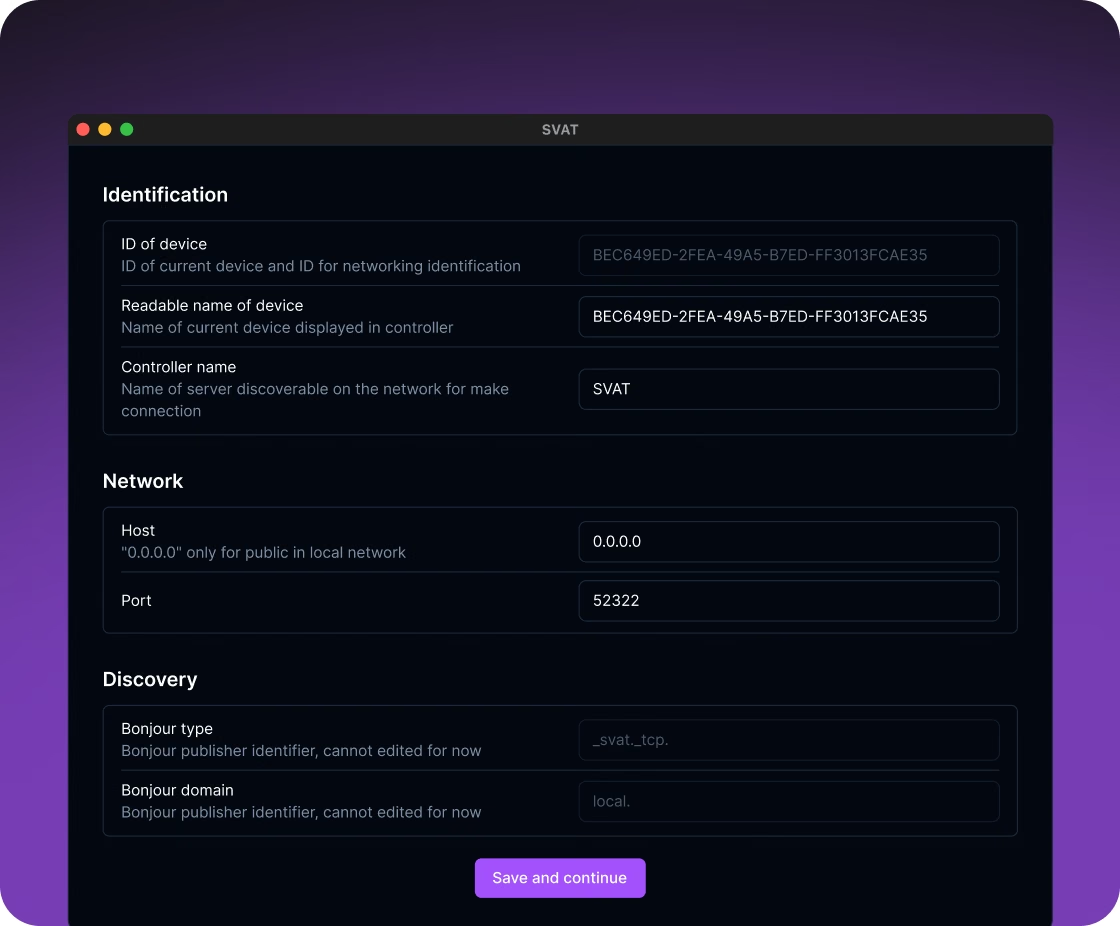
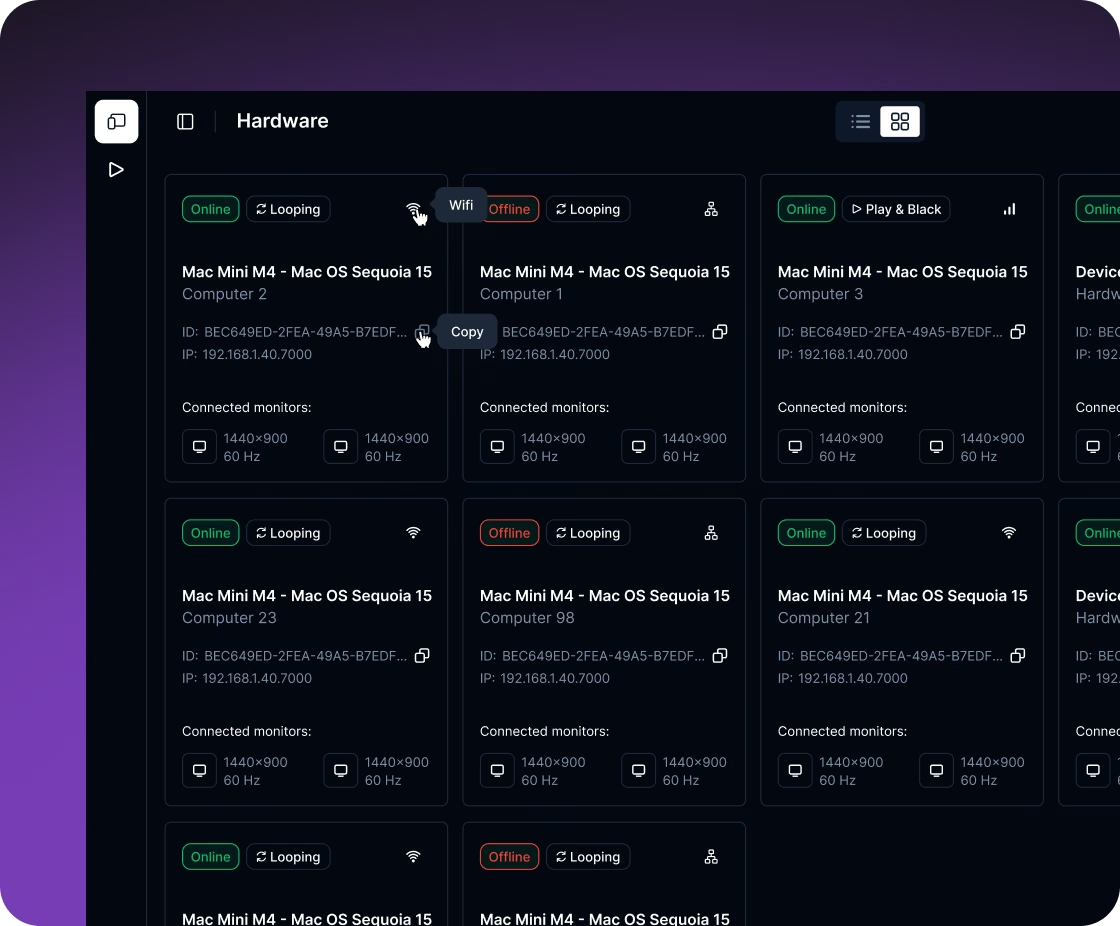
The operator manages the Macs from the laptop, so nobody walks up to one during the shoot.
Development did not wait for the client's controller: we built a separate macOS utility that stands in for it, serving a media library from any folder and announcing itself on the network as the controller. Media sync and discovery were tested against it.
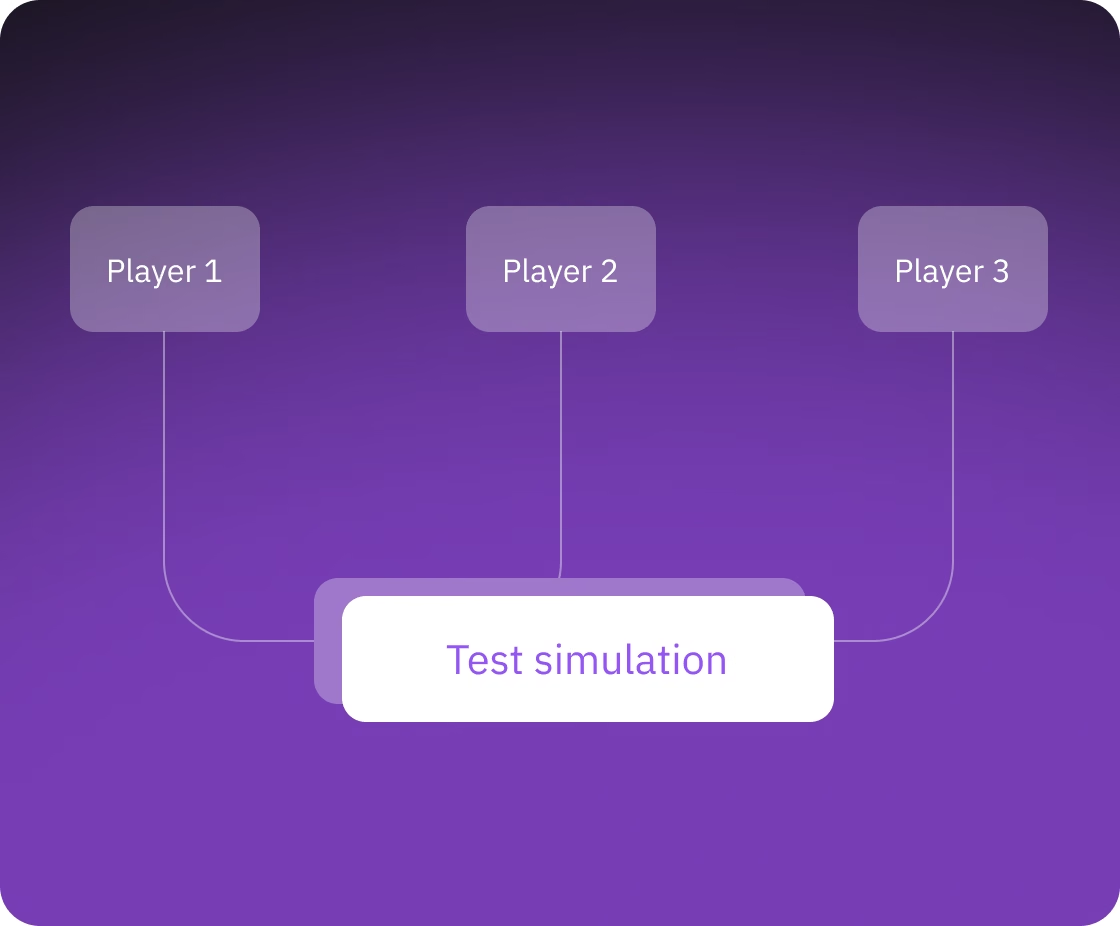
Because of what the player controls: it opens a full-screen window on each monitor, changes monitor modes and sends DDC/CI commands over the video cable. It also manages network settings, restarts the Mac and keeps a media library on disk, and a browser is sandboxed away from all of that.
Through timecode: in and out points are set in hours:minutes:seconds:frames, and the player converts them to a position in the file using its frame rate. Every screen reports its position twice a second, so the operator sees where each one is and starts, pauses or stops them with one command.
Yes. In SVAT, a translation layer maps the client's MQTT commands to the player's own format, so moving the player from its REST and WebSocket API to MQTT did not touch playback.
On launch, the player opens playback on all monitors and connects to the controller by itself, and each screen keeps its name. A restarted controller is found again automatically, and a player that drops off shows as offline right away.
The client got a native player that turns the Macs behind the screens into devices its own controller addresses like the rest of the system. The team was four developers, an analyst, a project manager, a QA engineer and a designer.
The project combined macOS desktop development with timecode playback on several screens, GPU image processing, media sync and remote device management. We build the same kind of software for other products where many screens play video on command from one controller.

You get a realistic estimate, technical recommendations and next steps. Free, no obligations.