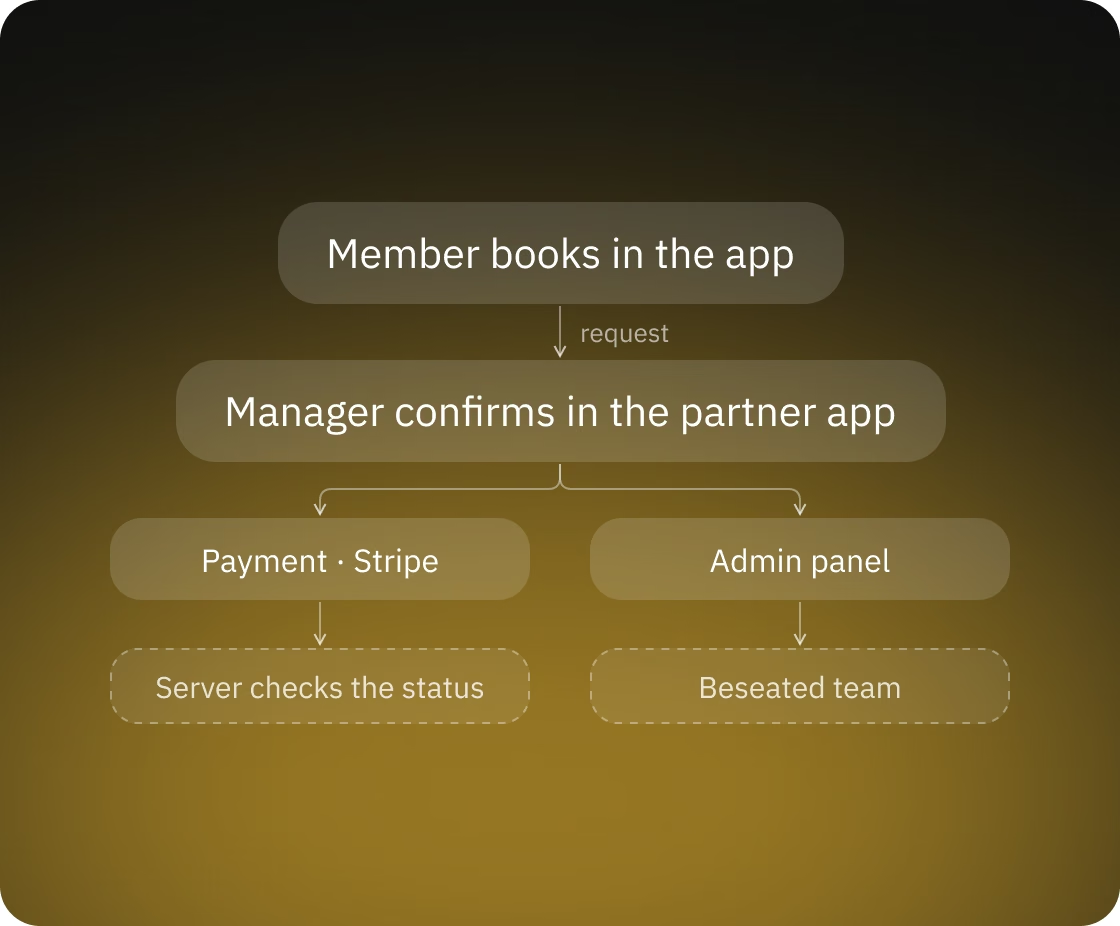
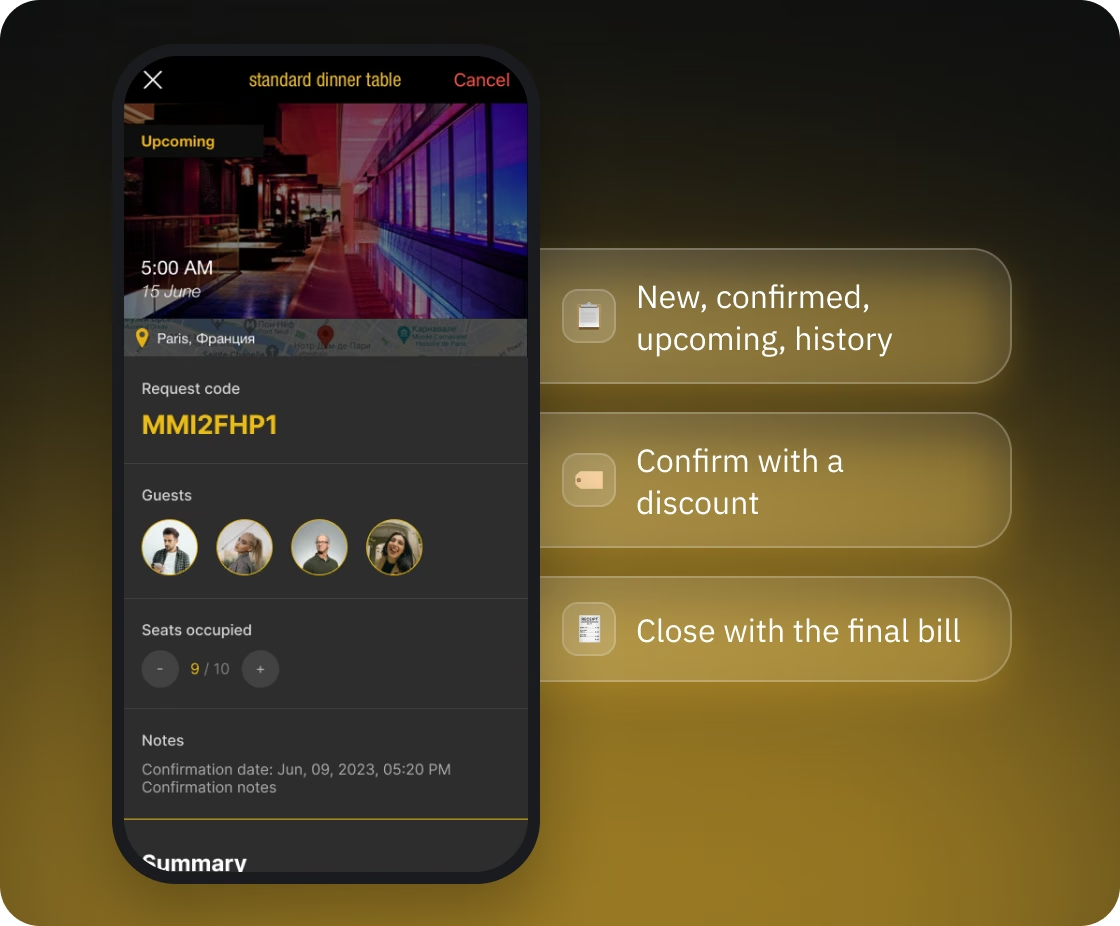
The system works like this: members book in the app; the partner's manager confirms the request in the partner app, unless the listing has instant confirmation; payments go through Stripe; and the Beseated team runs everything from the admin panel.
The hardest part of the platform is money. One booking can involve a host, guests paying their own shares, a partner with its own cancellation policy, and an ambassador earning a commission, and every payment and refund has to add up without anyone recalculating by hand.
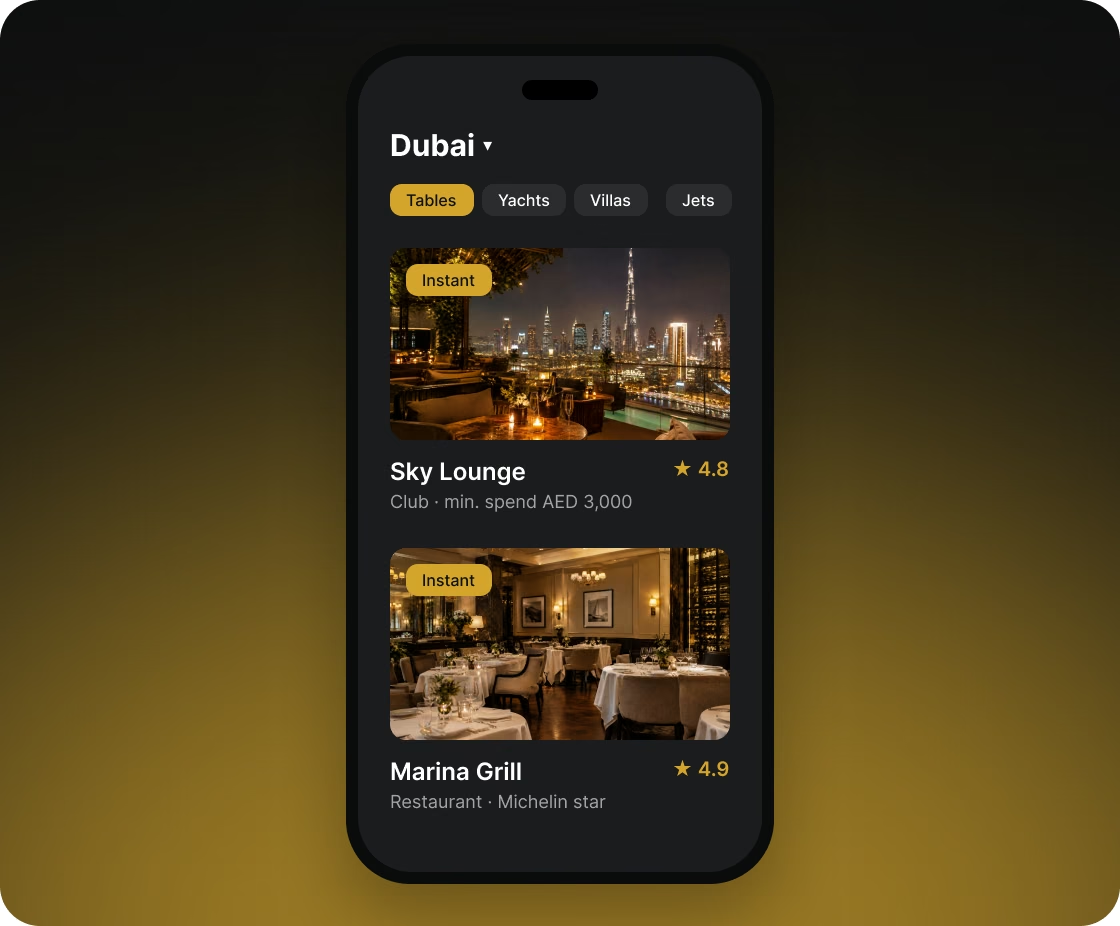
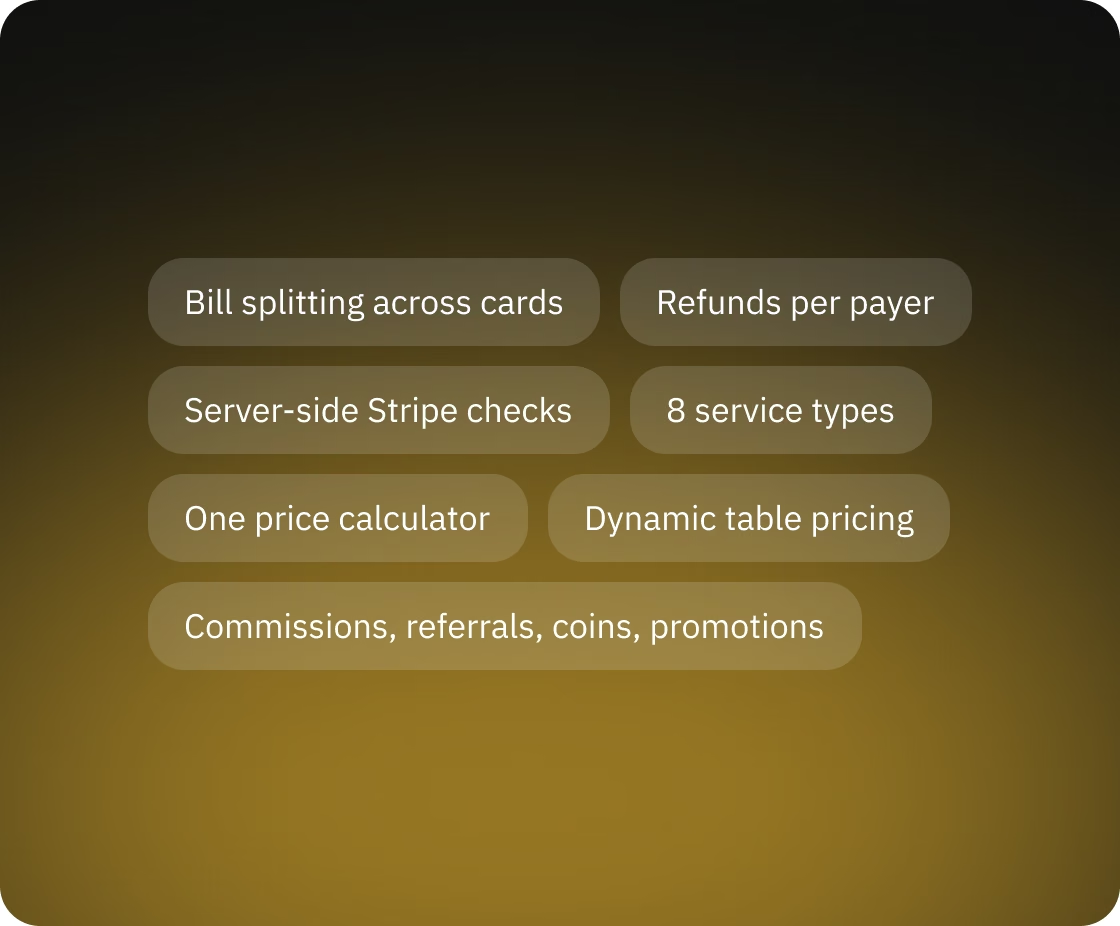
Friends can book a night out together and each pay their own share in the app, so the host doesn't have to cover the whole bill and collect money afterwards.
The host invites friends straight into the booking. Invited members get a push notification and an email; people without an account get an SMS with a link to download the app. The server matches the host's phone contacts against members' phone numbers and shows who already uses Beseated. Members can also ask to join someone else's booking, and the host decides whether to accept them.
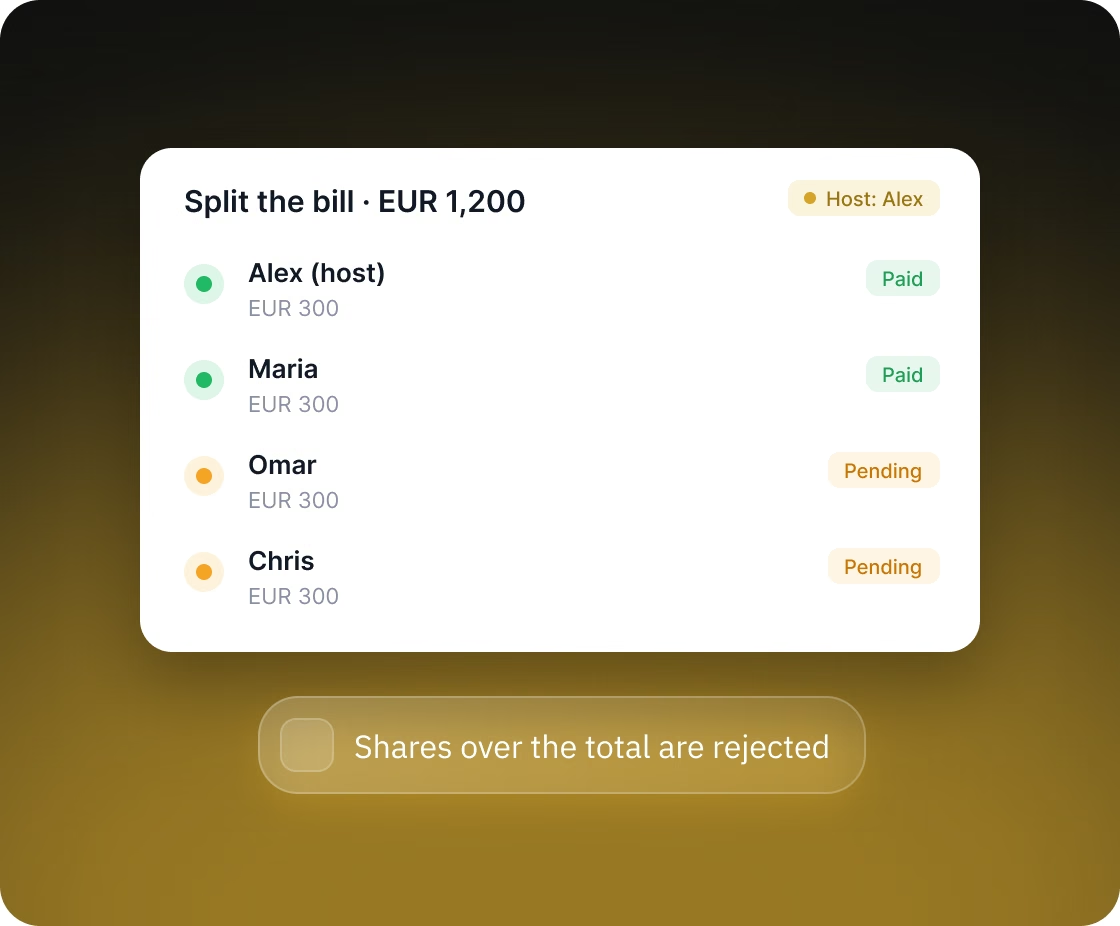
The host splits the total equally or sets a custom amount for each guest. Each guest pays with their own card, and the host sees who has paid. The server rejects shares that would add up to more than the booking total.
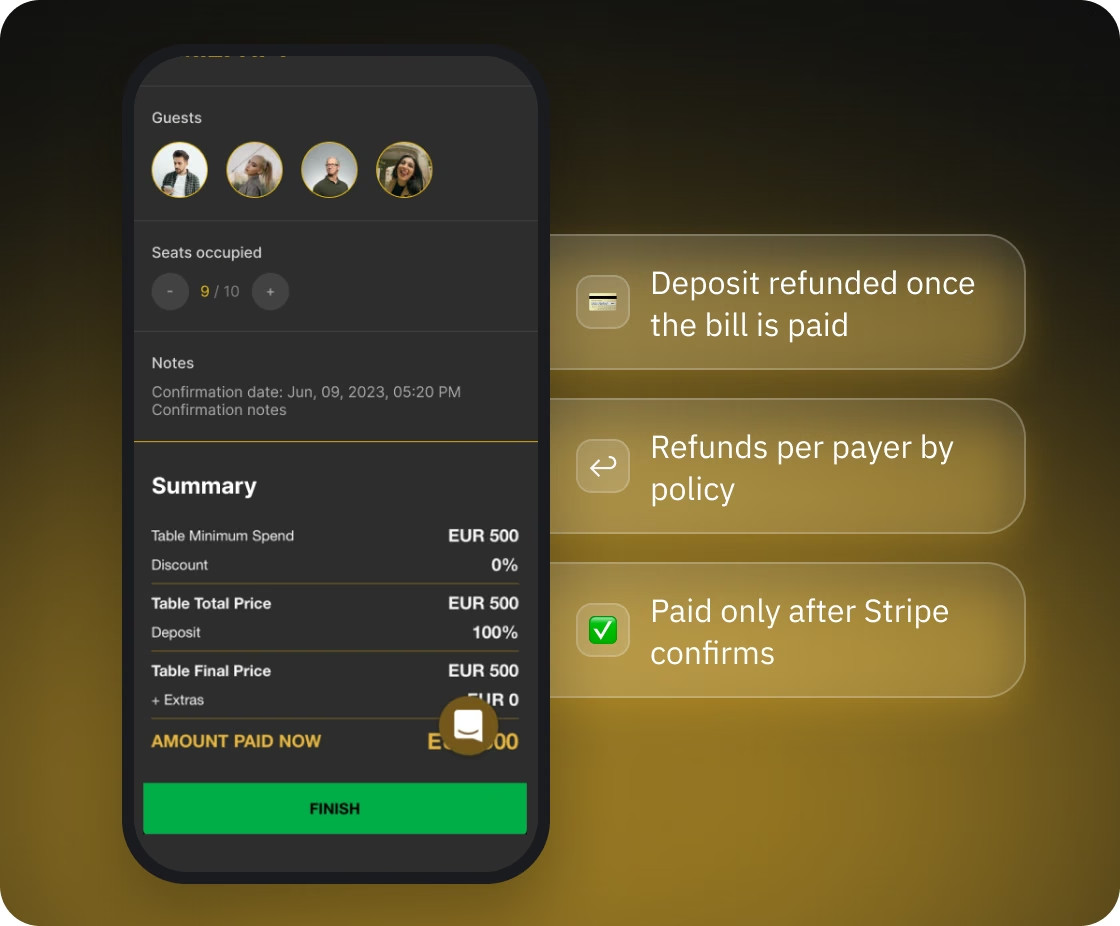
The platform calculates the deposit, what the host still owes on the final bill after guests' payments, and every refund, and returns money to each payer without manual work.
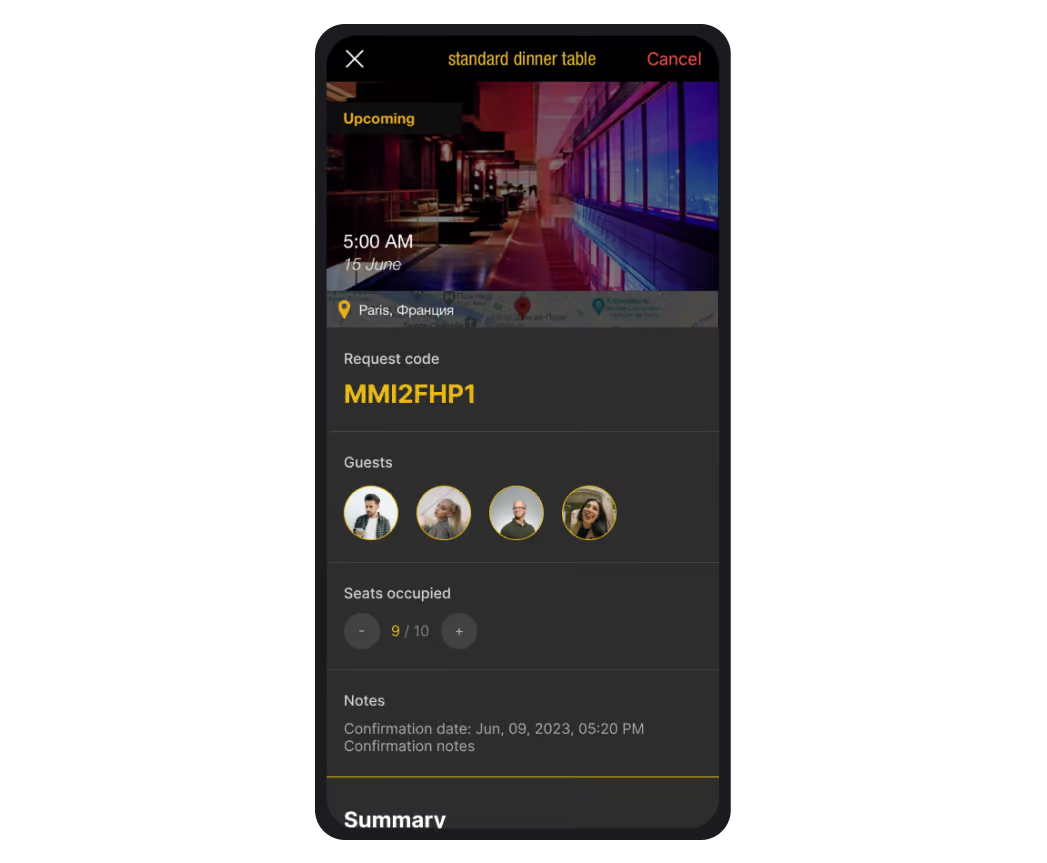
Listings with instant confirmation are paid in full when the booking is made. Bookings that need a manager's confirmation follow this flow:
If the host cancels, each payer, guests included, is refunded separately according to the partner's cancellation policy:
If the manager cancels the booking, everyone who paid gets a full refund.
Card details stay with Stripe: the Beseated server receives only a token and the last four digits. A booking is marked as paid only after the server retrieves the payment from Stripe and confirms that its status is successful, so a modified app can't mark an unpaid booking as paid.
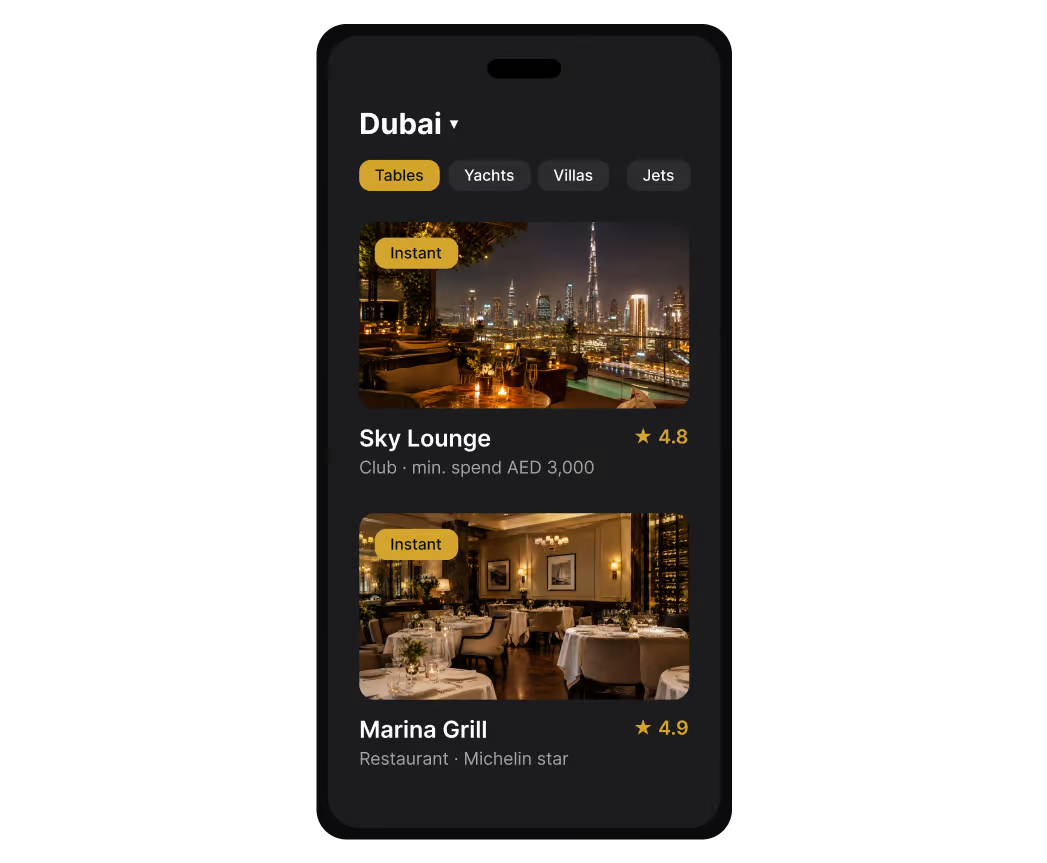
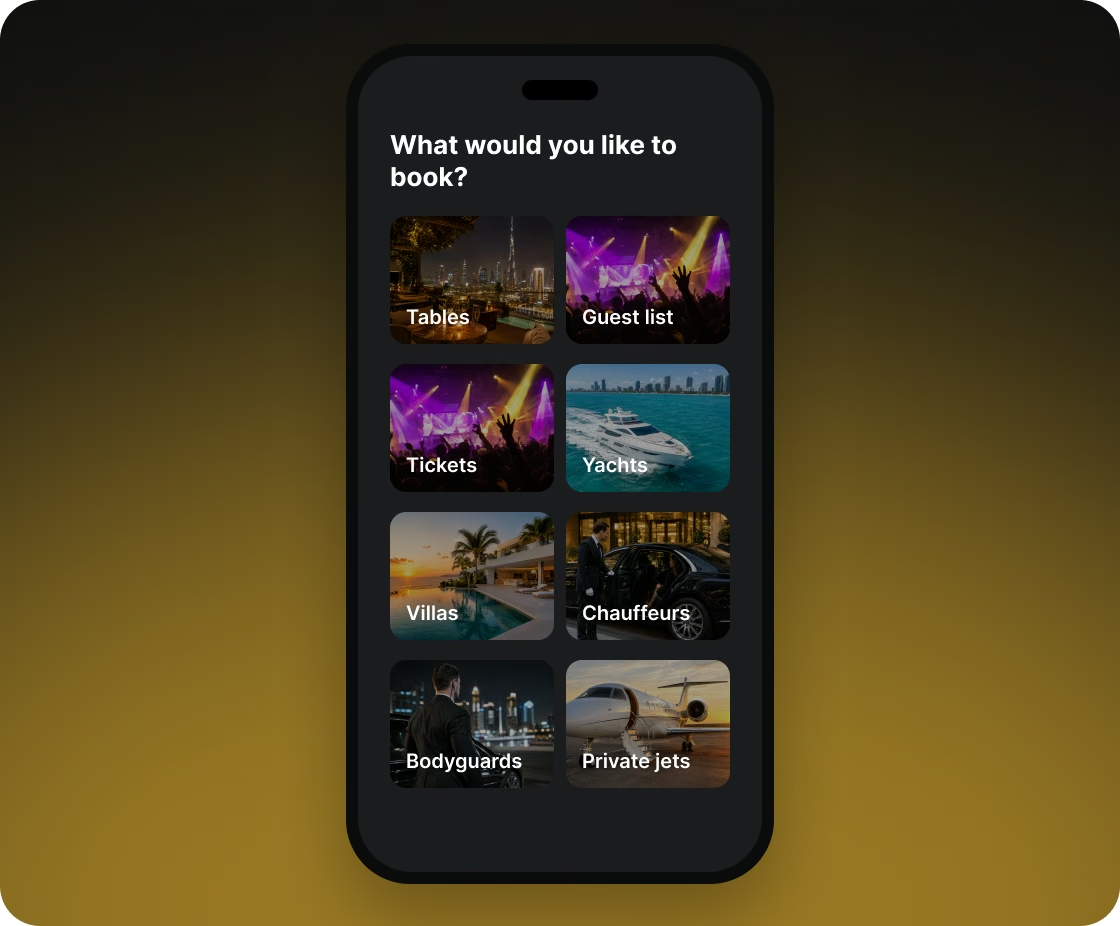
Tables (at restaurants, clubs, and lounges), guest-list entry, event tickets, yachts, villas, chauffeurs, bodyguards, and private jets are all booked through one system, each with its own rules.
Depending on the service, a booking can be hourly, daily, or weekly, with a minimum duration. Event tickets come in limited numbers. For a chauffeur or bodyguard, the member marks pickup and drop-off points on a map.
The server rejects villa or yacht bookings whose dates overlap an existing booking, and any booking on a partner's closed days. Where quantity is limited, sold items are deducted from stock and returned to it on cancellation, and an order for an extra that has run out is rejected.
One calculator prices every service except private jets: the base price for the duration and party size, extras, service fee, promotion discount, manager discount, city tax, and ambassador commission. Each part is stored in the booking separately, so the member and the manager see the same breakdown. Prices are set in the partner's currency: AED, EUR, GBP, or USD. For a private jet, the member asks for a quote for the route, and the quote request goes to the Beseated team instead of a manager.
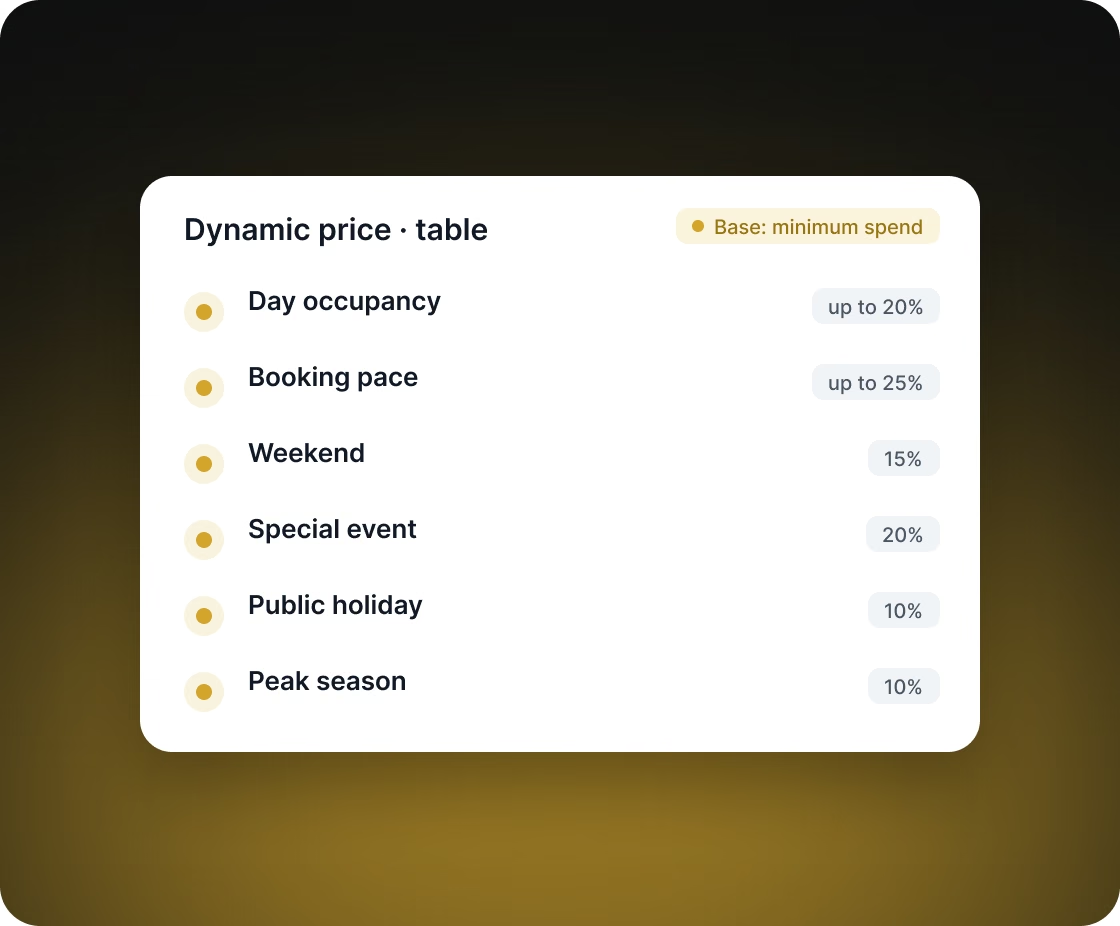
A venue can switch on dynamic pricing, and the table price then rises automatically on dates with high demand, weekends, holidays, special events, and peak season. The venue can charge more on peak days without changing prices by hand.
Each of six factors adds a percentage of the base price. The first two grow with demand, and the other four are fixed:
Admins add holidays, events, and peak-season dates in the admin panel. The base price is the table's minimum spend, which the venue sets separately for each day of the week.
A partner's managers handle its day-to-day work with Beseated from a phone:
On Android, the member and partner apps are one app: after login, the interface is chosen by the account's role and type of business. One codebase and one release cover both audiences.
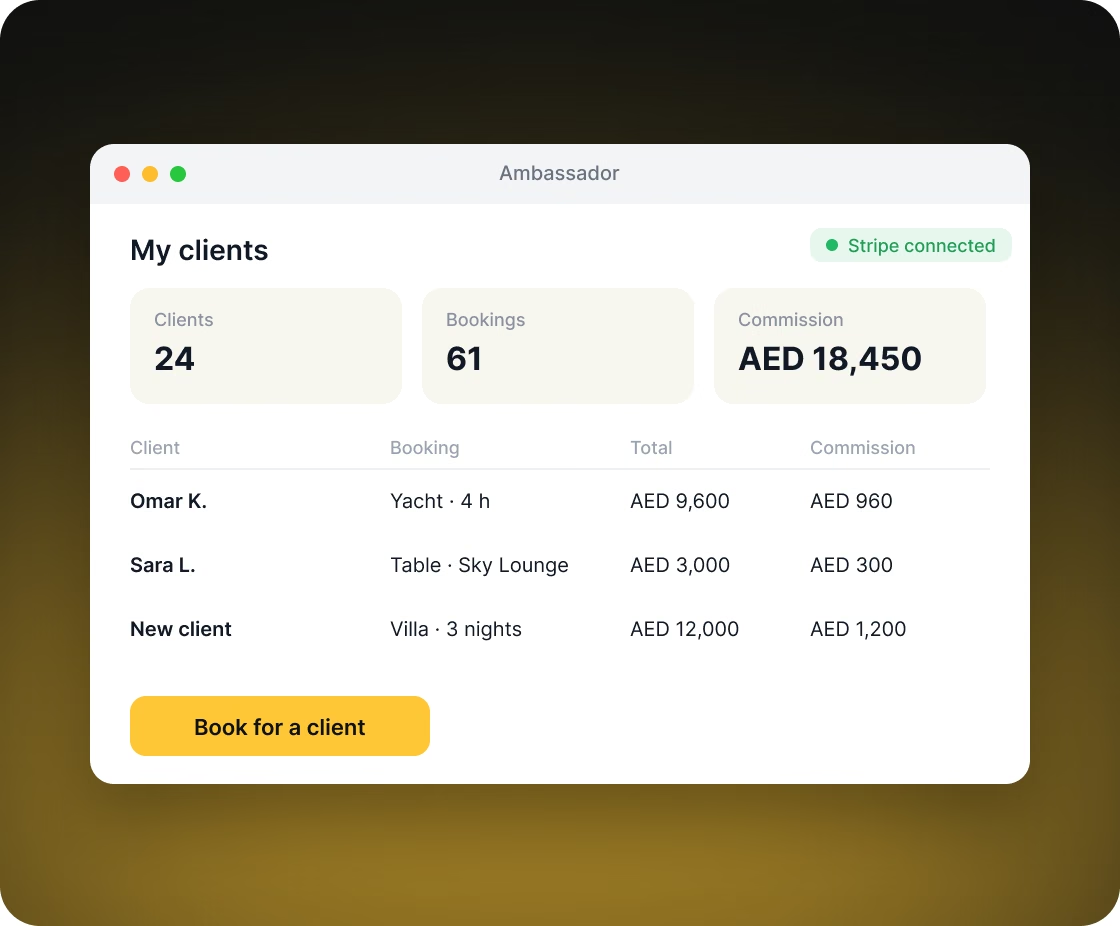
Ambassadors bring clients to the platform and earn a commission on their bookings.
An ambassador can book on behalf of a client who isn't registered yet: a name, phone number, and email are enough. The commission is calculated automatically at the rate set by an admin, added to the price the client pays, and stored with each booking. Ambassadors see their clients' bookings and link a bank account through Stripe, and admins mark commissions as paid in the admin panel.
Each member gets a personal referral code. Any number of new members can use it, but a new member can apply only one member's referral code. Both sides get loyalty coins, in amounts set by admins. Ambassador codes follow their own rule: a member can use each ambassador's code once, and doing so makes them that ambassador's client.
Members earn coins on bookings and exchange them for rewards, and partners bring in members with discounts on the dates they choose.
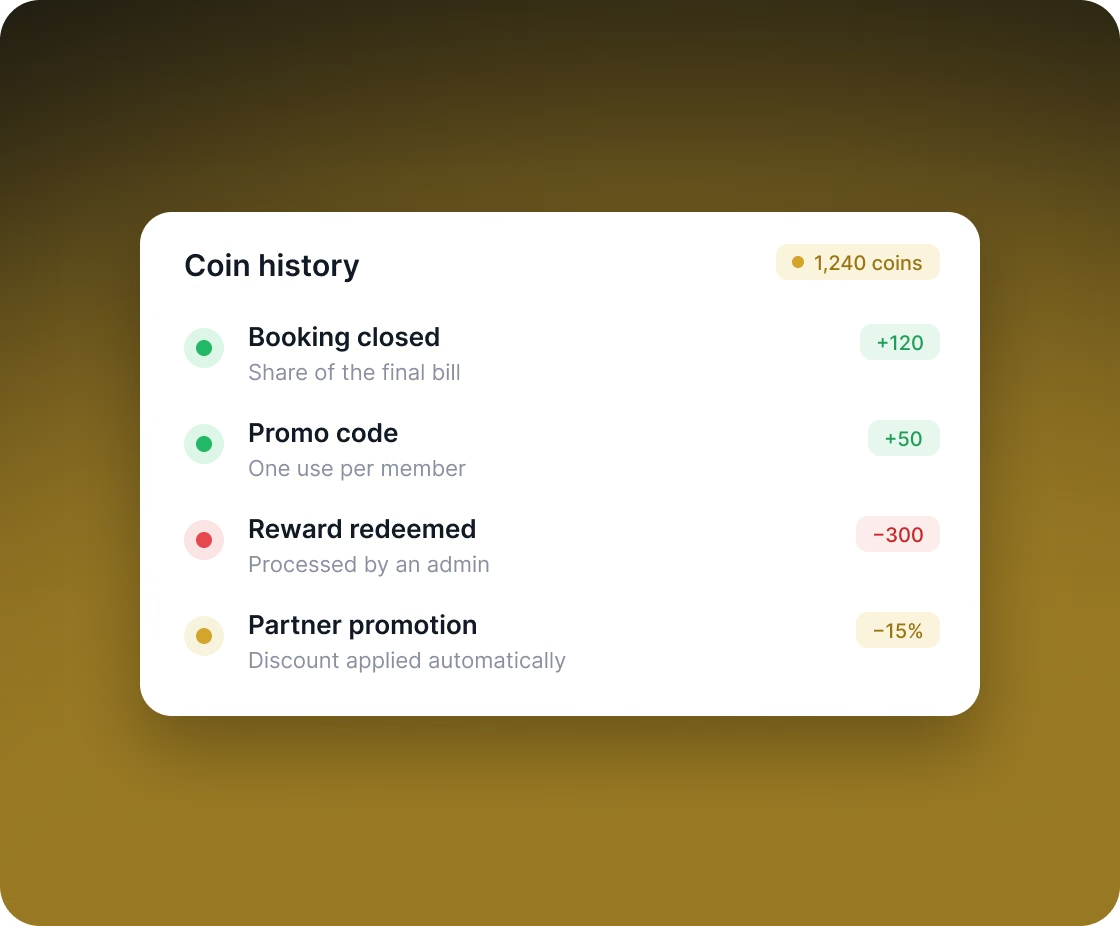
When a booking is closed, the host receives a share of the final bill in coins, at the rate the partner sets. Coins are exchanged for rewards from a catalog: an admin processes the redemption, and the member gets an email. Promo codes with validity dates also add coins, and each member can use each promo code once. Members see every credit and debit in their coin history.
A partner can run a promotion: a percentage discount on a specific listing for a date range. If the date of the visit falls within that range, the discount is applied automatically.
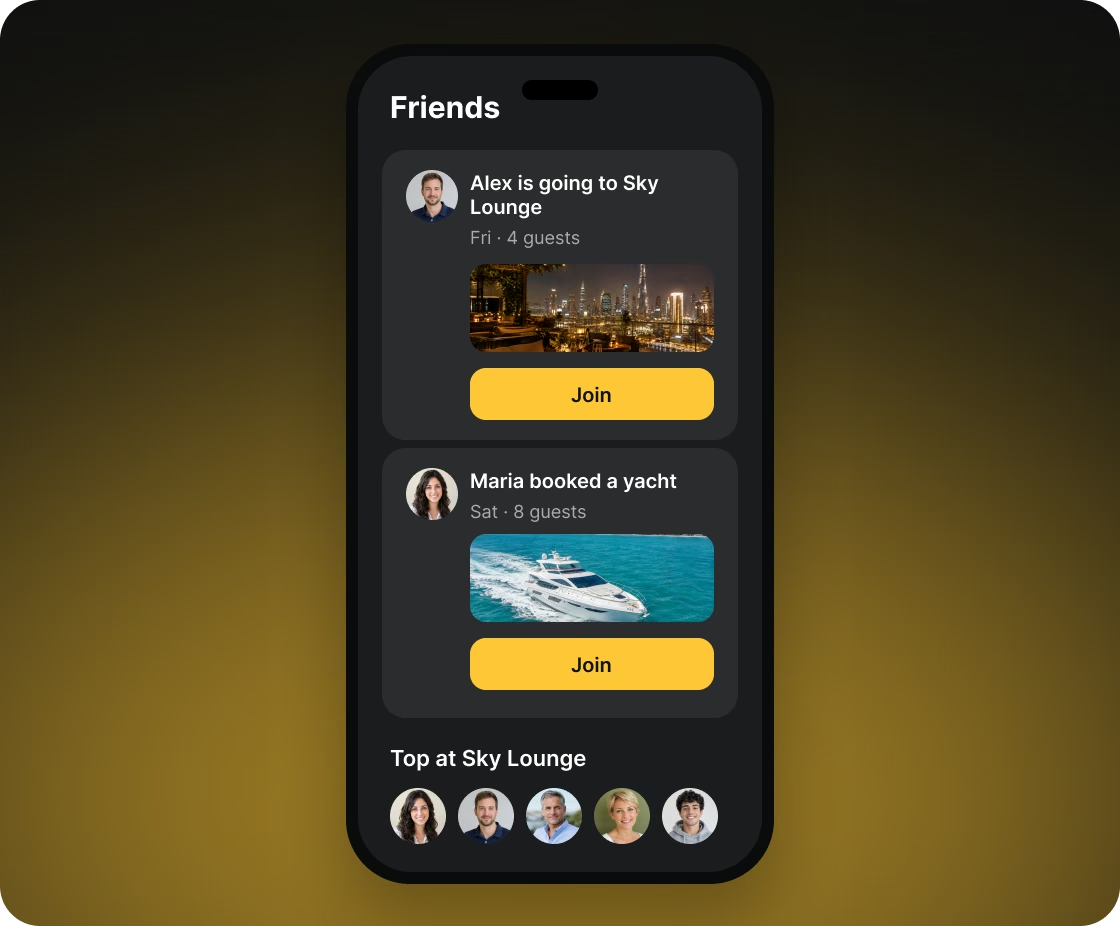
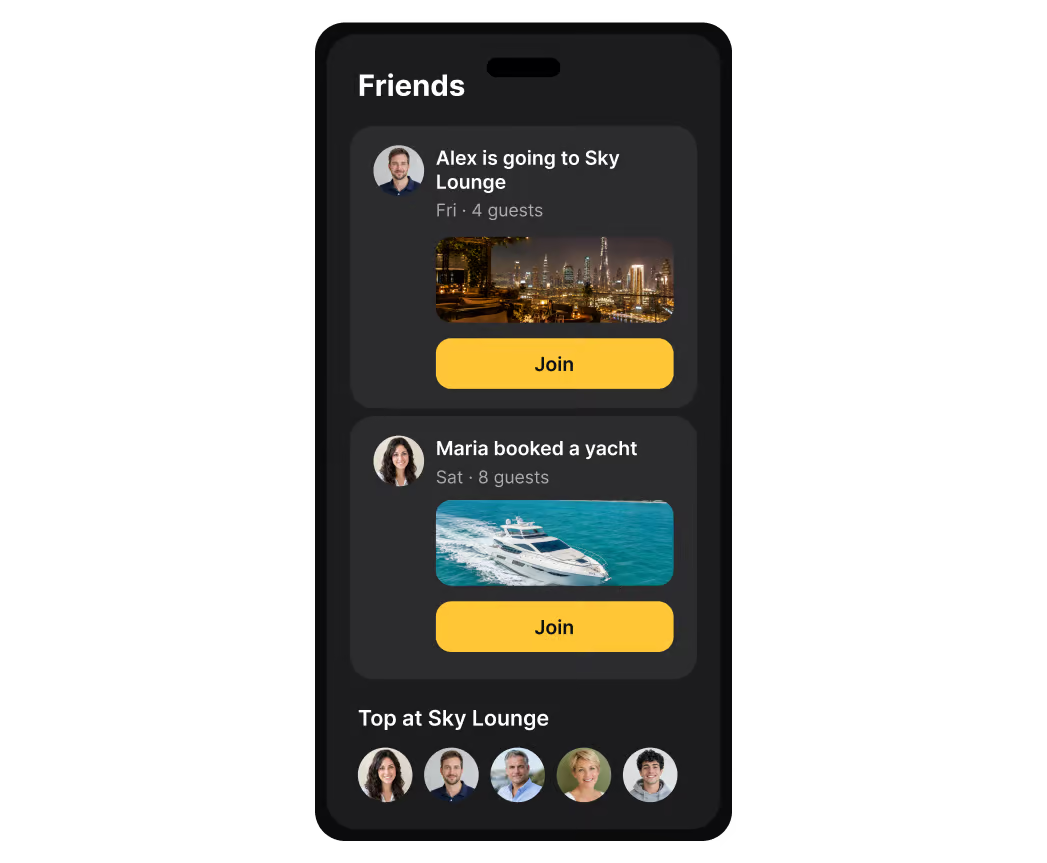
Members see where their friends are going and can ask to join them.
The feed shows friends' bookings with a "join" button that sends the host a request to join. Partner pages show the five members who have spent the most there, with links to their profiles. A booking can be made private, and then it stays out of both the feed and this ranking.
Everyone involved in a booking is notified of key changes by push notification, email, or chat message, and people without an account are invited by SMS.
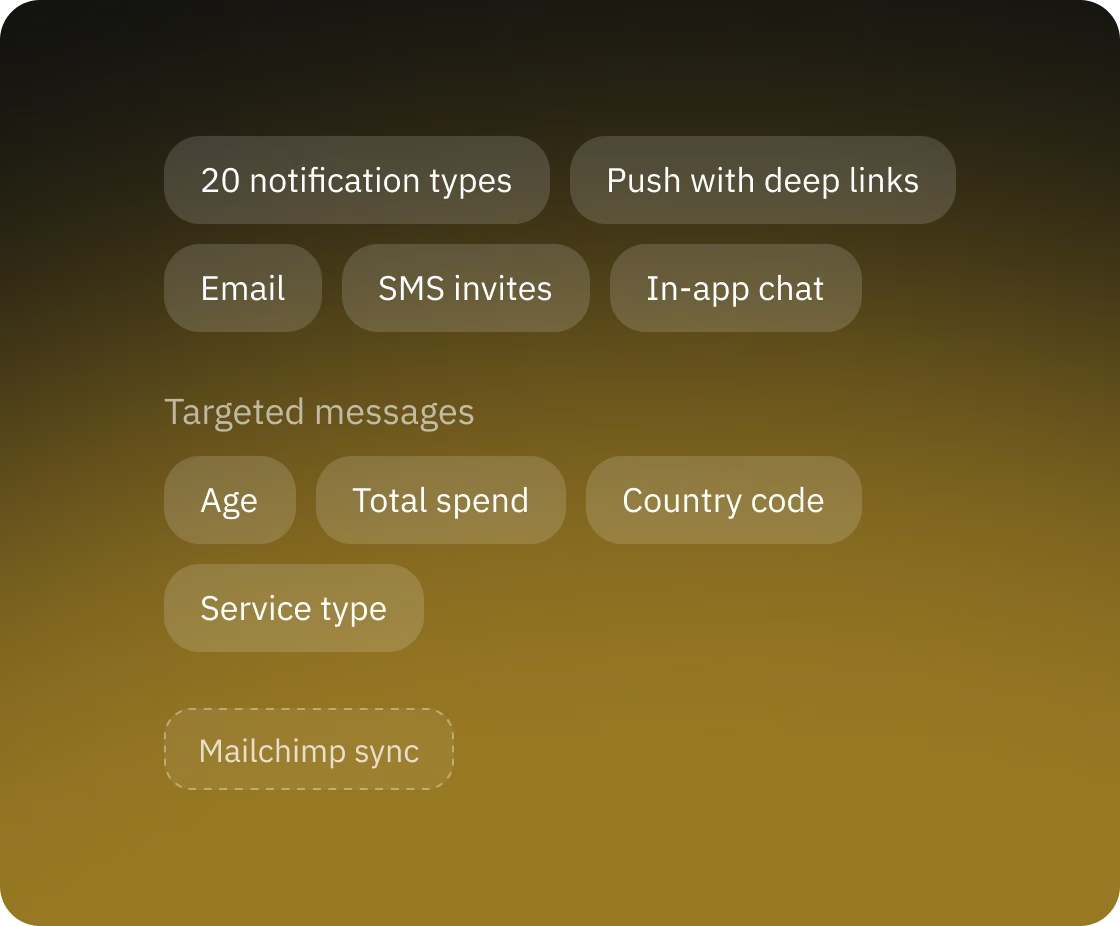
The system has 20 notification types, including a new request, confirmation, payment, cancellation, an invitation to a booking, a request to join, and a request to pay a share. Tapping a push notification opens the exact booking or conversation. In the built-in chat, members talk to partners and to each other; messages go through our backend, and a push notification signals each new one.
Admins can message a group of members selected by age, total spend, phone country code, and the type of service they have booked. The message arrives in the in-app chat, as a push notification, or both. Member and partner contacts are synced with Mailchimp for email campaigns.
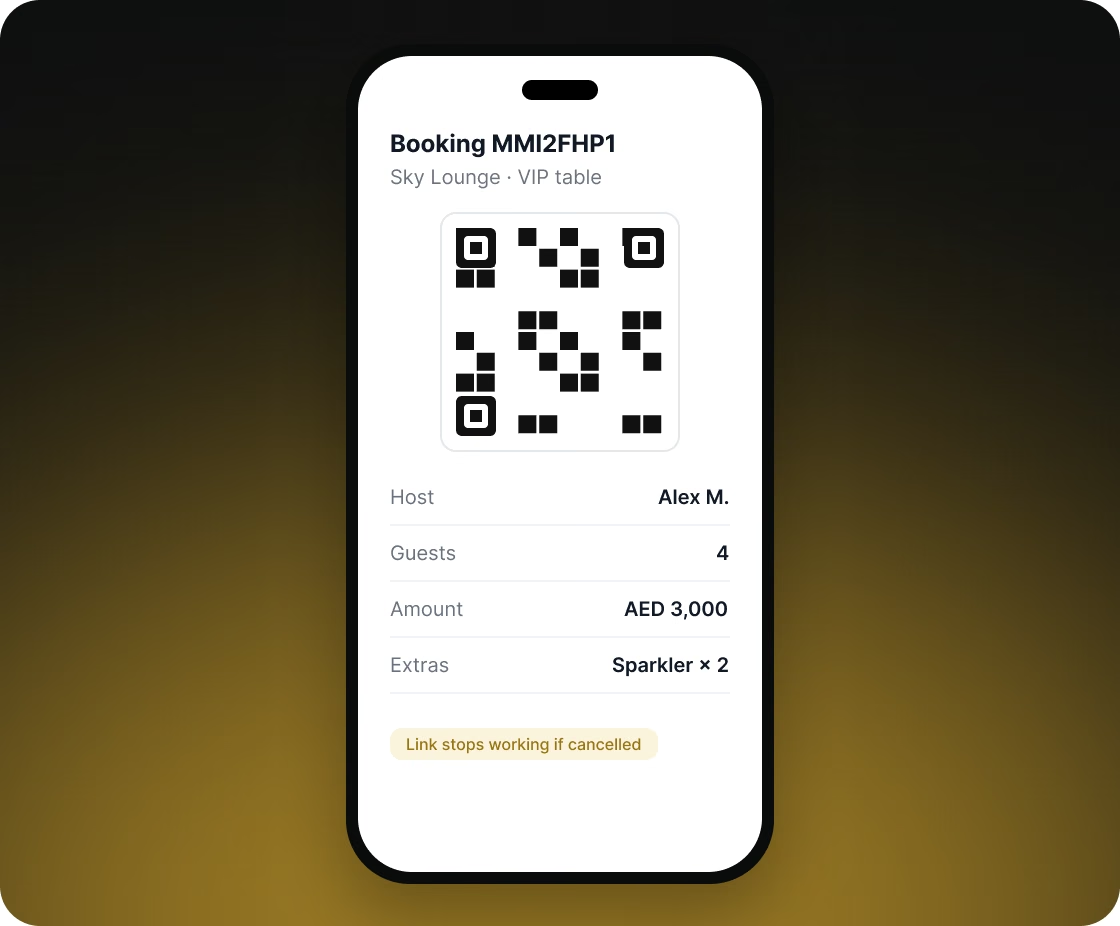
The server creates a QR code for every booking. The partner's staff scan it with any phone camera and see whose booking it is and what was booked.
The code links to a booking page that opens only with a random secret token in the link. The page shows the host's name, the partner, the listing and its address, the booking code, the amount, extras, and everyone in the booking. When a booking is cancelled, its QR code is deleted and the link stops working.
The Beseated team runs the whole platform from a browser, and each admin sees and does only what their role allows.
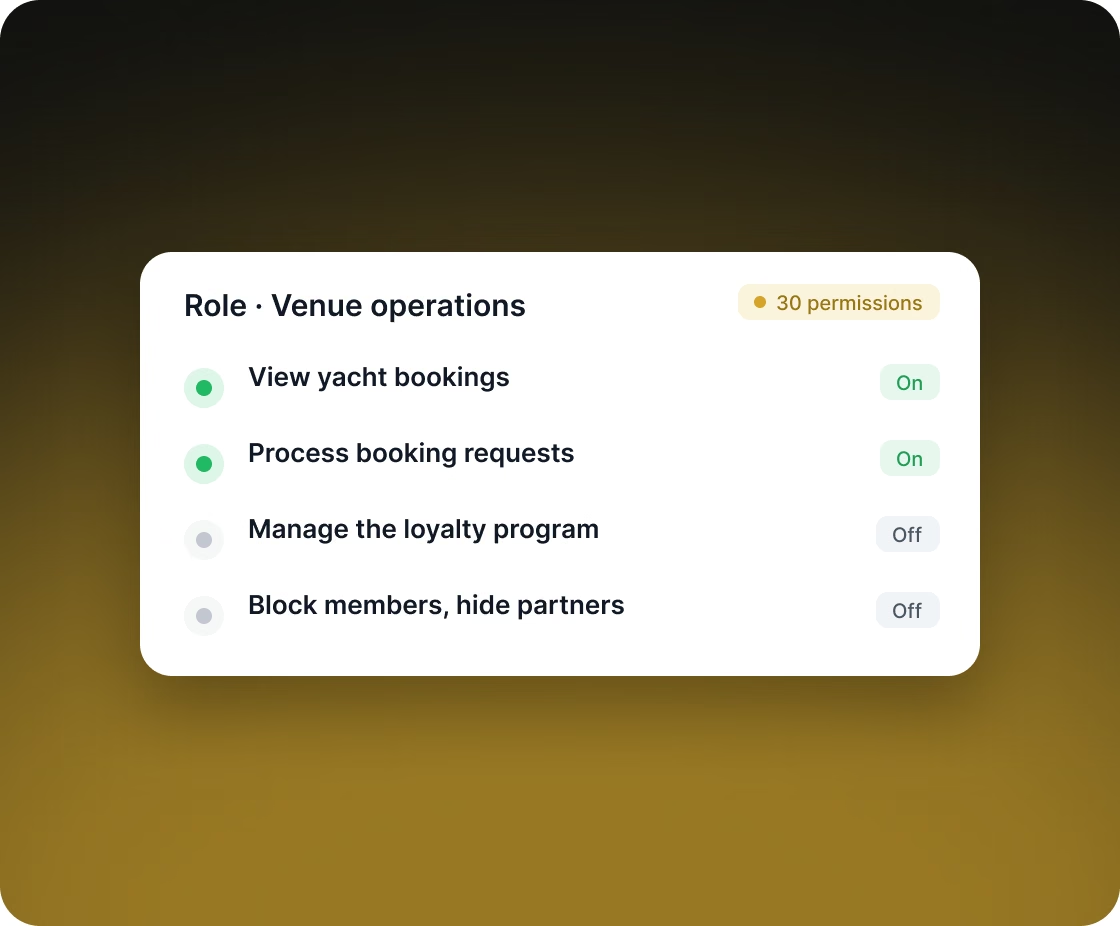
The admin panel covers people (members, ambassadors, partners), bookings of each service type, the loyalty program (rewards, reward requests, promotions), and reference data (cities with tax rates, countries with weekend days and peak seasons, holidays, and events). Each admin role can have any of 30 permissions switched on or off, for example viewing yacht bookings, processing booking requests, or managing the loyalty program. Admins can also:
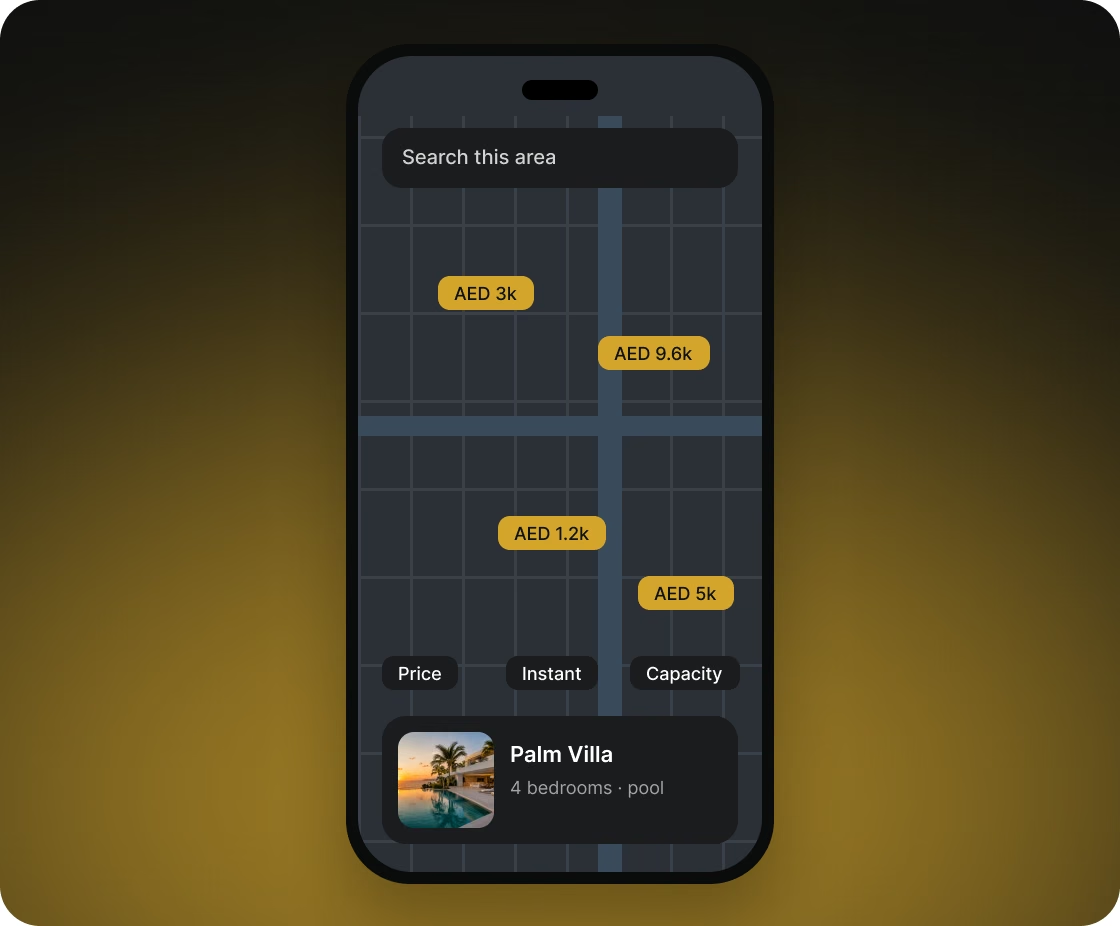
Members find listings near them on a map or in a filtered list.
On launch, the app detects the nearest city from the device location. Each time the map moves, it loads listings for the visible area. Filters cover price range, instant confirmation, capacity, rental type, and villa amenities. Every uploaded photo is saved in three sizes, so lists and listing pages load images quickly.
Backend and Android test builds reach testers automatically, so they don't wait for someone to build or deploy a new version by hand.
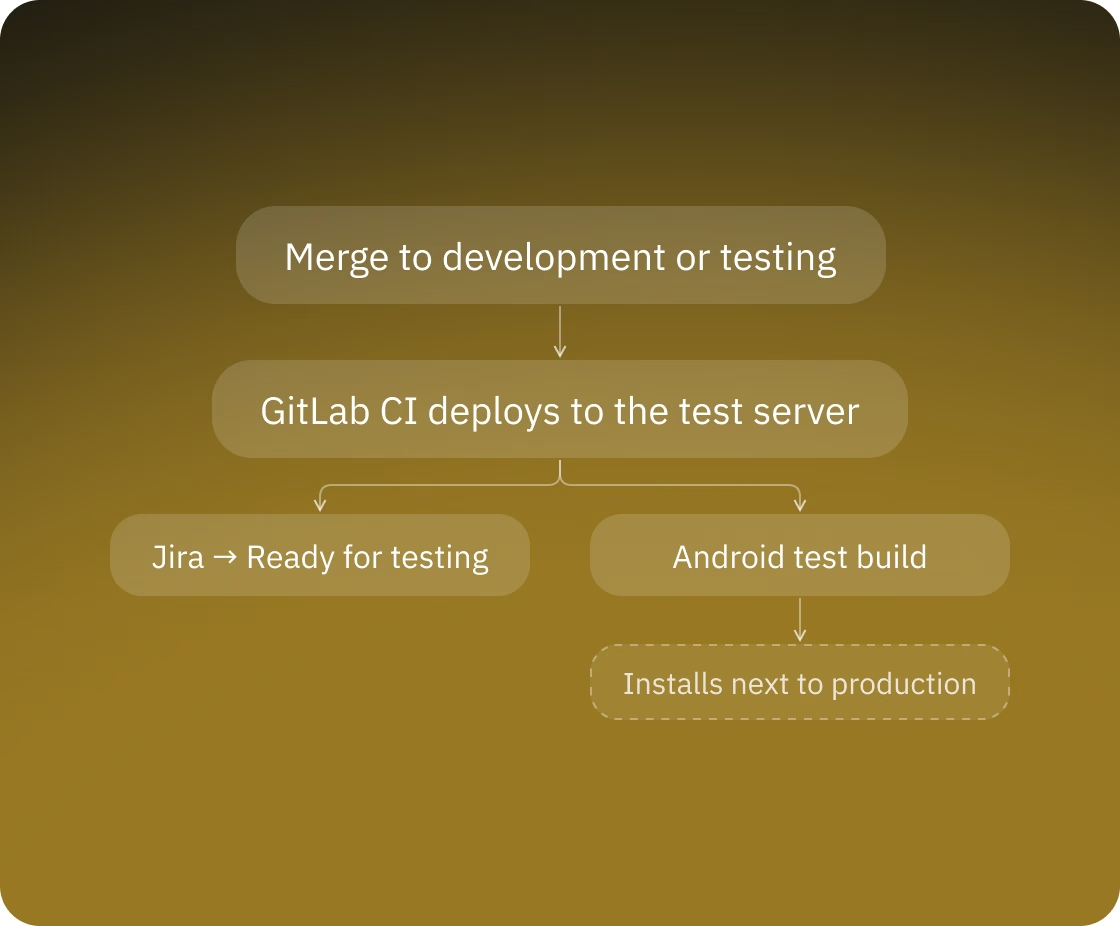
The backend runs in Docker. Each time changes are merged into the development or testing branch of the backend, GitLab CI deploys it to the test server automatically. A merge into the testing branch also moves the related Jira tasks to "Ready for testing", so testers know what to check. For Android, CI builds a test version from the app's test branch and uploads it for testers. Android builds for development, testing, demo, and release talk to different servers, and a test build can be installed next to the production app.
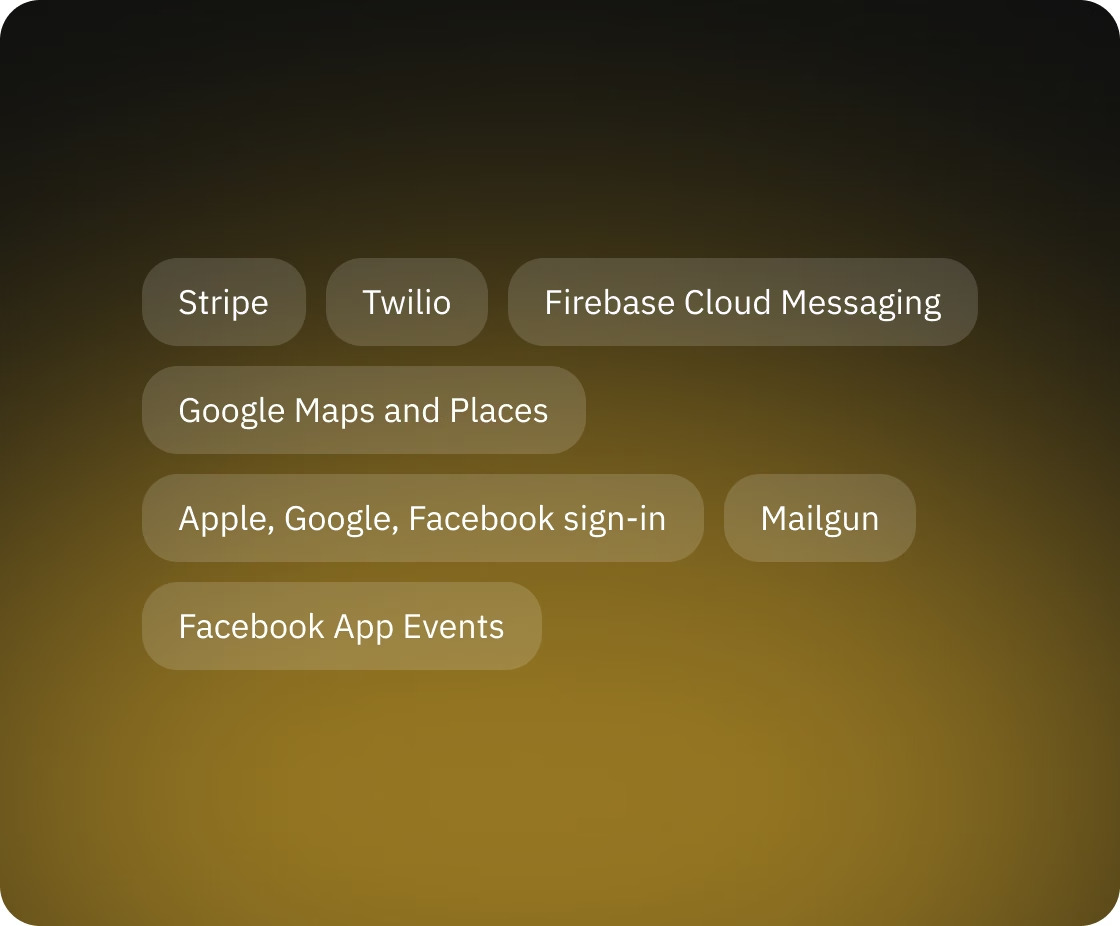
Stripe handles card payments and refunds and links ambassadors' bank accounts. Twilio sends SMS invites and phone verification codes. Firebase Cloud Messaging delivers push notifications, and Google Maps and Places power the maps and address search. Members sign in with Apple, Google, Facebook, or email. Mailgun sends transactional email. Registration, yacht booking requests, request confirmation, and payment are logged as Facebook App Events through the Facebook SDK, so Beseated can see where members drop off.

You get a realistic estimate, technical recommendations and next steps. Free, no obligations.