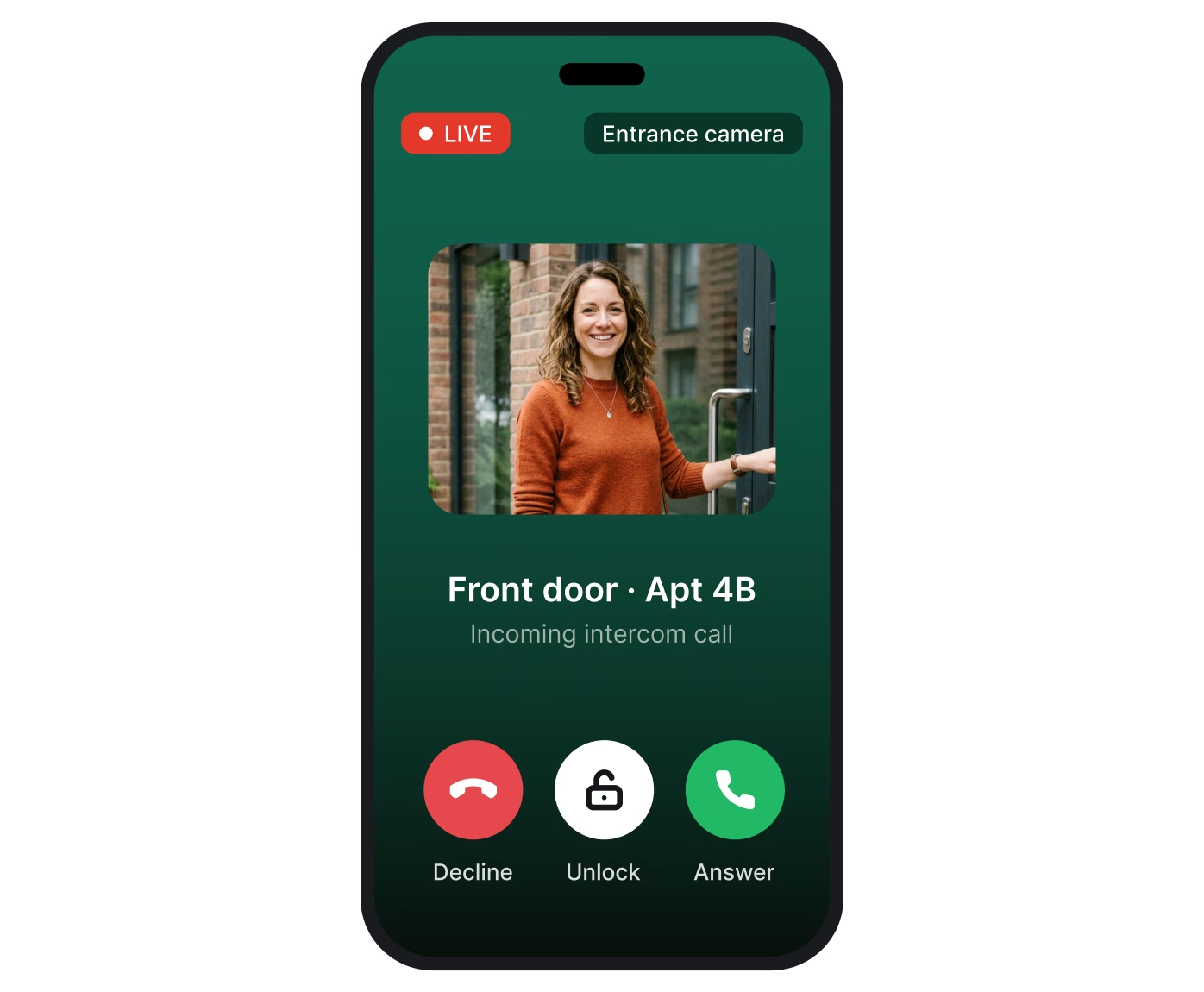
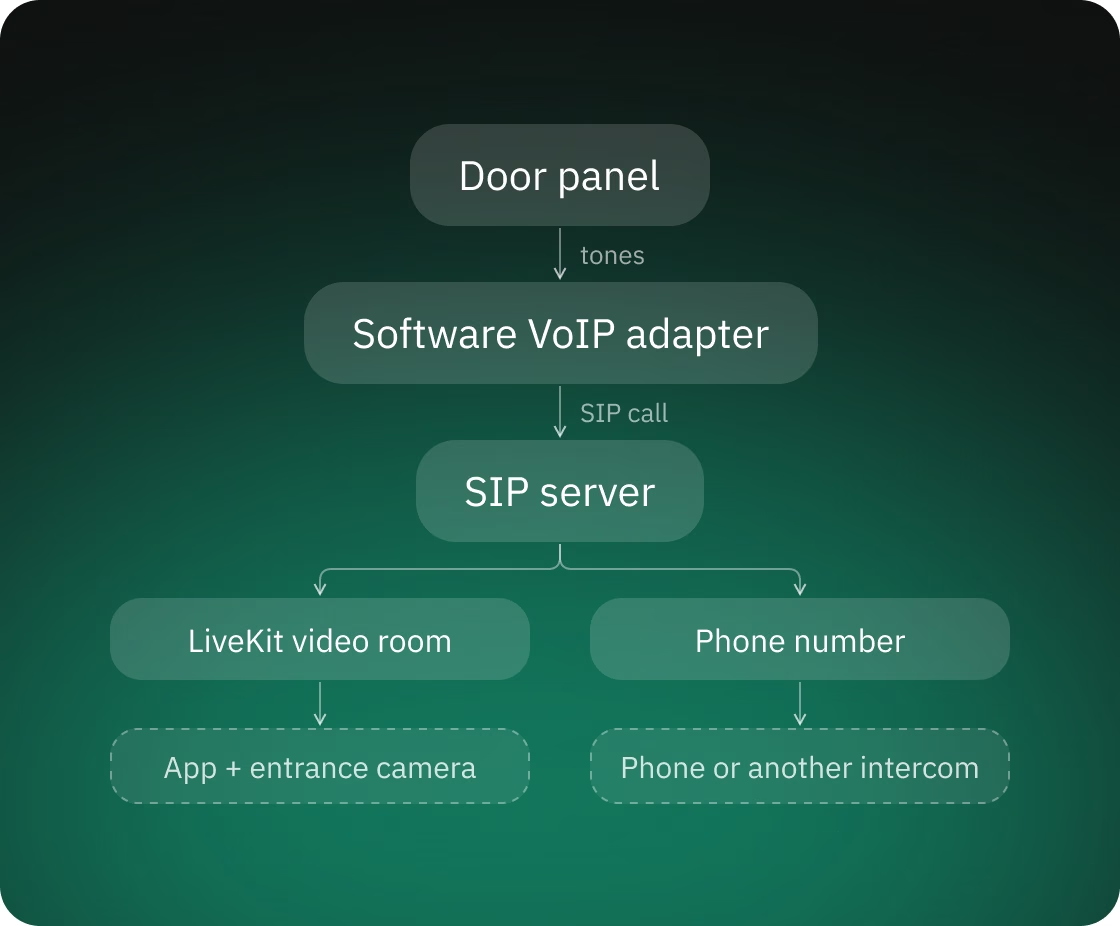
The system works like this: the panel's call becomes a SIP call, and the SIP server decides where it goes. It ends up either in a video room with the app and the camera or on a regular phone number, which can also be another intercom's line.
The hardest part of the project is joining three worlds that don't work together out of the box: analog phone lines and tone dialing at the door, SIP telephony in the middle, and WebRTC video in the app. Because this is door access, a call still has to reach the resident when the client's backend returns an invalid response or the primary carrier is down.
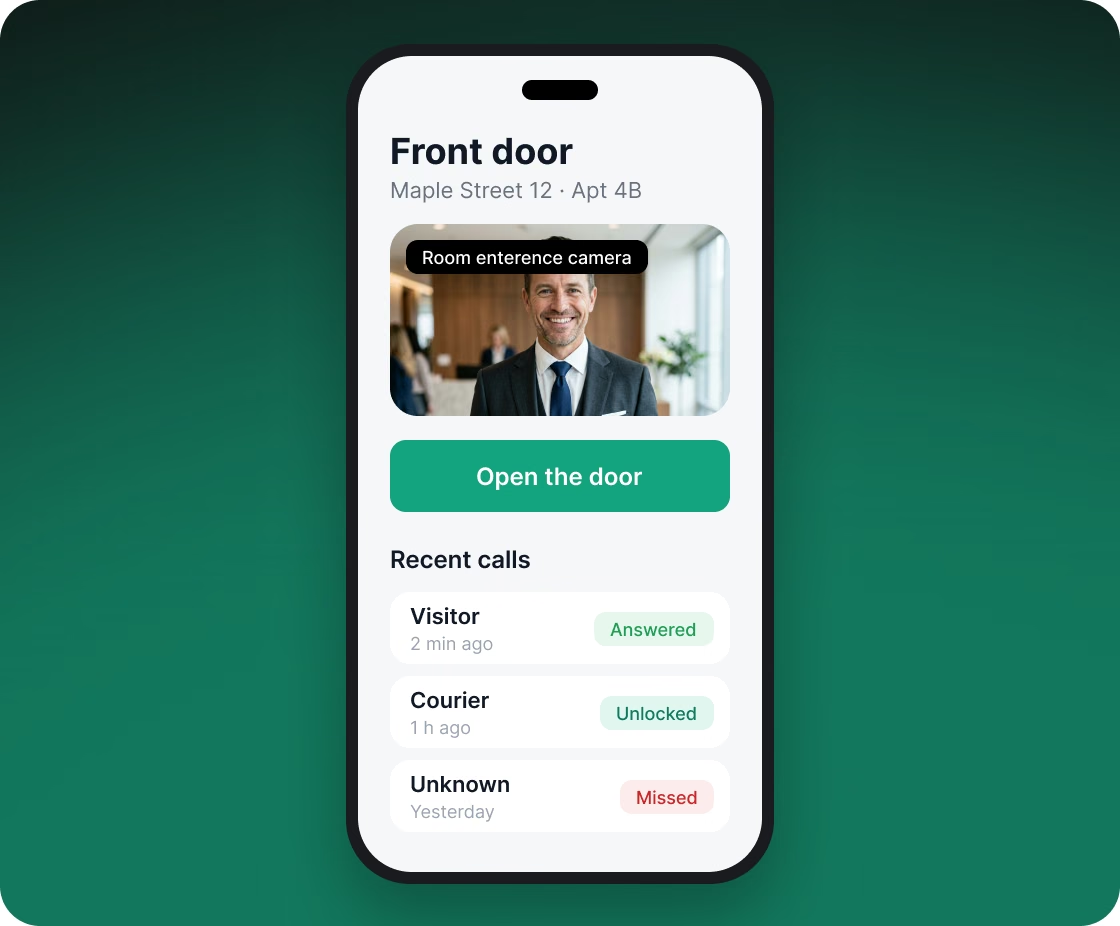
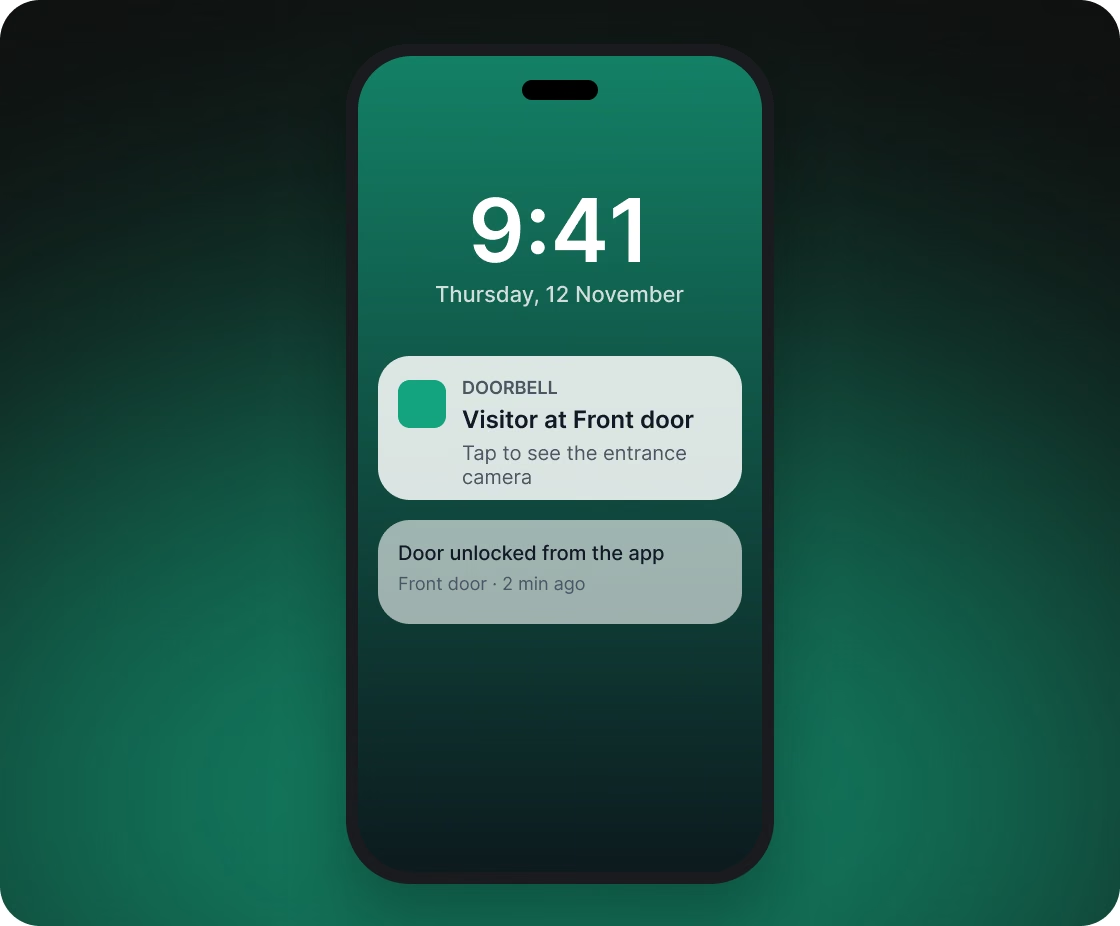
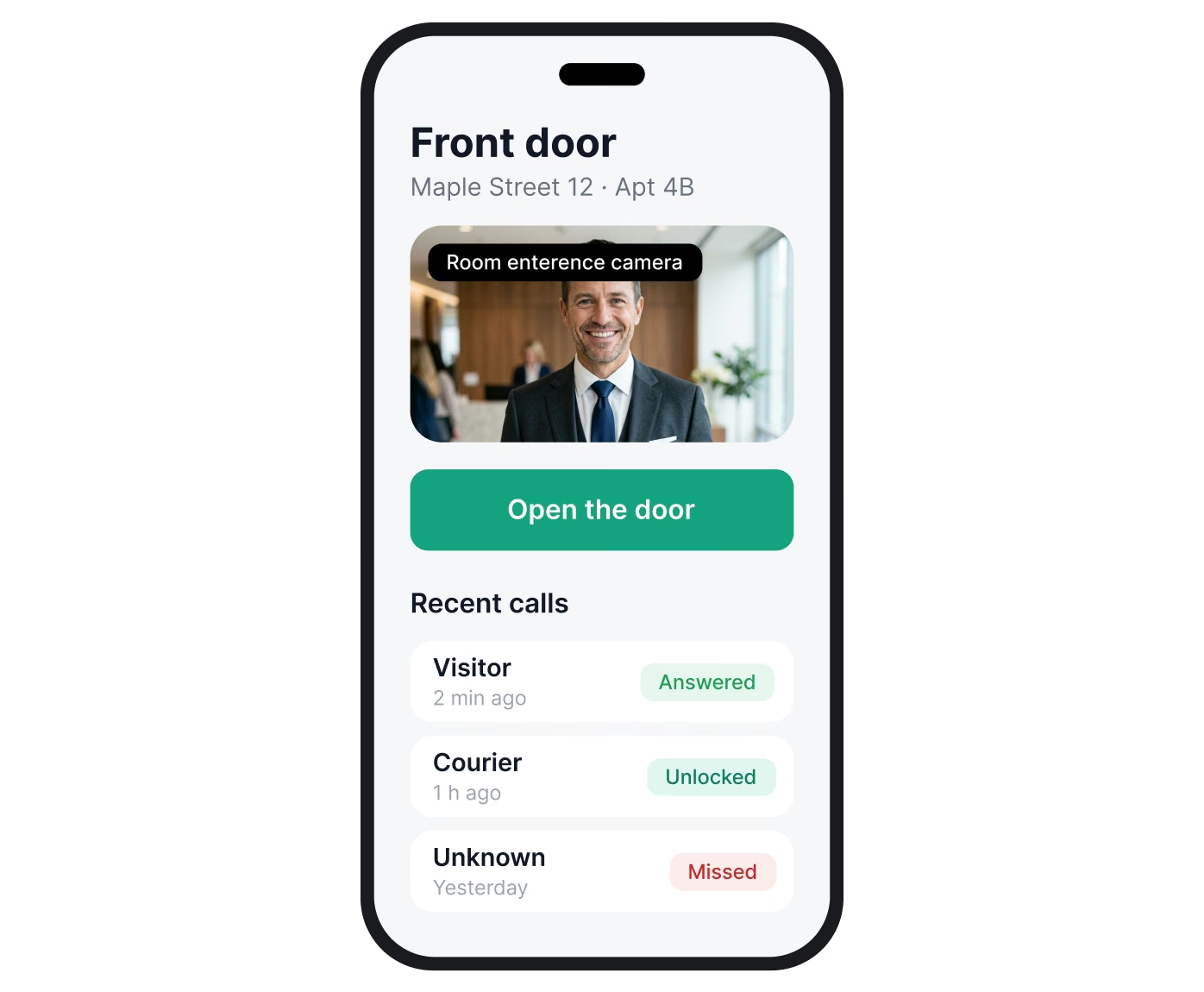
Buildings with old panels get video calls without replacing the panel, using the camera already installed at the entrance.
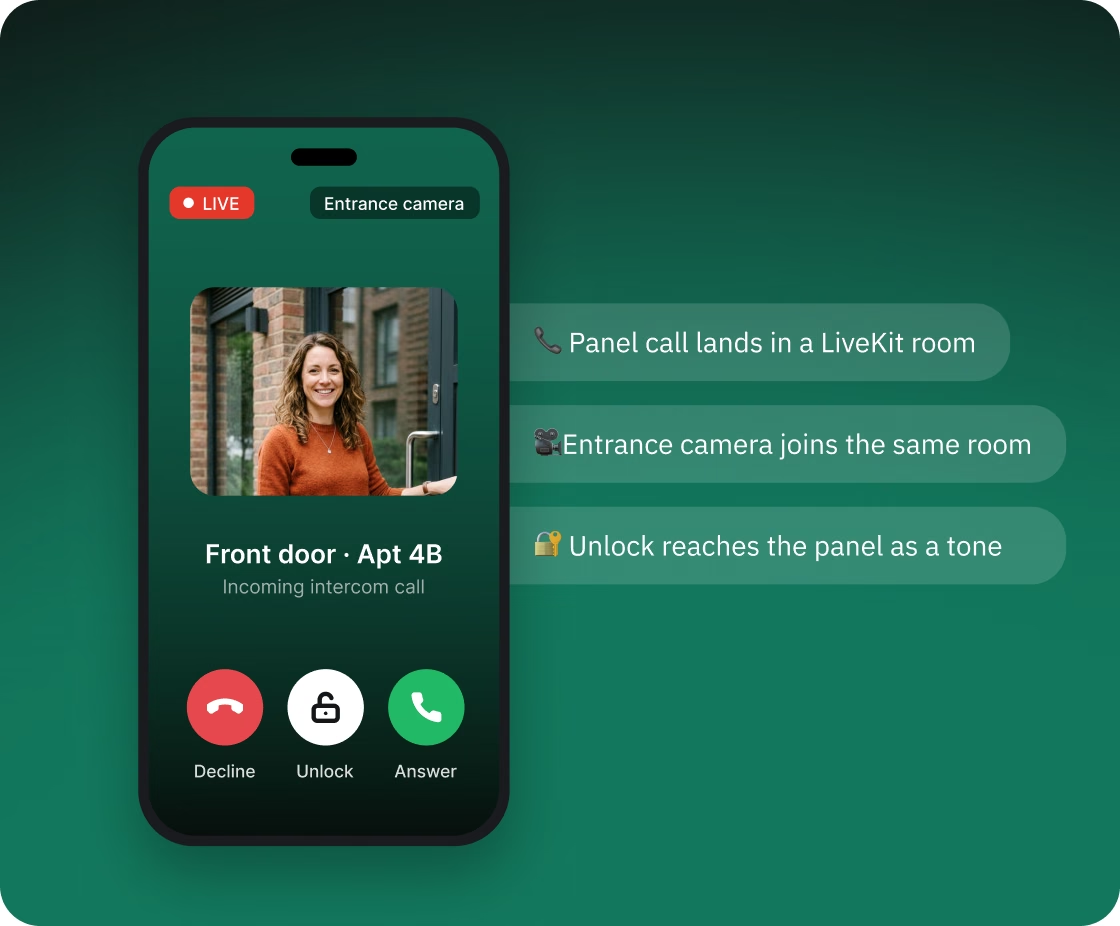
Once our software adapter on the on-site device has turned the panel's call into a SIP call, it has to reach the app, which runs on WebRTC. We connected the two using LiveKit SIP, LiveKit's SIP-to-WebRTC bridge. The call from the panel lands in a LiveKit video room, and the resident's app and the entrance camera join the same room. The resident hears the visitor, talks back and sees who is at the door. The SIP server works with standard SIP devices and softphones, so the system isn't tied to one vendor's intercoms.
A call goes like this:
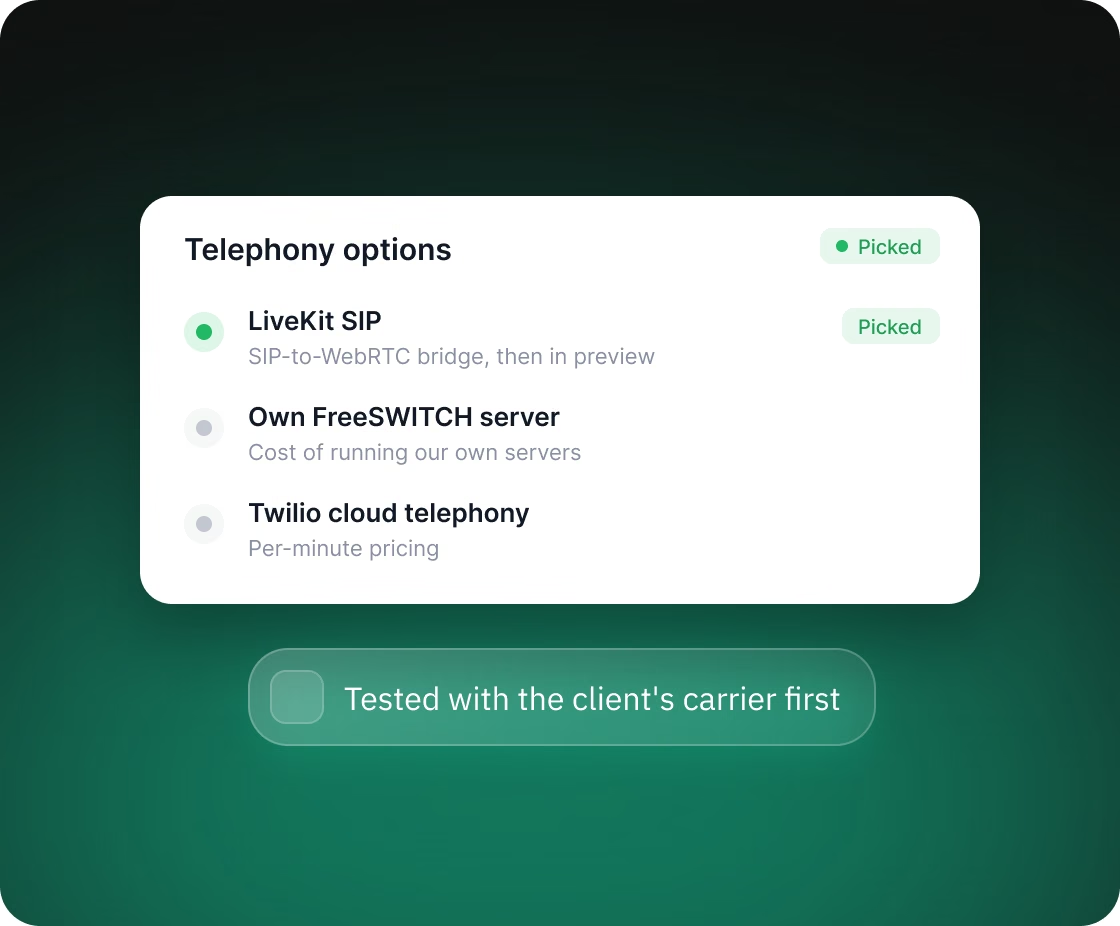
The stack choice was confirmed by a working test on the client's own carrier before the rest of the system was built. The work went from a proof of concept that checked whether the chosen services worked together to software running on the client's own hardware.
We compared three approaches: LiveKit SIP, our own FreeSWITCH server and Twilio cloud telephony. For each we laid out the pros and cons, including per-minute pricing and the cost of running our own servers. We picked LiveKit, then tested the riskiest part first: LiveKit SIP was in preview at the time, and its developers had tested it with only two carriers, while the client used a third. We confirmed compatibility with that third carrier.
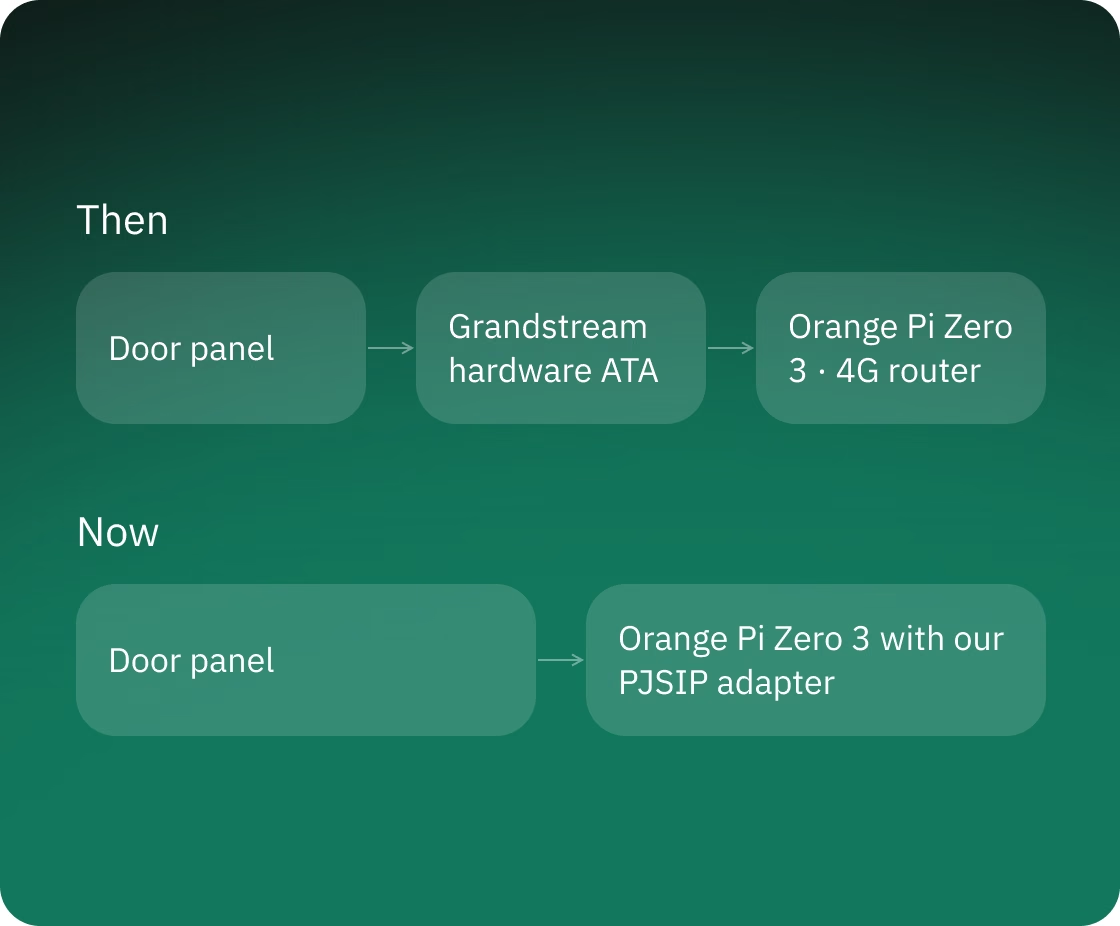
The client's on-site kit became simpler and smaller: it lost one device.
We replaced a Grandstream hardware VoIP adapter (ATA) with software built on PJSIP. It runs on an Orange Pi Zero 3 compact computer that is already part of the client's kit and also serves as its 4G router.
The adapter runs in a Docker container and is configured with a settings file, so we debugged the same code and settings on a regular computer and then ran it on the board. It places and receives calls: on an incoming call it rings the connected phone line. It talks to the other programs on the device through short commands and status messages such as "handset off-hook", "dial a number", "call started", "call answered" and "error". Because other programs control the adapter only through these messages, we could test it by sending them ourselves before the board that connects to the phone line was available.
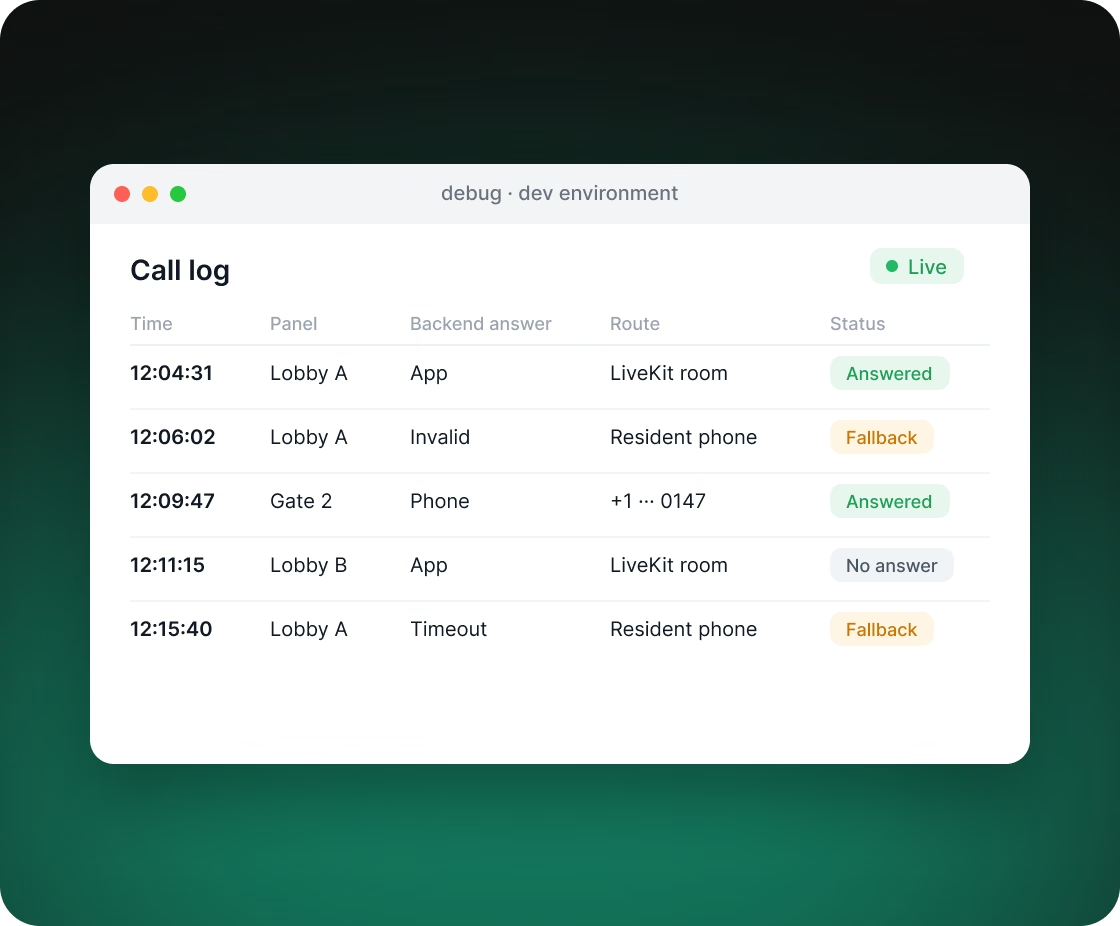
A failure on the client's side doesn't have to leave the visitor unanswered.
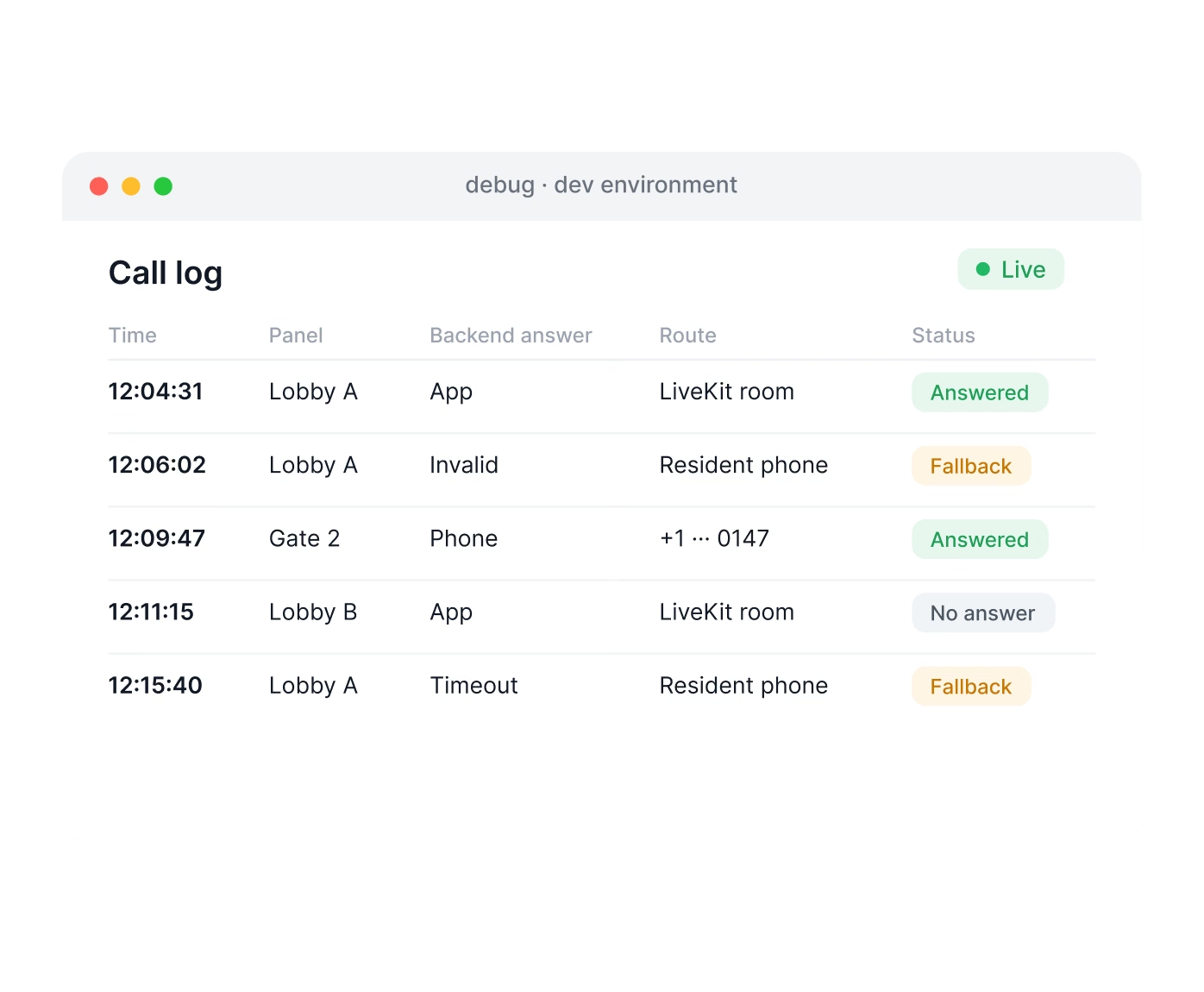
Before each call, the SIP server asks the client's backend where to send it: to the app, or through a carrier to a regular number, which can be a phone or another intercom's line. If the backend returns an invalid response, the SIP server sends the call to the resident's phone number by itself. The time the SIP server waits for the backend's answer is configurable.
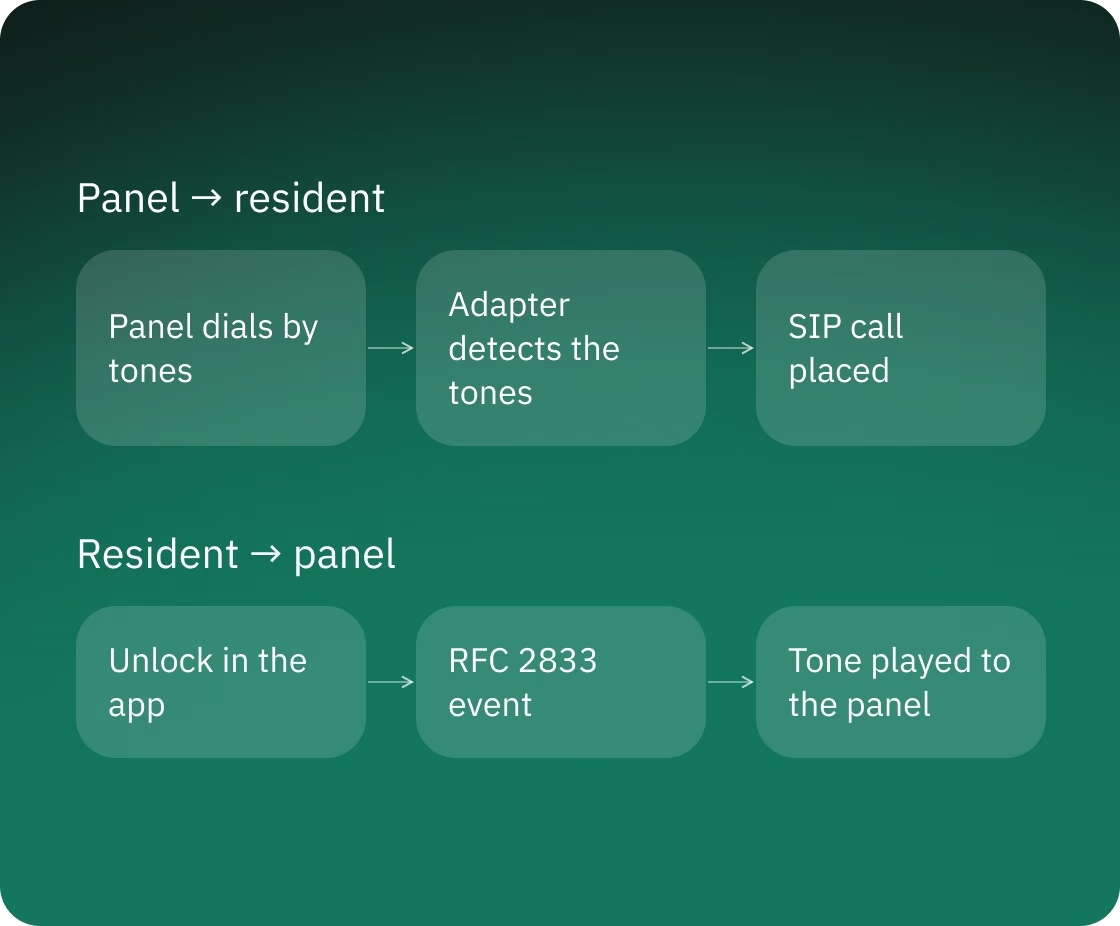
Old panels work as they are, including remote door unlock.
An old panel calls a resident by tone dialing, the same way a push-button phone does. We taught the adapter to detect these tones right in the audio, assemble the number and call it. Tones go the other way too: the adapter handles them as RTP events under RFC 2833 on the SIP side and can play tones into the call on the line side. This is how the panel receives commands from the resident, such as a door unlock sent from the app. We also added echo cancellation so calls over the analog line sound cleaner.
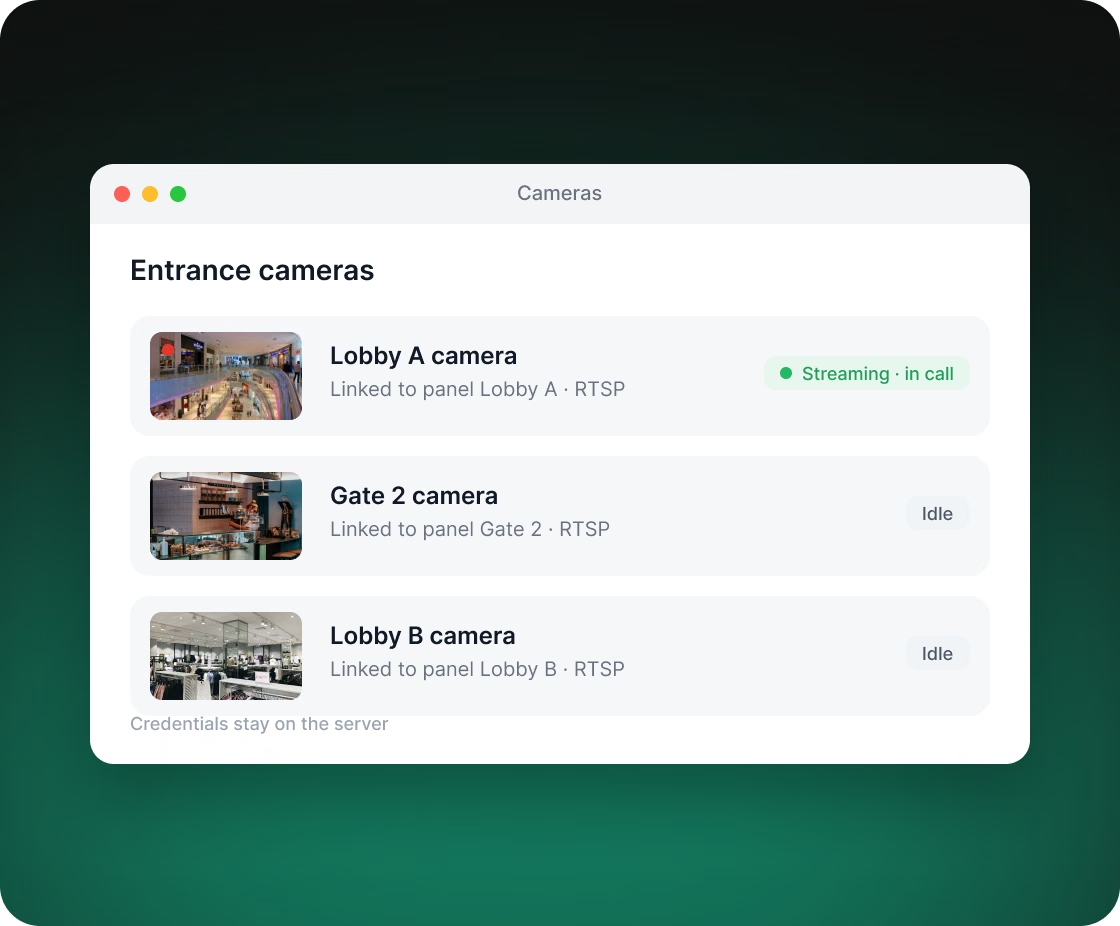
Camera traffic and media server load come only from active calls.
Entrance cameras stream over RTSP, which LiveKit doesn't accept directly, so we built a media server. On an incoming call it pulls the camera's stream into the call's room. When the call ends, the media server stops pulling the stream. The system works with the cameras already installed at the entrance. Camera logins and passwords stay on the server and are not sent to the app.
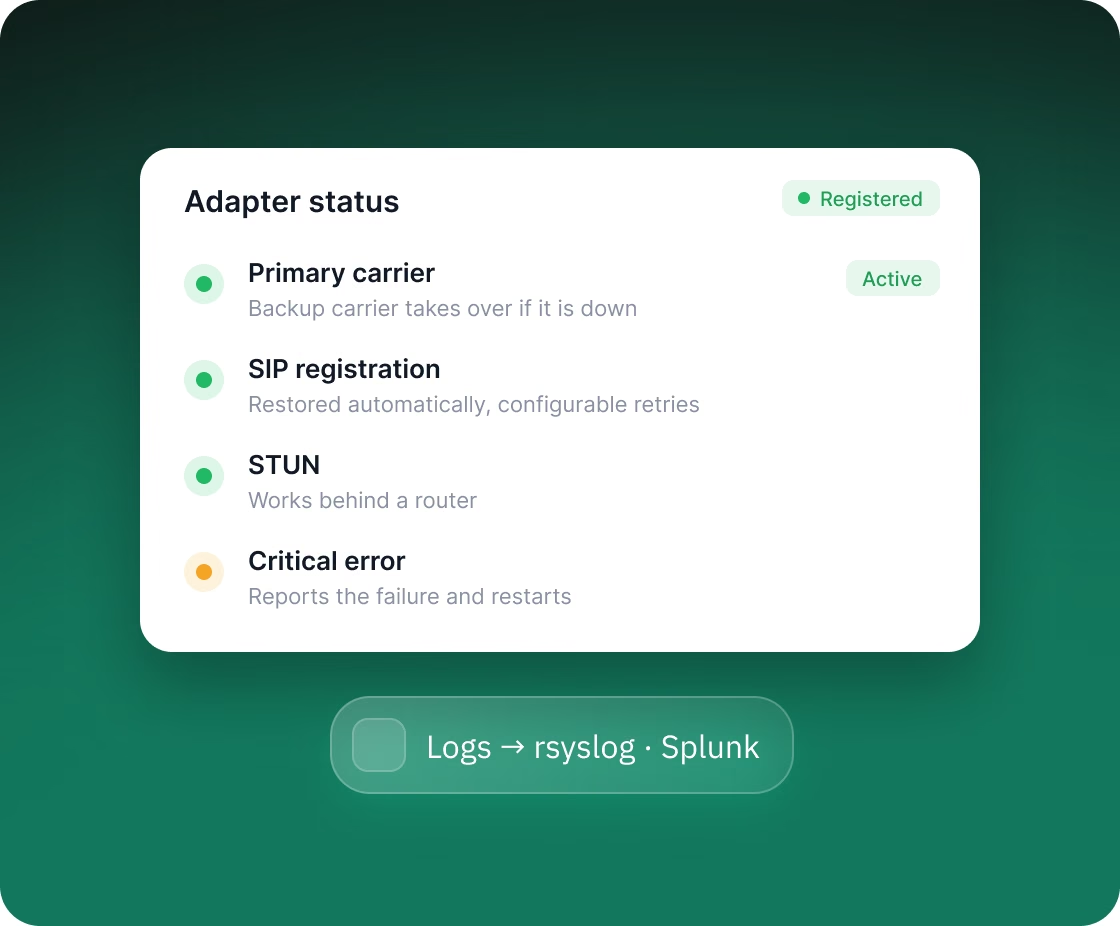
The adapter is designed to run unattended. We built several safeguards into it:
Registration status and the progress of each call are visible to the other programs on the device, and logs go to external logging systems (rsyslog, Splunk).
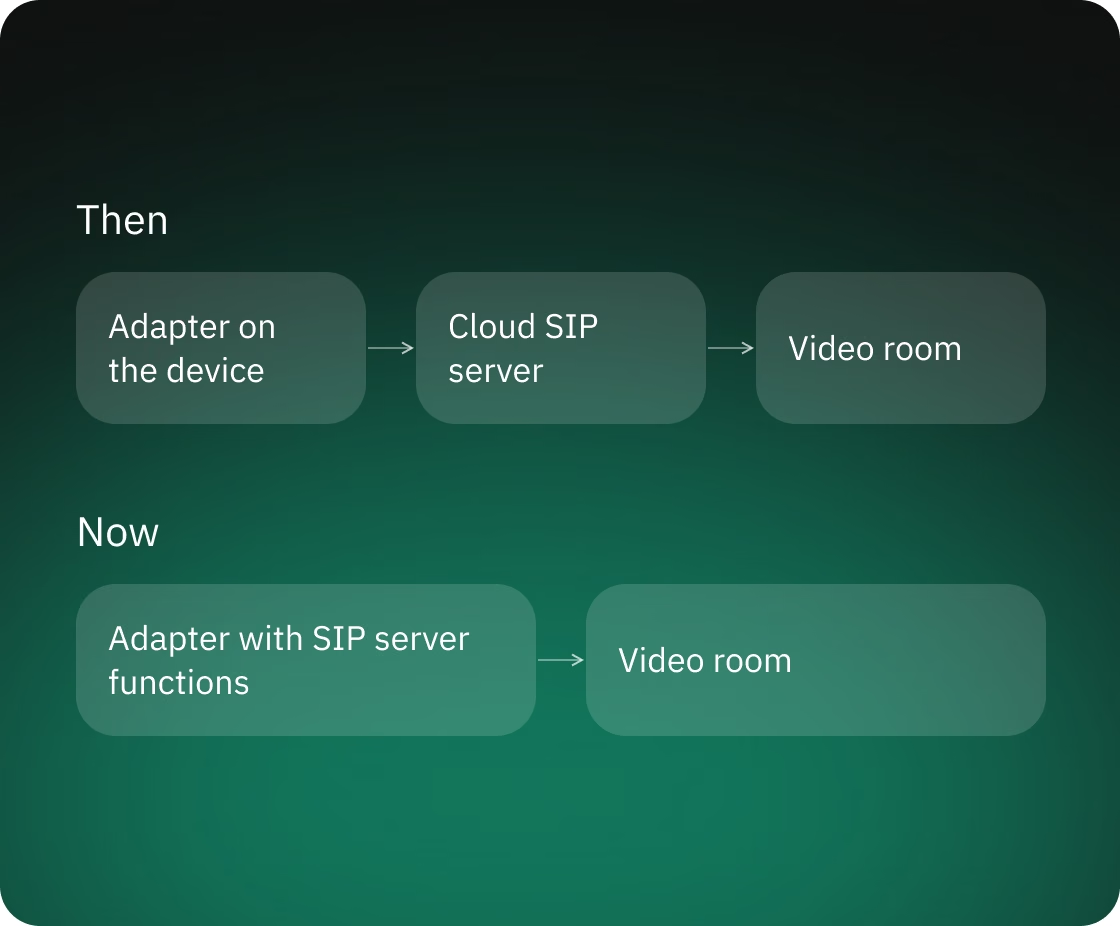
The less a call depends on cloud servers, the fewer places there are where a single failure can leave a building without a connection.
The cloud SIP server came first. At a later stage we moved SIP server functions into the adapter software on the device itself.
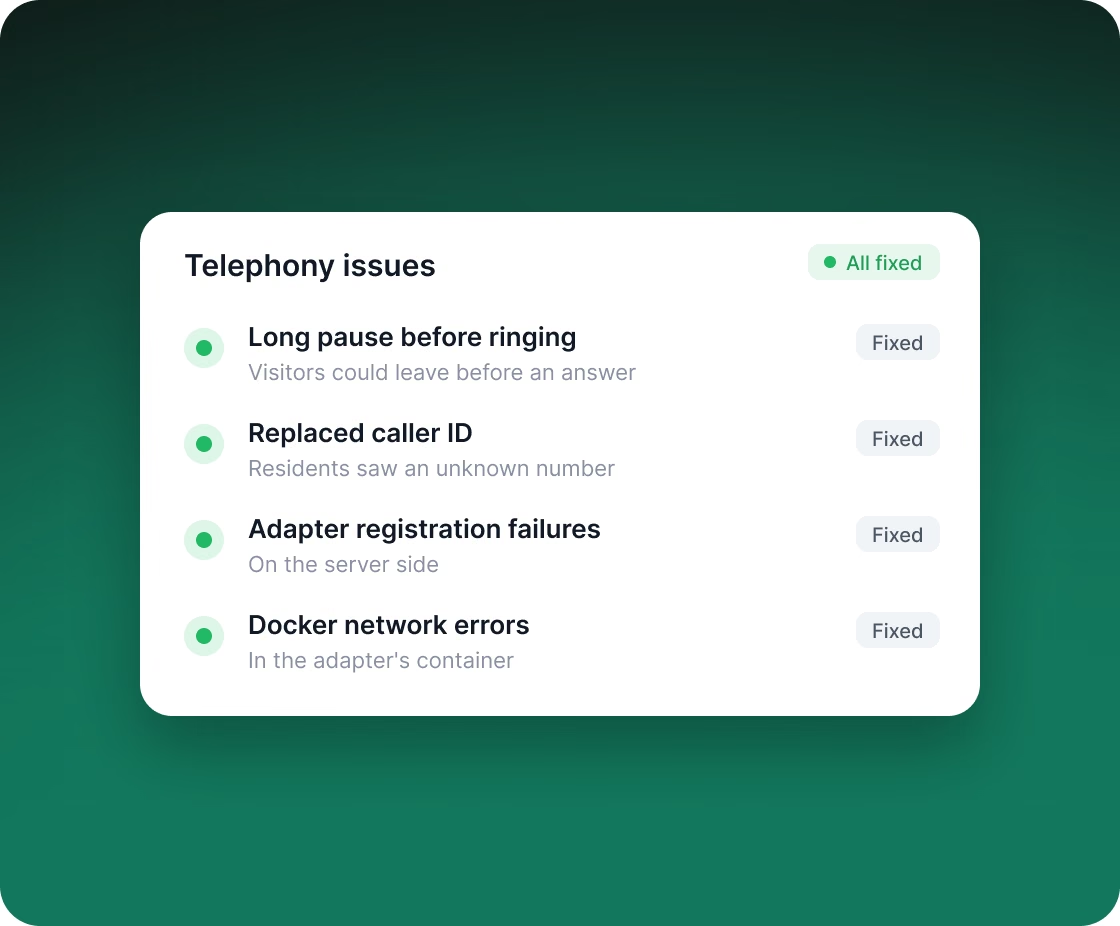
Visitors and residents notice telephony failures right away. We found and fixed problems that are hard to reproduce:
The team could test calls without waiting for the mobile app.
We set up separate development, testing and demo environments. Each accepts calls from a regular softphone and has a debug page and API documentation.
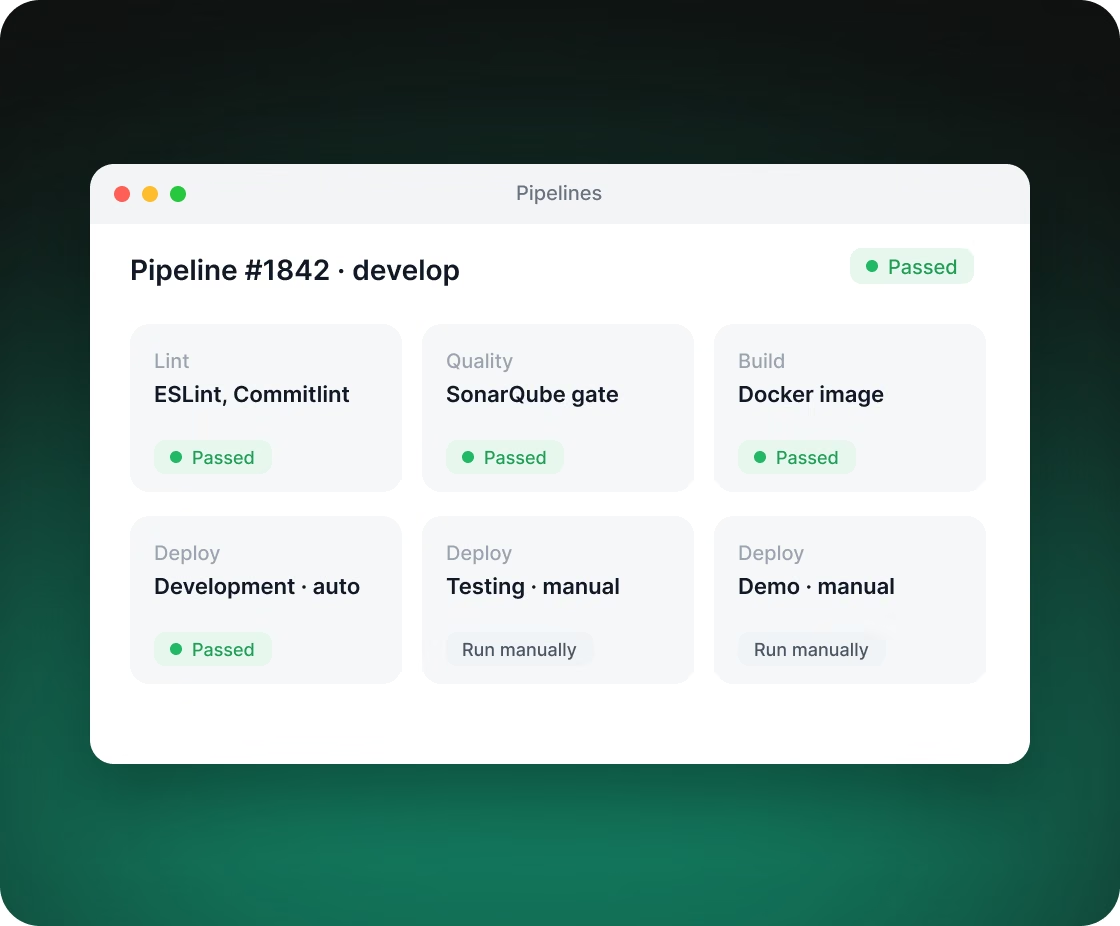
Builds and deployments are automated. Every merge request goes through code style and commit message checks and a SonarQube quality gate. Code merged into the development branch is deployed to its environment automatically, and the testing and demo environments are updated with one click. After builds of the development and testing branches, tracker tasks move to the next status automatically. Server logs and load are visible in a shared monitoring system.

You get a realistic estimate, technical recommendations and next steps. Free, no obligations.