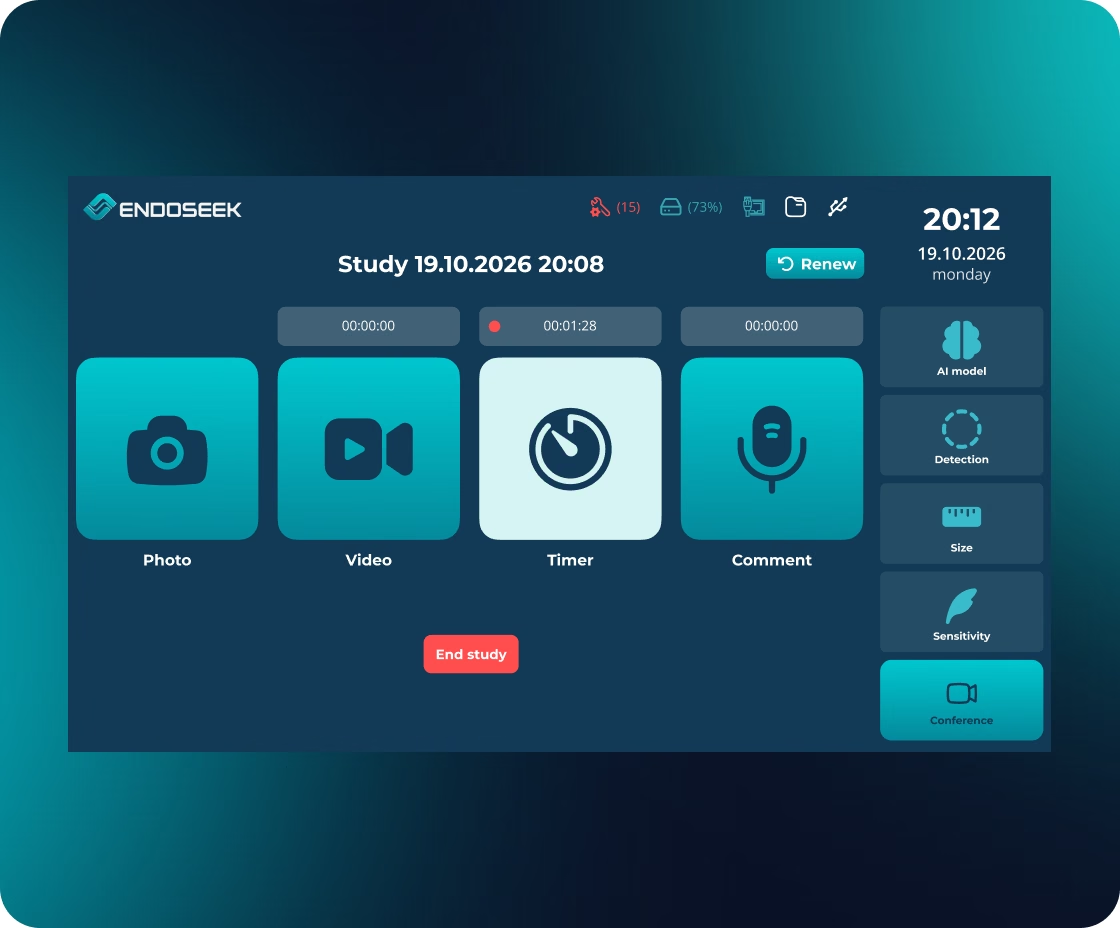
We designed and built three apps, each for its own step of a study:
For the foot pedals, we also built a USB adapter and its firmware.
The workstation stands next to the patient during a procedure. It records the feed at full resolution, shows it live, takes photos and understands spoken commands, all offline on one Linux PC.

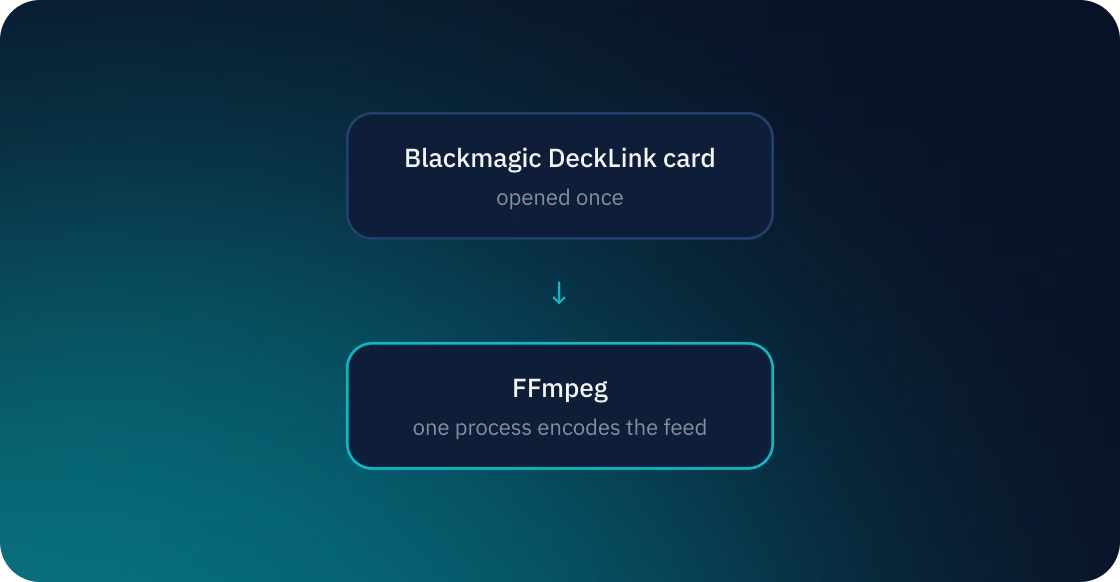
The capture card accepts one connection, but the workstation needs recording, a preview and photos at the same time. Records opens the Blackmagic DeckLink card once, and one FFmpeg process splits the feed into four outputs.
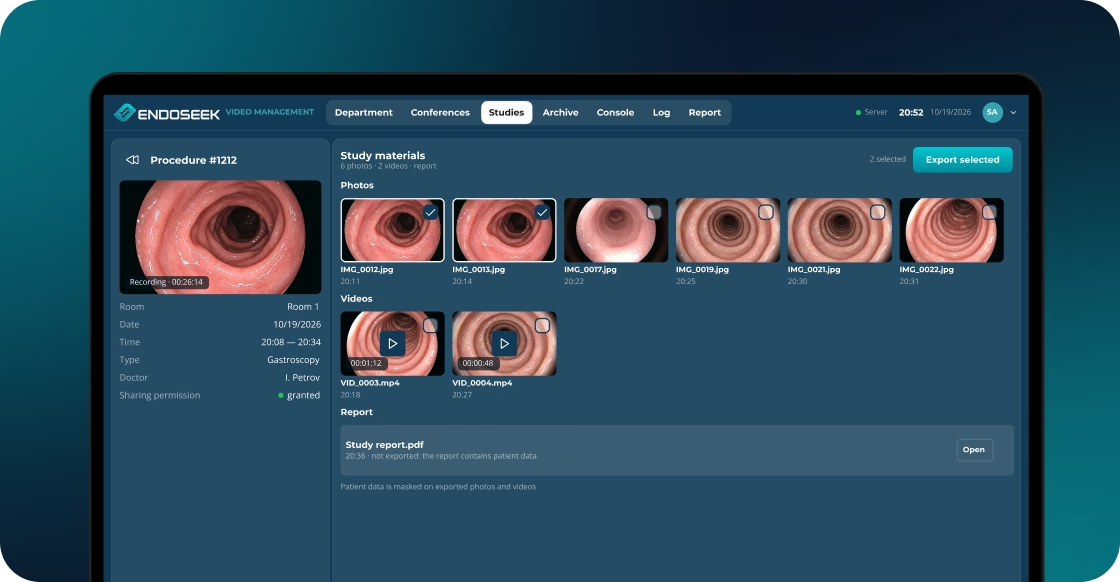
Recording copies an H.264 stream at source resolution into an MP4 file without encoding it again. A still frame refreshes twice a second, so a photo works during recording, and a 720p preview at about 3 Mbit/s keeps the delay under 1.5 seconds.
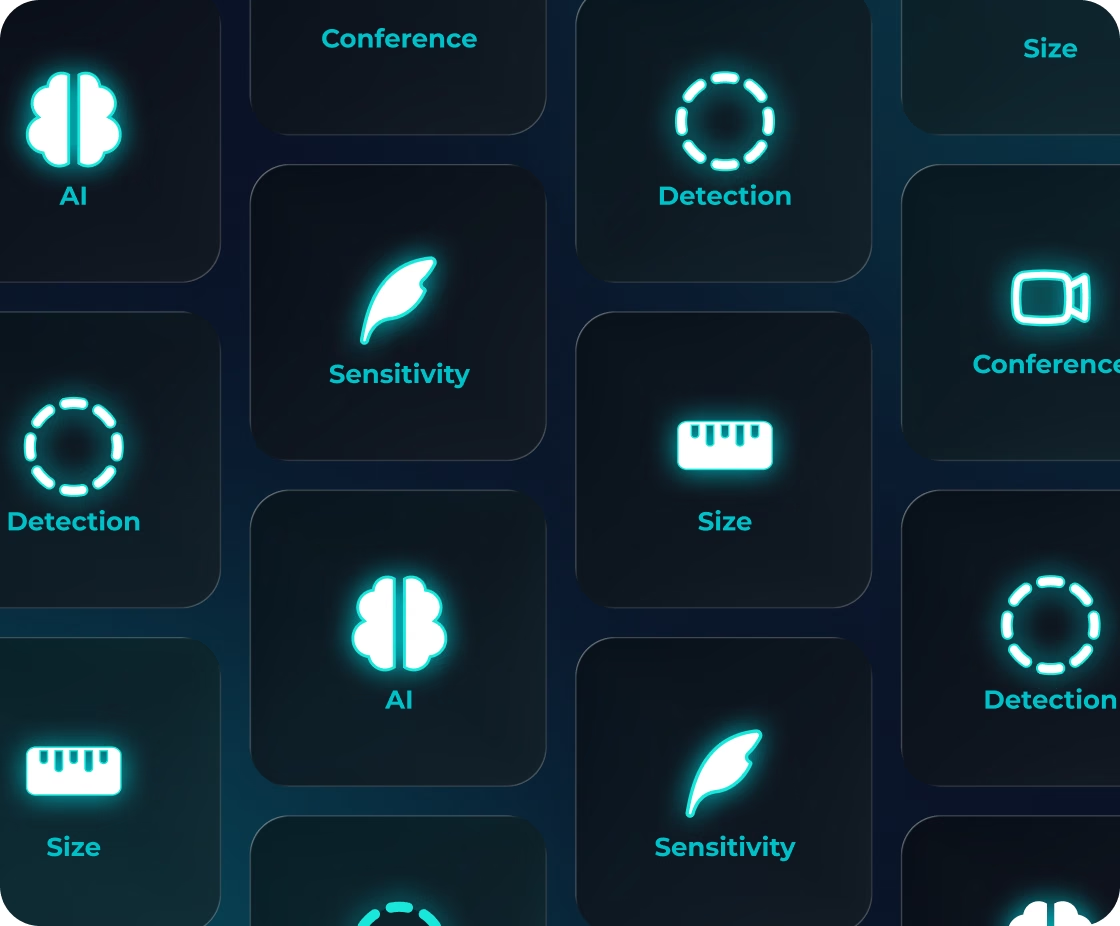
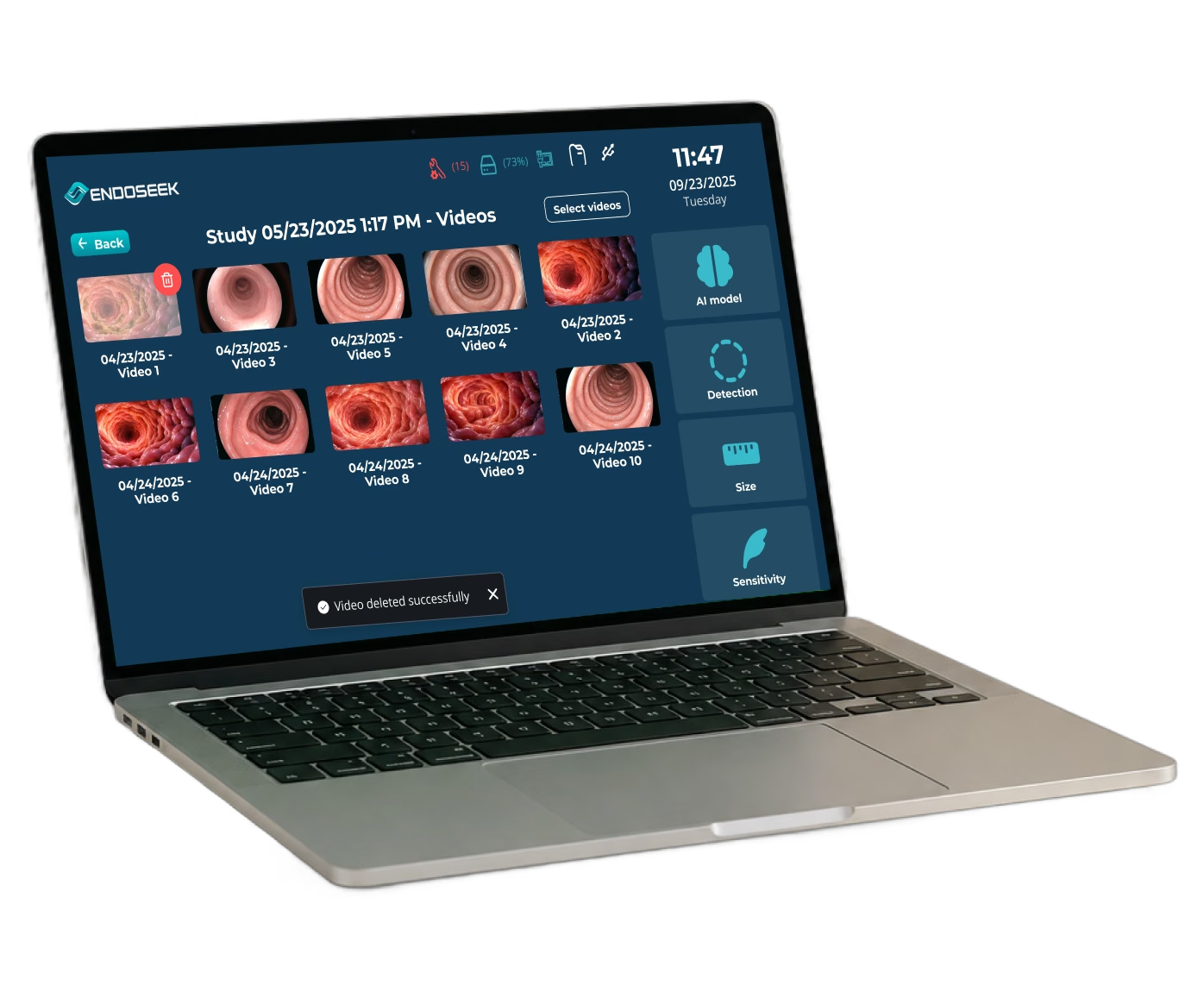
The endoscope signal goes to a third-party AI application first, which draws contours, boxes and size labels but has no documented way to output its video. Its picture returns through an SDI loop into the same capture card, so the recording shows the markup as the doctor saw it.
The doctor switches the markup on and off from the Records screen or by voice. If the AI application does not respond, the buttons show that control is unavailable.
The doctor's hands hold the endoscope, so the study is controlled by voice. Speech recognition runs on the workstation's processor without an internet connection, and we fine-tuned the model for endoscopy vocabulary. After a wake word, the doctor takes a photo, starts or stops video or a comment, switches the AI markup or ends the study.
Dictated comments go into the report with timestamps. Punctuation is added only if no word changes, so the record keeps the doctor's exact words.
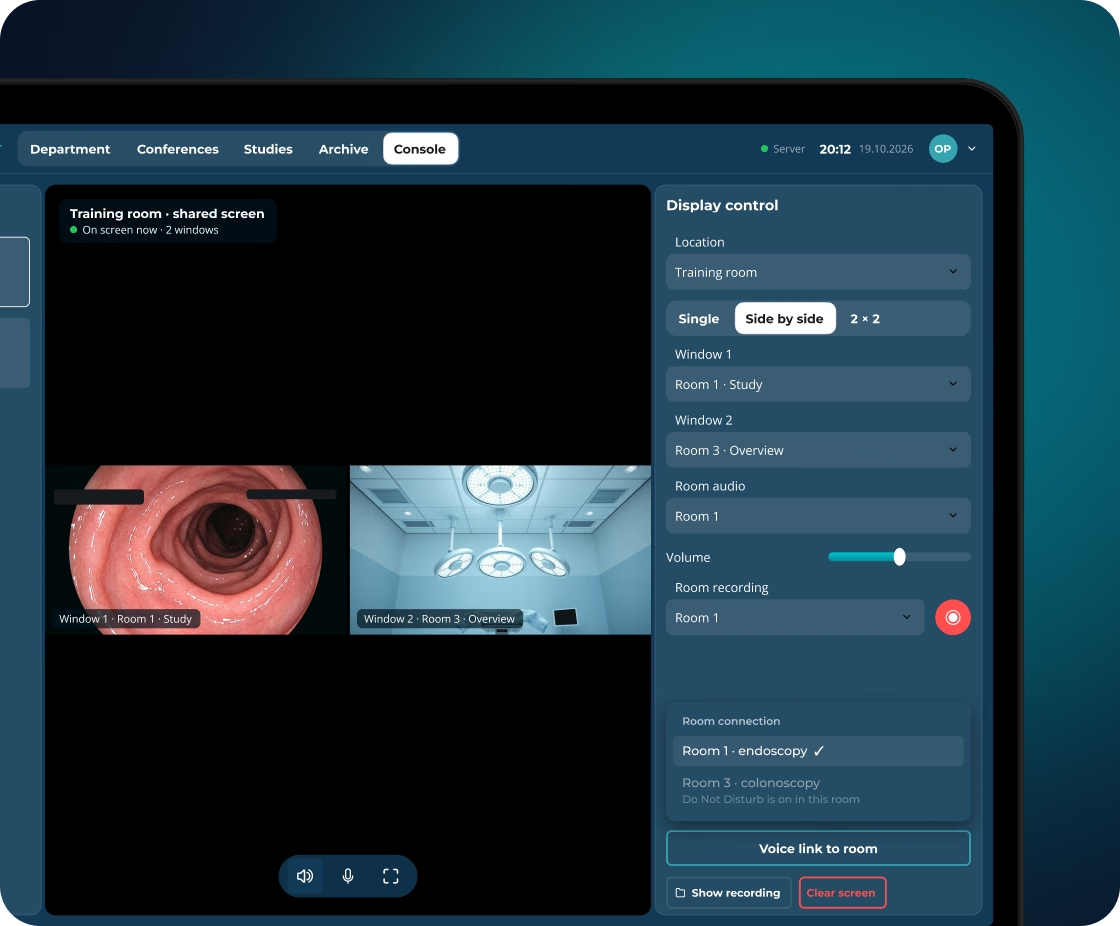
If the signal drops, Records restores the feed by itself. A watchdog restarts the feed after 10 seconds without a frame, but never during a recording, so the recording file stays intact. An optional detector warns the doctor when the converter sends color bars or a black screen instead of a signal.
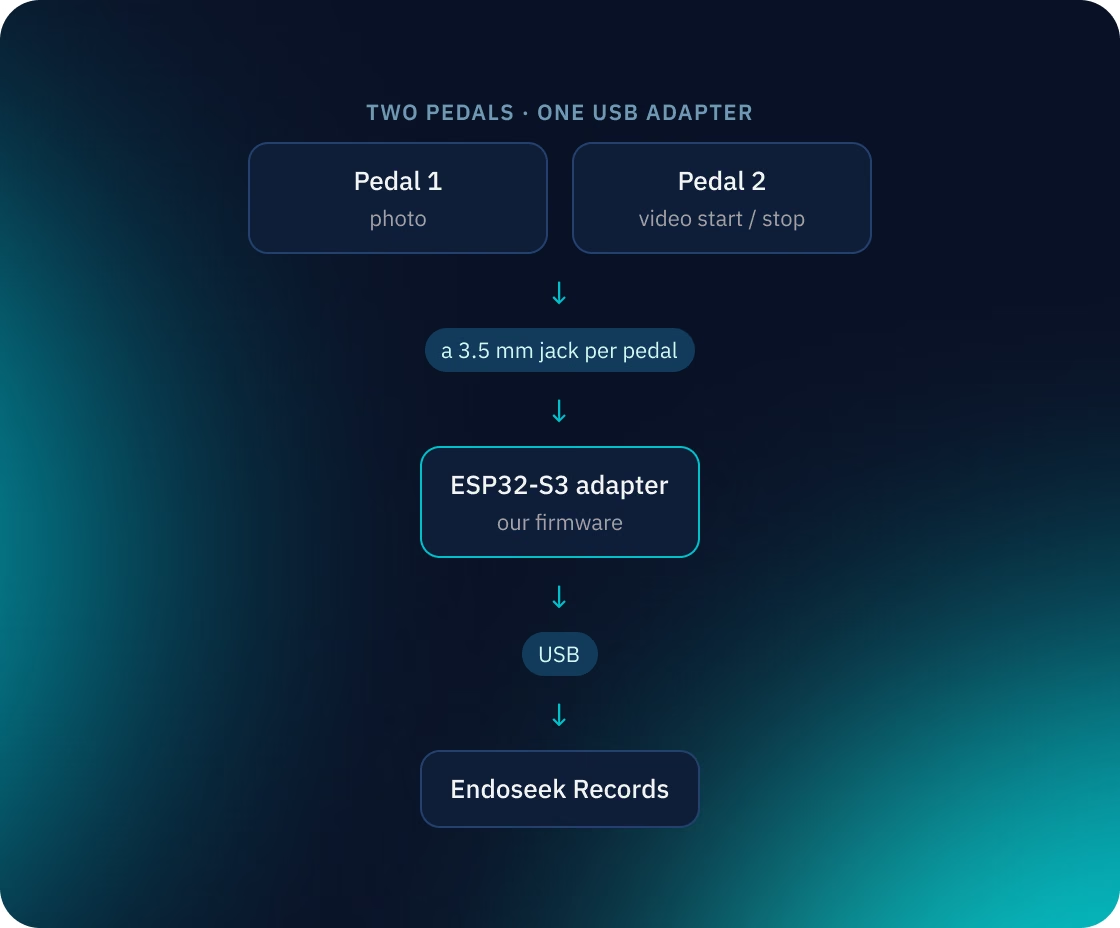
Two foot pedals take photos and start or stop video. Reading them through the PC's audio input caused false triggers when a microphone or headphones were connected, so we moved them to a USB adapter that runs our firmware on an ESP32-S3 board.
The pedals work independently, so the doctor can take a photo during a recording. We wrote assembly instructions, so Endoseek can build more adapters.
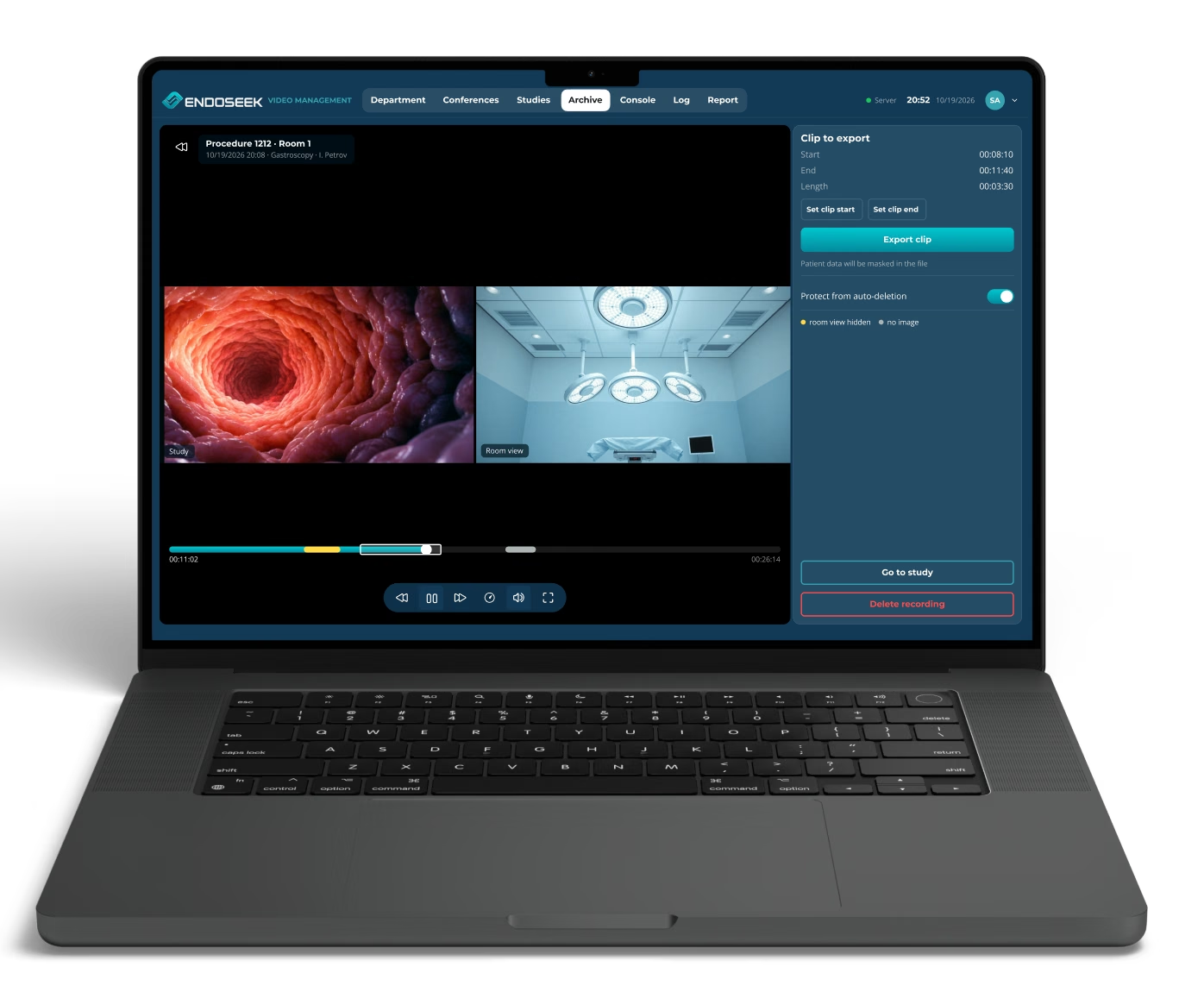
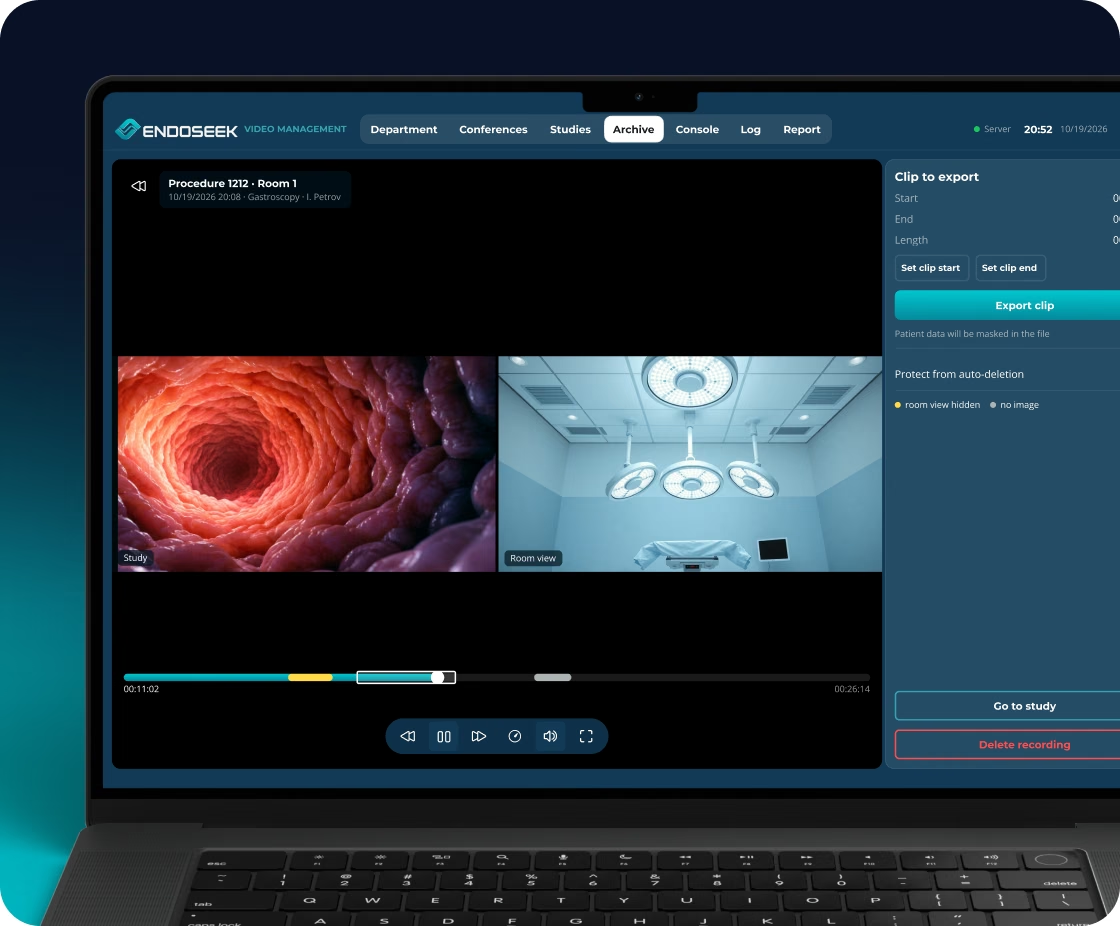
A study is a folder with videos, photos and a report, and Records keeps copies of it, so the work goes on when a drive or a server disappears.
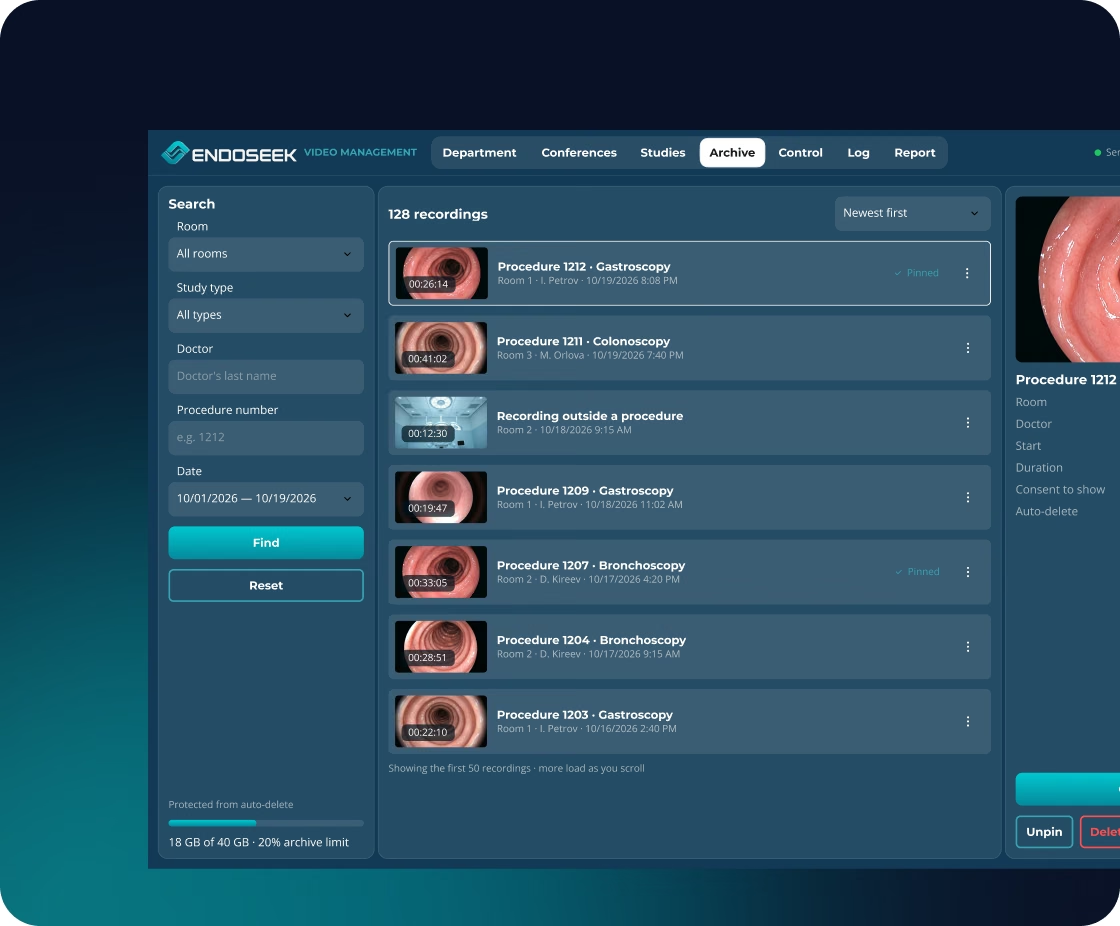
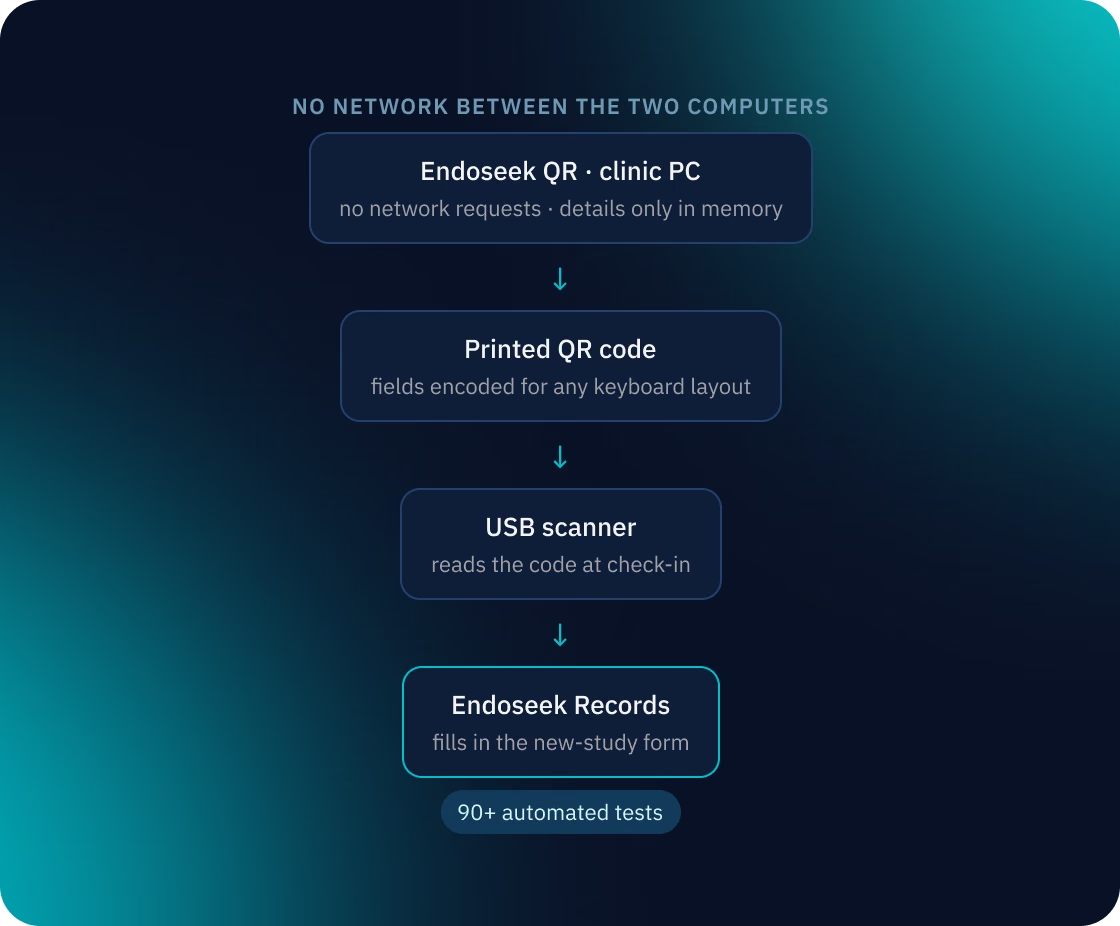
Clinic staff enter patient details on a separate PC and print a QR code, and the workstation reads it to fill in the new-study form. There is no network between the two computers.
The QR app blocks every network request and keeps patient details only in memory. Fields are encoded so that a USB scanner reads them correctly whatever the keyboard layout. The app has more than 90 automated tests, and one of them decodes the real QR image with an independent reader.
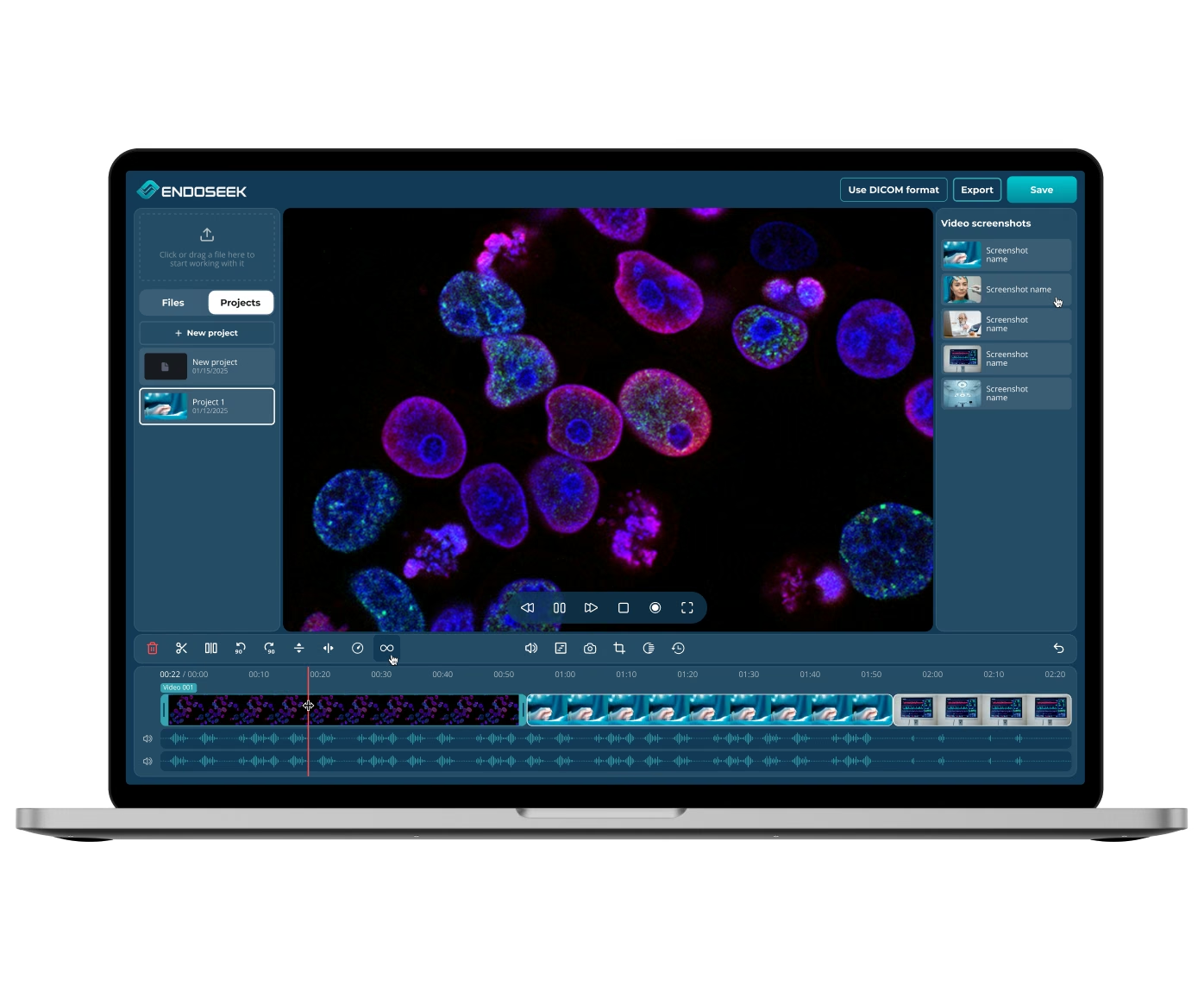
In Edits, a doctor turns a raw recording into a short video for a patient or a colleague.
It opens video, images, DICOM files and ZIP archives:
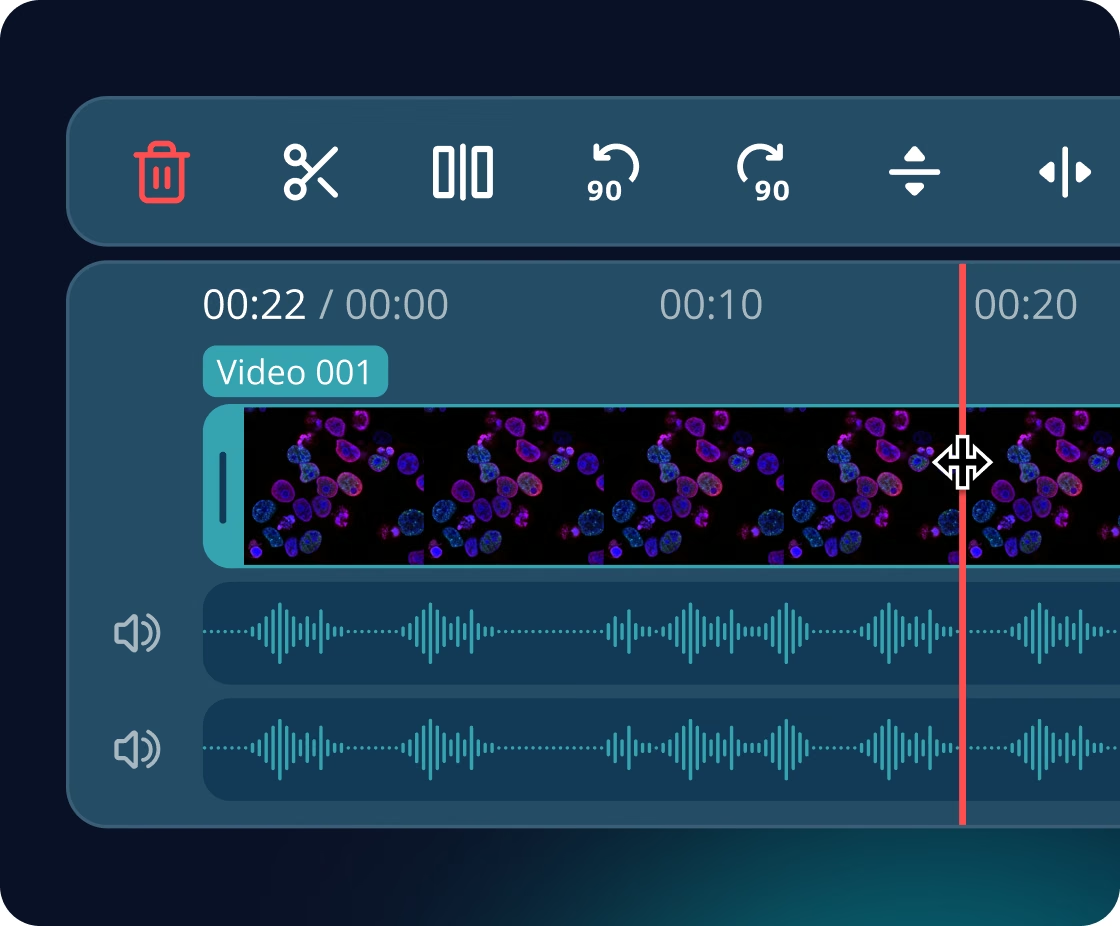
Edits applies all edits in one export and produces an MP4 or MOV file that a patient plays at home without a DICOM viewer.
The export fits the clips to one of three sizes at 30 fps and mixes in the voice comments:
Before each export, Edits test-encodes a small frame with each hardware encoder and uses the first that works, otherwise x264:
Edits converts DICOM files for patients:
Records starts with the computer and runs full screen on the endoscopy workstation. Endoseek distributes Edits free of charge for Windows, macOS and Linux, and DICOM export opens with an activation key that clinics request from Endoseek.
The project combined desktop app development with video capture from medical equipment, offline speech recognition, DICOM processing and custom USB hardware. We build the same kind of software for other medical video and imaging products.

You get a realistic estimate, technical recommendations and next steps. Free, no obligations.