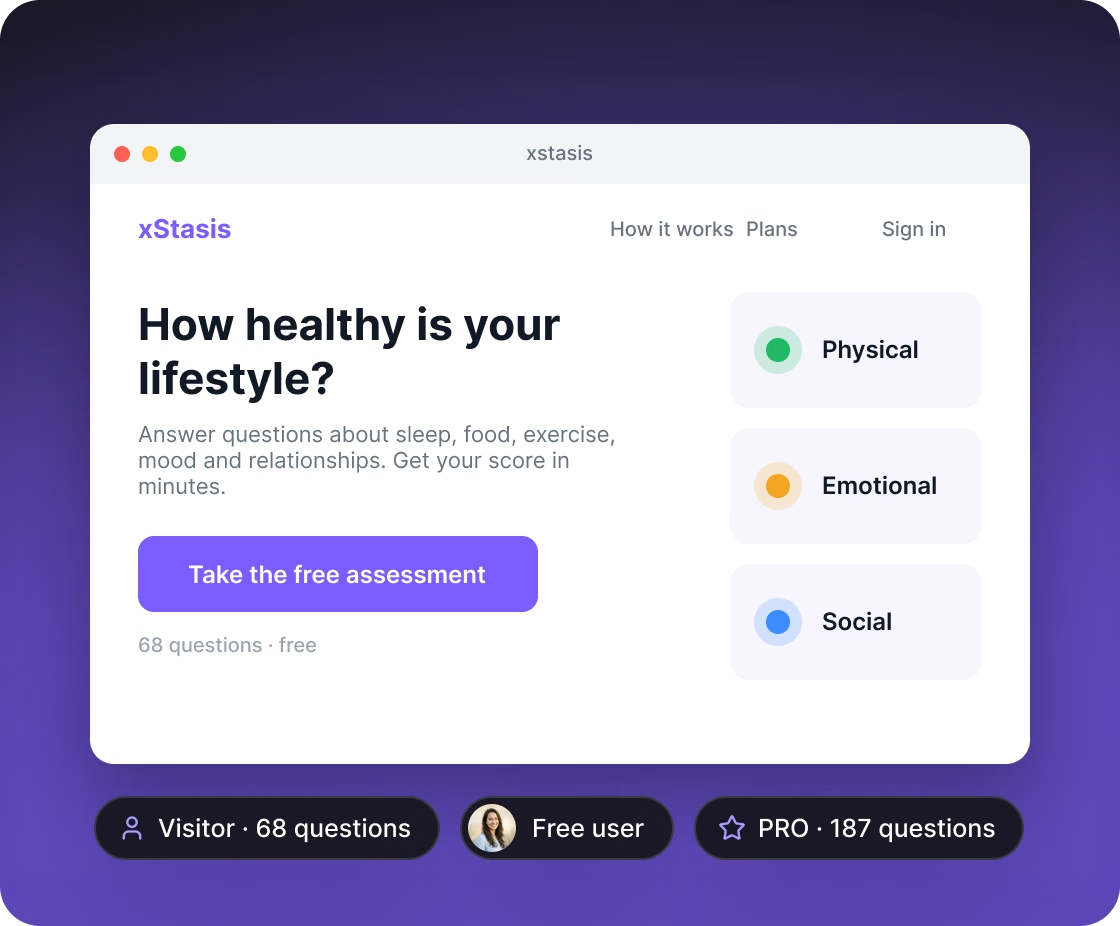
One engine runs both assessments. Questions and answer options are described as data in the web application, and their scoring values and weights as data on the server. A revision from the client's experts is a change to this data, and we ship it with a regular release.
Each question belongs to one area and is labeled with one or more sub-topics, such as sleep quality, nutrition, exercise schedule, self-perception, moods or quality of relationships. The basic assessment uses 35 sub-topic labels and the PRO assessment 55. Both assessments use single-choice and multiple-choice questions.
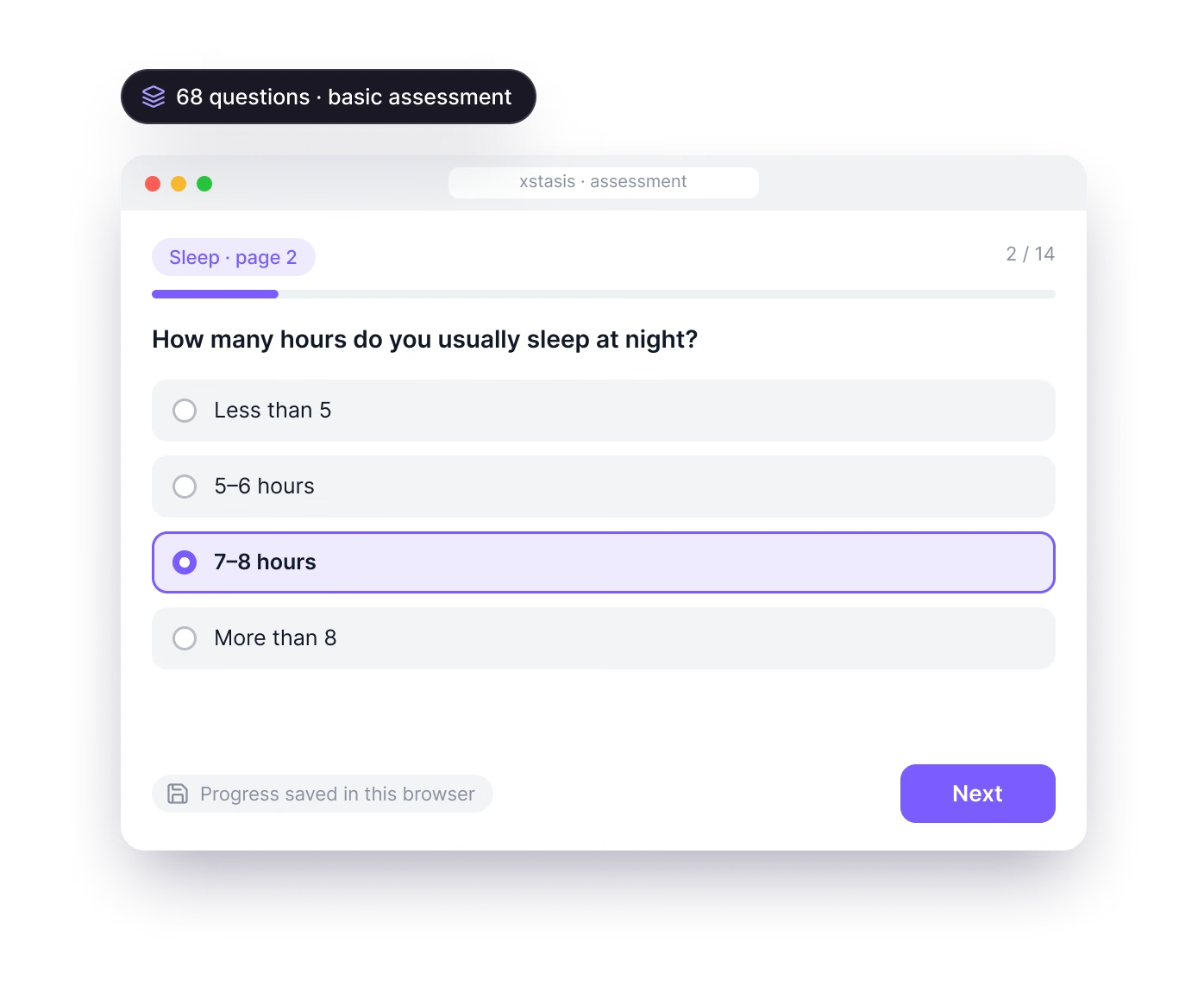
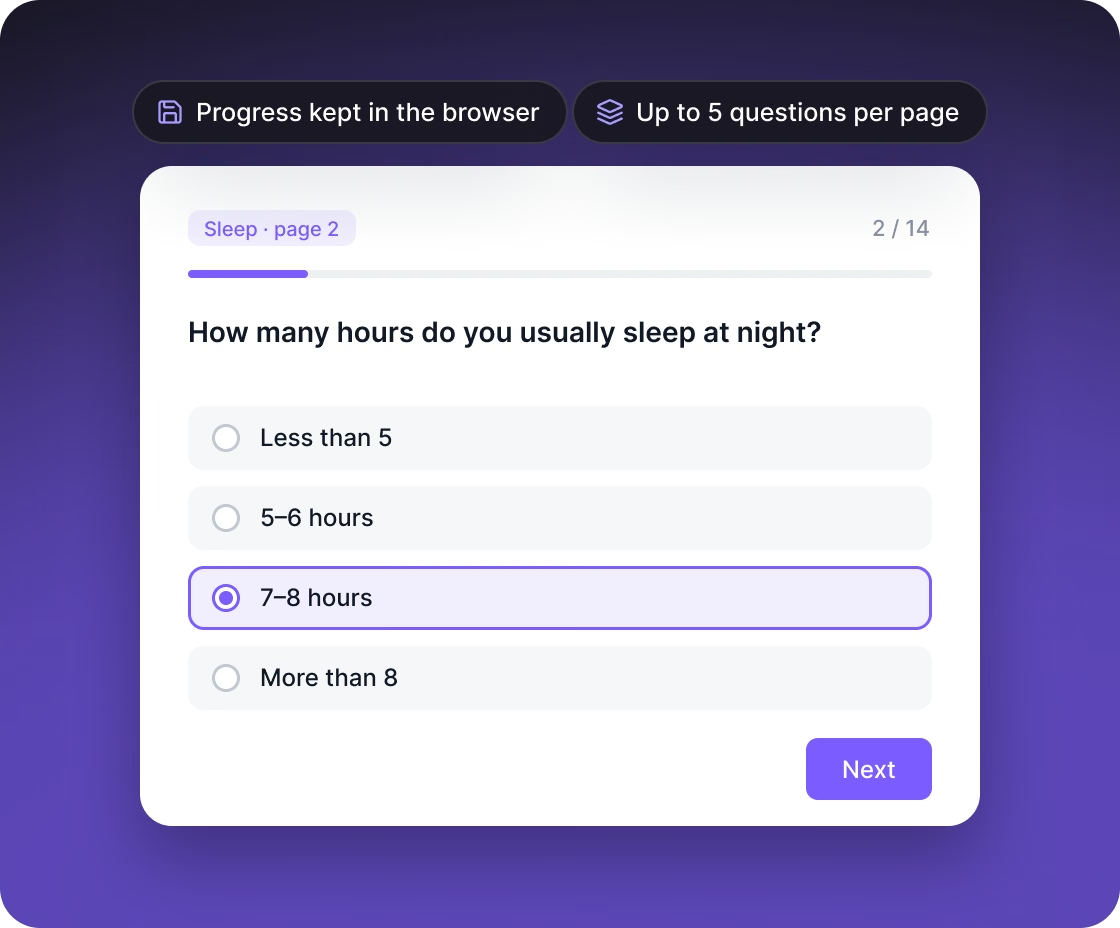
Questions are shown up to five per page, and a page holds questions from one area only. The user can move on after answering every question on the page. Answers and the current page are kept in the browser, so a person who closes the tab can continue from the same place in that browser.
Each saved result records the assessment version it was scored with, so it can be traced back to that revision.
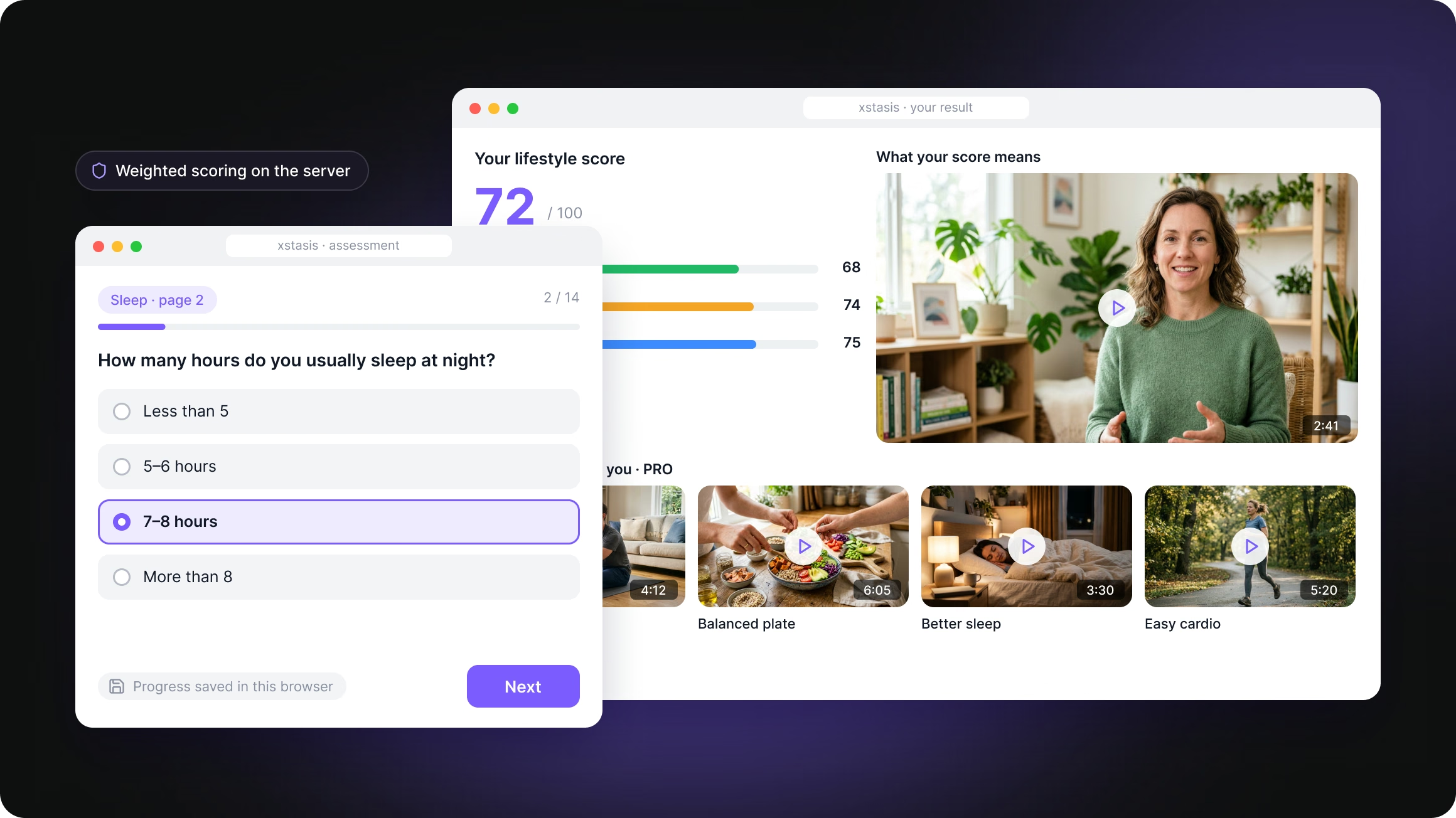
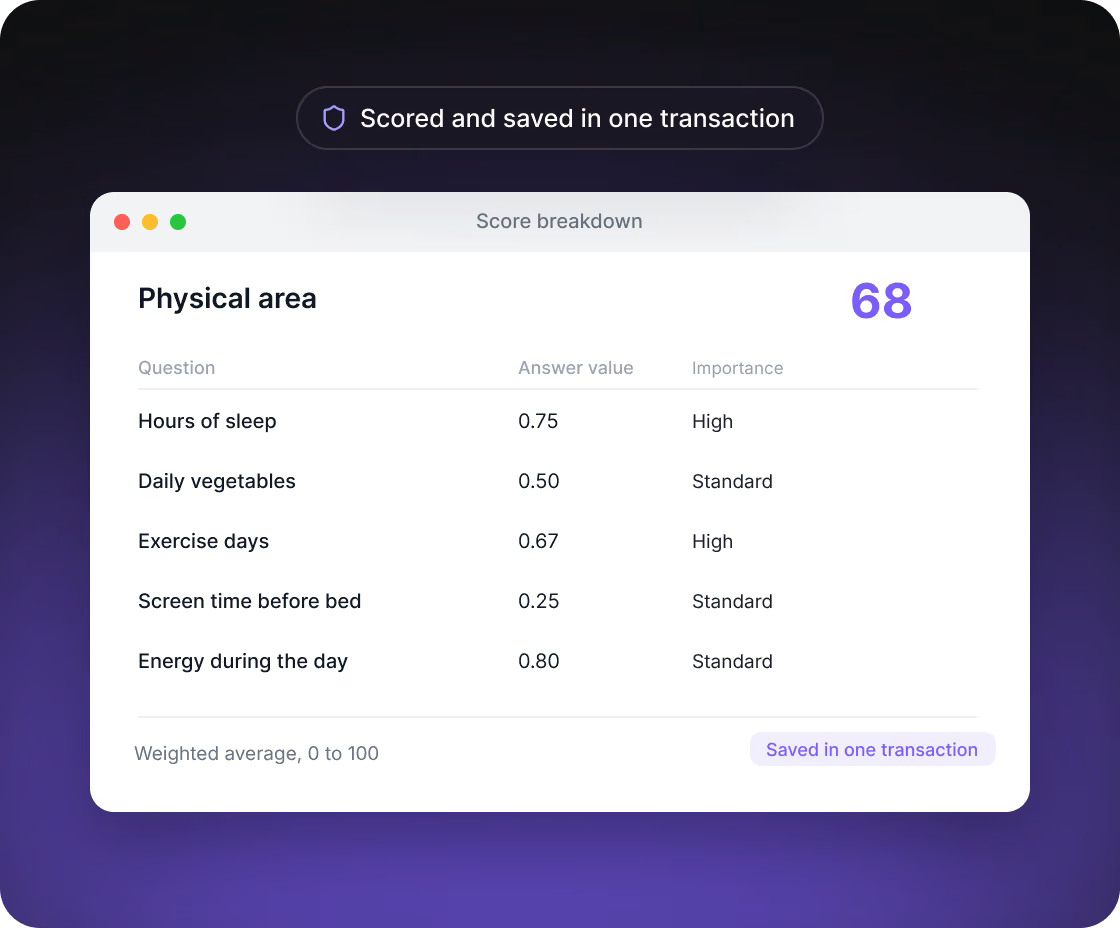
The server turns a set of answers into scores a person can read at a glance. The calculation follows these rules:
One question uses its own rule: the answer counts as positive only if the user selects at least two of the listed options.
Three sub-topics have their own scores: sleep and nutrition in both assessments, and exercise in the PRO assessment. The server adjusts them with coefficients supplied by the client's experts and saves them with the result.
The server calculates the scores and saves the result in a single database transaction. If any step fails, nothing is saved.
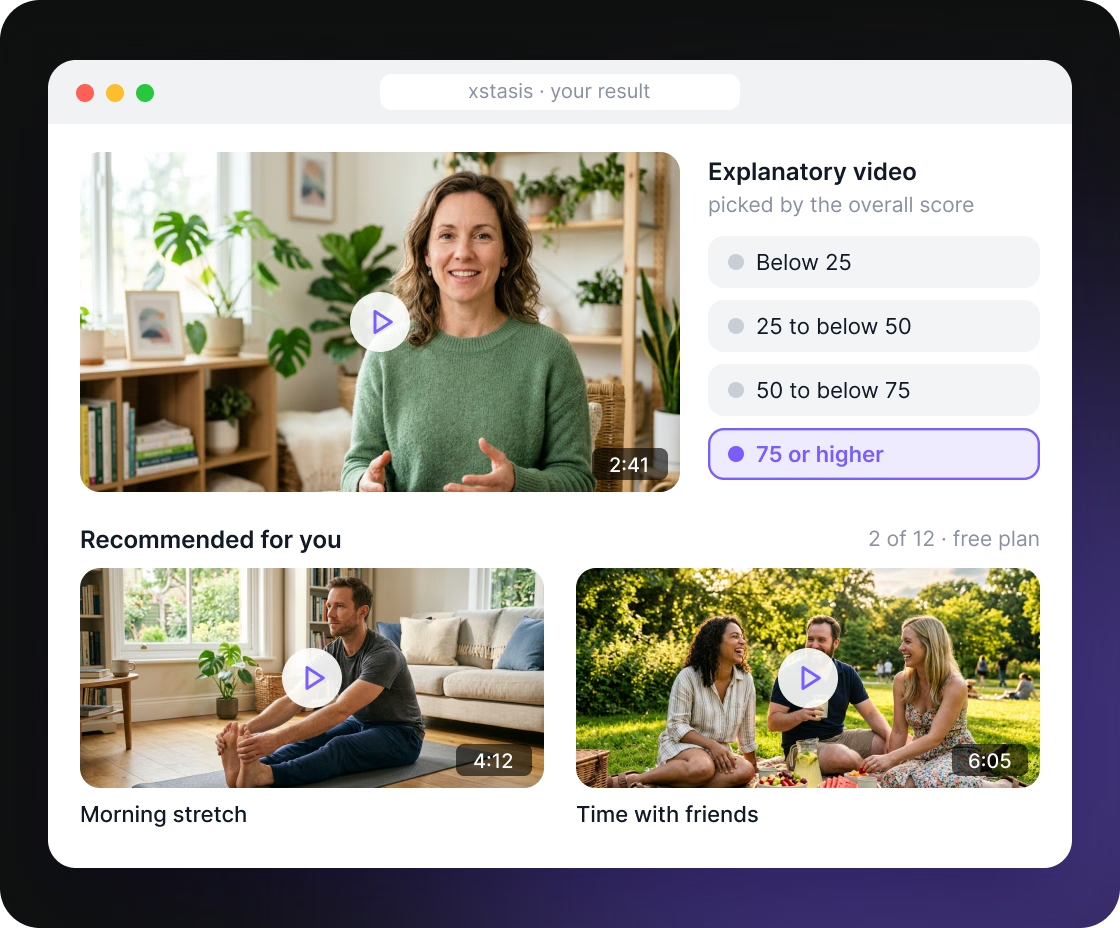
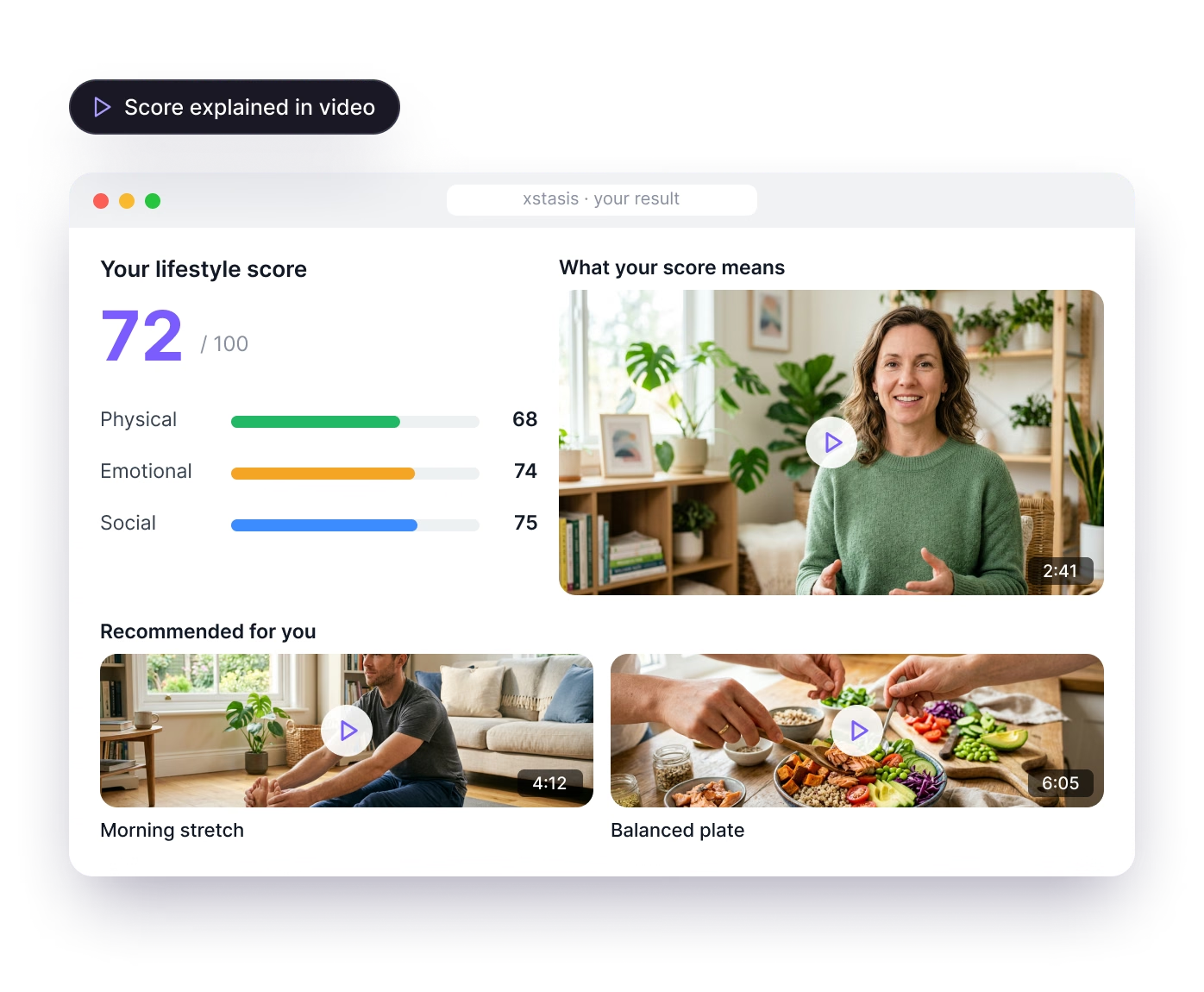
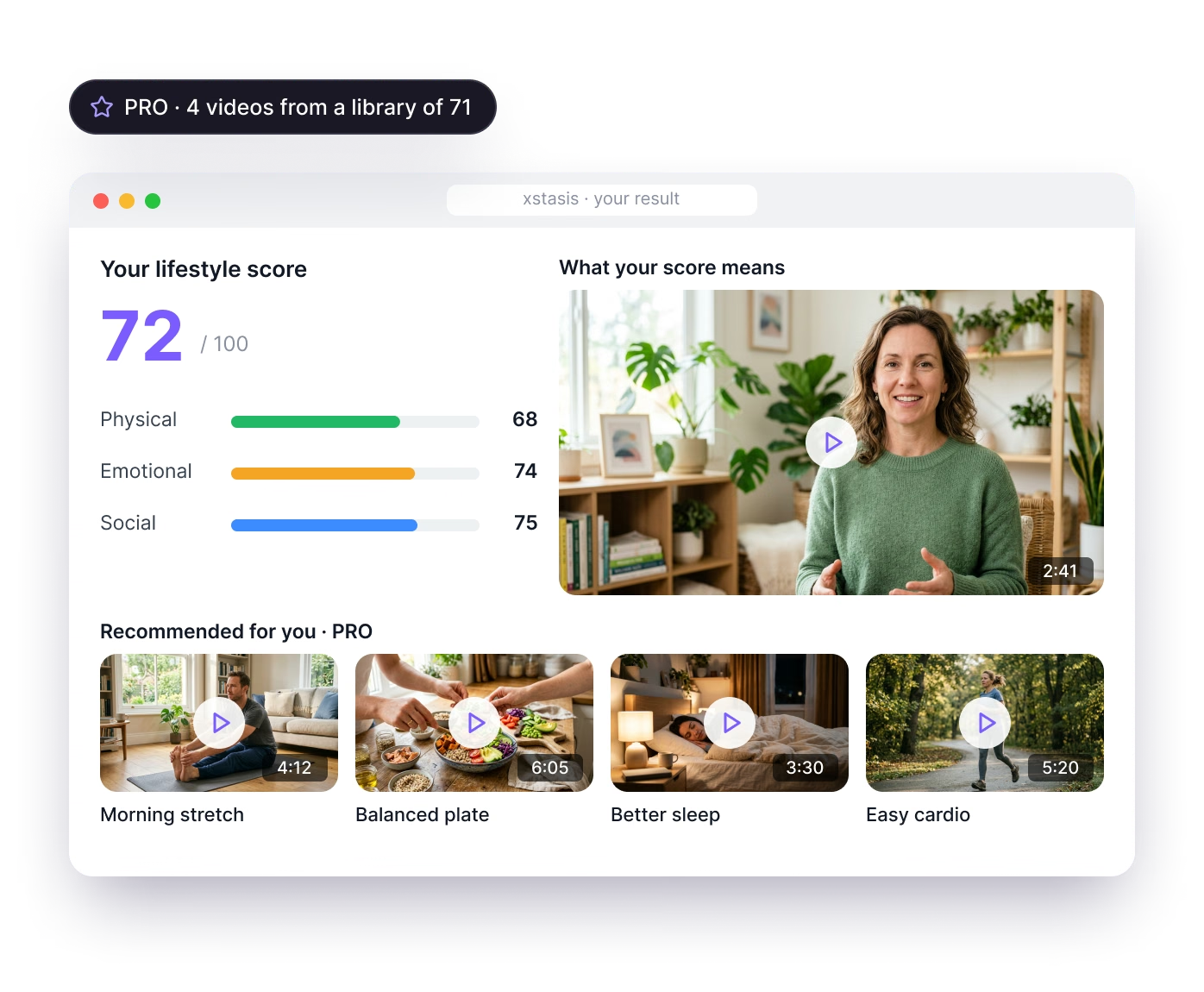
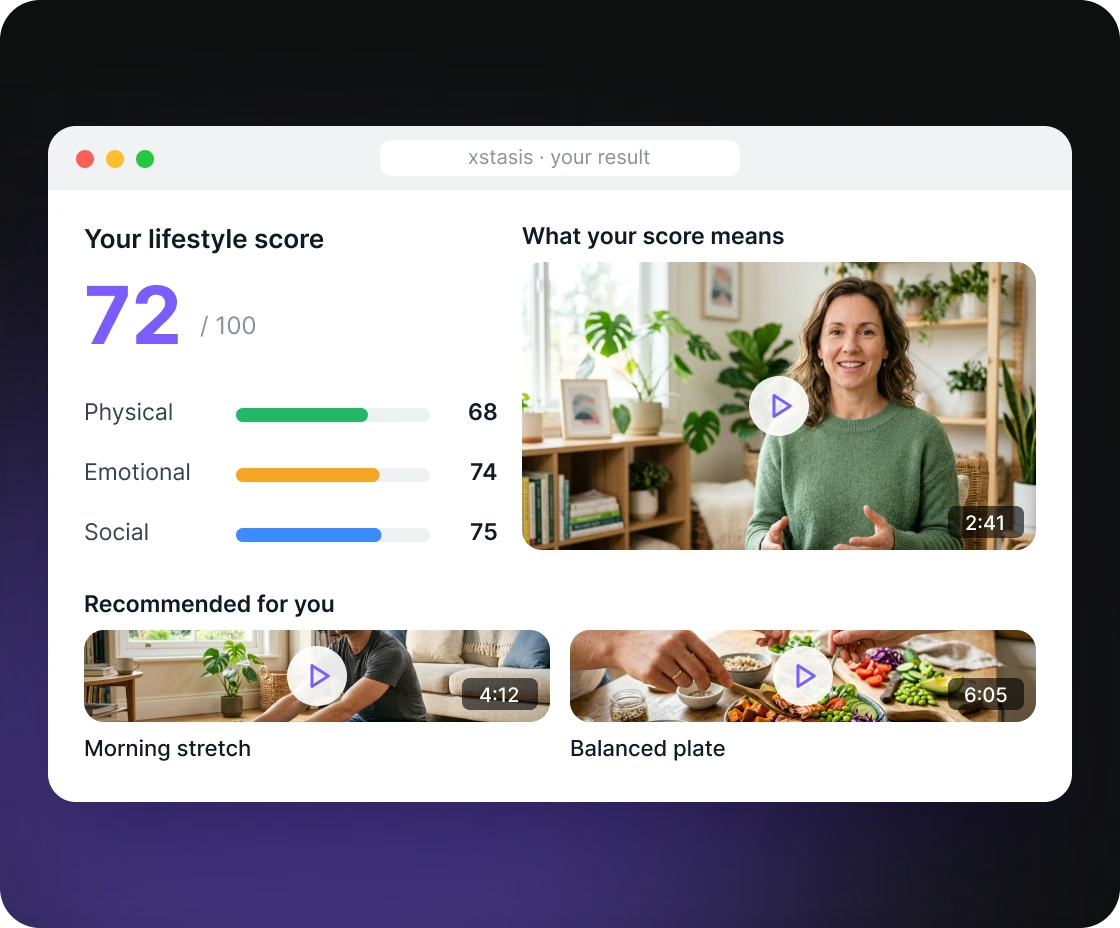
The results page explains the scores in plain language and in video, so the user does not have to interpret numbers alone.
The videos are served from cloud object storage, separately from the application itself.
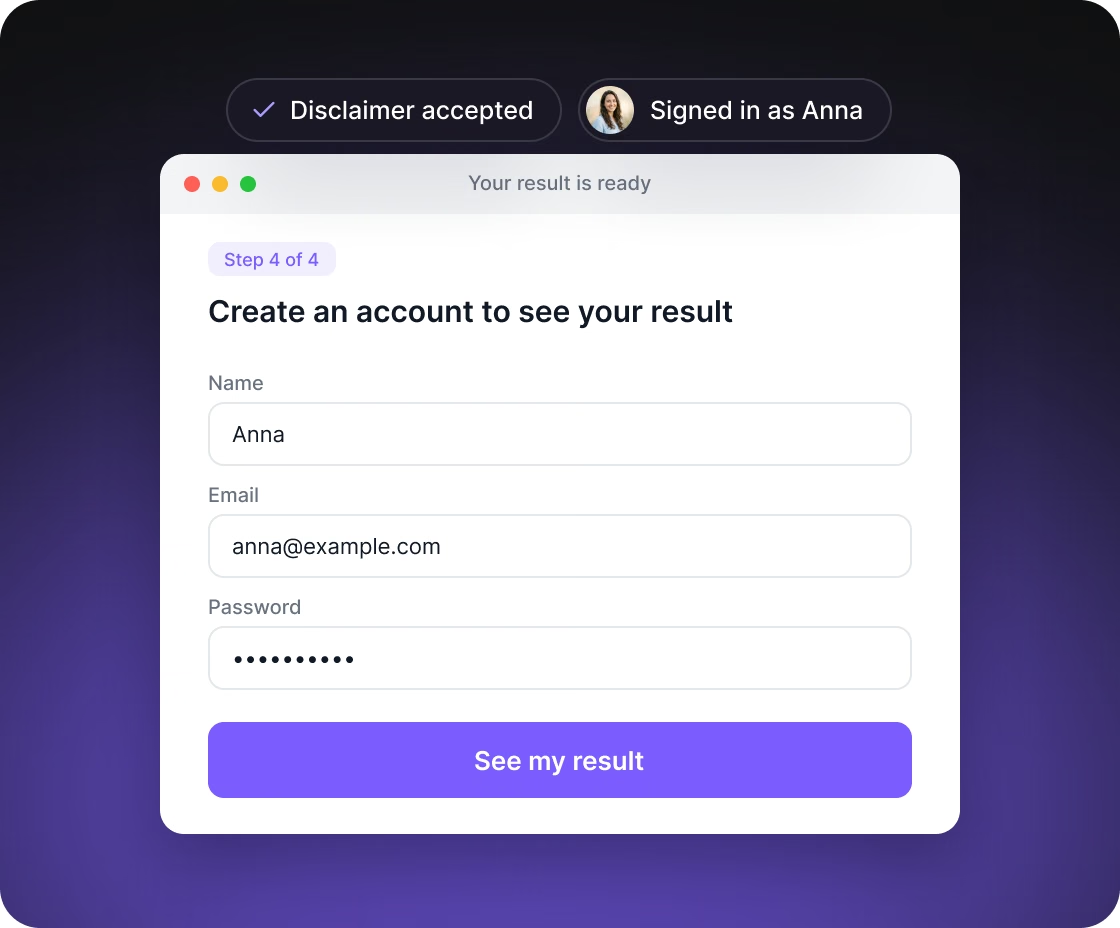
A visitor completes the whole basic assessment before being asked to register, which keeps the entry barrier low while each result is still tied to an account. The flow has four steps:
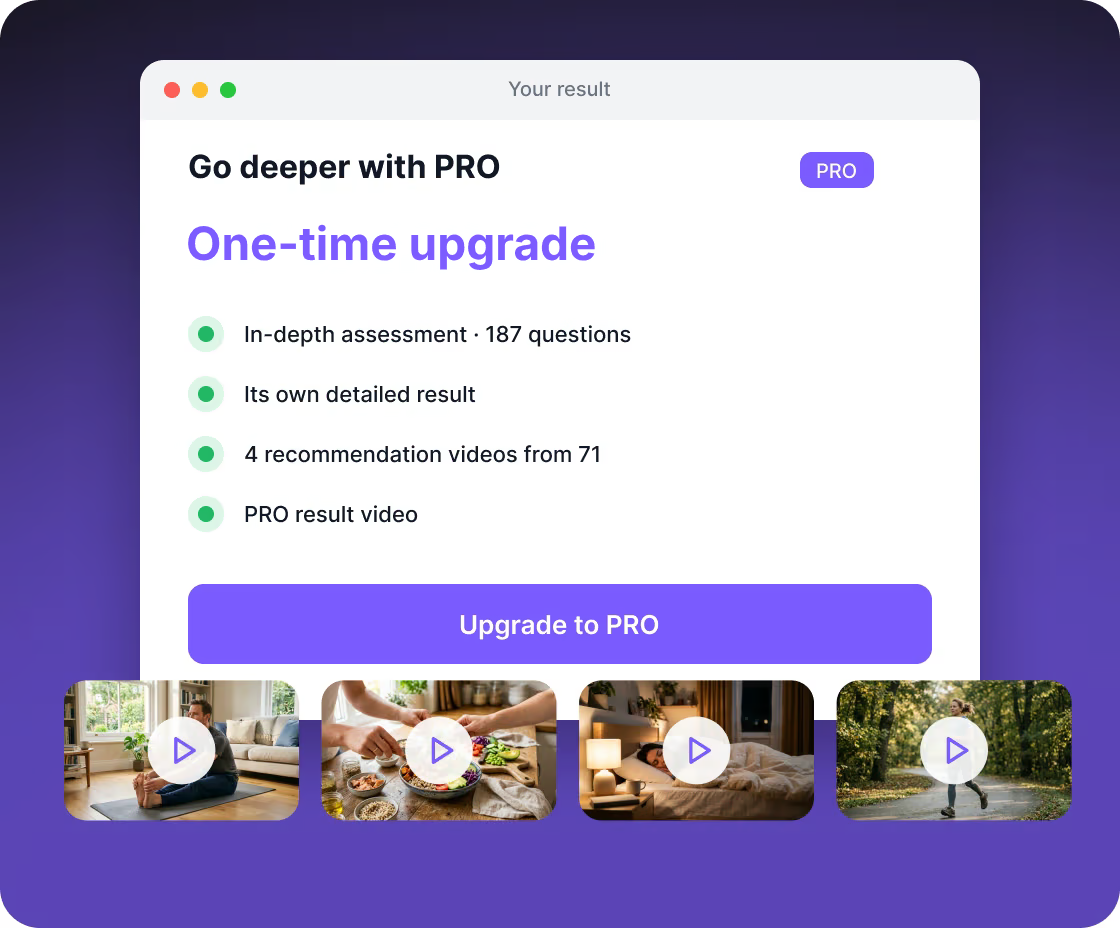
The platform shows a free user and a PRO user different assessments, results and videos, so the client can offer the in-depth assessment as an upgrade.
In this version the upgrade step switches the account to PRO directly, without an online payment step.
Users sign up and sign in with an email and a password.
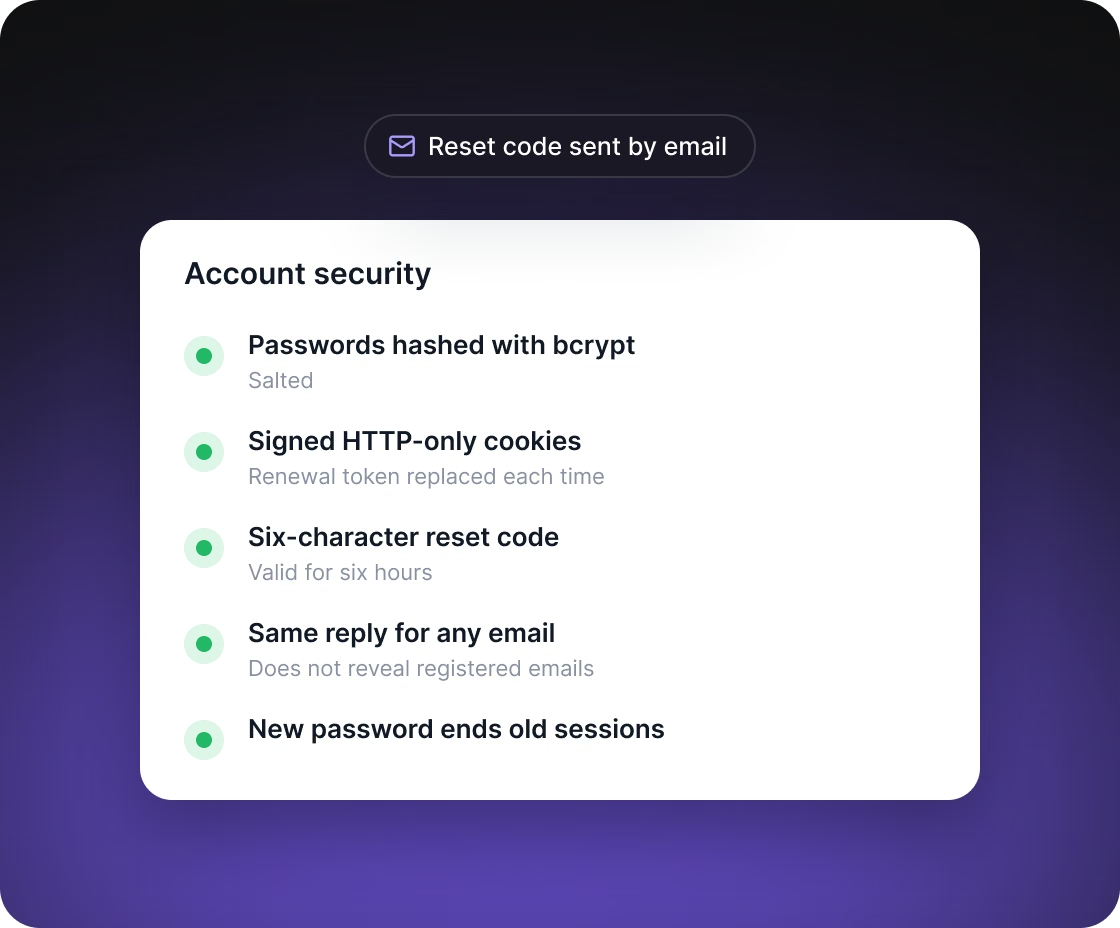
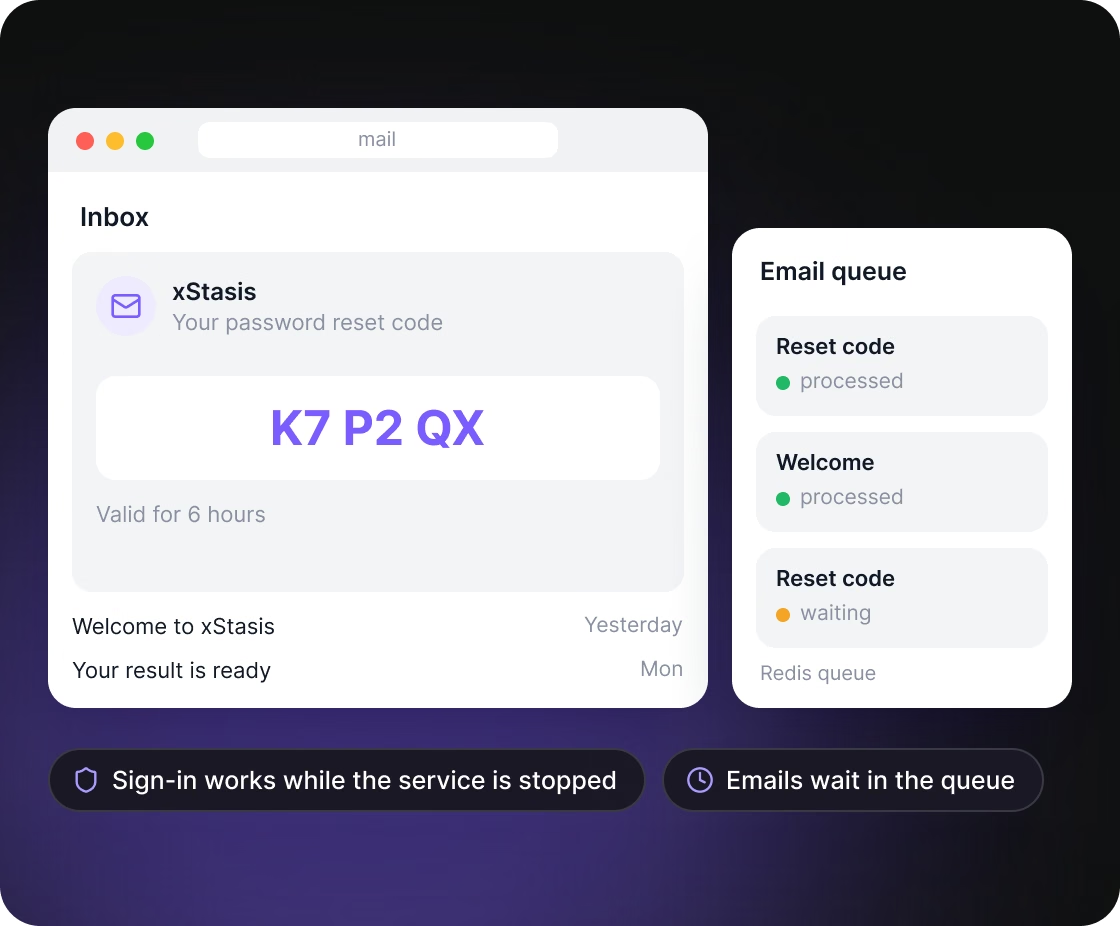
Emails are sent by a separate notification service, so the server does not wait for the mail provider when a user asks for a reset code.
The server puts each email into a Redis queue. The notification service picks the email up, hands it to the mail provider and then marks it as processed. If the notification service is stopped, sign-in and the assessments keep working, and the emails wait in the queue until the service starts again. If the mail provider rejects an email, the error is logged and the send is not repeated.
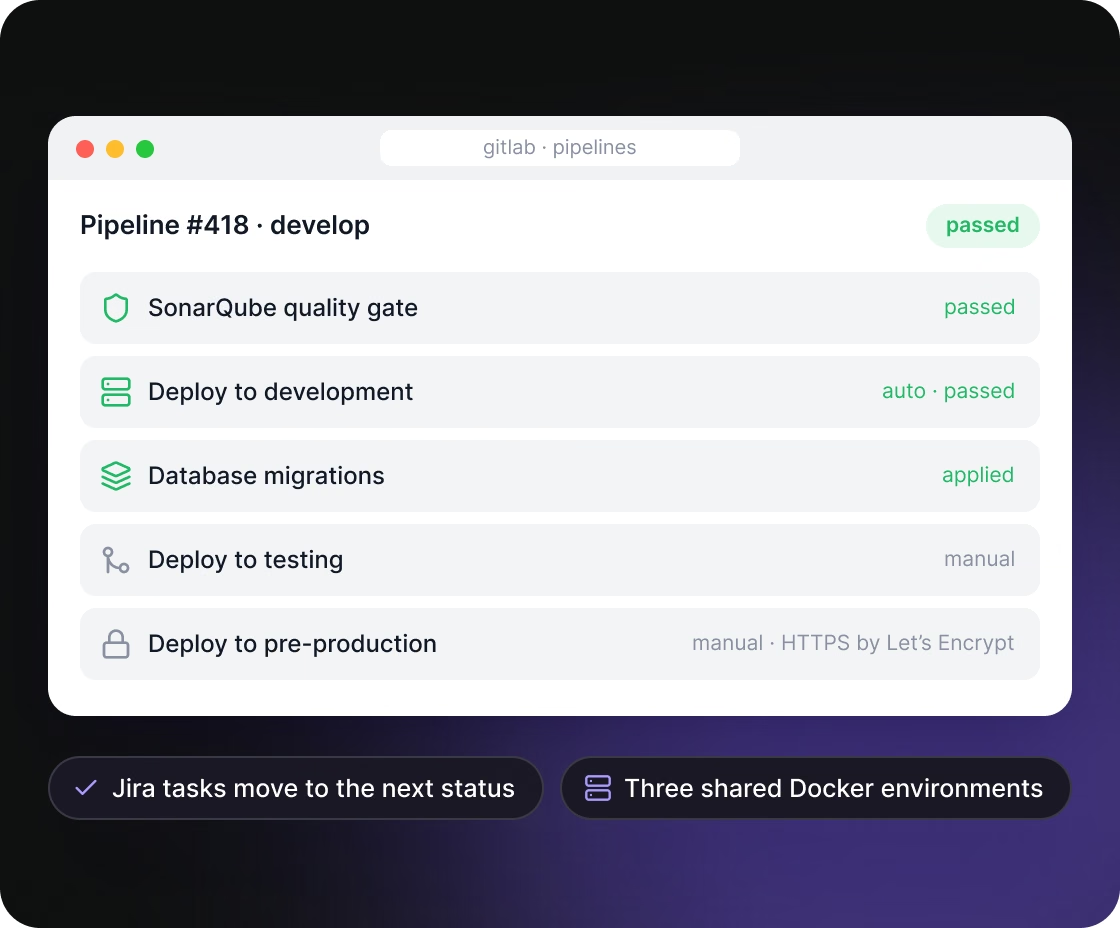
We set up the environments and the pipeline so that a change reaches each shared environment through the pipeline, without anyone connecting to the hosting machines by hand.

You get a realistic estimate, technical recommendations and next steps. Free, no obligations.