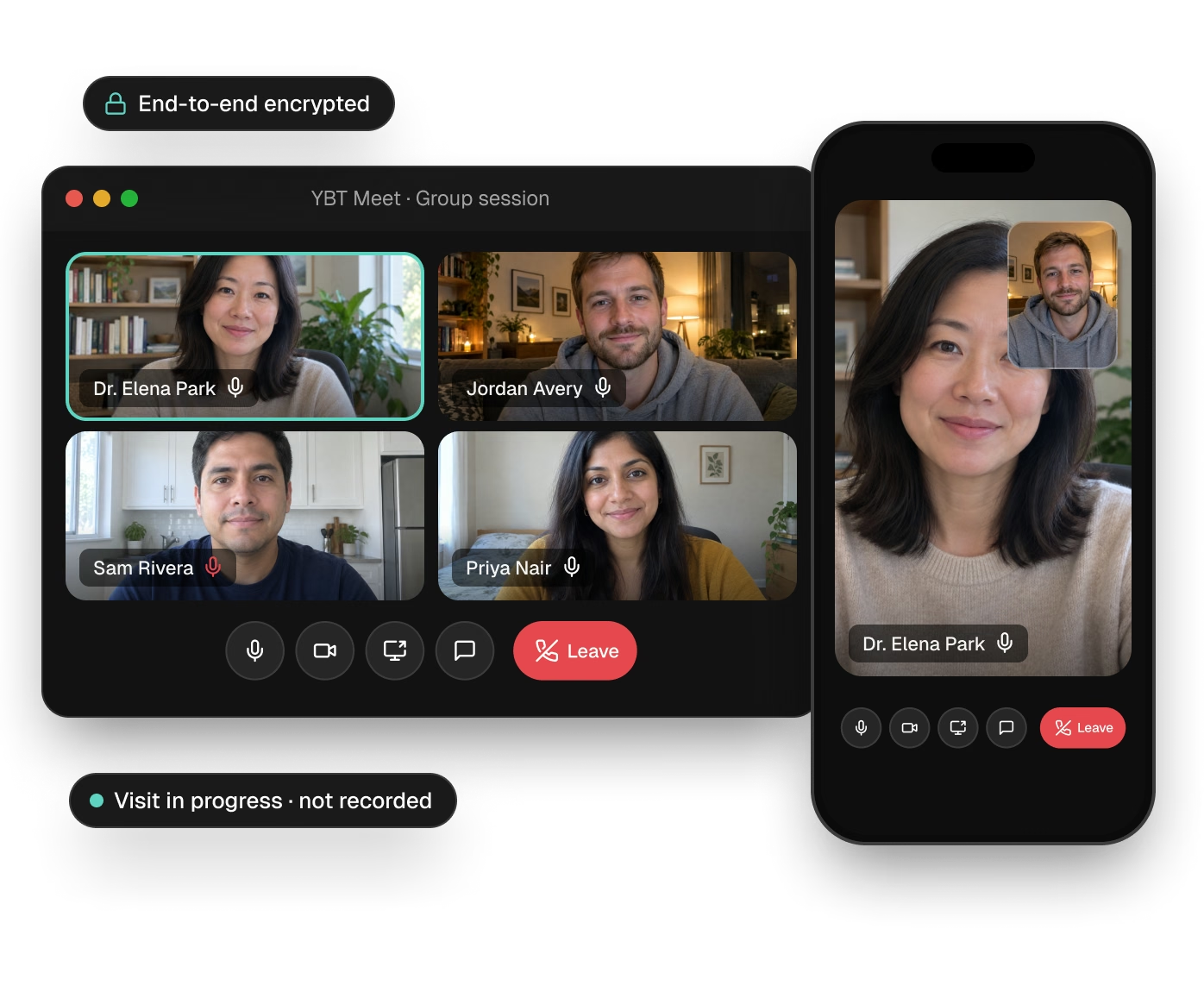
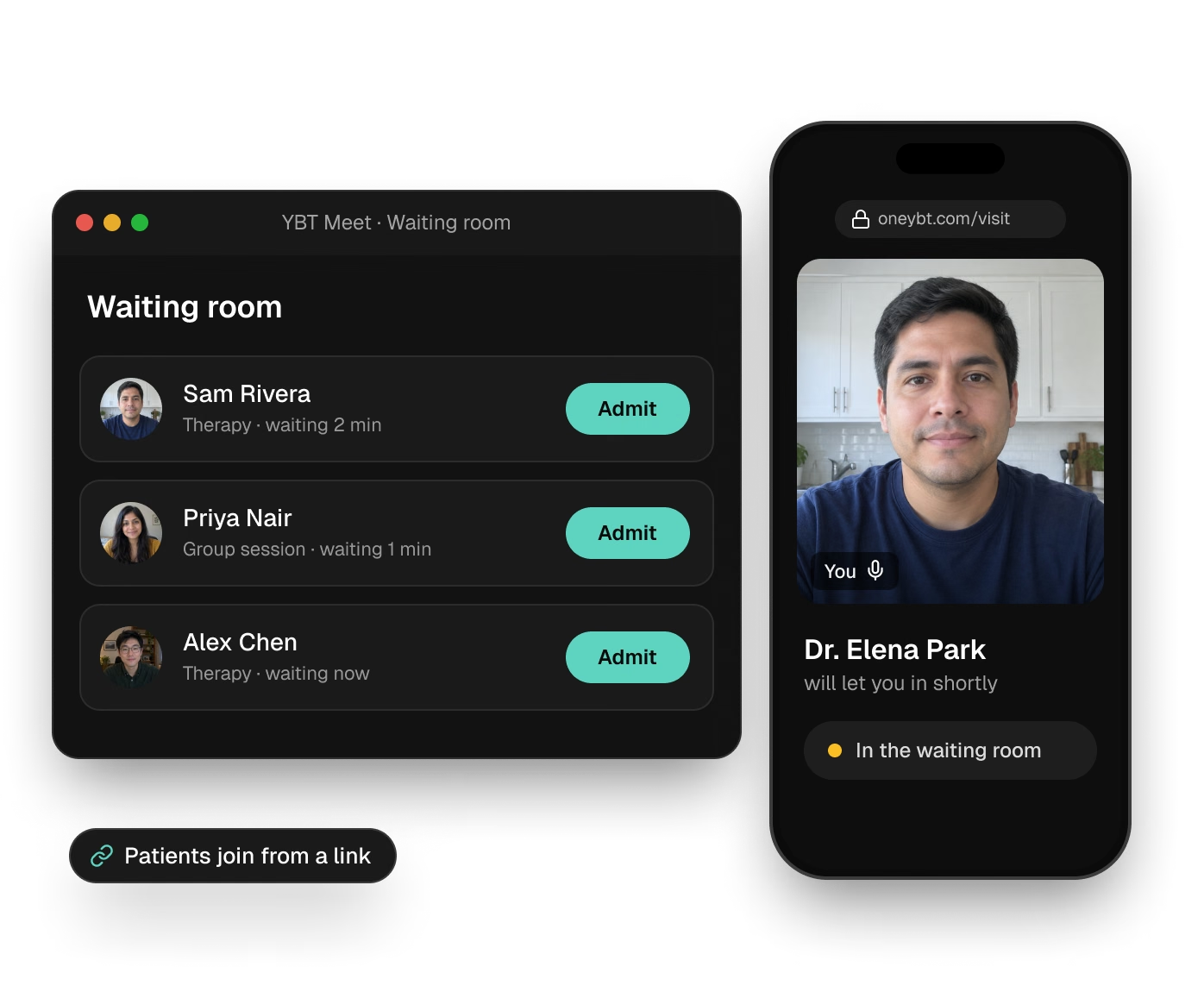
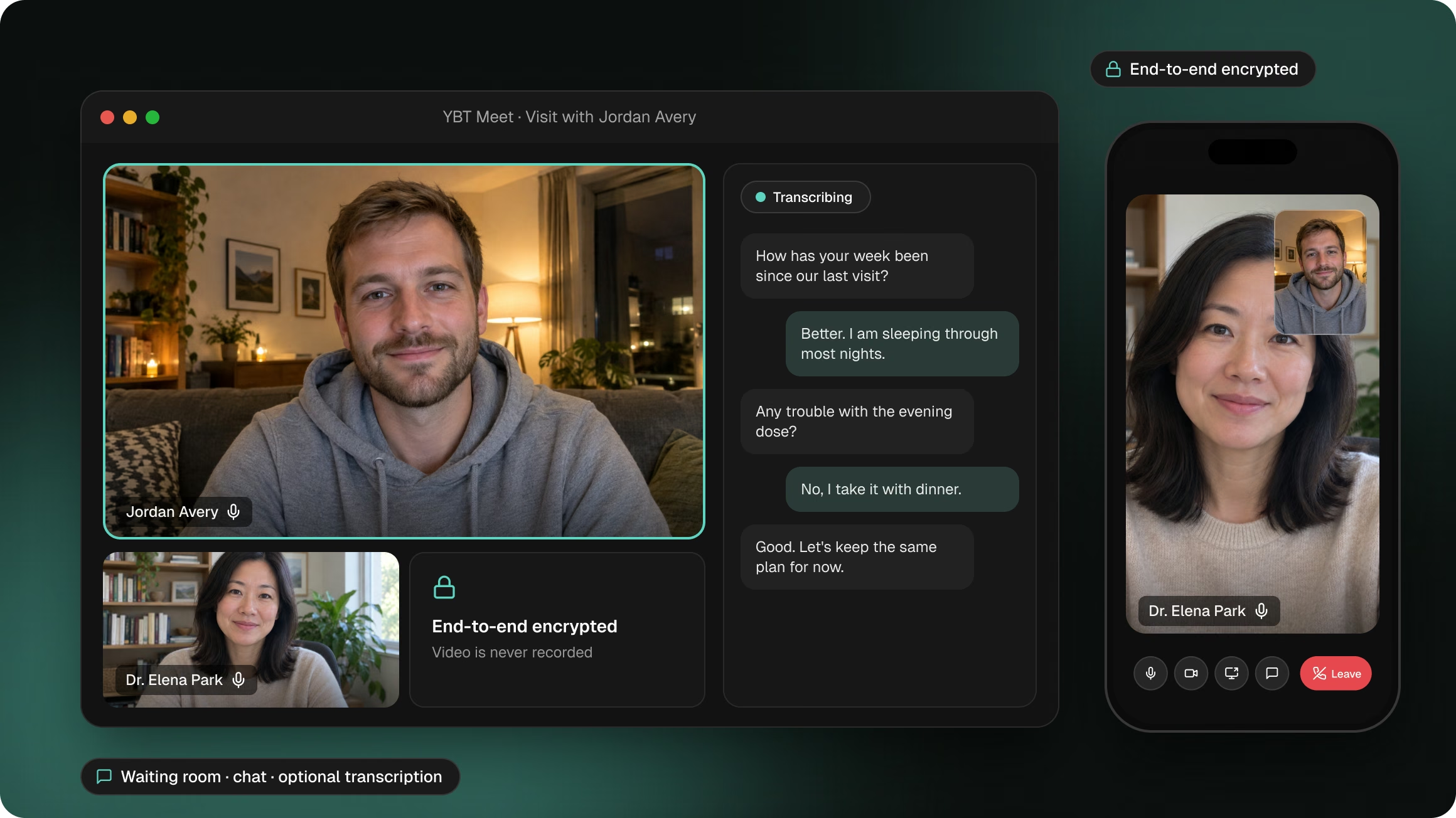

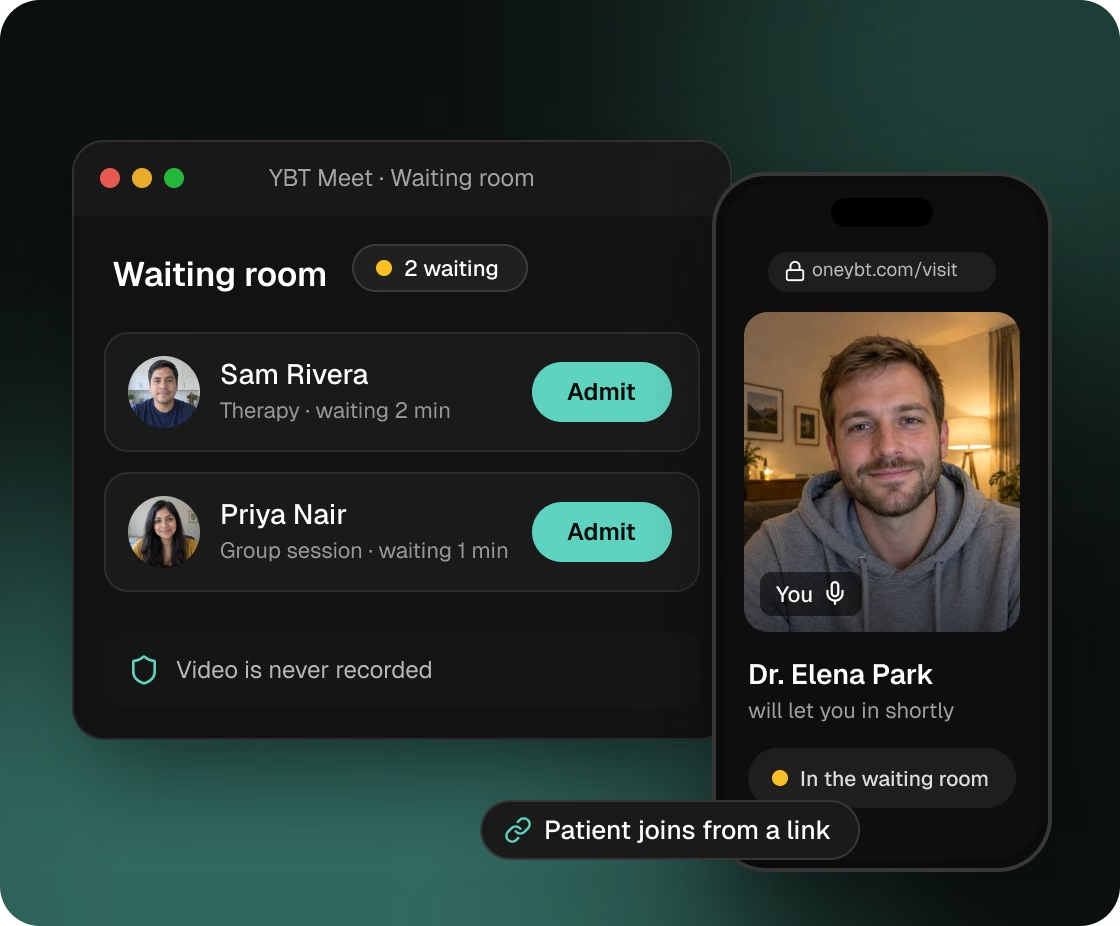
A meeting is one video visit; a call is the live video and audio session inside it, and everyone in a call is a participant.
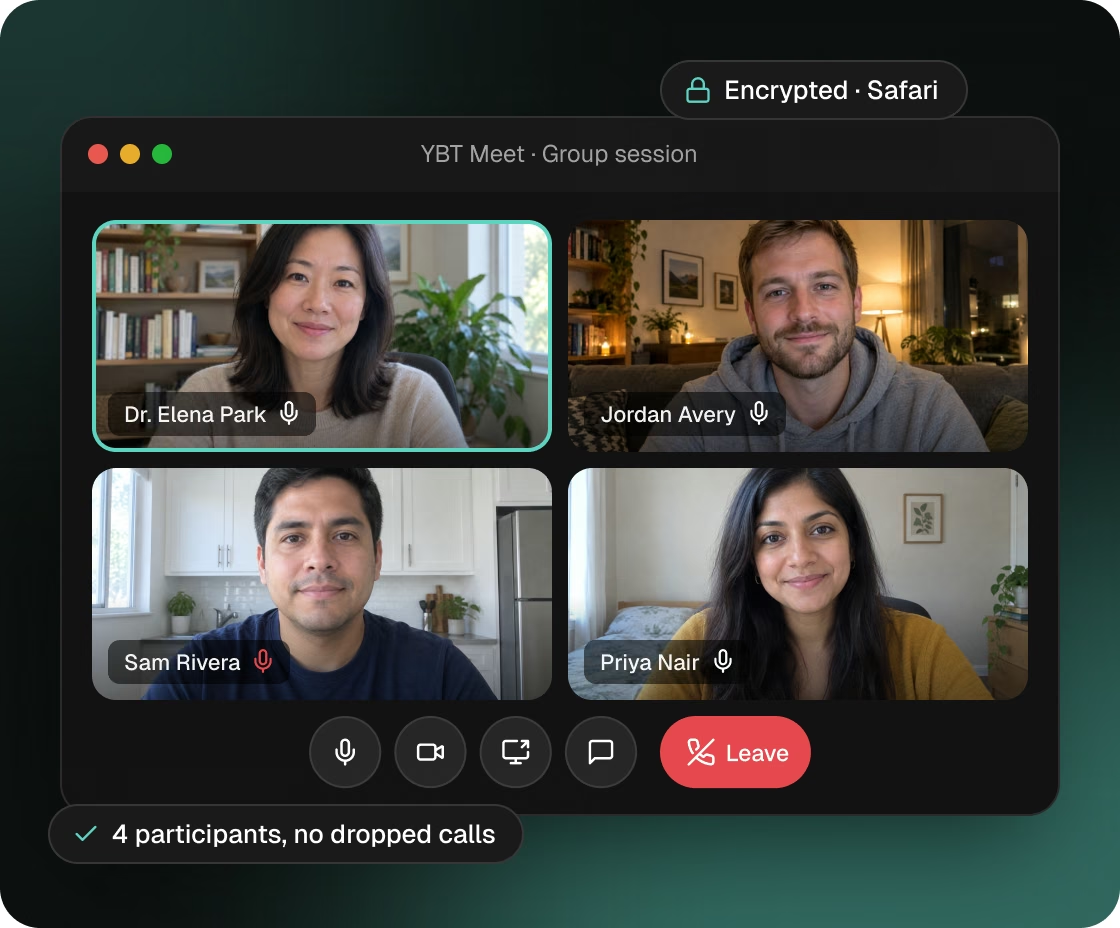

Before we changed any code, we did a quick review and told the founder what was good and what was risky, so he got a plan instead of another round of patches.
On the good side, the code was written in TypeScript and already had Safari-specific handling and end-to-end encryption. The main risk was in the call logic: it tracked many states at once, so two events arriving at almost the same time could leave a call in a broken state.
We recommended eventually rewriting the call flow around a clear model of its states instead of patching it with more unreviewed AI edits. We also estimated that 2,500 meetings a day was achievable once calls were stable and new servers could be added automatically as load grew.
At the end of the project, we handed over the full audit in 13 documents. The documents give the root cause of each problem, the evidence, and either the fix we made or the recommended next step. The audit closes with a prioritized backlog of the next stability and performance work:
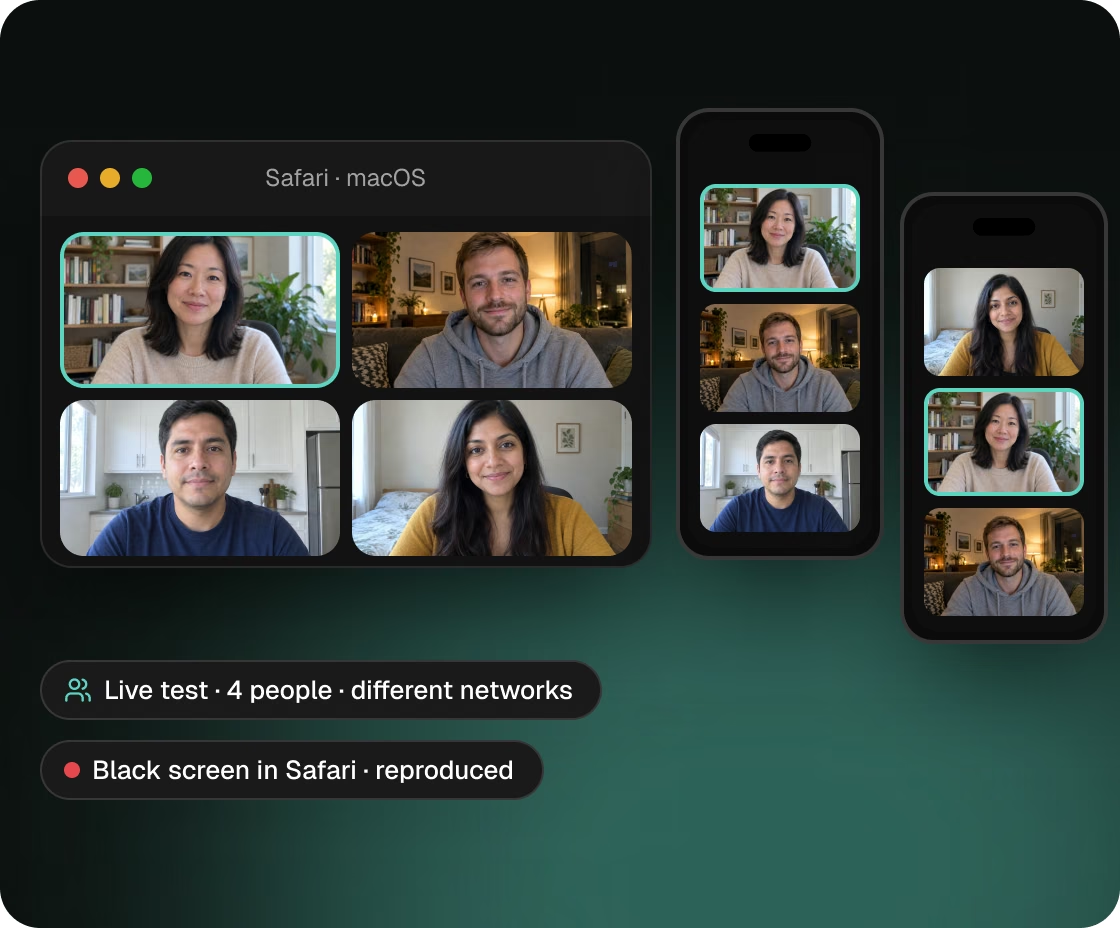
The hardest bugs only appeared with several people on different devices, so we tested the way his users call.
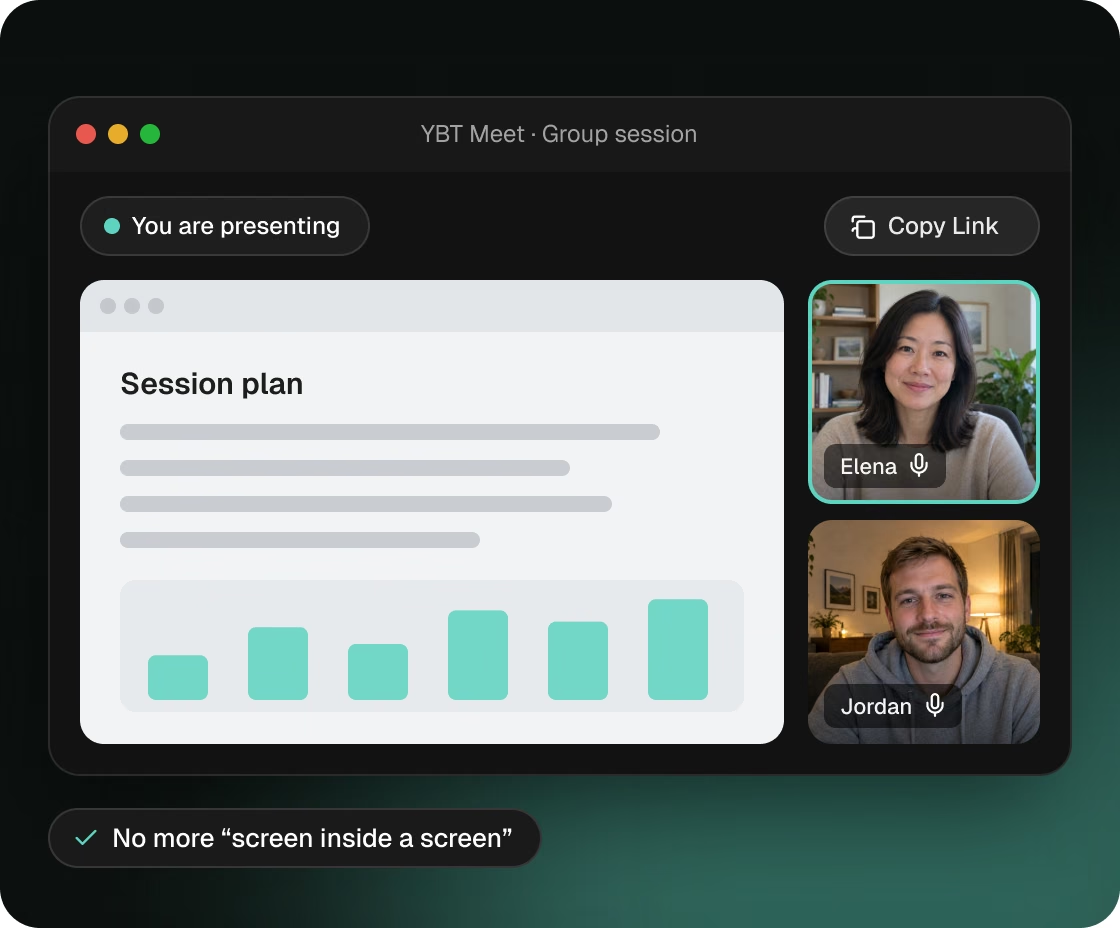
We set up a separate testing environment and held live test calls with up to four people from our team at once, on phones, in Safari on macOS and iOS, and on different networks. This is how we found the Safari black screen, the "screen inside a screen" effect during screen sharing, the crash when video tiles were reordered, and focus jumping between participants on mobile.
We used AI tools to help write the fixes, and an engineer read every change line by line and checked it against how LiveKit and WebRTC behave. In areas like Safari encryption timing, code that looks right can still be wrong, and this review helps keep a fix from breaking something else. The fixes went to the founder as code changes for him to review and accept.
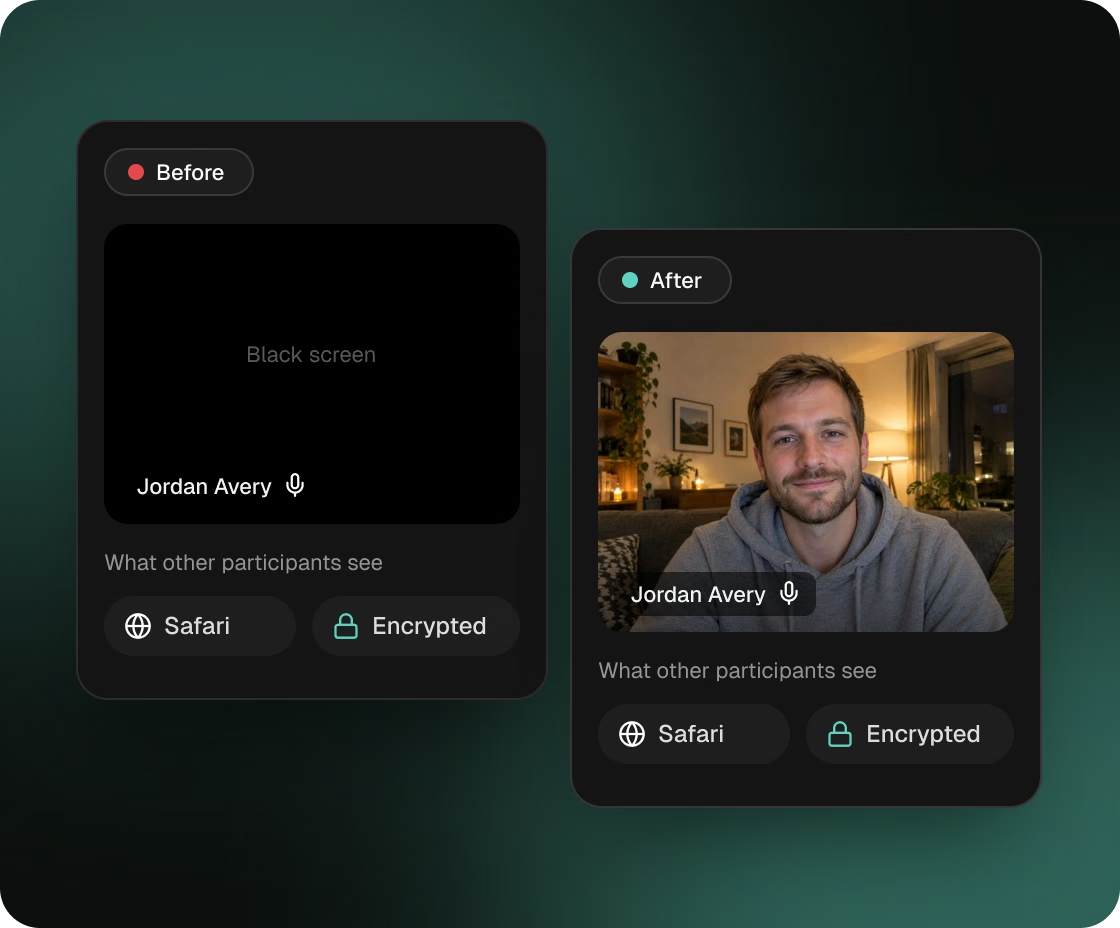
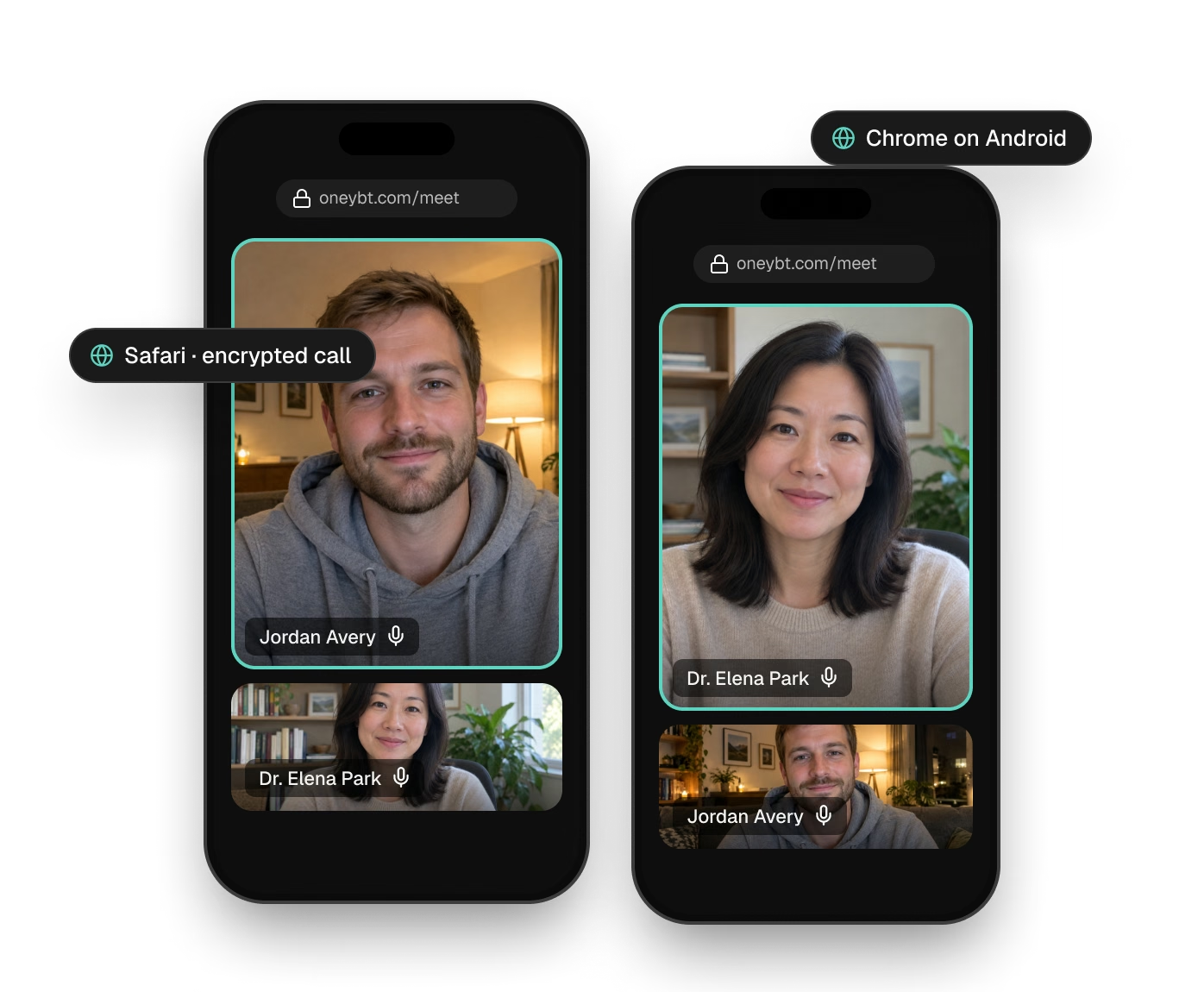
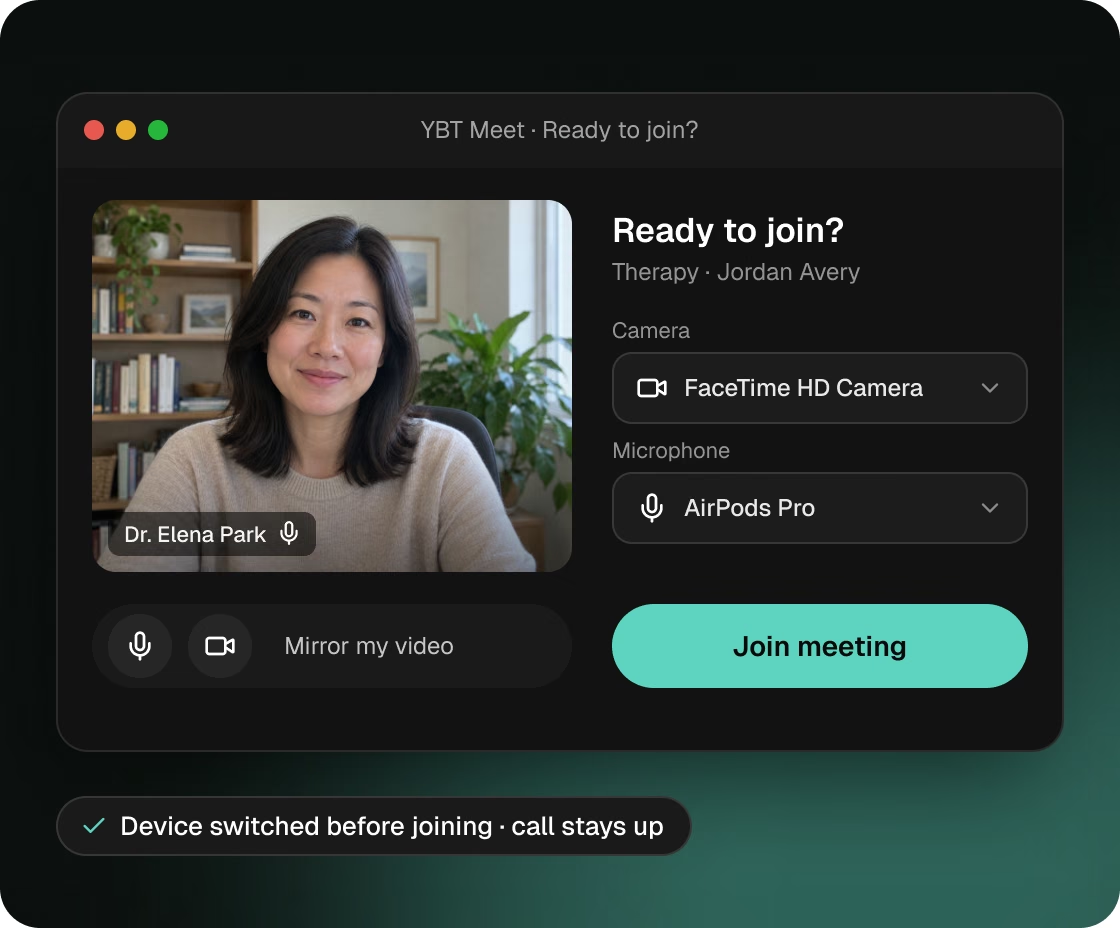
Patients and clinicians using Safari on a Mac or iPhone can now join an encrypted meeting and be seen by everyone else.
With encryption on, the app has to restart a Safari user's video the first time it is sent to the call. After that restart, the user's own preview looked fine, but everyone else saw a black screen. We changed how the app restarts the video so it reaches everyone. We also made the app ignore the brief "camera off" signal while the restart is in progress, so other participants see a clean handoff instead of a flicker.
We also fixed a Safari freeze when a participant turned off background blur.
We fixed what kept calls from starting and staying up:
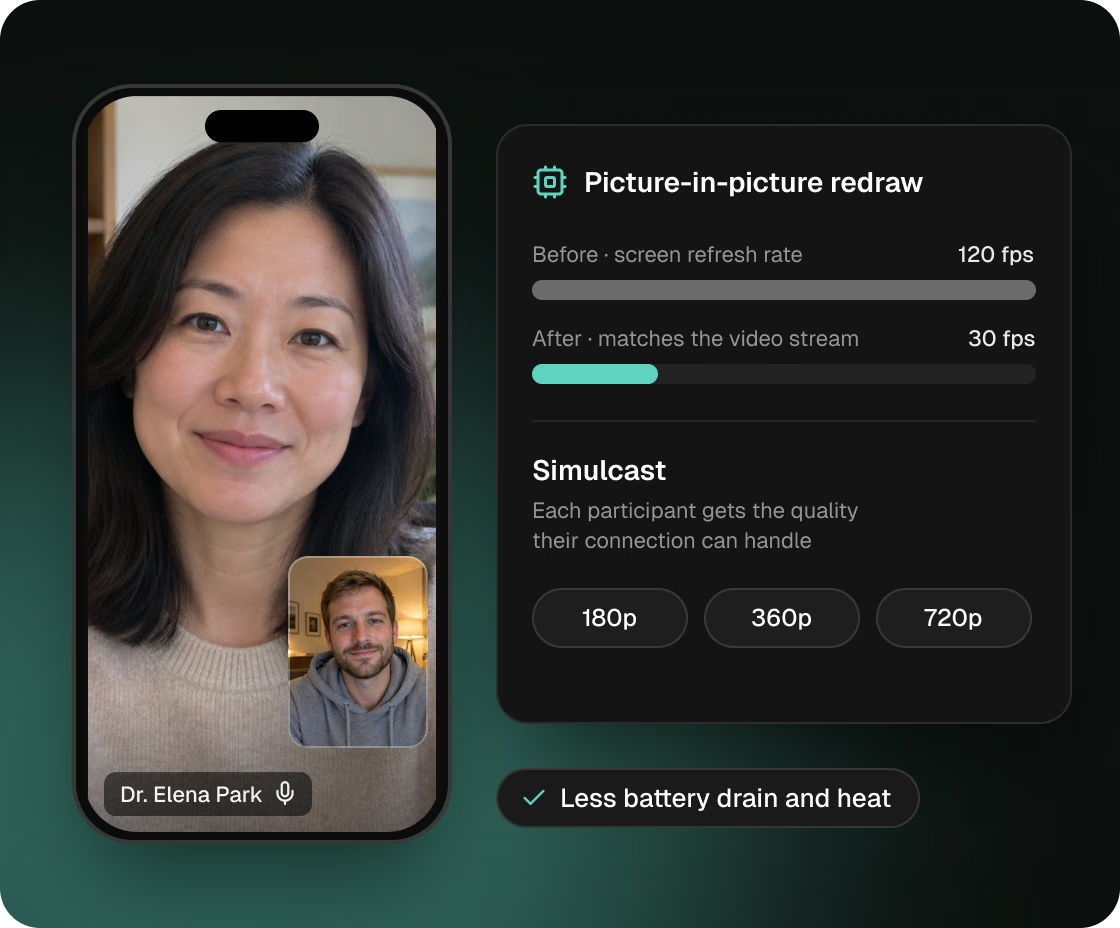
On a phone, every frame the app draws for nothing costs battery and heats the device.
We tuned simulcast, the way LiveKit sends the same video in several qualities so each participant gets the one their connection can handle, to stop it from overloading the processor. The picture-in-picture window used to redraw at the screen's refresh rate, up to 120 frames a second on some phones. We limited it to 30 frames a second, the rate of the video stream the window actually shows.
We fixed small visual issues along with the crashes, so the product looks finished to clinicians and patients.
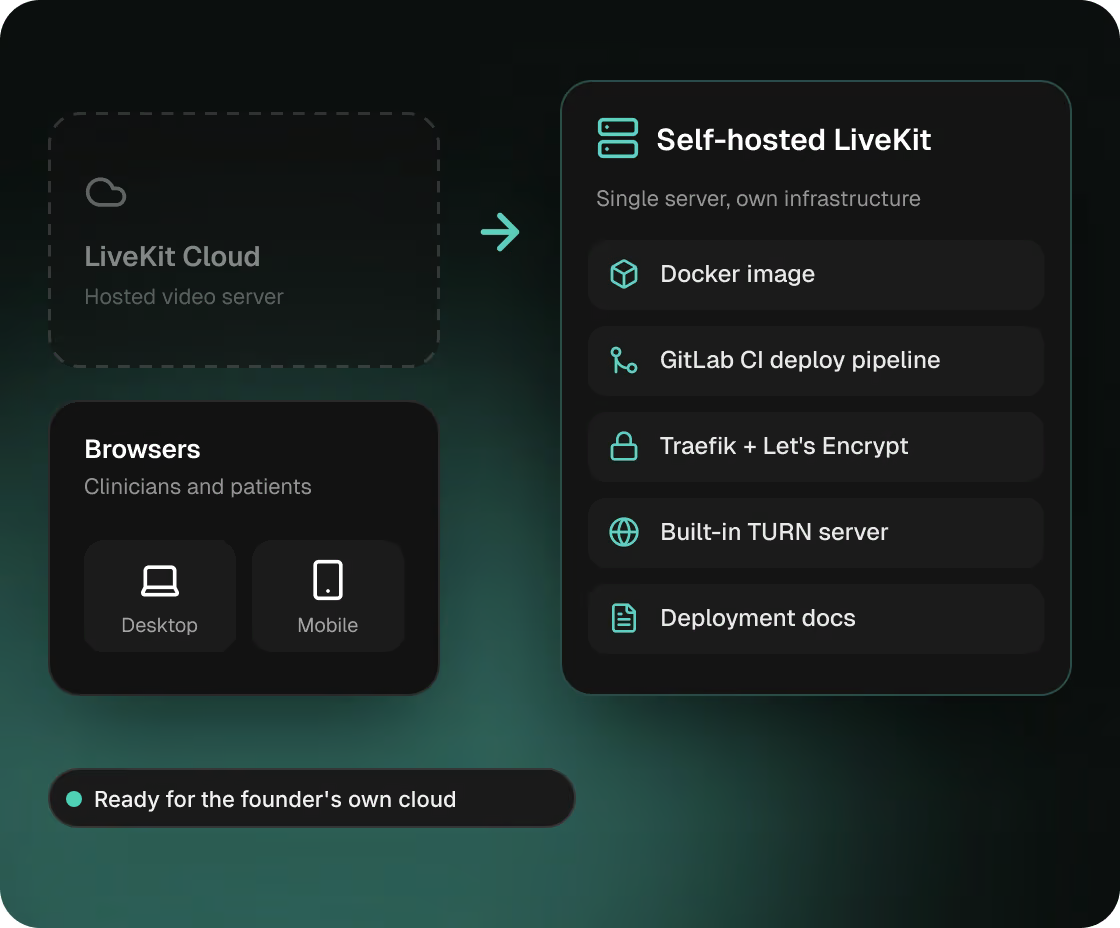
The founder decided to run video on his own servers instead of LiveKit Cloud, and we prepared the ground for that move.
We built a self-hosted LiveKit setup: a Docker image, a GitLab CI pipeline for deployment, Traefik with automatic Let's Encrypt certificates, LiveKit's built-in TURN server for users behind strict firewalls, and deployment documentation. We also made the code changes the app needed to work with its own server instead of the cloud one. This setup is built for a single server, and its production launch on the founder's own cloud account is the next step. Adding servers automatically as load grows, which our review named as the condition for 2,500 meetings a day, was left for the next stage and was not part of our work.

You get a realistic estimate, technical recommendations and next steps. Free, no obligations.